
How to make a honeycomb farm in Minecraft?
In addition to being a lucrative and enjoyable undertaking, building a honeycomb farm in Minecraft is a terrific method to acquire materials for manufacturing other things, like candles and honey blocks. With this comprehensive tutorial, you will be able to construct an effective honeycomb farm and guarantee a consistent supply of honeycombs. We'll also go over how using Gamever servers to play Minecraft can improve your experience, particularly if you're doing creative projects with pals.
Step-by-step guide to building a honeycomb farm
1. Preparing the site
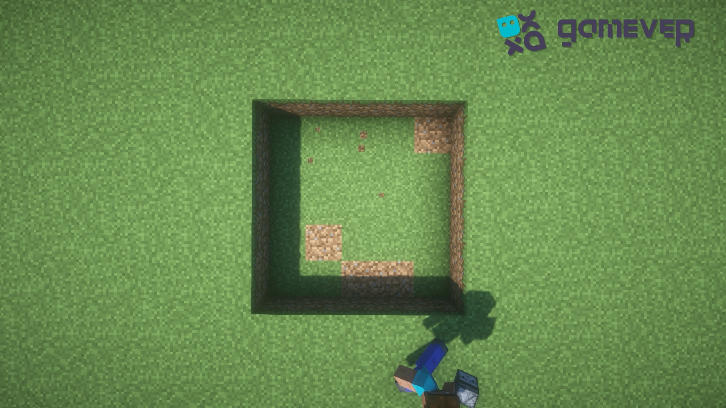
Choosing a Location : Select a flat area in your Minecraft world that's easy to access. The 5-by-5-block pit doesn't require much space, but consider future expansions.
Digging the Pit : Excavate a 5x5 block area and one block deep. This will serve as the foundation of your honeycomb farm.
2. Water management
Water Placement : Pour a bucket of water into one corner of the pit. This will help collect the honeycombs and direct them towards the collection point.
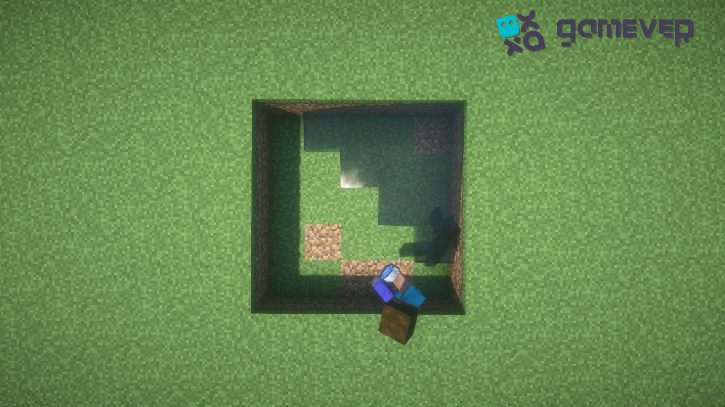
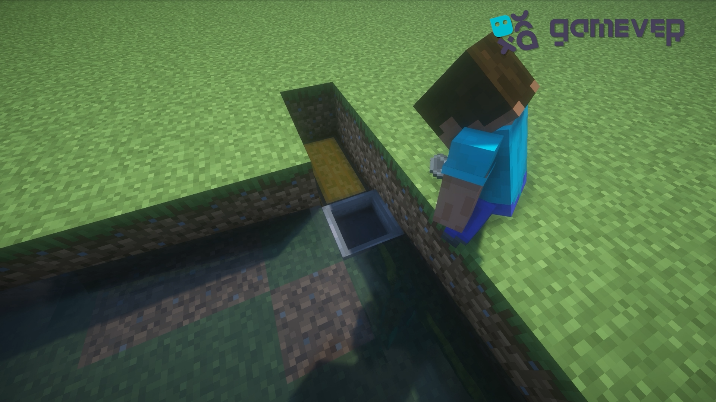
Chest and Hopper Installation: To place your chest, dig a hole adjacent to the water flow's endpoint. Attach a hopper to this chest, making sure that the chest receives any items that flow into the hopper.
3. Dispenser and Beehive Setup
Placing Dispensers : place the dispensers around the edges of the farm and then place the scissors in them. You will need them to collect the honeycombs.
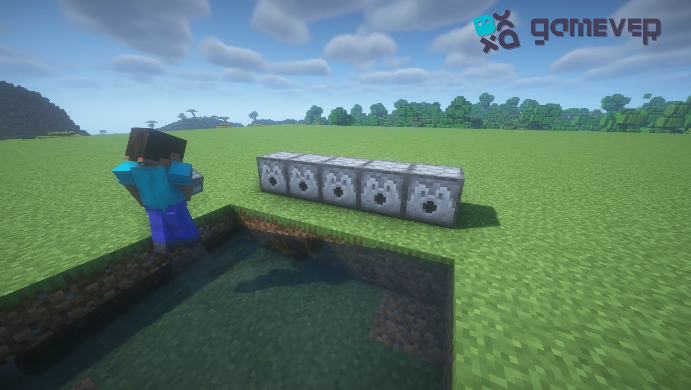
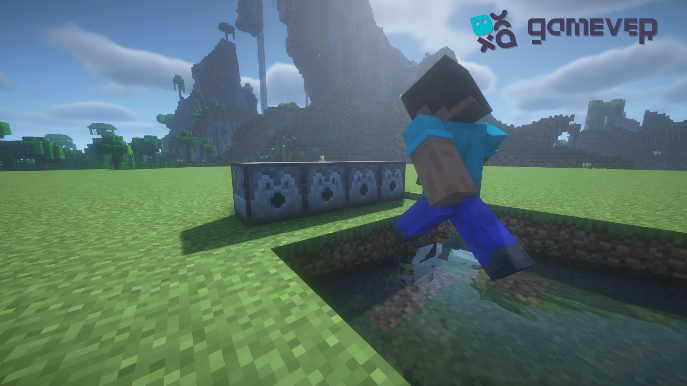
Installing Beehives : In front of each dispenser, place a beehive. Ensure there's no block directly above the beehives to allow bees to enter and exit freely.
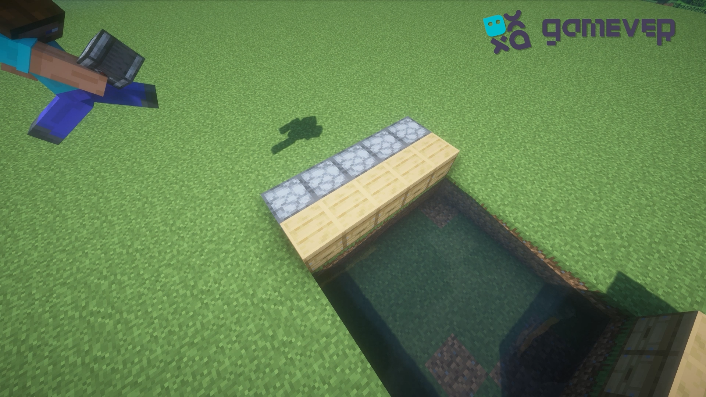
4. Observer Integration
Observer Placement : Position observers on top of each beehive. When the hives are ready for harvesting, the observers will detect it.
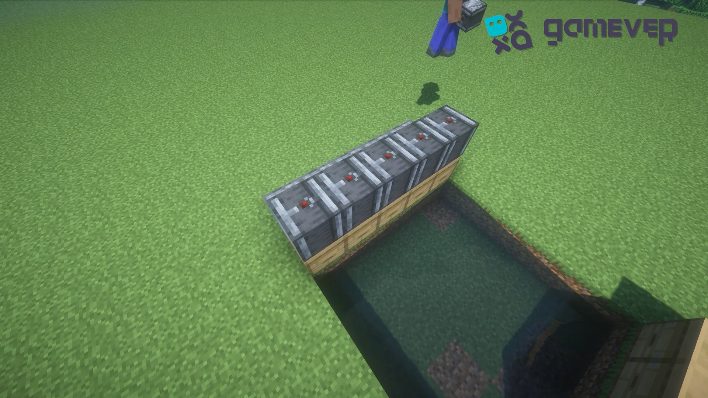
5. Bee Attraction and Habitat
Planting Flowers : Surround your farm with a variety of flowers to attract bees and encourage their pollination activity. The more flowers you have, the busier your bees will be.
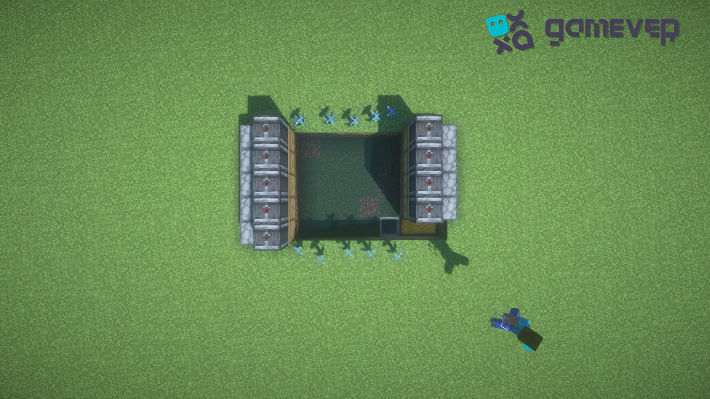
Glass Enclosure : Cover the entire setup with glass blocks. This prevents bees from wandering away and protects them from threats.
Connecting Redstone Dust : Apply redstone dust on top of the observers. This will transmit the signal from the observers to the dispensers, triggering the honeycomb harvest.
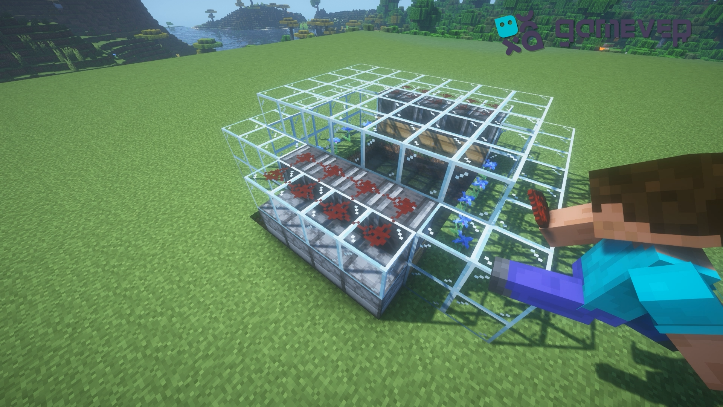
6. Introducing the Bees
Populating Your Farm : Introduce bees to your farm. You can lead them into your farm using flowers or breed existing bees with flowers to increase their numbers.
7. Maintenance and Expansion
Regular Checks : Monitor your farm to ensure it's functioning correctly. Replace any broken components, and consider expanding your farm to increase production.
Enhancing Your Minecraft Experience on Gamever Servers
Building and managing a honeycomb farm is a project that benefits significantly from collaboration and shared creativity. Gamever servers provide the perfect platform for players who want to work together on such projects, offering:
Community Interaction : Share ideas, resources, and labor with friends or other server members to build more extensive and efficient farms.
Stable Environment : Gamever servers offer a reliable and lag-free environment, ensuring that your redstone mechanisms and farm operations run smoothly.
Security : Keep your creations safe with Gamever's robust server protection, ensuring that your farm remains untouched by griefers.
Conclusion
In Minecraft, building a honeycomb farm is a fulfilling project that improves your gaming experience and gives you the materials you need for crafting and décor. You will be able to create an automated and fruitful farm that will meet your demand for many more gaming sessions if you follow the instructions in this guide. Consider joining a Gamever server to further advance your Minecraft creations, collaborate with friends, and take advantage of a vibrant and encouraging gaming community.