
How to Make a Fireplace in Minecraft: A Step-By-Step Guide
Introduction
Minecraft offers a world of possibilities, from building grand castles to creating intricate redstone machines. But sometimes, it's the simple things that add the most charm to your virtual world. One of those simple yet enchanting features is a fireplace. Whether you're looking to add ambiance to a campsite or create a signaling mechanism, a fireplace serves multiple purposes. In this article, we'll walk you through the steps to make your own Minecraft fireplace.
Materials
Before diving into the construction process, gather the following materials:
- Sticks: 3 pieces
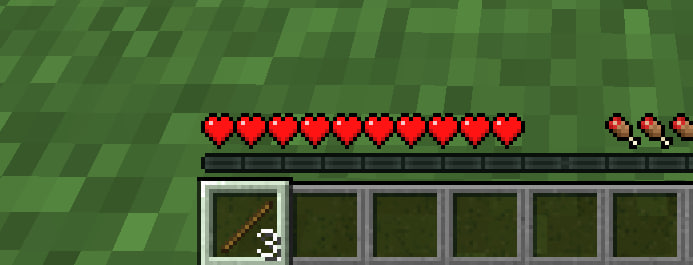
- Logs or Wood: 1 piece (any type will work)
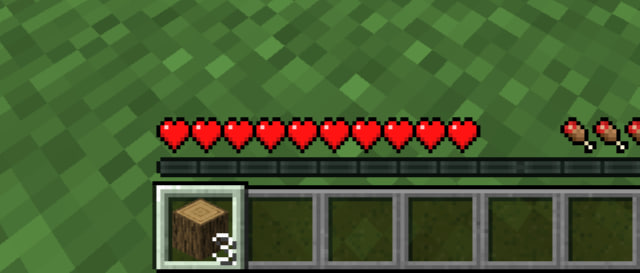
- Coal or Charcoal: 1 piece
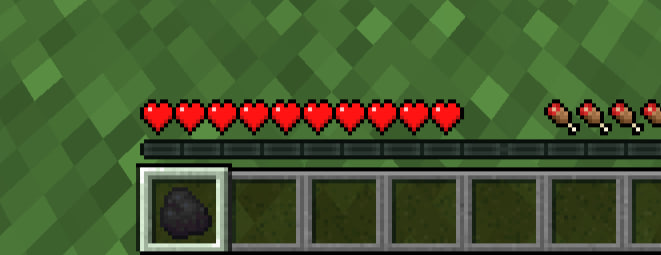
Crafting the Fireplace
Step 1: Access the Crafting Table
Firstly, you'll need a Crafting Table. Right-click on it to open the crafting interface.
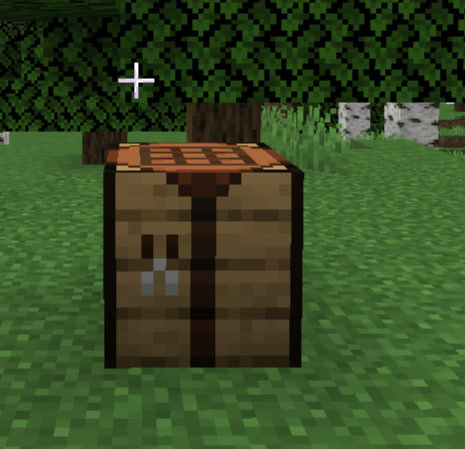
Step 2: Place the Materials
In the crafting grid, arrange your materials as follows:
- Place the Logs or Wood in the center slot.
- Place the Coal or Charcoal right above the Log/Wood.
- Place the three Sticks in the remaining slots of the middle and bottom rows.
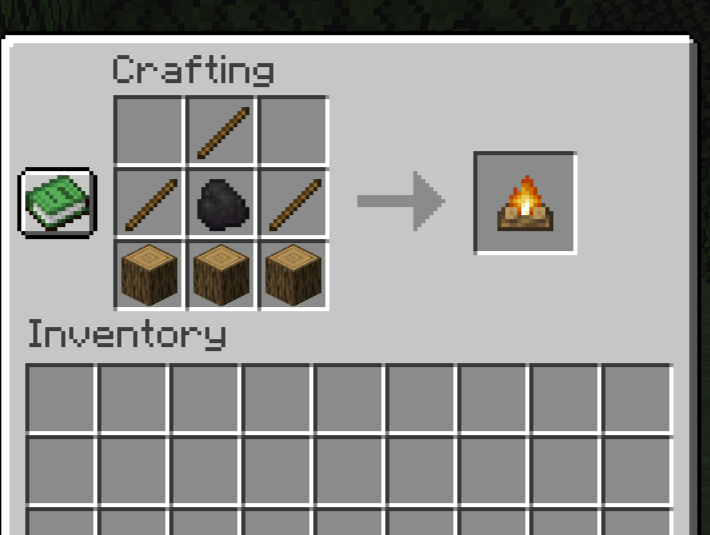
Step 3: Craft and Collect
Once the materials are properly placed, a fireplace should appear as a craftable item. Drag it into your inventory.
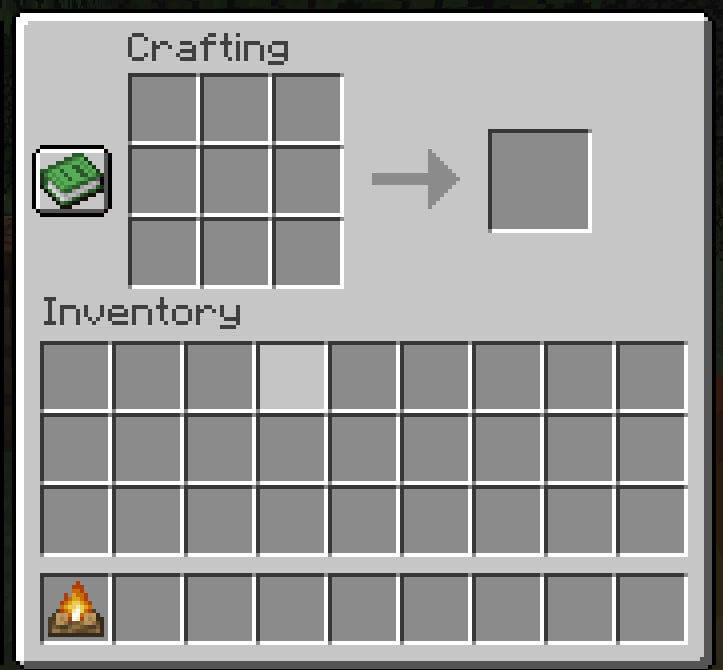
Setting Up the Fireplace
Step 4: Choose the Location
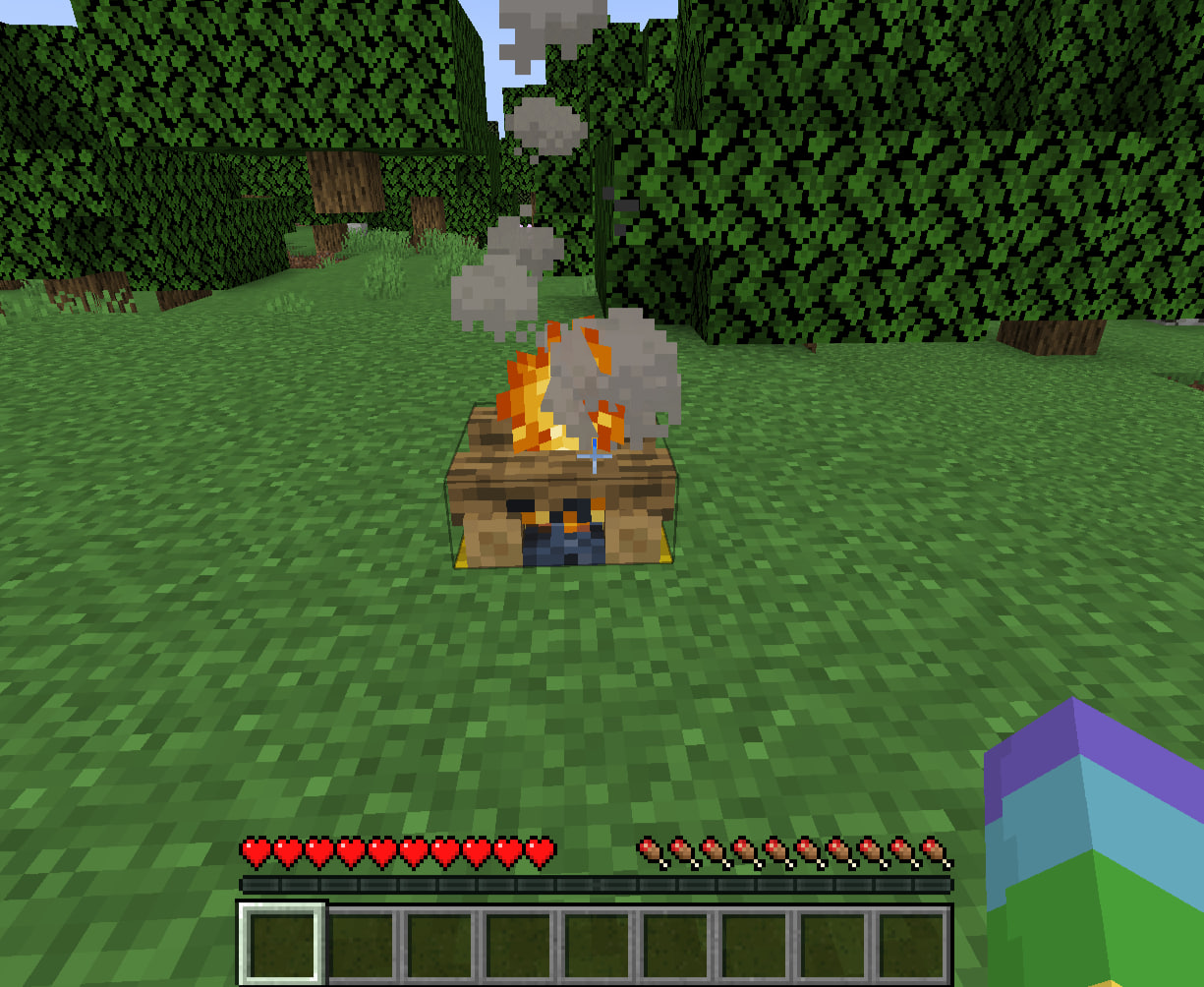
Fireplaces can be a bit hazardous, as they emit smoke particles that can obstruct view and, in real life, would be a fire hazard (though not in Minecraft). Pick a spot that's both aesthetic and functional.
Step 5: Place the Fireplace
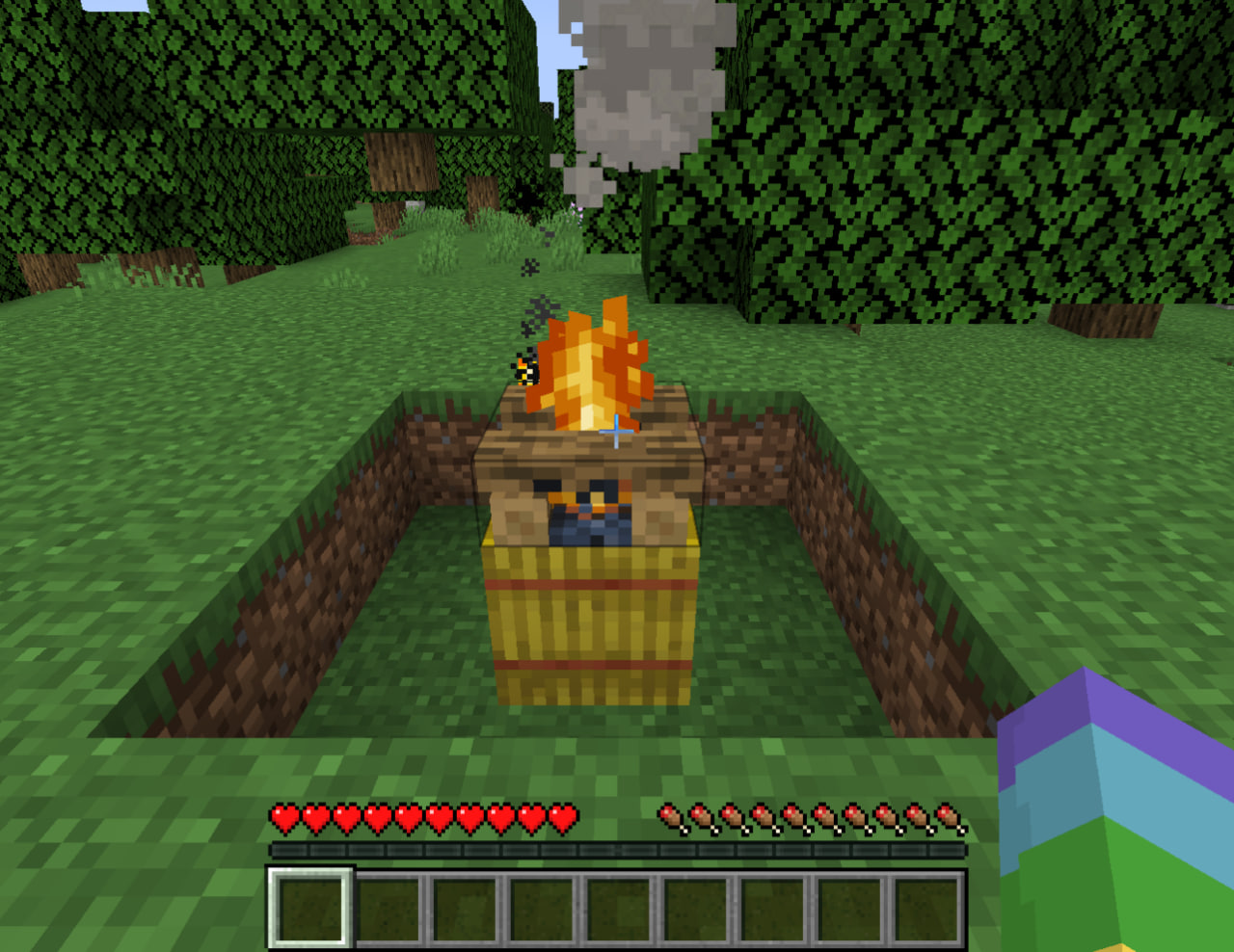
Simply right-click on the spot where you want the fireplace to go. The fireplace will be placed and immediately lit.
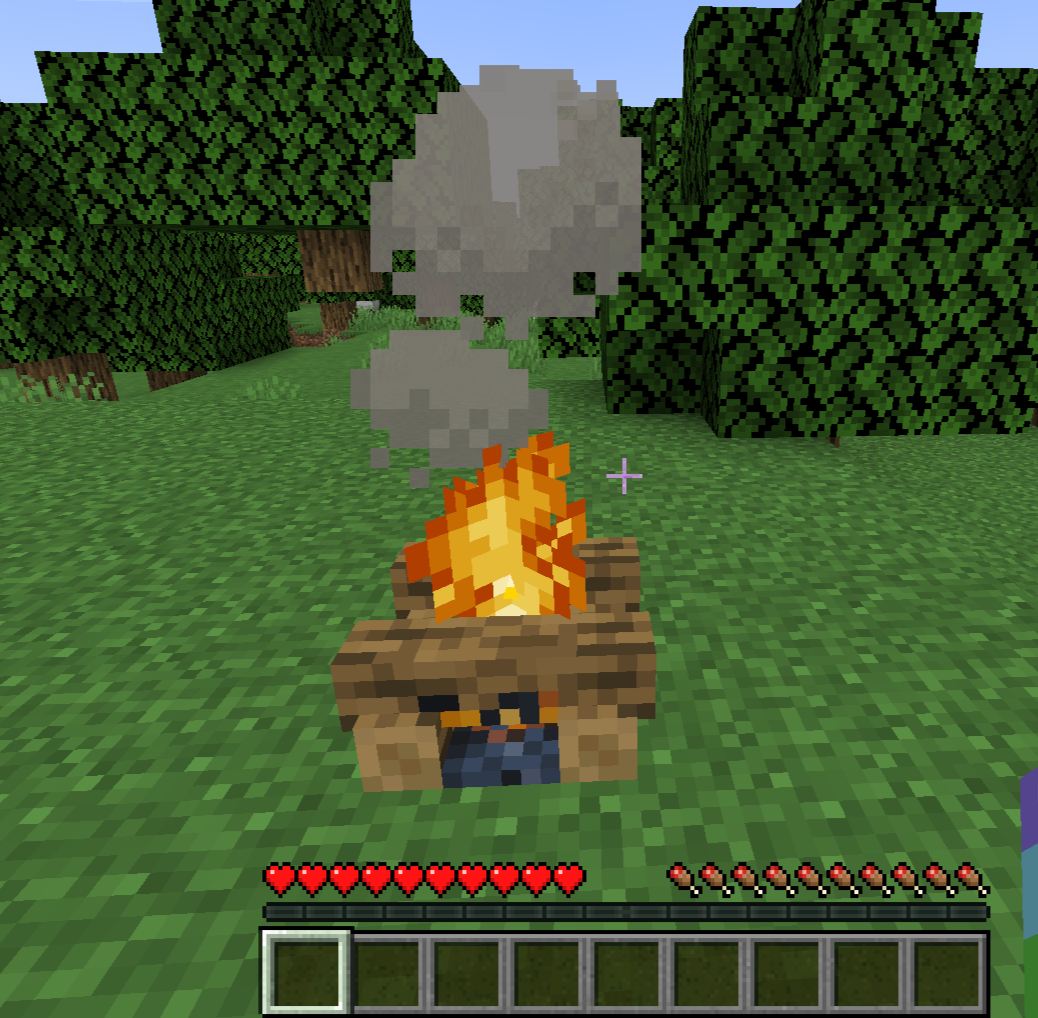
Step 6: Optional Customizations
If you want, you can place Hay Bales under the fireplace to make the smoke rise higher, making it visible from a greater distance.
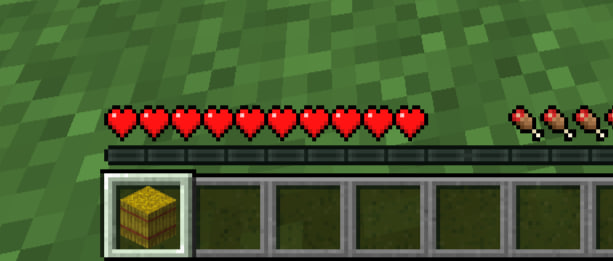
This could be useful for signaling or aesthetic purposes.
Additional Tips
1. Extinguishing and Relighting: You can extinguish the fireplace by using a Shovel on it, and you can relight it using Flint and Steel or any other item that produces fire.
2. Cooking: Yes, you can cook food on a fireplace! Just right-click the fireplace with raw food, and after some time, it will pop off as cooked food.
3. Safety: Although the fireplace won't spread fire, it will harm entities that step into it. Make sure it's placed in a safe area where your pets or villagers won't wander into it.
Conclusion
Creating a fireplace in Minecraft is a simple but satisfying task. With just a few materials and a little time, you can add a warm, welcoming glow to your Minecraft world. Whether you're camping out under the stars or signaling to your fellow players, a fireplace is a useful and aesthetic addition to any game. Happy crafting