
How to make a compass in Minecraft?
Introduction
Have you ever found yourself lost in the expansive universe of Minecraft, frantically searching for your base amidst the blocky terrain? Fear not, for Minecraft has a handy tool to guide you back home: the compass. In this detailed guide, we will walk you through how to make a compass in Minecraft and explain its functionality, ensuring you never lose your way again.

Why a Compass is Essential in Minecraft
To the uninitiated, Minecraft's vast and ever-changing landscapes can seem overwhelming. Getting lost is a common occurrence, and the compass is an essential tool to navigate these landscapes. It always points towards the world spawn point, guiding players back home.
Gathering Your Materials
To craft a compass, you'll need four iron ingots and one piece of redstone dust.
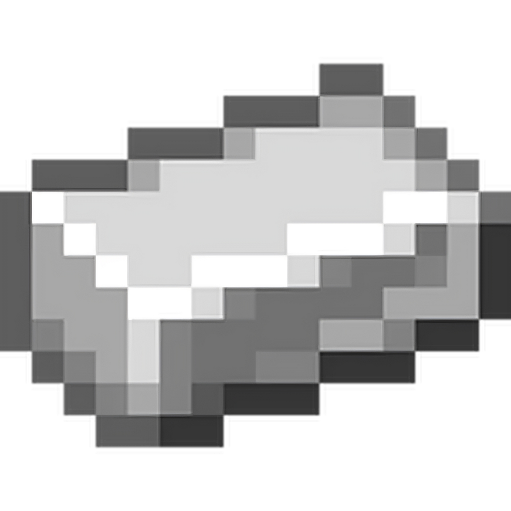

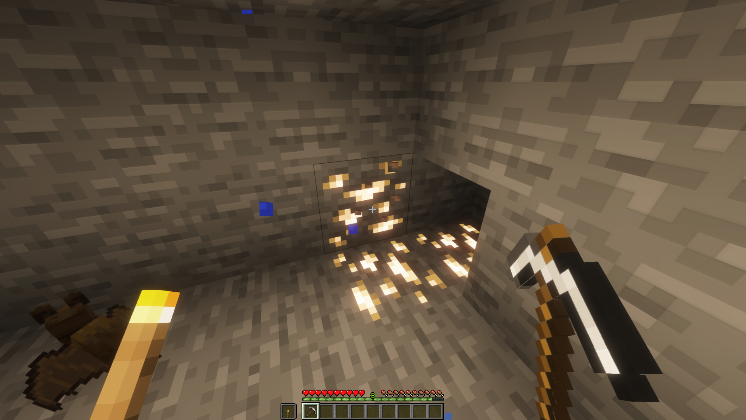
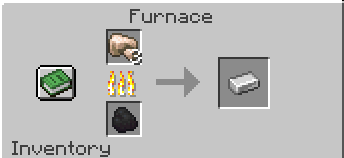
- Iron Ingot: These are obtained from mining iron ore with a stone pickaxe or better. Once you have iron ore, you'll need to smelt it in a furnace to get iron ingots.
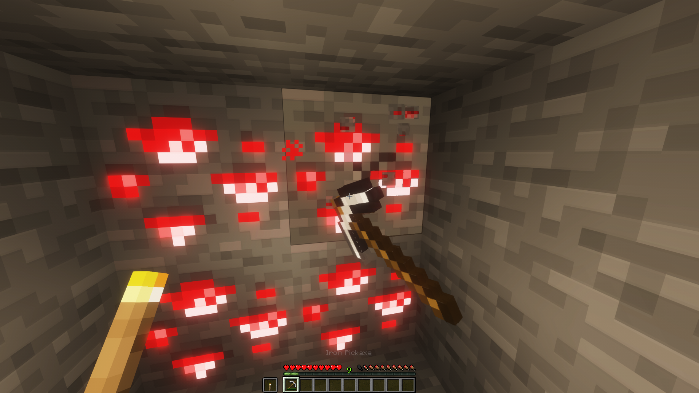
- Redstone Dust: Redstone dust is derived from mining redstone ore, which is typically found deep underground. You'll need an iron pickaxe or better to mine it.
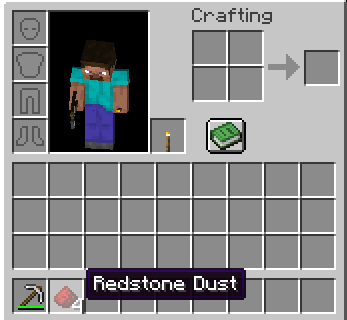
Crafting Your Compass
Once you've gathered all your materials, follow these steps:
Open your crafting table. This gives you the 3x3 crafting grid, which is essential for creating a compass.
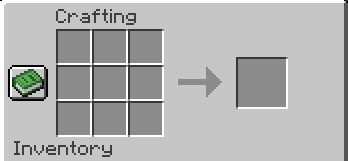
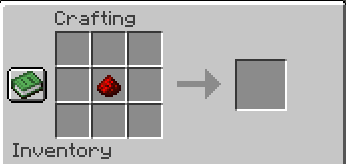
- Place the redstone dust in the center square of the crafting grid.
- Place your four iron ingots in the remaining middle squares: top, bottom, left, and right. Leaving the four corners of the crafting grid empty.
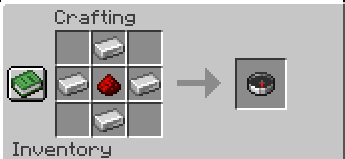
Once you've correctly arranged your items, the compass will appear in the result box of the crafting table.
And voila! You have your compass.
How to Use a Compass in Minecraft
In Minecraft, a compass points towards your world's spawn point, not magnetic North, as in reality. This spawn point is where you first appeared when you created your world.
If you're in the Overworld, the compass needle will spin wildly if you're in The Nether or The End, as there are no spawn points in these dimensions.
Upgrading Your Compass: The Lodestone Compass

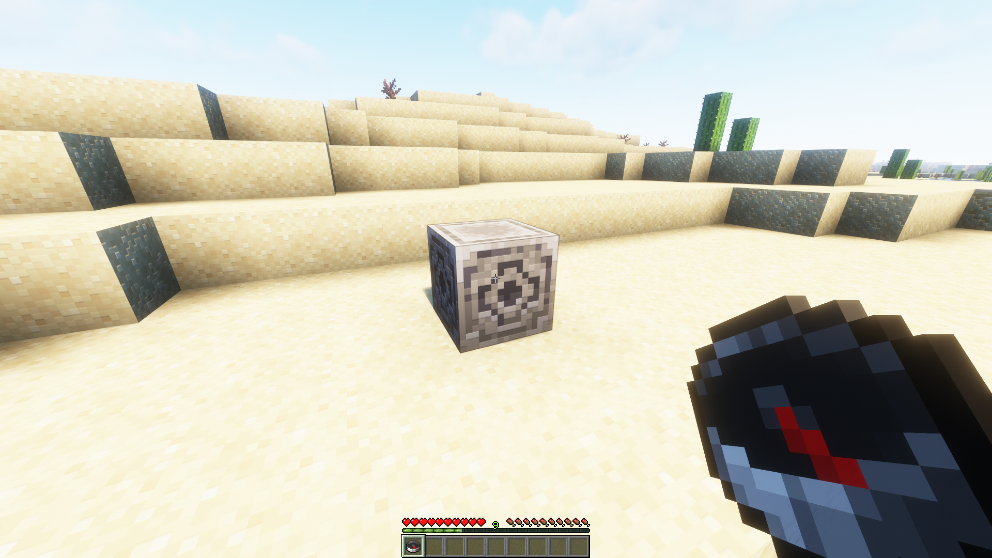
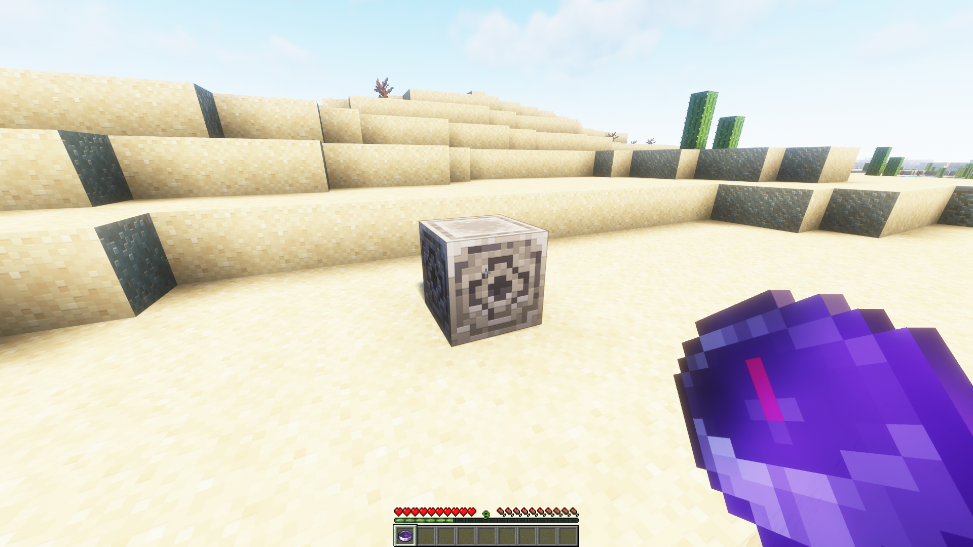
Minecraft also offers an upgrade to the regular compass: the lodestone compass. This compass doesn't point to the world spawn but instead points to a block called a lodestone.
To create a lodestone compass, you'll need a lodestone block and a compass. Right-clicking the compass onto the lodestone ties the compass to the lodestone, changing its functionality.
Conclusion
With a compass in your Minecraft inventory, navigating your way through the vast and daunting Minecraft landscapes becomes a breeze. It's an essential tool that any adventurer should have at their disposal. Remember, the joy of Minecraft lies in exploring and building in its expansive worlds, and a compass ensures that you're never too far from home.
At the end of the day, Minecraft is all about creating, exploring, and surviving. The best part? It's even more fun when you're part of a community that shares the same passion. If you love Minecraft as much as we do, join the Gamever servers today. With Gamever, you're not just playing Minecraft; you're living it. Start your adventure with us today.