
How to make a clock in Minecraft?
In the dynamic world of Minecraft, where day transitions to night and different creatures emerge with the changing times, having a tool to help you keep track of time can be an invaluable resource. The clock is that essential tool, assisting you in planning your adventures meticulously. In this exhaustive guide, we delve deep into the fascinating process of crafting and using a clock in Minecraft, paving the way for more organized and successful expeditions in the game.
Understanding the Importance of Time
In Minecraft, time governs many elements, including the behavior of mobs, the growth of crops, and the light levels. Having a clock by your side ensures that you can:
- Predict Mob Movements: Mobs like zombies and skeletons are more active at night. A clock helps you prepare for their appearance.
- Manage Farming Efficiently: Knowing the right time to sow and harvest can boost your farming efficiency.
- Plan Exploration: With a clock, you can better plan your explorations, avoiding the dangers that lurk in the dark.
The Basics of Crafting a Clock
Creating a clock in Minecraft is a straightforward process, requiring materials that are relatively easy to find:
- Gold Ingots: You will need four gold ingots, which can be obtained from gold ore found in mine shafts, mesa biomes, or dungeons.
- Redstone Dust: A single unit of redstone dust is necessary for crafting a clock. It can be mined from redstone ore, generally found in the lower levels of the Minecraft world.
Crafting the Clock: Step by Step
Follow this step-by-step guide to craft your clock with precision:
- Gather Materials: Start with collecting four gold ingots and one redstone dust.
- Crafting Table: Access your crafting table. If you do not have one, create one using four wooden planks in your 2x2 crafting grid.
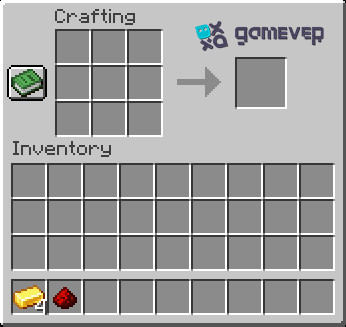
- Arranging Materials: On the crafting table, place the redstone dust in the center square. Then, place the gold ingots in the left, right, top, and bottom squares surrounding the redstone dust.
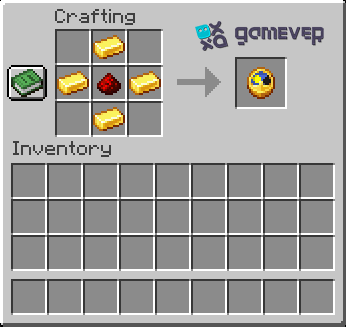
- Retrieving the Clock: Once arranged correctly, you will see a clock appear as the output. Drag it into your inventory to complete the crafting process.
Using your clock effectively
With your clock ready, it is time to use it to your advantage. Here are some tips to maximize its utility:
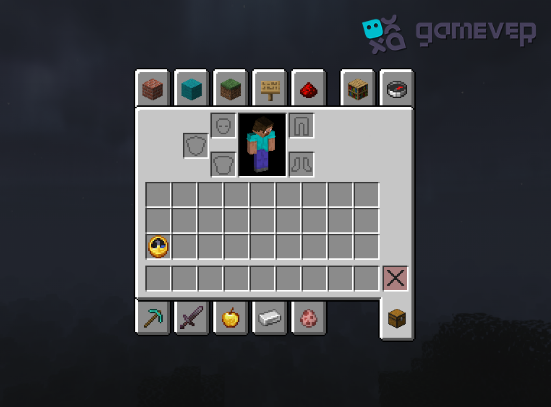
- Unusual use of clocks: You can use the clock directly from your inventory without placing it in your hotbar.
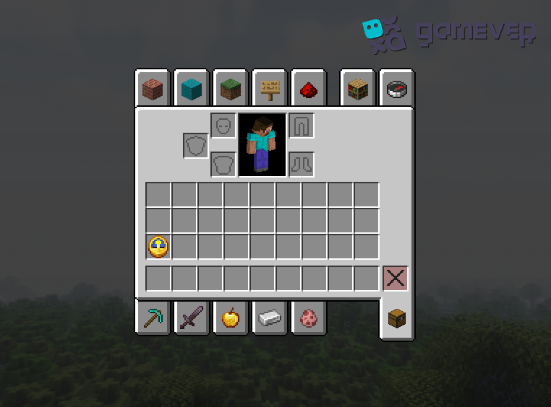
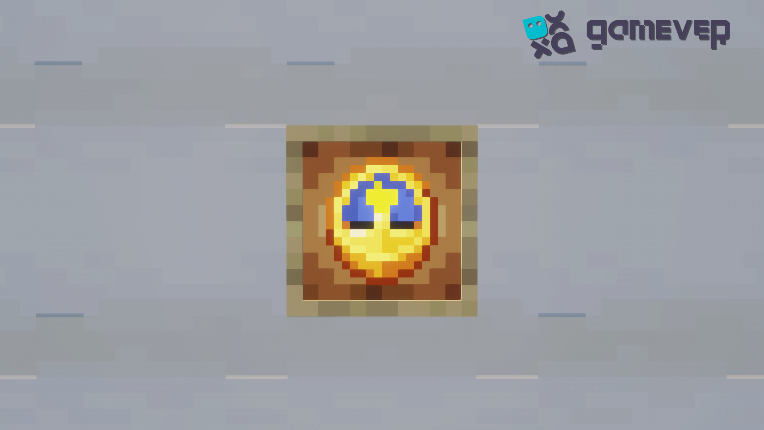
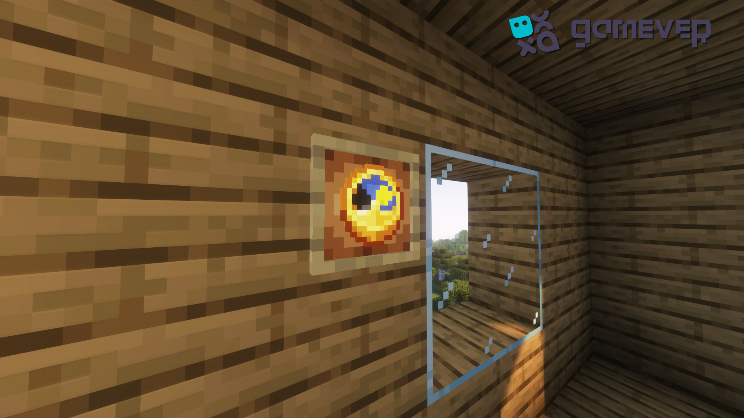
- Wall Clock: For a more stationary approach, consider framing the clock on a wall using an item frame. This way, you can have a wall clock in your Minecraft home.
Conclusion
Crafting a clock in Minecraft allows you to keep track of time efficiently, helping you to steer clear of the dangers that the night brings while also aiding in the planning and optimization of your various Minecraft endeavors. Whether used as a tool during your explorations or a decorative element in your home, the clock stands as an emblem of meticulousness and preparedness.
Experience the joy of timely adventures in Minecraft with a clock by your side on Gamever servers. Rent a server today and gather your friends for a collaborative and joyful Minecraft journey where time is always on your side and new adventures await at every dawn.