
How to make a banner in Minecraft?
Introduction
Are you a Minecraft player eager to add some flair to your base or mark your territories with a distinct symbol? Then creating a unique banner could be just the ticket to making your Minecraft universe more personalized and vibrant. This comprehensive guide will detail step-by-step how to make a banner in Minecraft, ensuring you can express your creativity and make your mark in the pixelated world.
First Things First: The Basics of Minecraft Banners
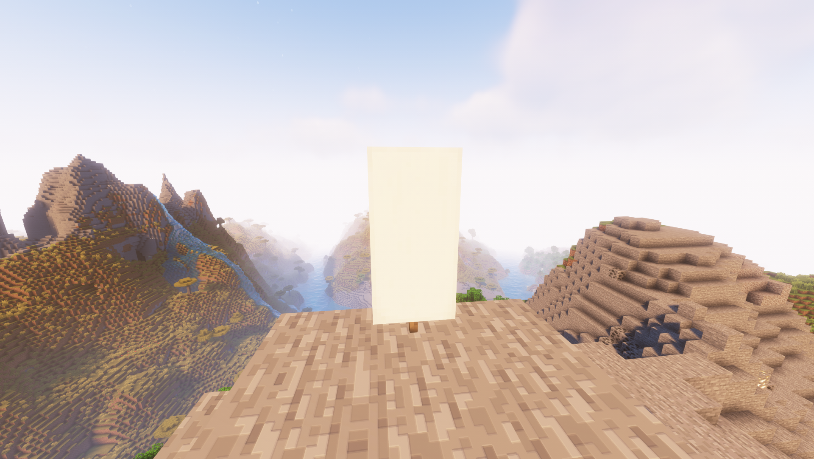
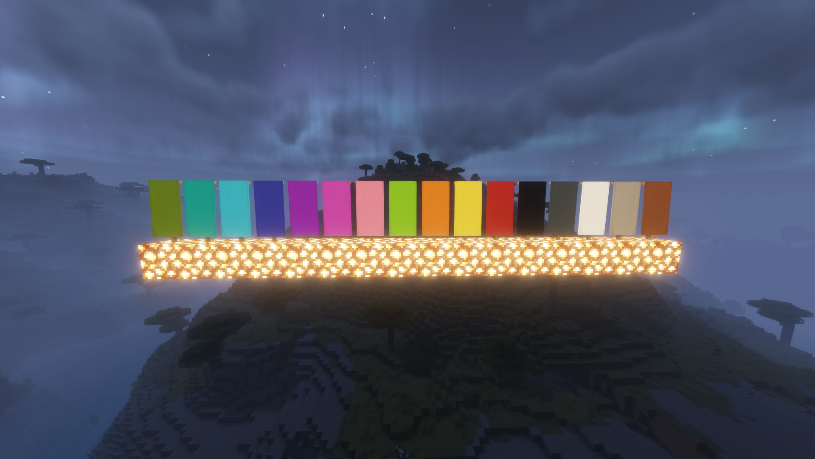
Before we dive into the banner-making process, let's lay some groundwork. A banner in Minecraft is not just a decorative item; it also serves functional roles, such as being a flag or a waypoint. Banners can be designed with different patterns and colors. Yes, you read that right. Your creativity can run wild in this block-building universe.
Creating Your Minecraft Banner: A Step-By-Step Guide
1. What materials do I need?
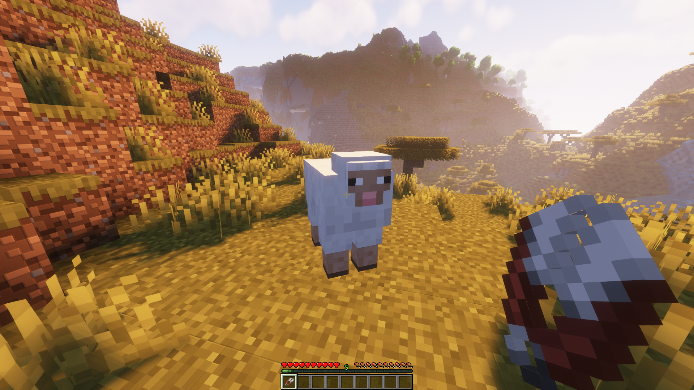
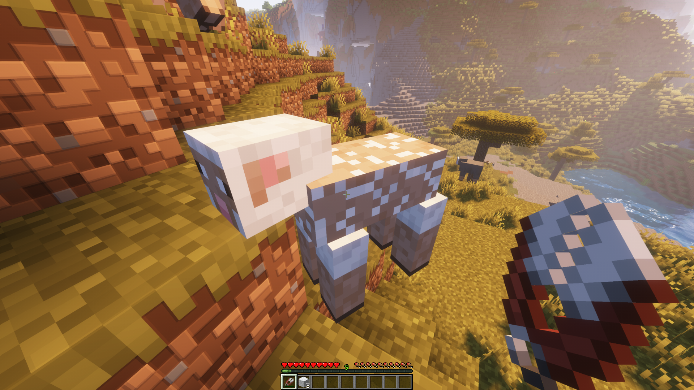
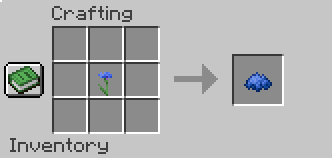
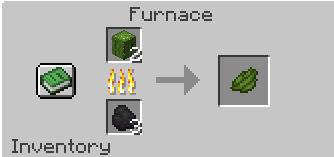
To make a basic banner, you'll need six pieces of wool, all of the same color, and a stick. Wool can be obtained from sheep, while sticks can be made from wooden planks. Depending on the banner design, you might also need various dyes to color the wool and create patterns. You can acquire dyes from various sources, such as flowers, squid ink, cactus, and more.
2. Create the banner.
Next, head over to your crafting table. After acquiring the necessary materials, follow these steps:
• Open your crafting table. This reveals a 3x3 grid where you can assemble your items.
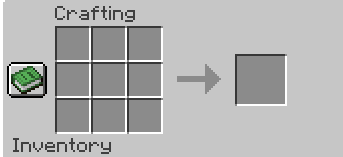
• Place your wool: Put all six wool blocks in the top two rows of the grid (three in the top row, three in the middle row).
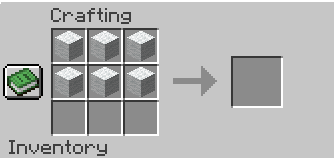
• Place your stick: Put the stick in the center of the bottom row.
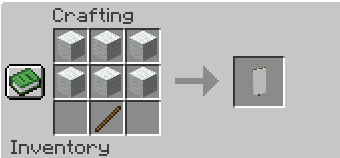
• Collect your banner: Once correctly assembled, your banner will appear in the result box. Drag it into your inventory.
You now have a base banner! But this is just the beginning. The real fun lies in customizing your banner with various patterns and designs.
3. How to customize your banner?
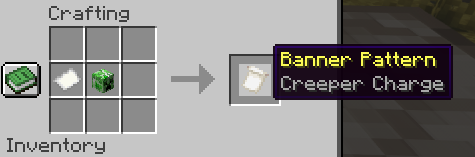
Now you can start designing your banner. Each banner design in Minecraft involves applying a certain pattern, which can be made with different items and dyes. To apply a pattern, you'll need a certain "Banner Pattern" item. To create it, you will need paper and the item you want to use.
Remember that there can be up to six different patterns on one banner in Minecraft. Each new pattern overlaps the previous one, creating a layering effect. This means that you need to be strategic about the order of the patterns if you want to achieve a particular look.
Some unique banner designs and how to make them
Minecraft offers an array of symbols to create a unique design on your banner. From gradients to shapes and specific icons, there's something for every style. Let's explore a few standout designs:
1. The Creeper Face Banner: A Minecraft Classic
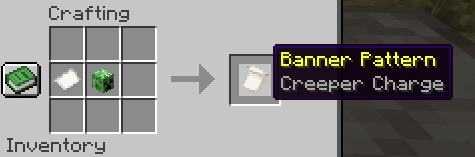
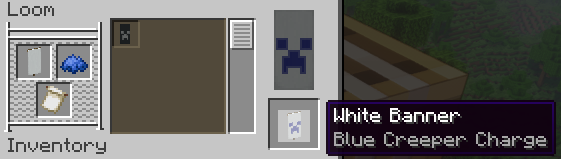
The Creeper Face Banner is a Minecraft classic that is loved for its iconic look. To create it, you'll need a creeper head. Place the paper and the creeper's head in any slot of the grid, then combine the resulting item with the banner and the desired dye on the loom.

2. The Mojang Logo Banner: Show Your Love for Minecraft
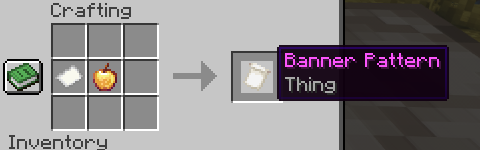
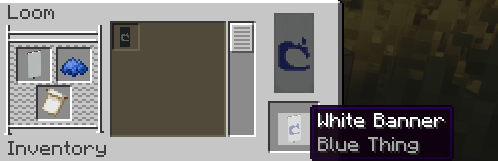
Another interesting design is the Mojang logo banner. For this design, you'll need an enchanted golden apple. Place it along with the paper in any slot of the grid, then combine the resulting item with the banner and the right dye on the loom.
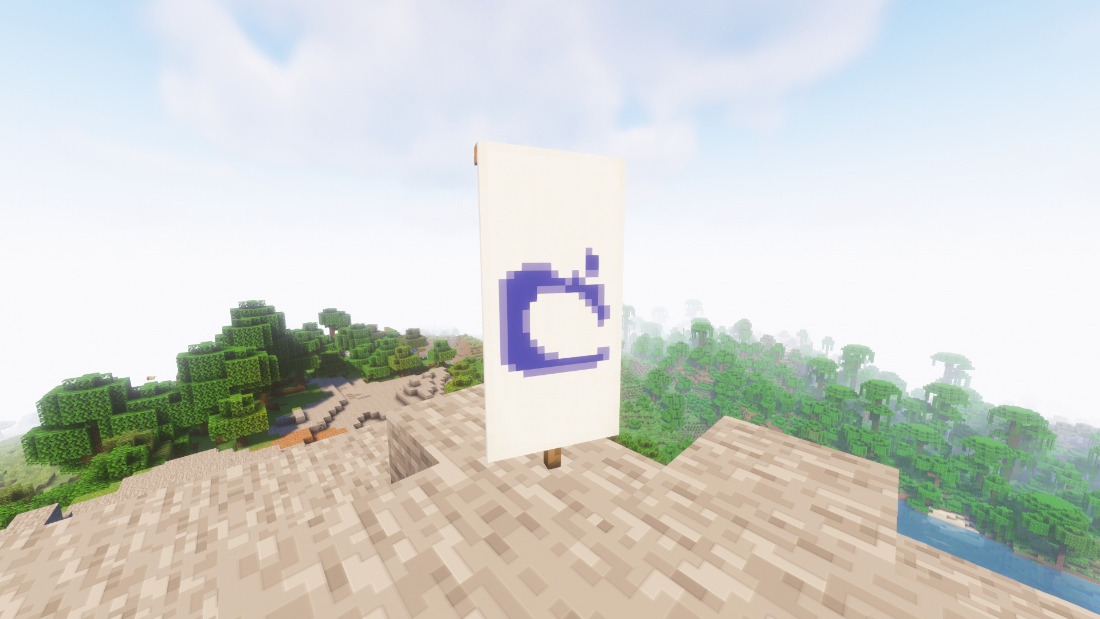
The world of Minecraft banner design is vast and varied, with countless possibilities. Experiment with different designs and dyes until you find a combination that truly represents your style.
Final touches and placement
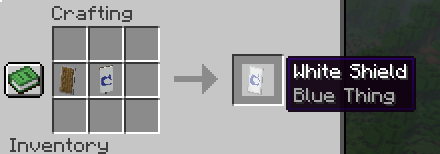
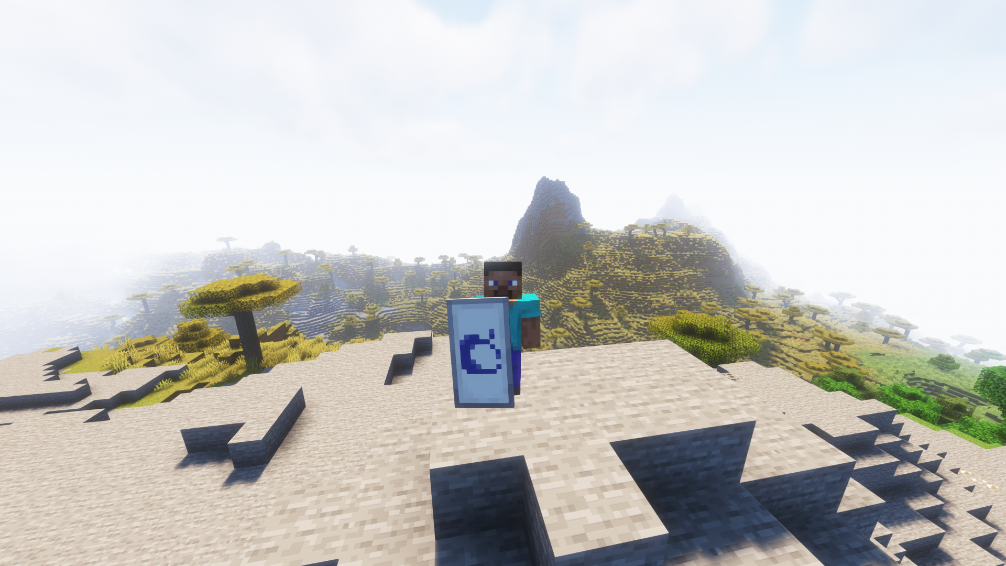
After crafting your banner, it's time to place it in the world. Banners can be placed on the ground, on walls, or even on a shield for a personalized touch.
Conclusion: Adding Layers of Creativity
In the ever-evolving universe of Minecraft, banners offer a unique opportunity to showcase your creativity. By layering different patterns and utilizing various dyes, players can create banners that truly represent their style or their clan's identity. This makes banners more than just decorative items; they become a part of the player's narrative and gameplay, adding layers of creativity to the Minecraft experience.
So, gather your wool and dyes, prepare your patterns, and embark on the journey of creating your unique Minecraft banner. Whether it's a classic Creeper face banner or a personal design with layered patterns, the process of banner-making is sure to enhance your Minecraft adventures. Remember, the only limit to your banner design is your imagination. Happy crafting!