
How to Launch 7 Days to Die Update 1.0
Hey, what's up, survivors? Ready to dive into the latest, greatest, and slightly unstable version of 7 Days to Die? We're talking about the Beta 1.0 Experimental version, packed with new features and improvements that will blow your mind. Here’s your ultimate guide to getting it up and running on Steam. Let’s jump right in!
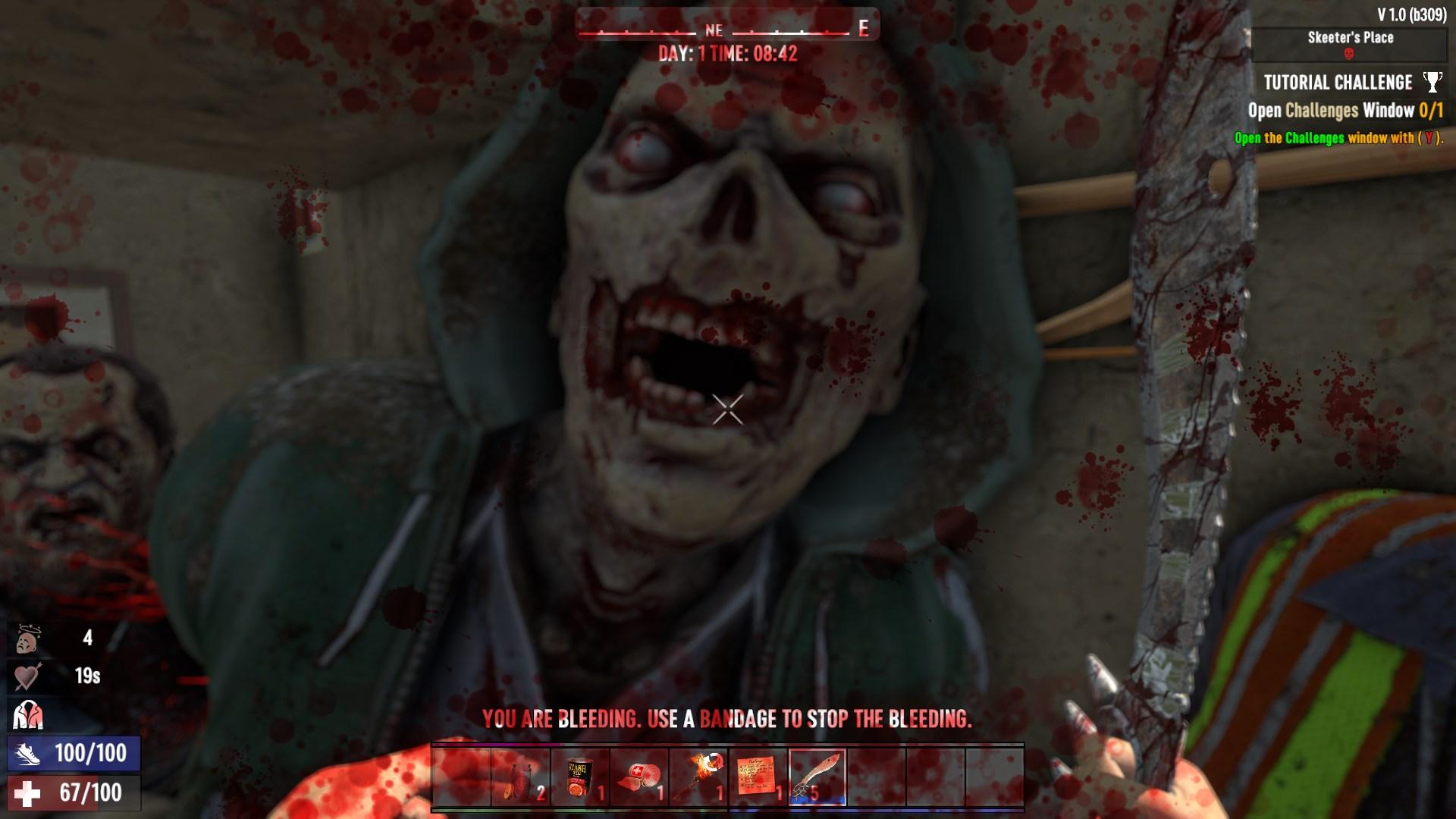
Step-by-Step Guide to Accessing Beta 1.0 Experimental
First off, make sure you have 7 Days to Die installed on your PC via Steam. Remember, this beta is exclusive to PC players for now. Console warriors, hang tight – your time is coming soon! Here’s how you can start playing the Beta 1.0 Experimental:
1. Open Your Steam Library: Find 7 Days to Die in your list of games.
2. Right-Click the Game: A menu will pop up.
3. Select Properties: This will open a new window.

4. Navigate to the Beta Tab: Click on the "Beta" tab in this new window.
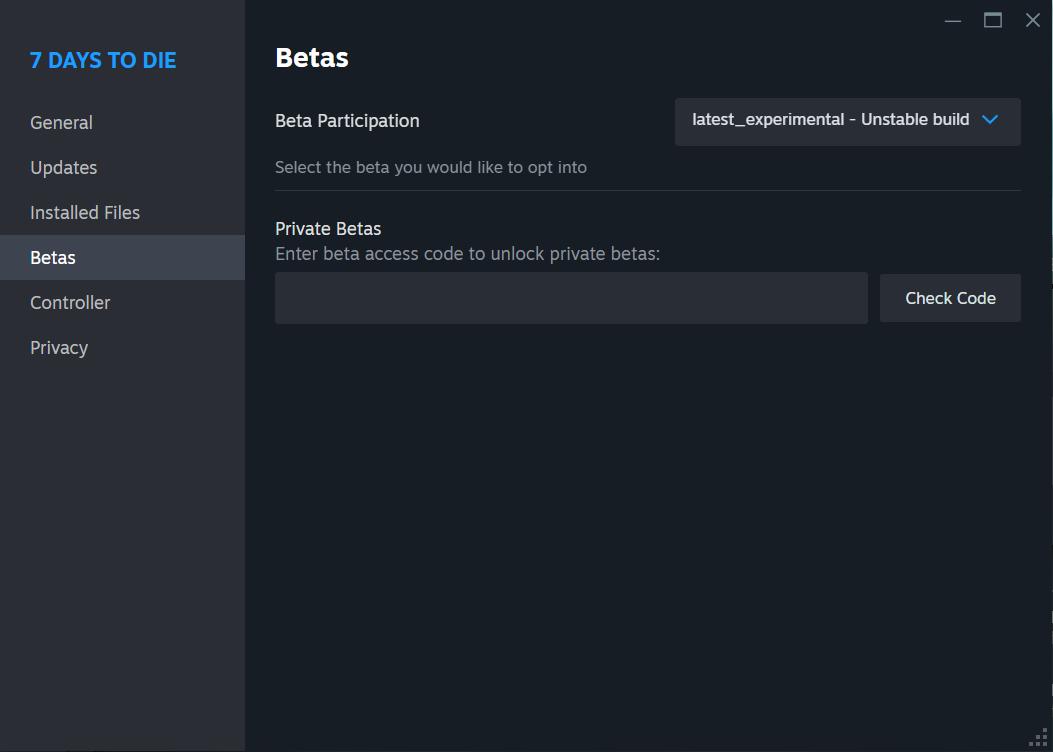
5. Select the Beta Version: From the drop-down menu, choose “latest_experimental.”
6. Wait for the Download: Steam will start downloading the additional files needed for the experimental version. Grab a snack, maybe stretch your legs a bit – this might take a minute.
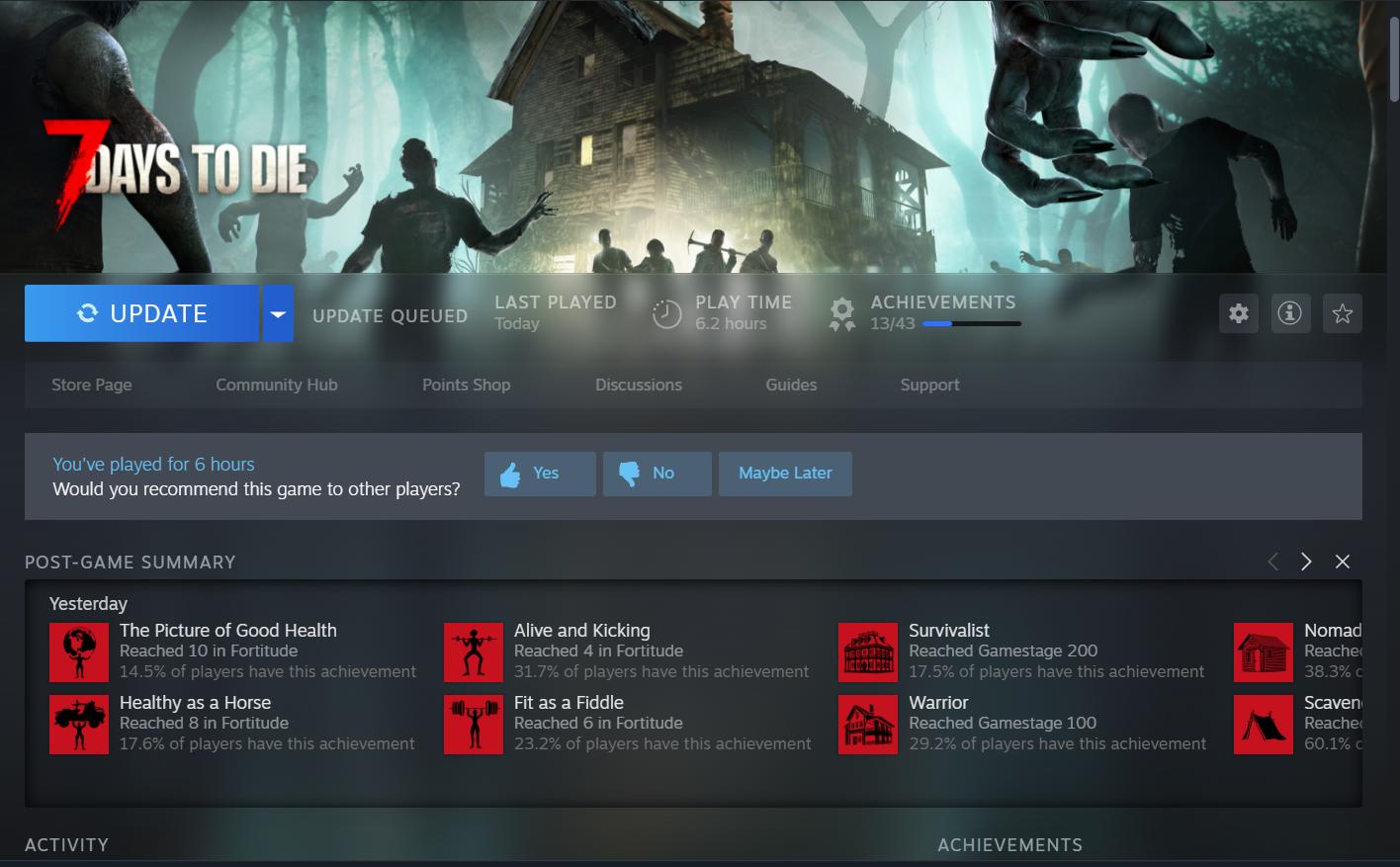
7. Launch the Game: Once the download is complete, fire up 7 Days to Die and get ready to explore!
What to Expect in the Beta
So, what’s new in this experimental version? Tons! The new high-definition armor and clothing system is a game-changer. Imagine seeing your hands in the viewport, complete with details like gender, skin color, and the clothes you’re wearing. The game’s visual immersion just hit a new level.
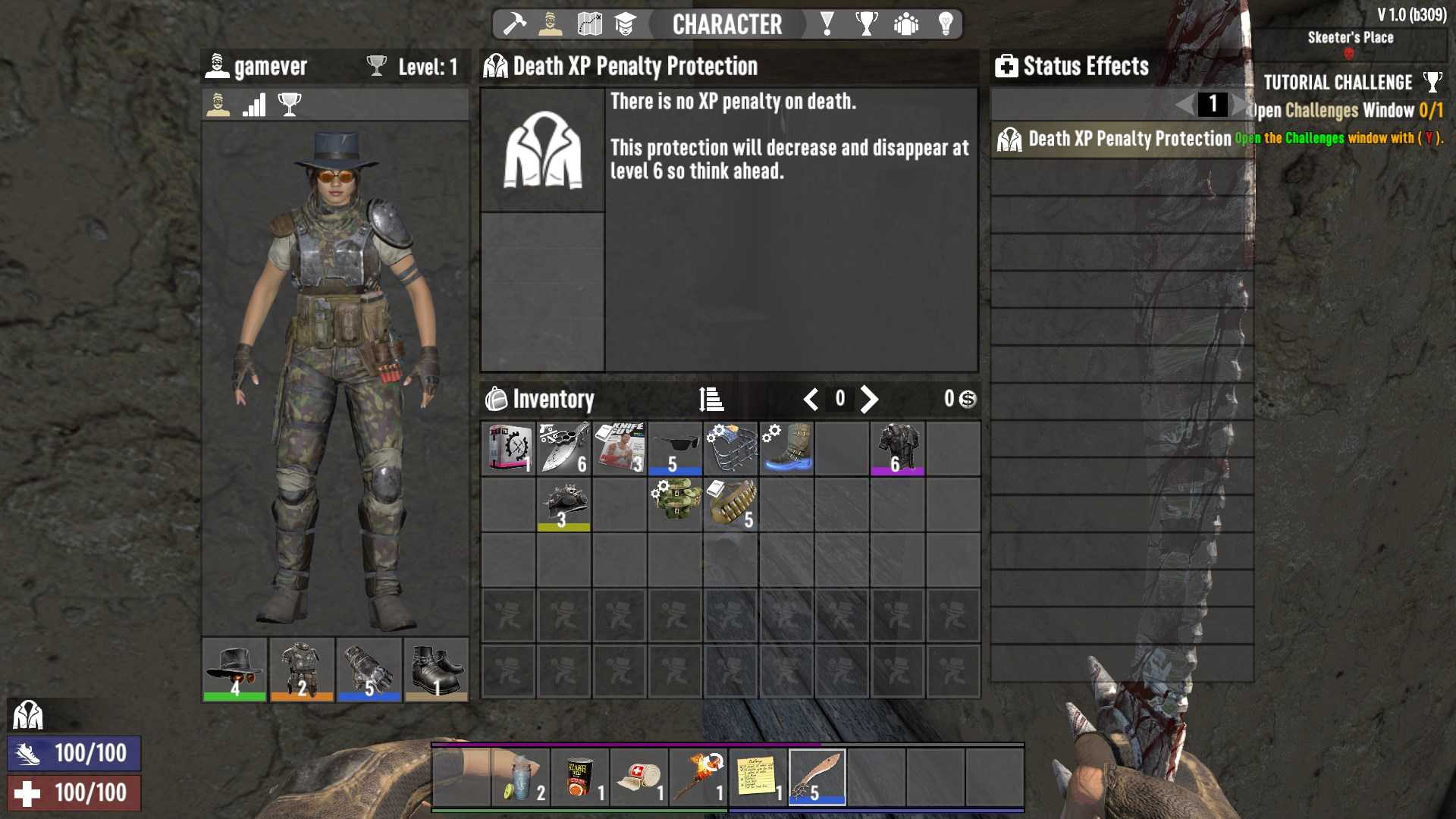
You’ll find sixteen full sets of unique armor with both male and female variants, divided into four main clothing groups: headgear, bodywear, footwear, and gloves. Each set, except for the primitive one, comes with a bonus if you wear all four pieces. For example, wearing the Lumberjack Armor set doubles your wood harvest and reduces stamina use when using axes. It’s pretty sweet.
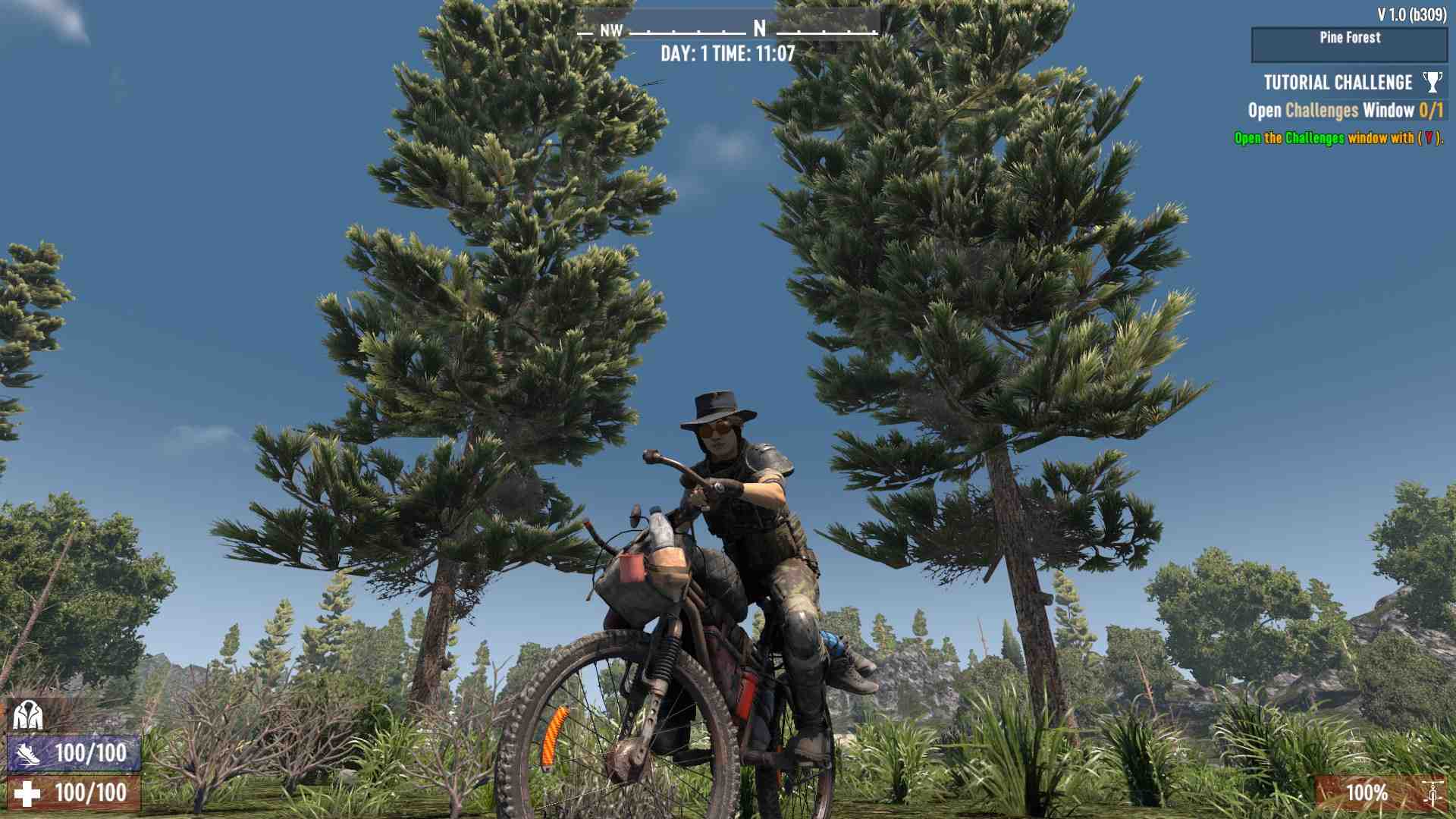
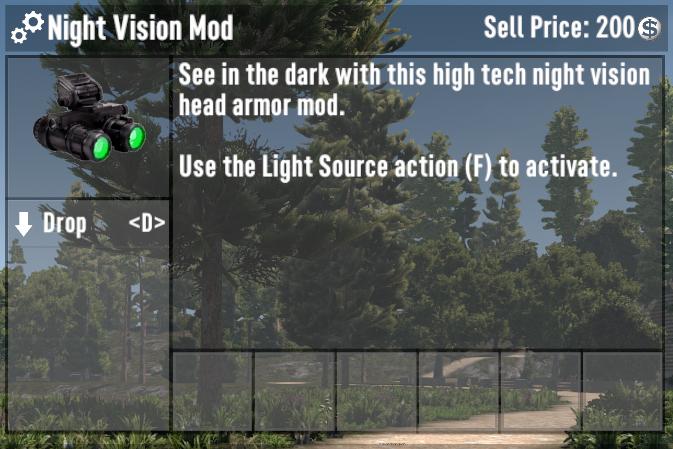
The customization doesn’t stop there. Most clothing mods have been reworked, providing various options to enhance your gameplay. Glasses now act as armor mods, each boosting different attributes. The cigar mod boosts your strength and bartering skills, while night vision goggles come with an updated screen effect.
Important Notes
Before you rush off, keep in mind that this experimental version is currently only for PC players via Steam. Console players on PlayStation or Xbox will need to wait for the full release on July 25, 2024. It’s just a month away, so the wait won’t be too long.
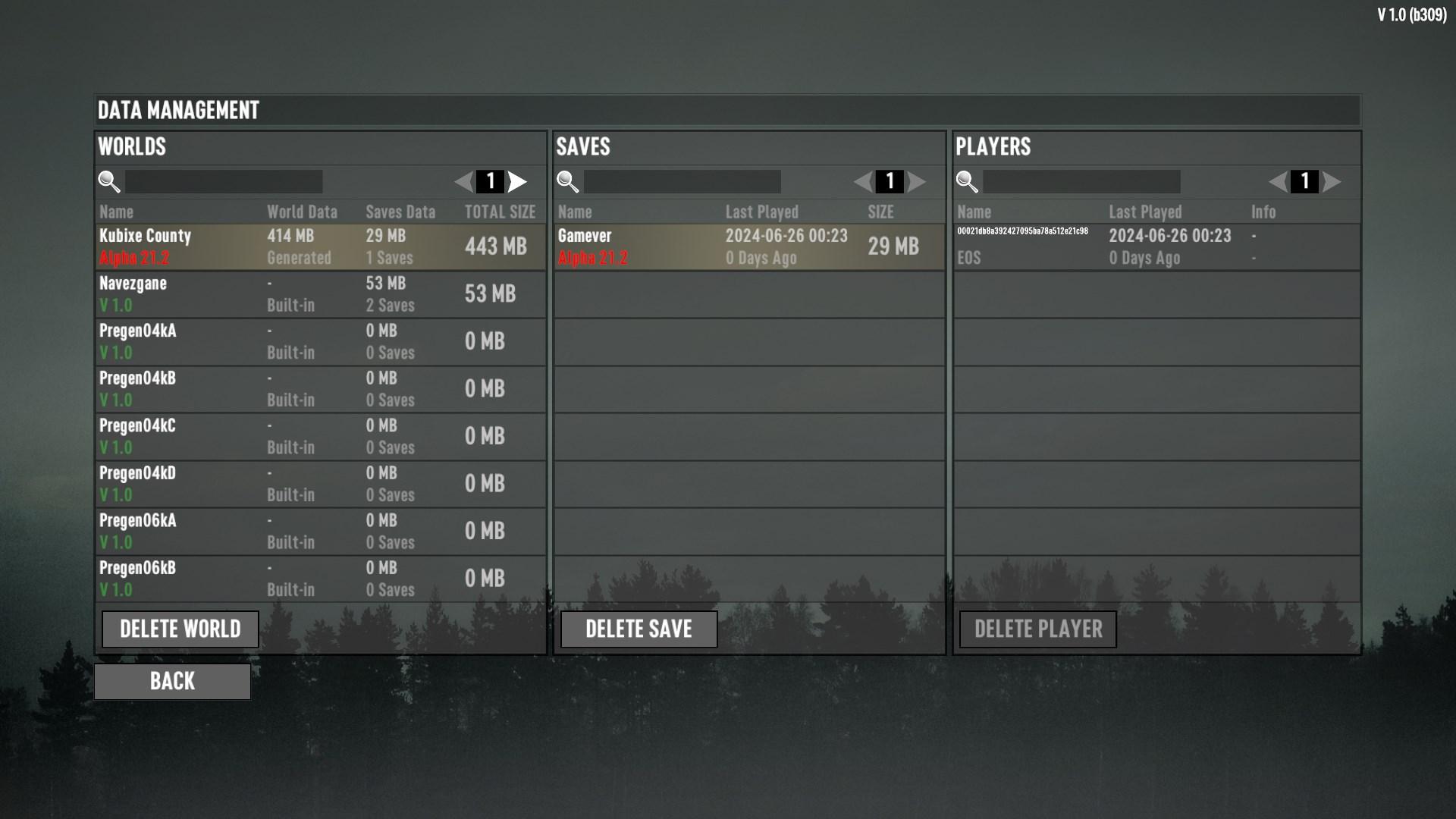
Also, if you’re playing the experimental version and decide to switch back to an older save from Alpha 21, you can do so by returning to the "Betas" tab and selecting Alpha 21.2 stable. Just remember that saves from Alpha 21 won’t work on 1.0 saves.
And there you have it! You’re all set to jump into the experimental world of 7 Days to Die Beta 1.0. Get ready to experience the enhanced visuals, new armor sets, and updated mods that make this game more immersive than ever. So, fire up Steam, download the beta, and start surviving! See you in the wasteland, survivors.