
How to Install Mods on Your Satisfactory Server
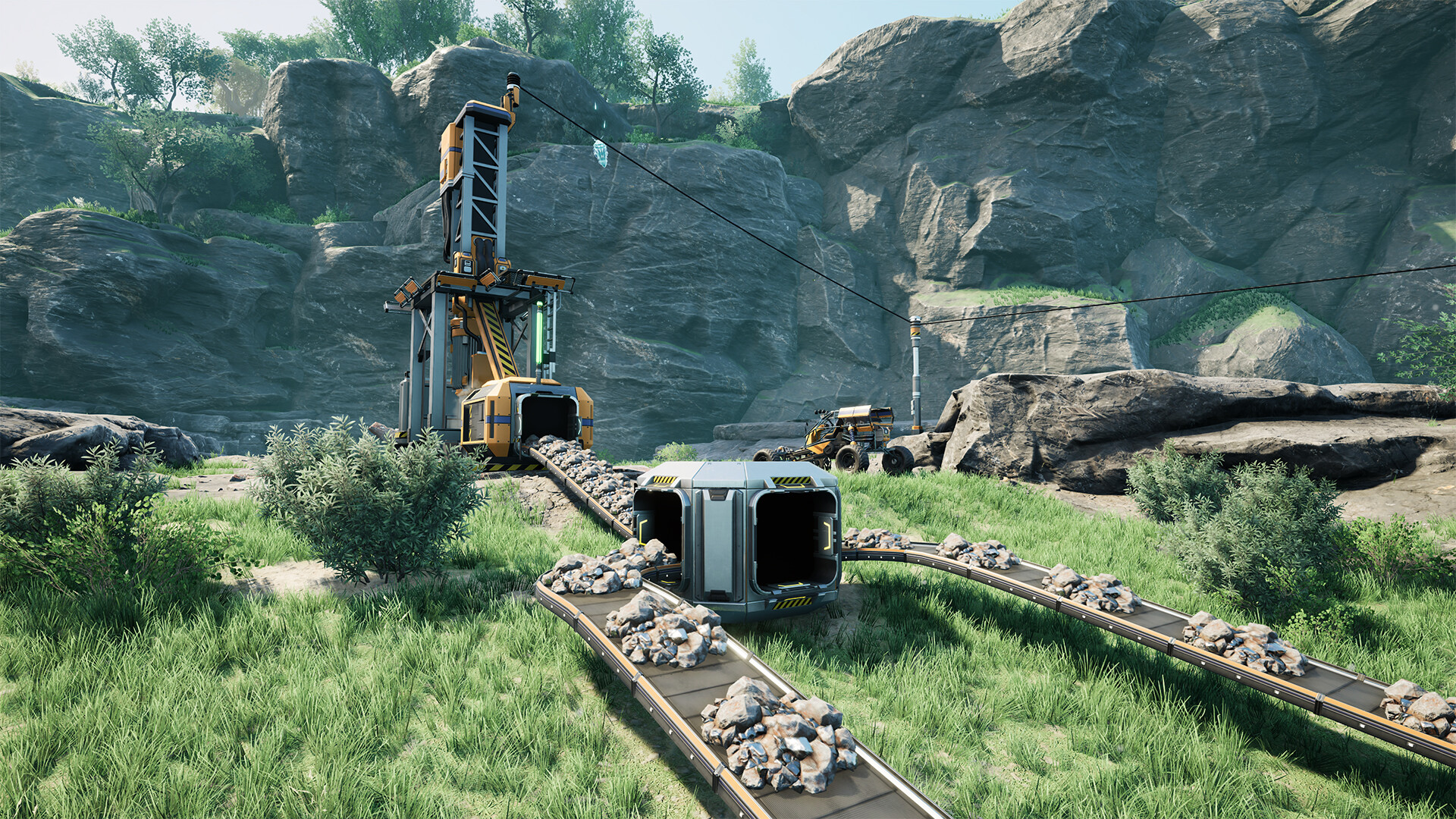
Satisfactory has a thriving mod scene hosted on ficsit.app (the official mod repository), and mods work on dedicated servers. The key rule: the server and every player must run the exact same mods and versions. The easiest way to keep them in sync is the Satisfactory Mod Manager (SMM), which can install mods onto your gamever server directly. This guide covers the server side.
How Satisfactory server mods work
- Mods come from ficsit.app and are managed by SMM (desktop app) or ficsit-cli (command line).
- A mod that adds content must be installed on both the server and every client, at the same version.
- SMM can connect to a dedicated server (using its address and Admin Password) and manage the server's mods for you — no manual file copying.
Method 1 — Satisfactory Mod Manager (recommended)
- Install SMM on your PC and make sure you can already connect to and administer your server (you'll need the Server address and Admin Password).
- In SMM, add your server under its server management feature using the Server address (
IP:29665) and Admin Password. - Pick the mods you want from the list and apply — SMM installs them onto the server.
- Each player installs the same mods/profile in their own SMM so their client matches.
- Restart the server from the Overview tab if it doesn't restart itself.
Using an SMM profile shared with your group is the clean way to guarantee everyone has the identical mod set.
Method 2 — ficsit-cli / FTP
For advanced users, ficsit-cli can install server mods over the same server API, or you can place mod files manually in the server's mods folder via the File Manager / FTP:
/home/server/gamefiles/FactoryGame/Mods/
Then Restart. Most people should use SMM instead — manual installs make version-matching across players harder.
Keeping versions in sync
Mod problems almost always come down to a mismatch:
- A game update can break mods until authors update them — consider pinning the build with Skip auto update (see updating and branches) until your mods catch up.
- If a player can't join a modded server, check they have the same mods at the same versions — a shared SMM profile fixes this.
Additional Tips
- Server + all clients must match — same mods, same versions.
- Use SMM server management — it pushes mods to the server with your Admin Password.
- Share an SMM profile so everyone installs the identical set in one click.
- Back up first (see backup and restore) — mods change save data.
- Pin the build with Skip auto update if an update outpaces your mods.
Conclusion
Modding a Satisfactory server on gamever is best done with the Satisfactory Mod Manager: add your server by its Server address and Admin Password, apply your mods, and have every player install the same profile. For advanced cases, ficsit-cli or a manual drop into FactoryGame/Mods over FTP works too. Keep server and clients on identical versions and your modded factory runs smoothly.
Rent your Satisfactory server at gamever.io — full FTP and Admin access so SMM can manage your mods directly. Free trial, promo code WELCOME.