
How to Install Mods in Core Keeper 1.0
Hey there, Core Keeper enthusiasts! Ready to level up your game with mods? With the latest update, installing mods in Core Keeper is easier and more exciting than ever. Let’s dive into how you can enhance your gameplay with mods and start customizing your adventures today!
Getting Started
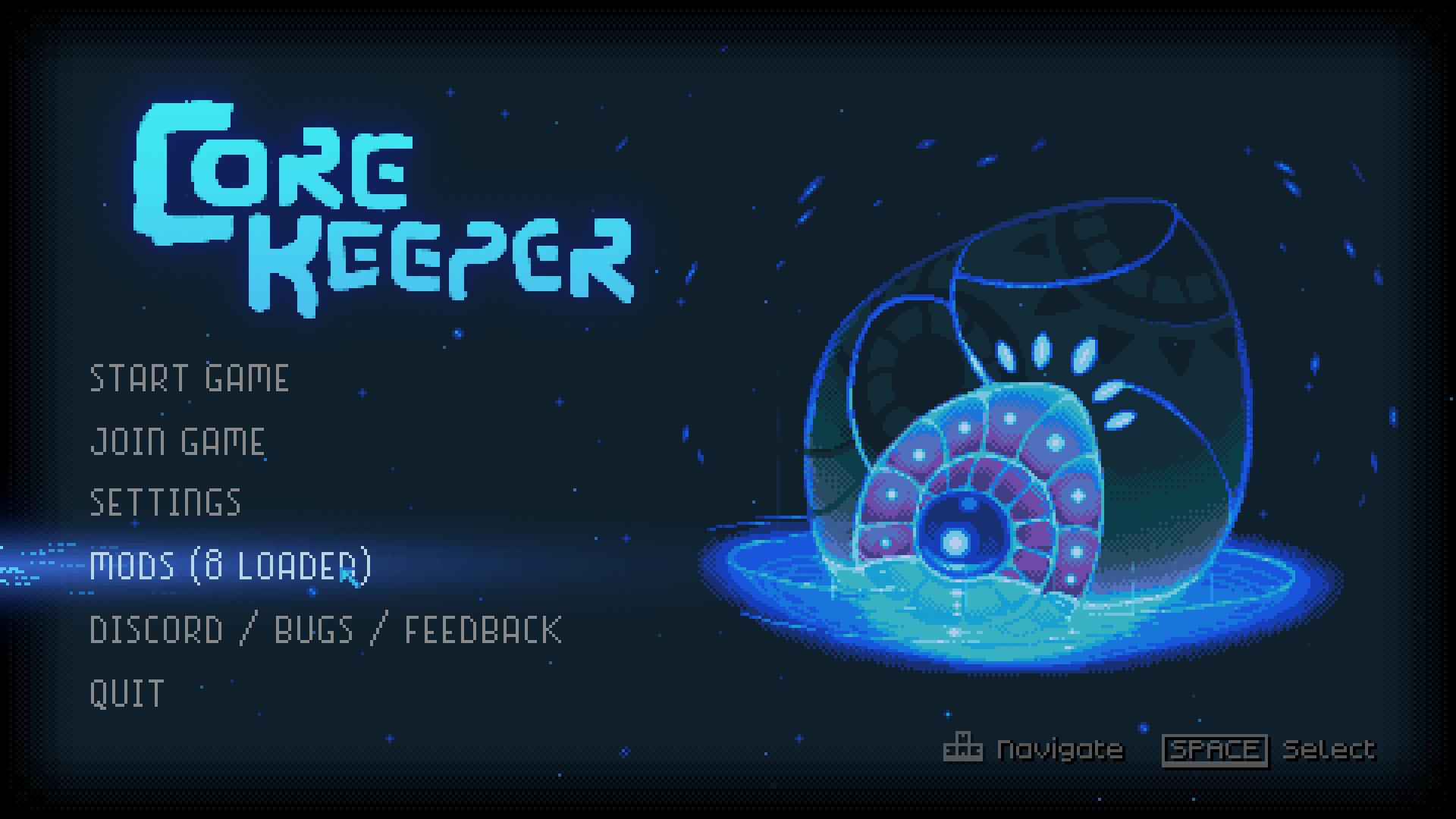
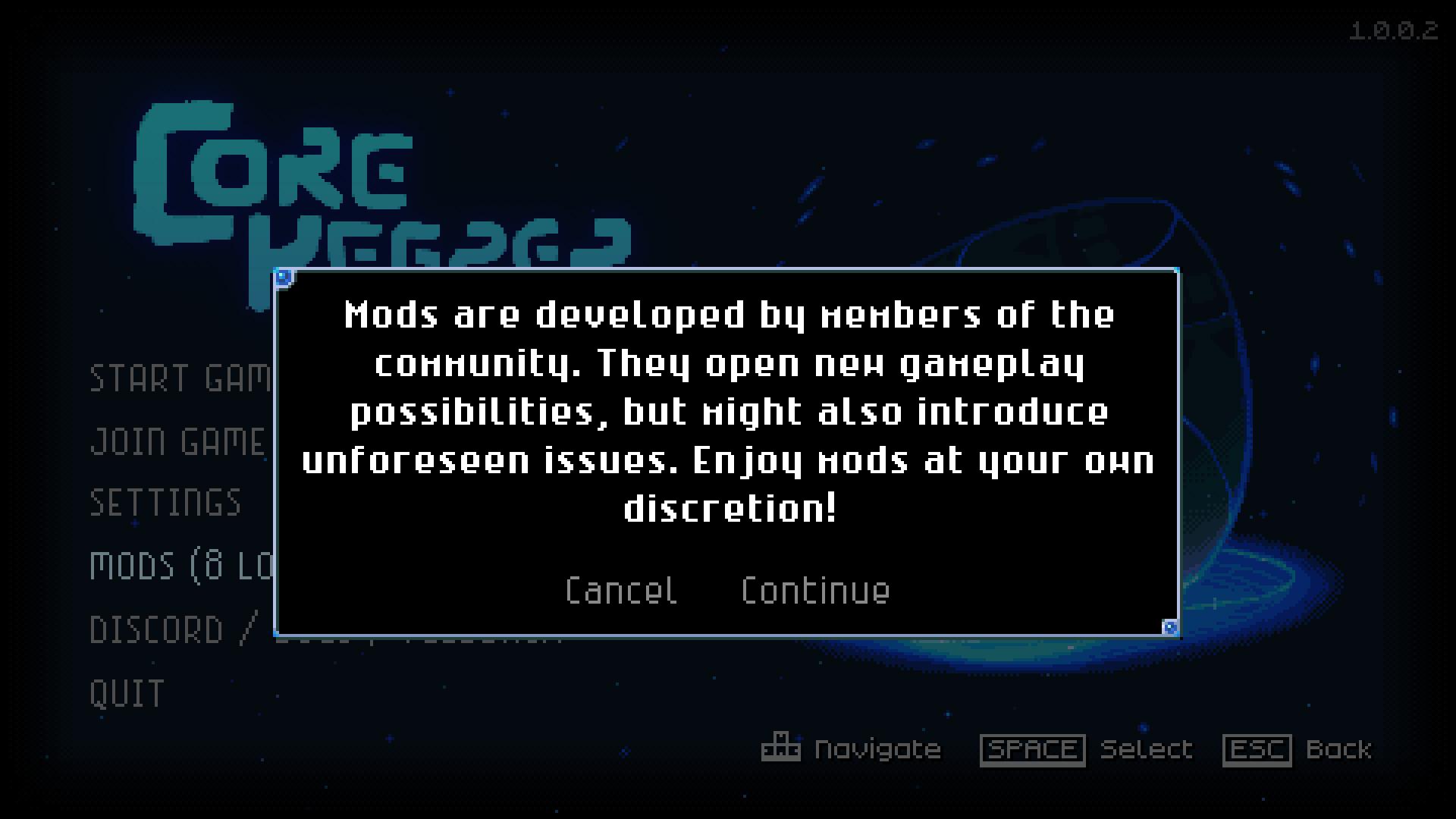
To begin, open Core Keeper and head to the “Mods” section in the main menu. Here, you’ll get a friendly warning that mods might affect your game—so be cautious, but don’t worry, it’s all part of the fun!
Creating Your Account
Before diving into mods, you’ll need to set up an account at mod.io. You can sign up using your email or connect through your device. After choosing your preferred method, you'll receive a verification code. Enter this code to complete the setup, and you’re ready to explore!
Finding and Installing Mods
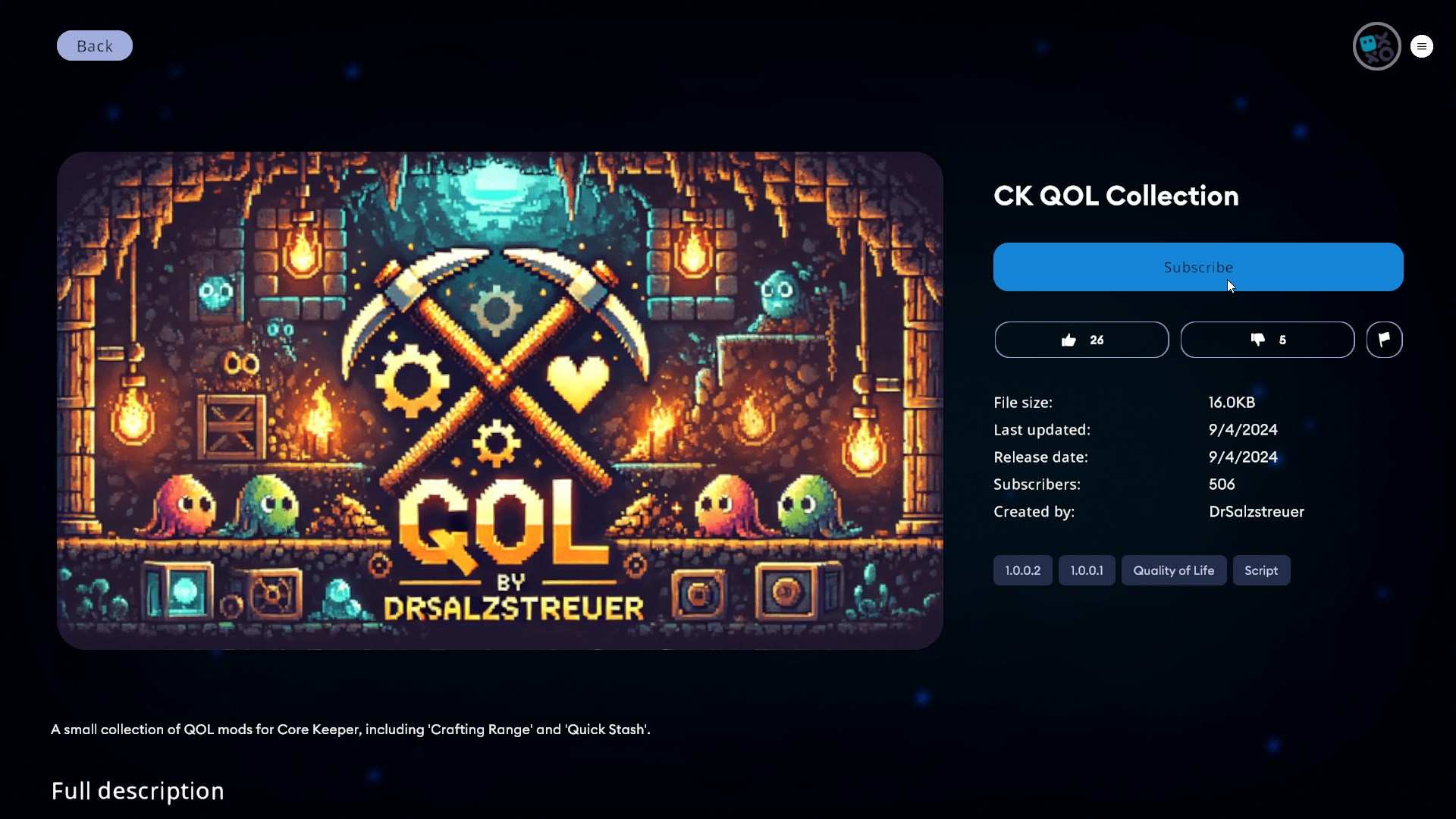
Once your account is ready, browse through the available mods. Currently, you’ll find useful mods like Auto Doors, Auto Fishing, and Infinite Ore Boulders. To add a mod, just click on it and hit the “Subscribe” button. If you want multiple mods, subscribe to them all at once.
Activating Mods
After subscribing, restart Core Keeper for the mods to take effect. The game will prompt you to restart—follow the instructions, and your new mods will be activated. If mods aren’t showing up, double-check your subscriptions and ensure the game has restarted properly.

Handling Old Mods
Older mods from previous updates might not work with the new system. If you’re missing old favorites, keep an eye on the mod platform for new updates and additional options. The modding community is growing, so expect more mods to become available soon!
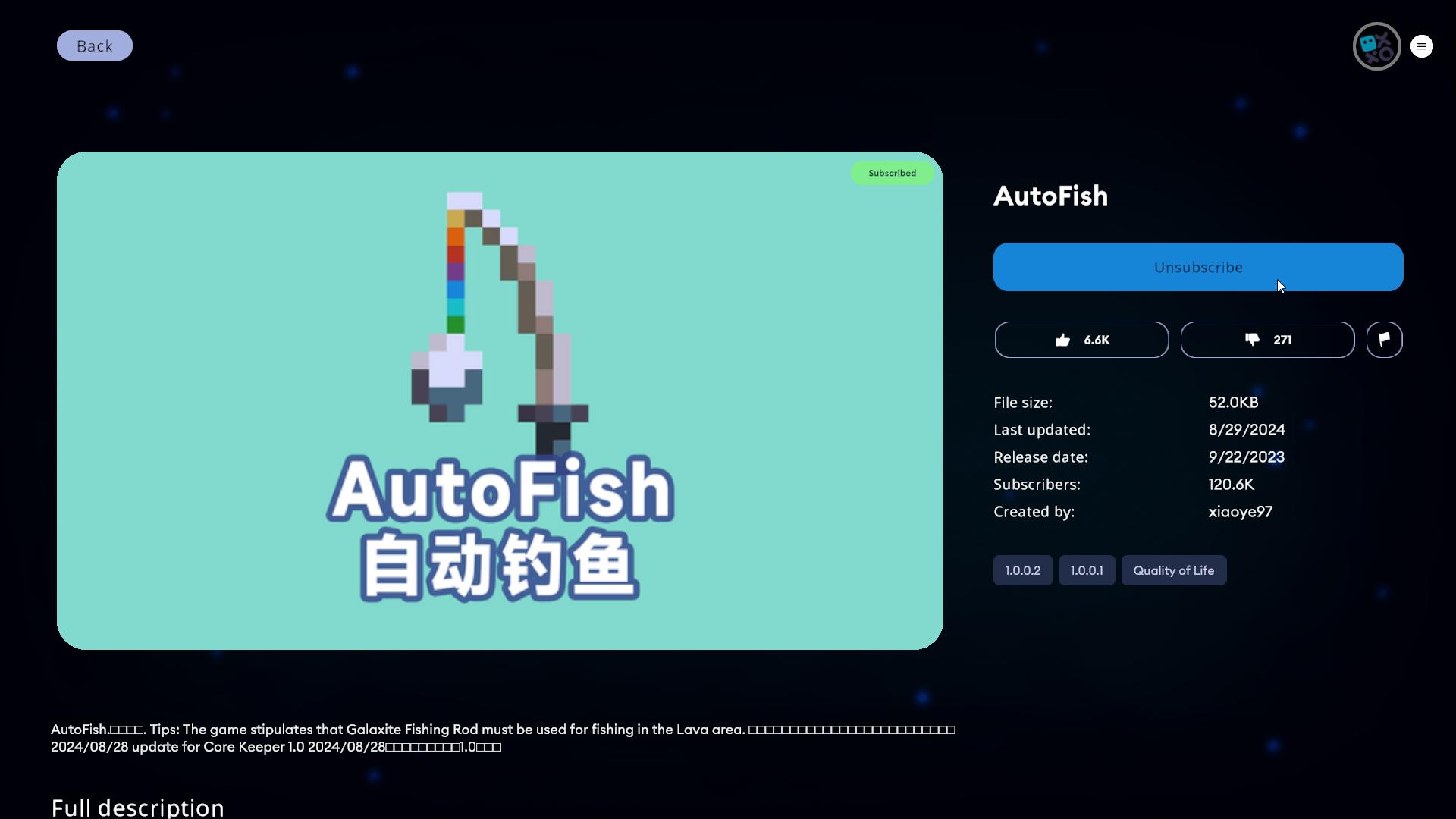
To delete installed mods, just press Unsubscribe button on the Mod you want to remove. You should relaunch the game to let your game change.
Troubleshooting Tips
If you encounter issues like crashes or strange behavior, try disabling mods one at a time to pinpoint the problem. Make sure to check for updates to keep your mods compatible with the latest version of the game.
Looking Ahead
The new modding system is a fantastic addition to Core Keeper, bringing endless possibilities for customization and enhancement. As more mods are developed, your gameplay experience will keep evolving. Check back regularly to discover new mods and keep your game fresh and exciting.
There you have it! Installing mods in Core Keeper 1.0 is a breeze with the new system. Whether you want automated doors, better fishing, or endless ore, mods can transform your game. Dive in, experiment, and enjoy a richer Core Keeper experience. Happy modding!