
How to Install FTB Ultimine for Minecraft
The FTB Ultimine mod is a fantastic tool for Minecraft players who want to speed up mining, farming, and other repetitive actions. This mod allows you to break multiple blocks at once, making tasks like harvesting crops or clearing large mining areas faster and easier. Here’s a complete guide on how to install FTB Ultimine, including the required Architectury and FTB Library mods, along with a breakdown of its powerful features. Plus, we’ll explain why it’s even better when used on Gamever servers, where efficient resource gathering enhances multiplayer experiences.
Step 1: Download FTB Ultimine and Required Mods
To start, download FTB Ultimine and its required dependencies, Architectury and FTB Library, from CurseForge.
- Visit the FTB Ultimine page on CurseForge.

- Download the Architectury and FTB Library mods, which are necessary for Ultimine to function.
Make sure you select the correct versions that match your Minecraft installation.
Step 2: Install Minecraft Forge or NeoForge
FTB Ultimine requires Minecraft Forge or NeoForge to run.
- Download Minecraft Forge from Forge’s official site or NeoForge from its site.
- Follow the installation instructions to ensure compatibility.
- Open the Minecraft launcher and select the Forge or NeoForge profile.
Step 3: Place All Mods in the ‘Mods’ Folder
After downloading FTB Ultimine, Architectury, and FTB Library, place the .jar files into Minecraft’s mods folder.
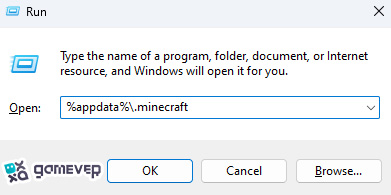
If the mods folder doesn’t exist, you can create it manually. Drop all the downloaded .jar files into this folder.
Step 4: Launch Minecraft
Once all the mods are in place, start Minecraft using the Forge or NeoForge profile. FTB Ultimine will be ready for use in-game, allowing you to mine, farm, and harvest in bulk.
Key Features of FTB Ultimine
FTB Ultimine streamlines mining and other repetitive tasks, making resource gathering faster and more efficient:
1. Quick Mining with Tilde Key
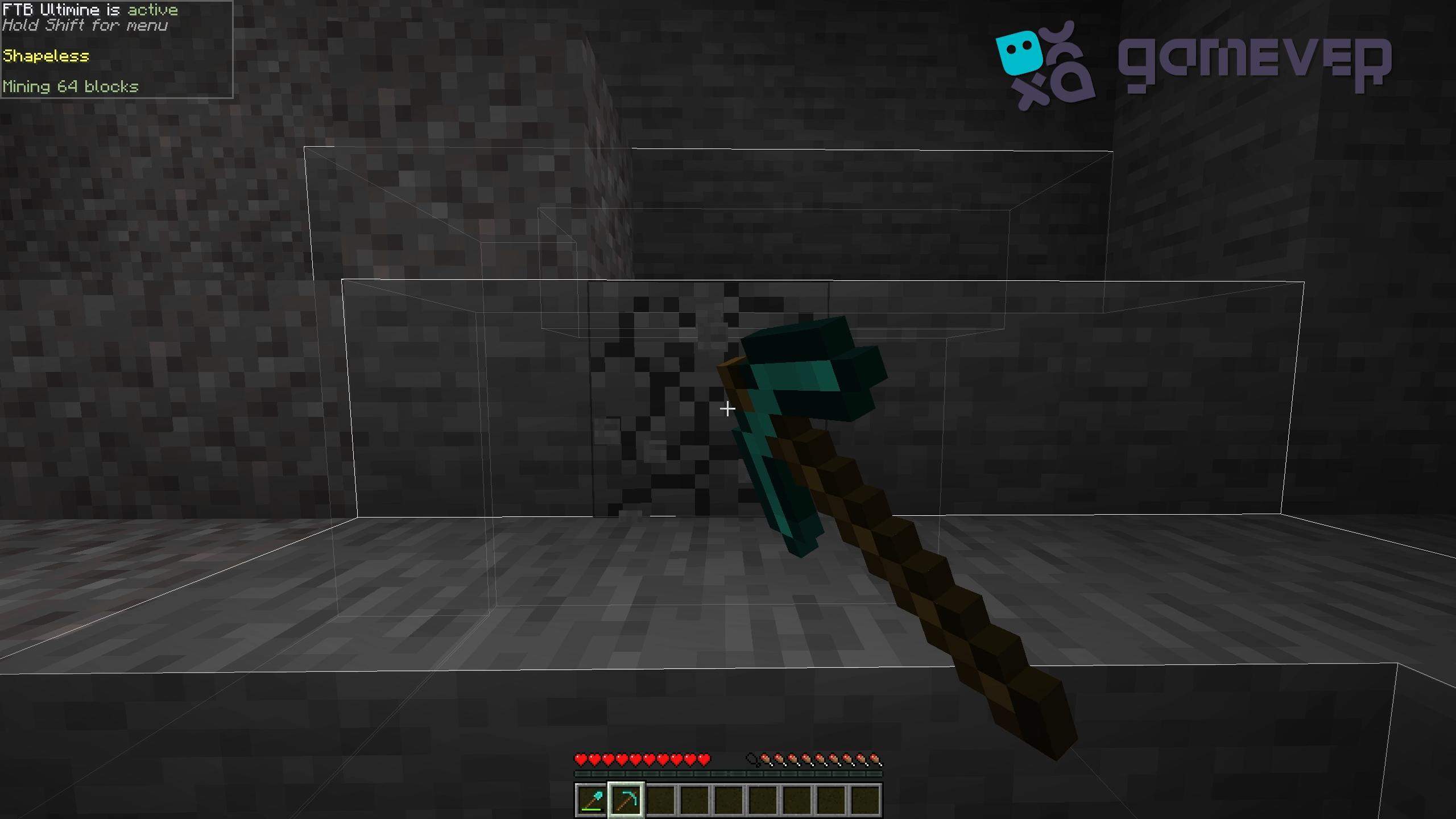
To use FTB Ultimine, hold down the Tilde (~) key while mining. You can adjust this key in the mod’s settings. Ultimine selects blocks around your target, allowing you to break groups of blocks at once. The mod even displays white outlines around the blocks selected, so you always know exactly what you’re about to mine.
2. Different Mining Modes
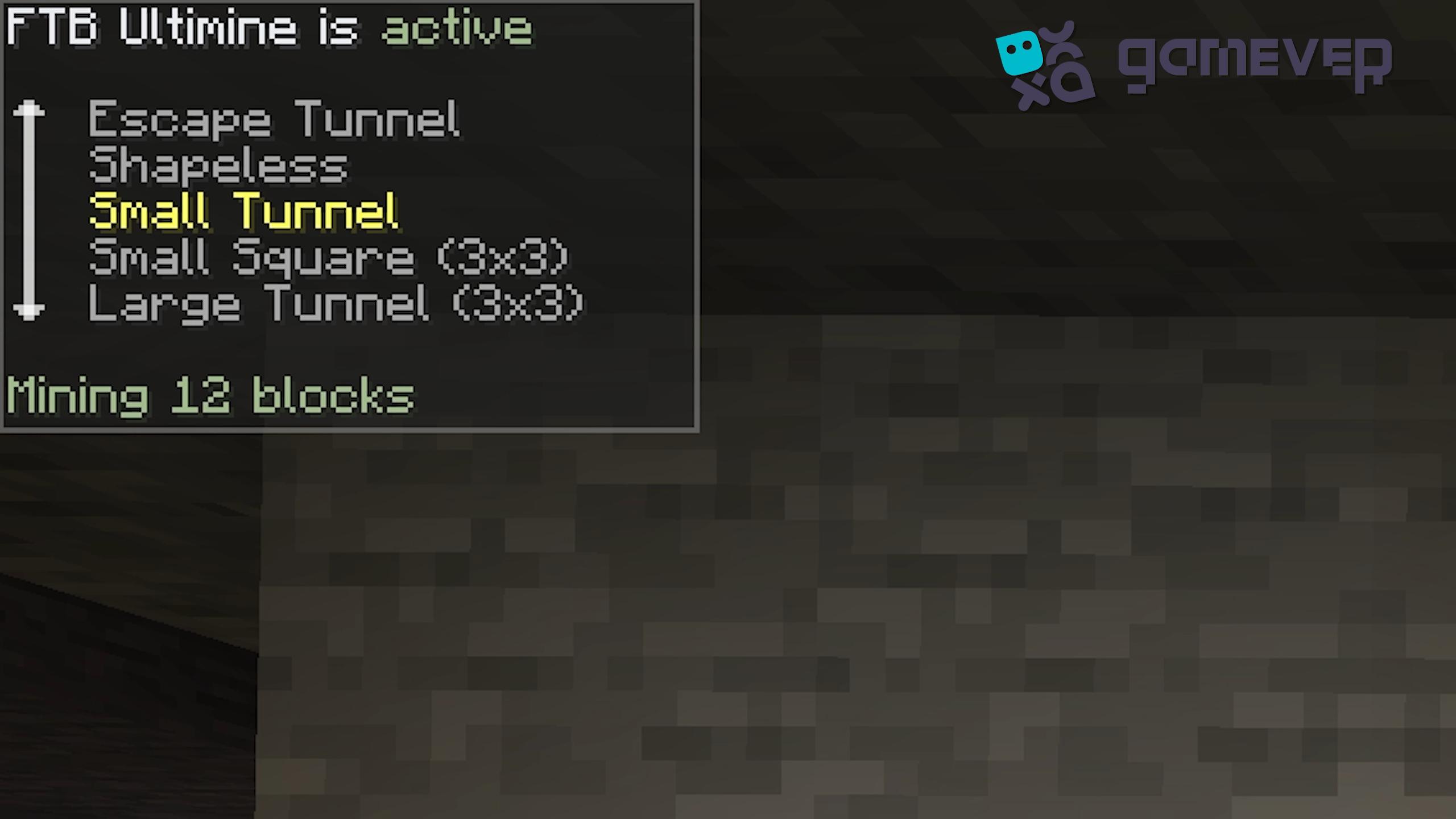
FTB Ultimine includes several mining modes for different needs:
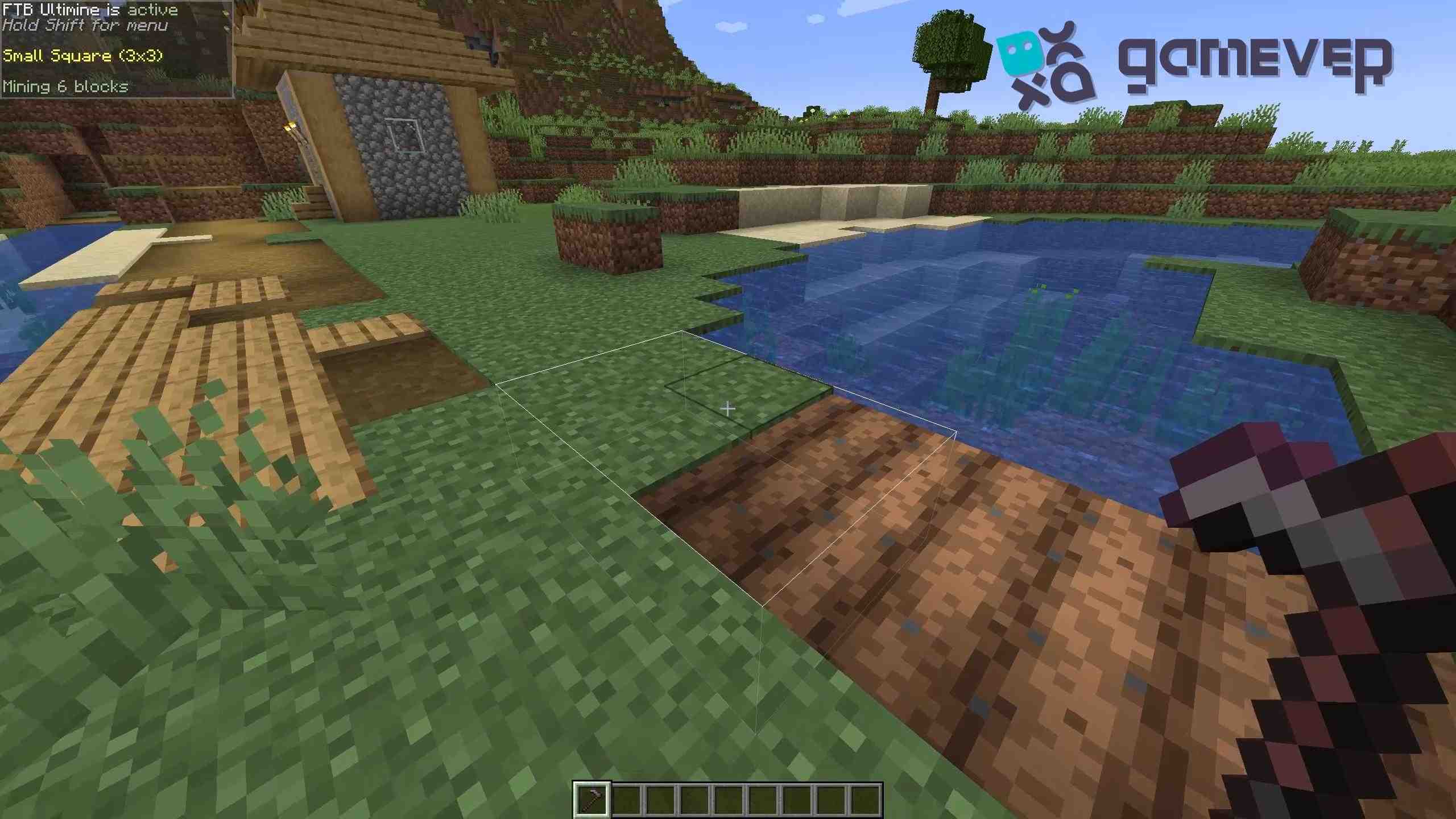
- 3x3 Grid: Perfect for clearing areas for building.
- Tunnels and Staircases: Ideal for creating tunnels or staircases in mining expeditions.
You can switch between these modes by pressing Shift + Scroll, giving you the flexibility to choose the right one for your task.
3. Beyond Mining: Farming and Tilling
FTB Ultimine isn’t limited to mining. You can also:
- Harvest Crops: Right-click to harvest an entire crop area in one go.
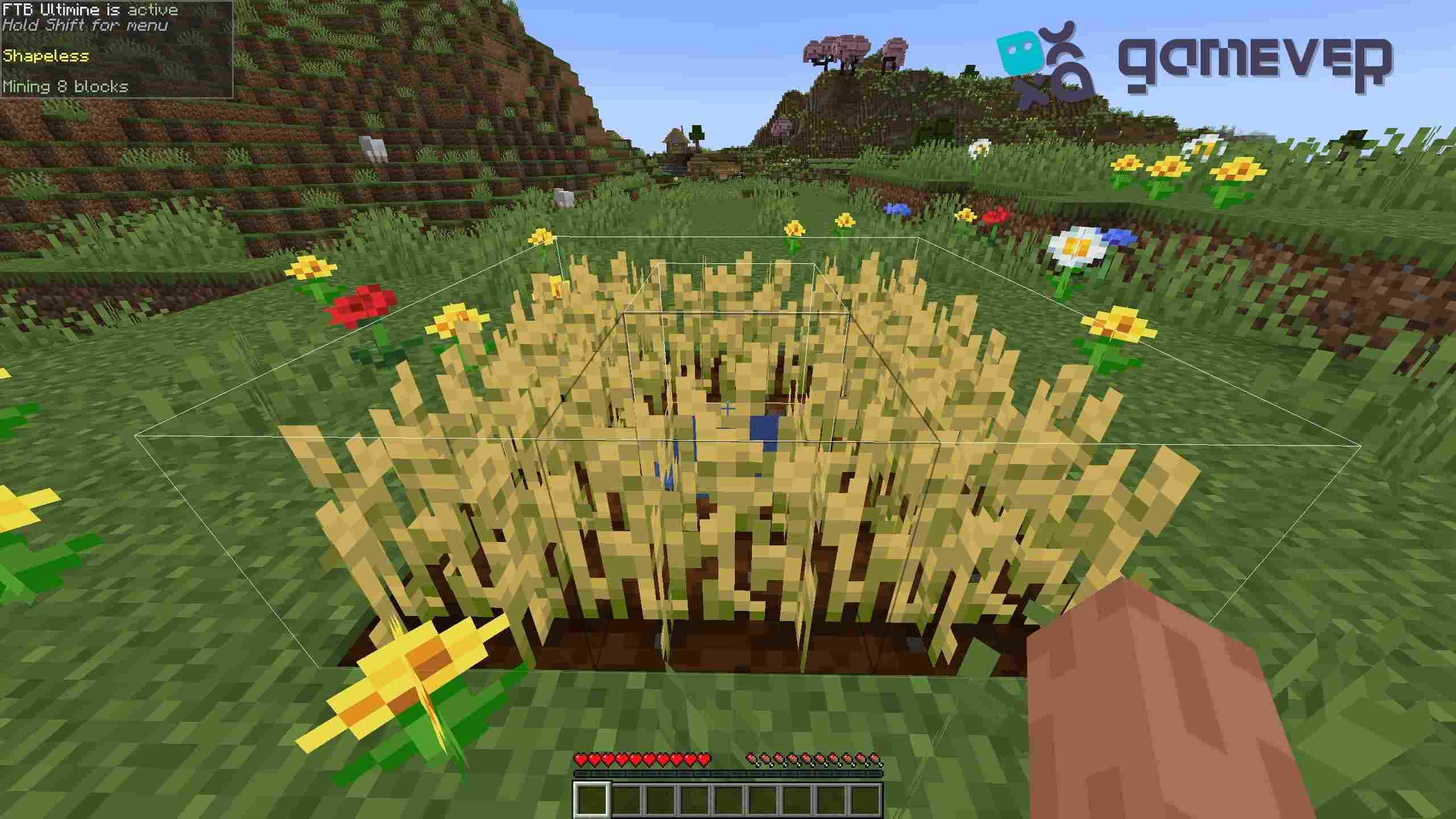
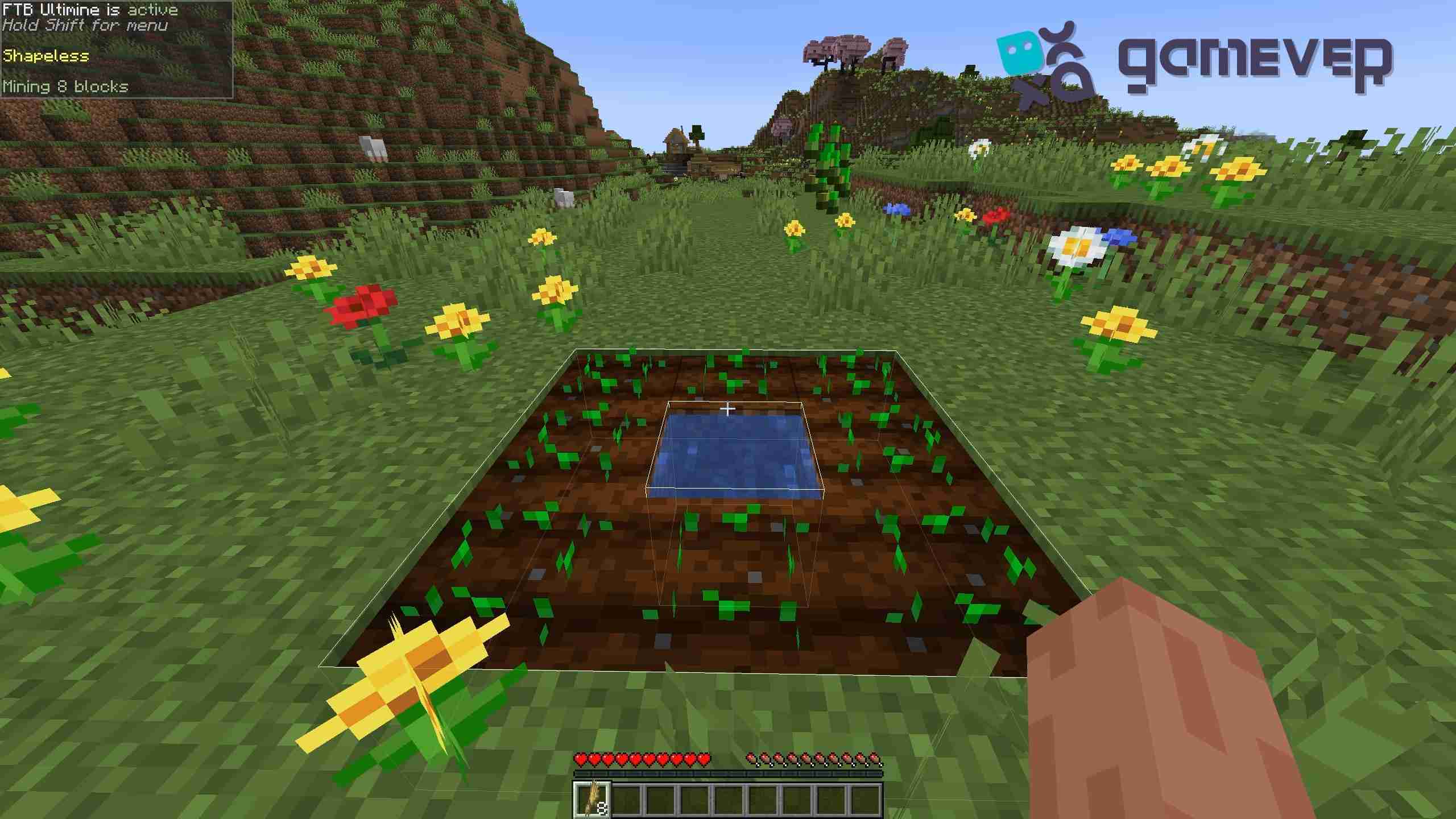
- Tilling: Use a hoe on grass or dirt to till multiple blocks at once, making large farms easy to set up.
Benefits of Using FTB Ultimine on Gamever Servers
FTB Ultimine is particularly useful for multiplayer play on Gamever servers, where shared projects and resource management are essential.
- Efficient Resource Gathering: Whether mining in groups or farming, Ultimine speeds up tasks so that you and your teammates can gather resources faster.
- Better Team Builds: With Ultimine’s different modes, clearing large areas or building in bulk is much easier, ideal for collaborative projects.
- Streamlined Farming: Large farms on multiplayer servers become effortless, allowing you to harvest and replant crops quickly.
Conclusion
The FTB Ultimine mod is a valuable addition for any Minecraft player looking to improve resource gathering efficiency. From its bulk-mining modes to the ability to harvest and till multiple blocks at once, Ultimine brings a new level of productivity to the game. And on Gamever servers, this mod makes team projects faster and more enjoyable, making it a must-have for multiplayer fans.