
How to Install and Use Mouse Tweaks in Minecraft?
If you’ve ever found yourself frustrated with Minecraft’s default inventory management system, then the Mouse Tweaks mod is exactly what you need. Mouse Tweaks enhances how you manage and move items within inventories, allowing for quicker and more intuitive actions. Whether you're organizing your chests or crafting multiple items, Mouse Tweaks makes the process faster and more efficient. Follow this guide to install Mouse Tweaks and maximize its Minecraft features. Plus, we’ll explain how this mod can enhance your multiplayer experience on Gamever servers.
What is Mouse Tweaks?
Mouse Tweaks is a popular mod that improves the way you interact with Minecraft’s inventory system. It allows you to pick up, place, and manage stacks of items much more efficiently than the default game controls allow. With simple dragging and mouse shortcuts, you can save time and effort, particularly when dealing with large inventories or crafting multiple items.
Why Use Mouse Tweaks?
Mouse Tweaks streamlines inventory management, reducing the number of clicks and drags needed to organize items. It offers several useful features:
- Drag and Drop: You can hold down the left or right mouse button to quickly pick up or place items across slots.
- Splitting Stacks: Holding the left mouse button lets you evenly distribute a stack of items across multiple slots.
- Quick Inventory Transfer: Shift + left-click lets you quickly move items between your inventory and another container, such as a chest or furnace.
- Scroll Wheel Management: To increase or decrease the number of items in a stack, use the scroll wheel.
How to Install Mouse Tweaks in Minecraft
Step 1: Download Mouse Tweaks
To start, you’ll need to download the Mouse Tweaks mod from a trusted modding site like CurseForge.
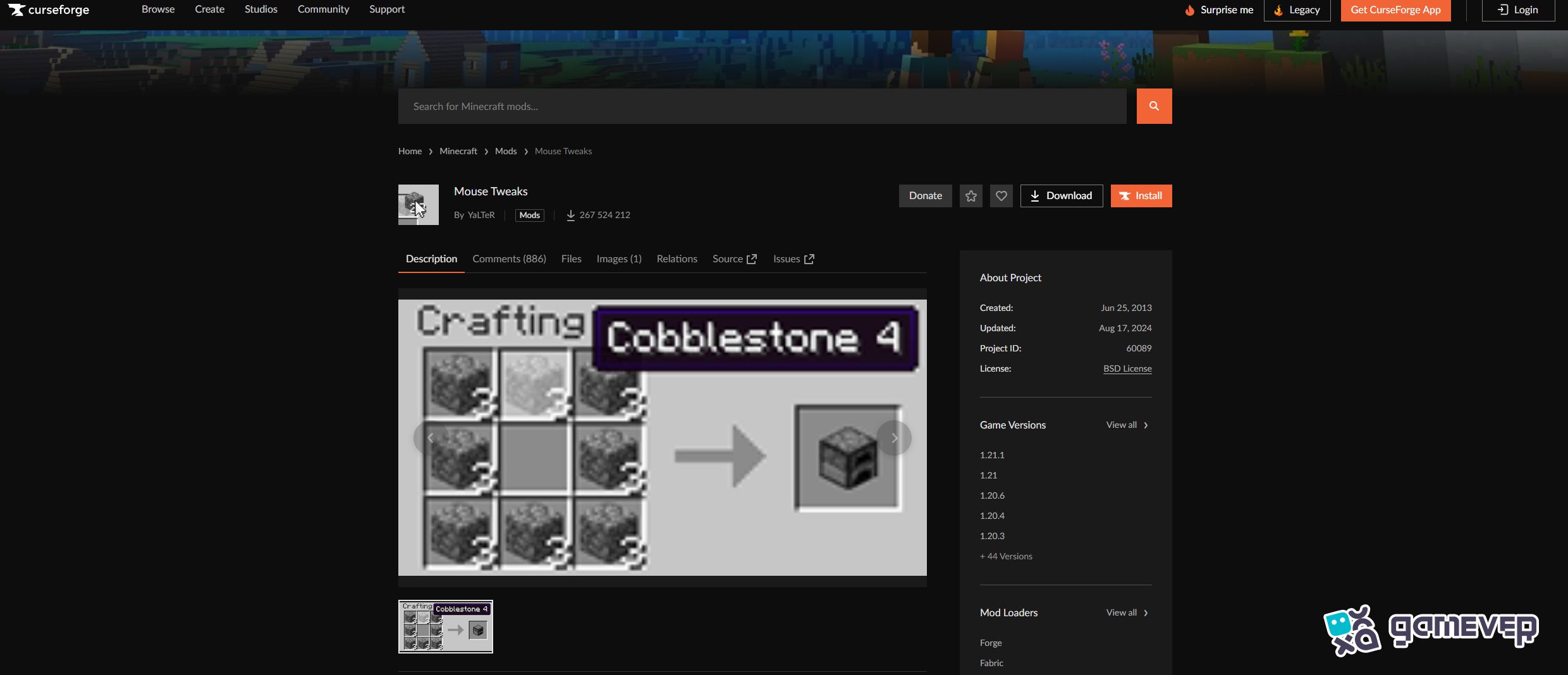
Make sure to download the version of Mouse Tweaks that matches your Minecraft version. If you’re playing Minecraft 1.18, download the corresponding Mouse Tweaks version.
Step 2: Install Minecraft Forge or Fabric
Mouse Tweaks requires either Minecraft Forge or Fabric to run. If you don’t already have one of these installed, follow these steps:
- Download and install Minecraft Forge or Fabric for your Minecraft version. Both can be found on their respective websites.
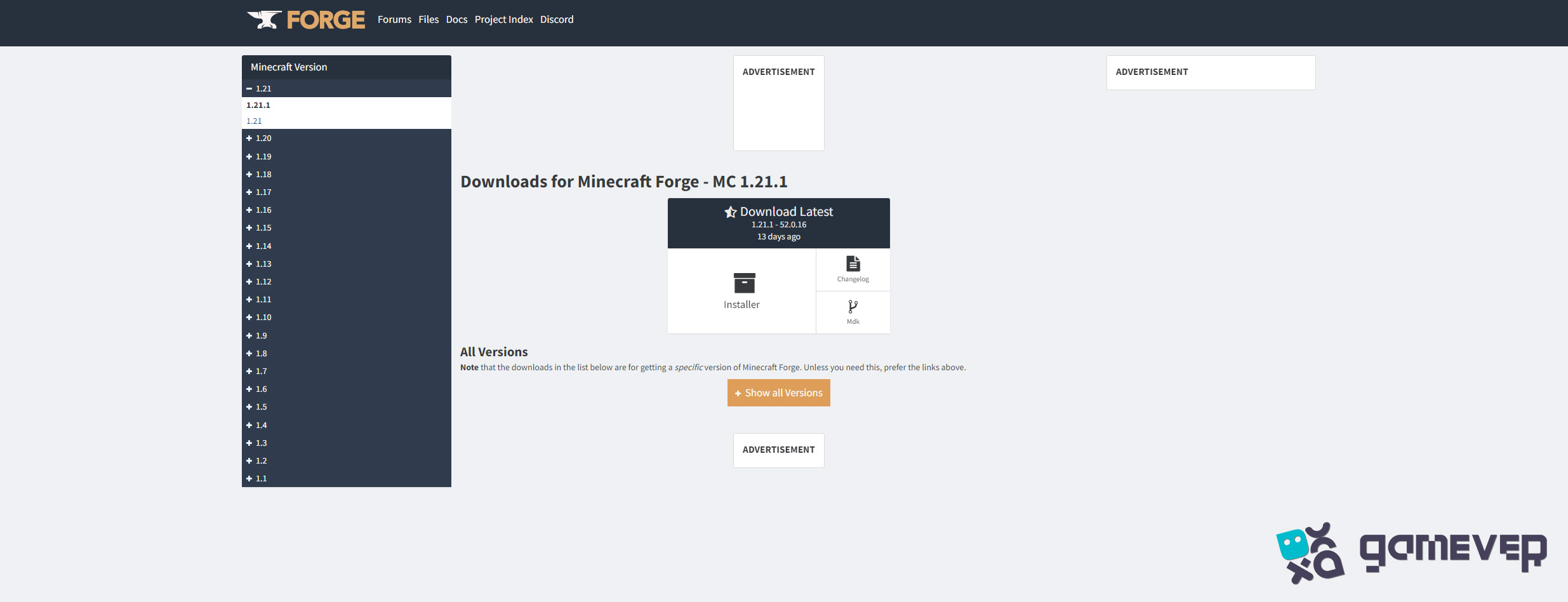
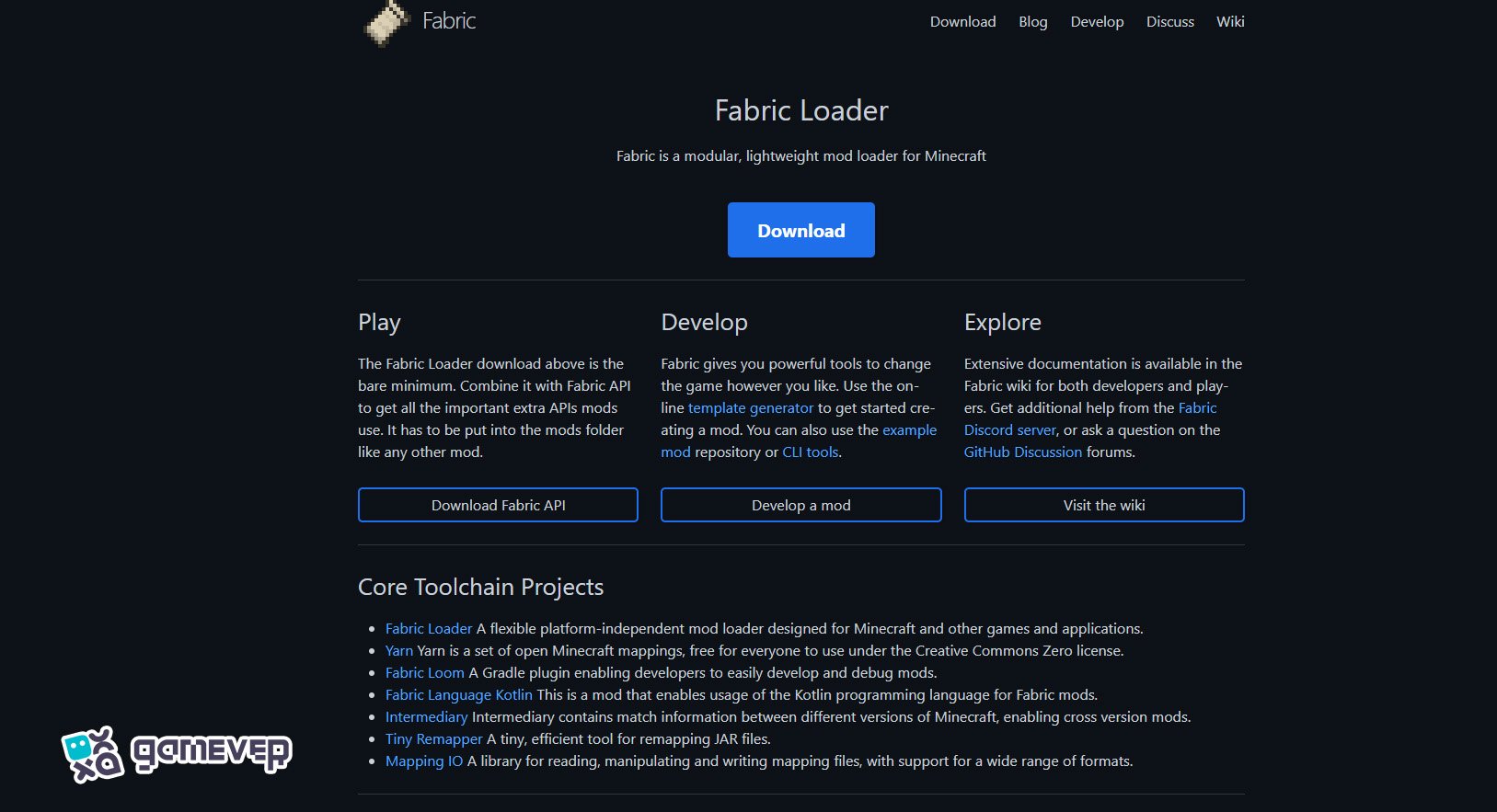
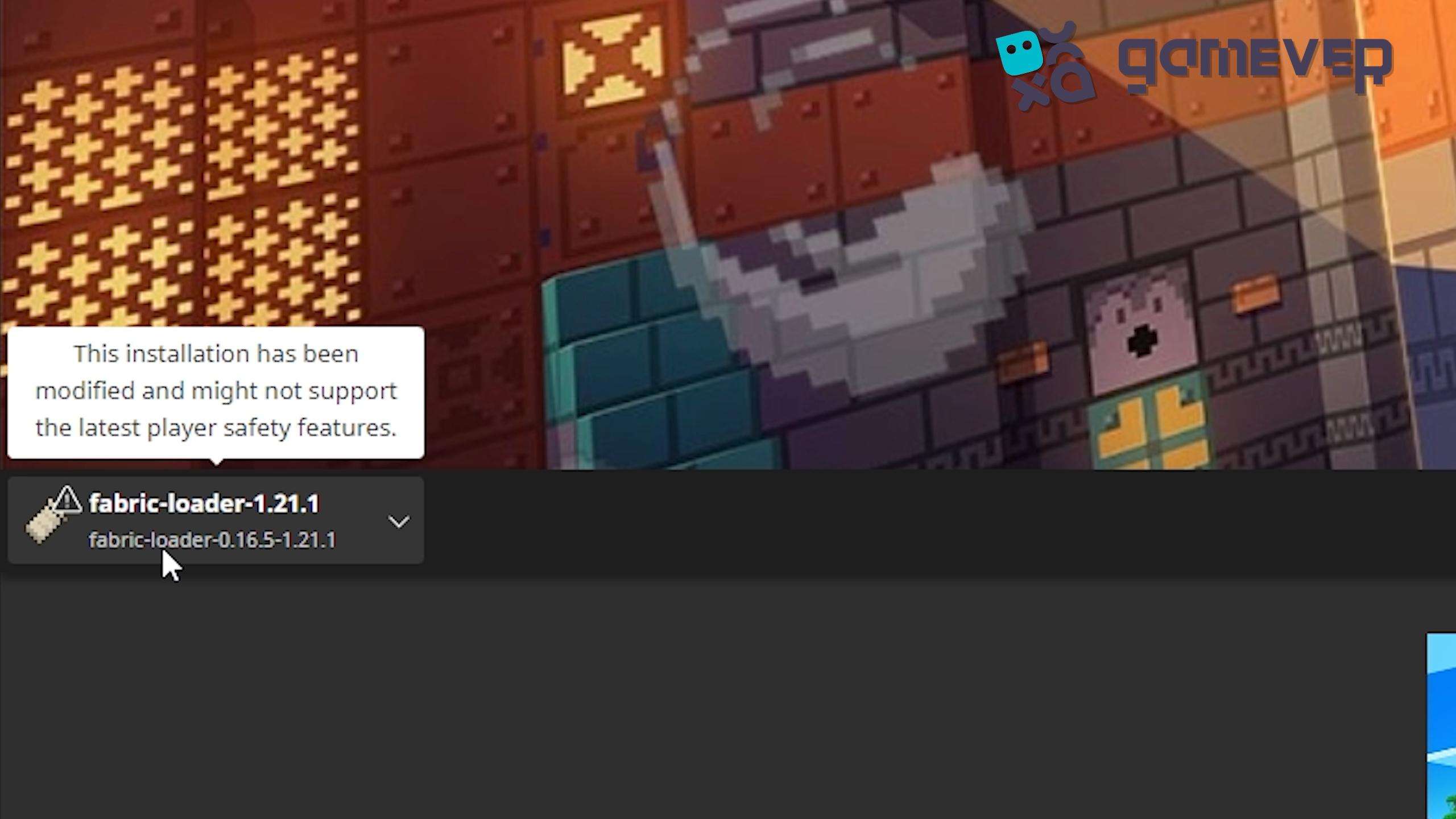
- Once installed, open your Minecraft launcher and make sure the Forge or Fabric profile is selected.
Step 3: Move the Mod File to the ‘Mods’ Folder
Once you’ve downloaded the Mouse Tweaks .jar file, you’ll need to place it in your mods folder. Here's how:
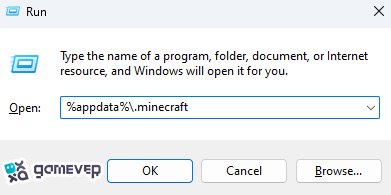
If you don’t see a mods folder, you can create one yourself.
Step 4: Launch Minecraft
After placing the Mouse Tweaks .jar file in the mods folder, launch Minecraft using the Forge or Fabric profile. Your game should now have Mouse Tweaks installed and active.
How to Use Mouse Tweaks
Once installed, Mouse Tweaks offers several intuitive controls that make inventory management faster and easier. Here's how you can use the features:
1. Drag and Drop Items
To quickly move items between slots:
- Right-click and hold to place items into multiple slots.
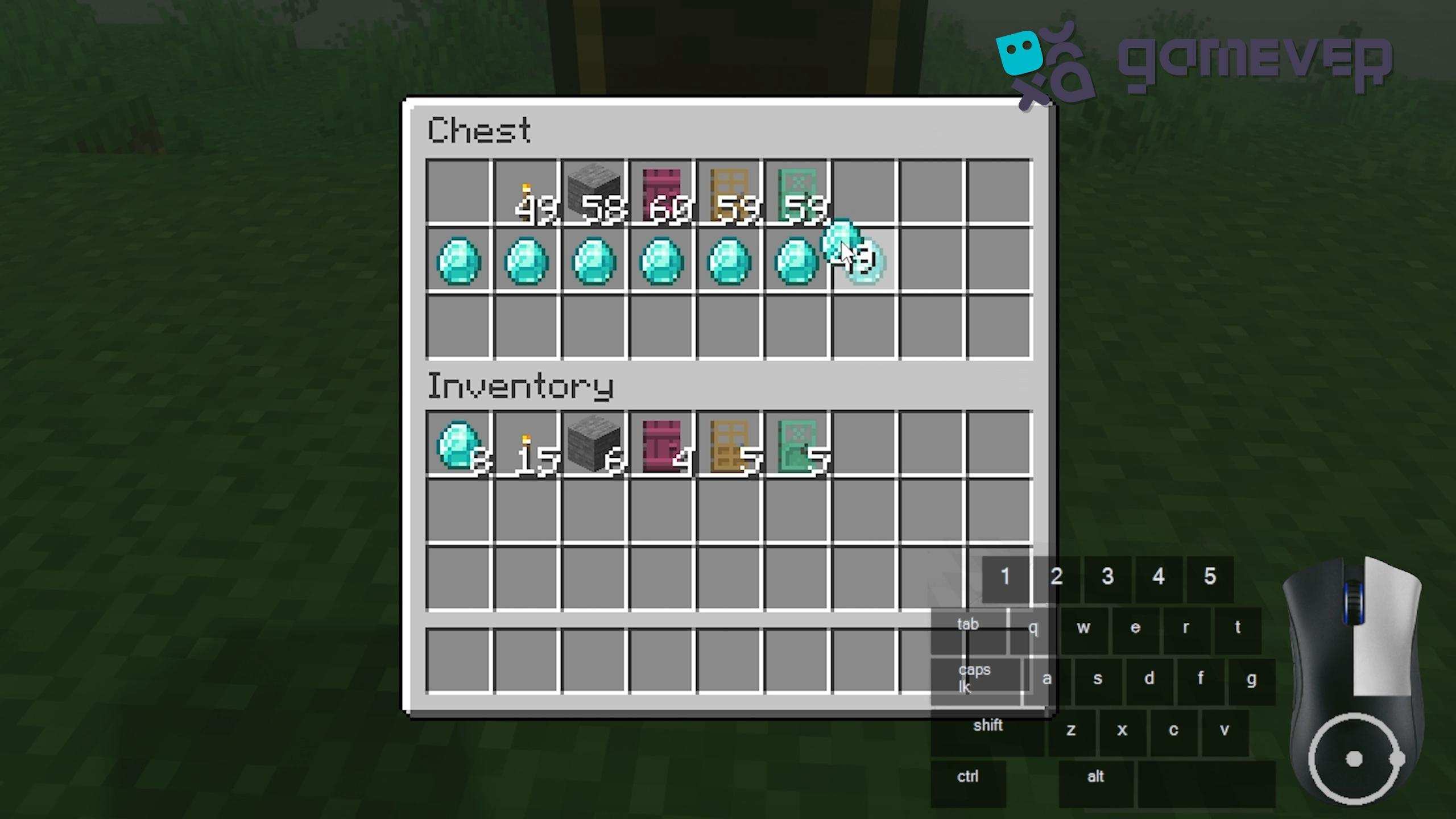
- Left-click and hold to pick up and move stacks of items.
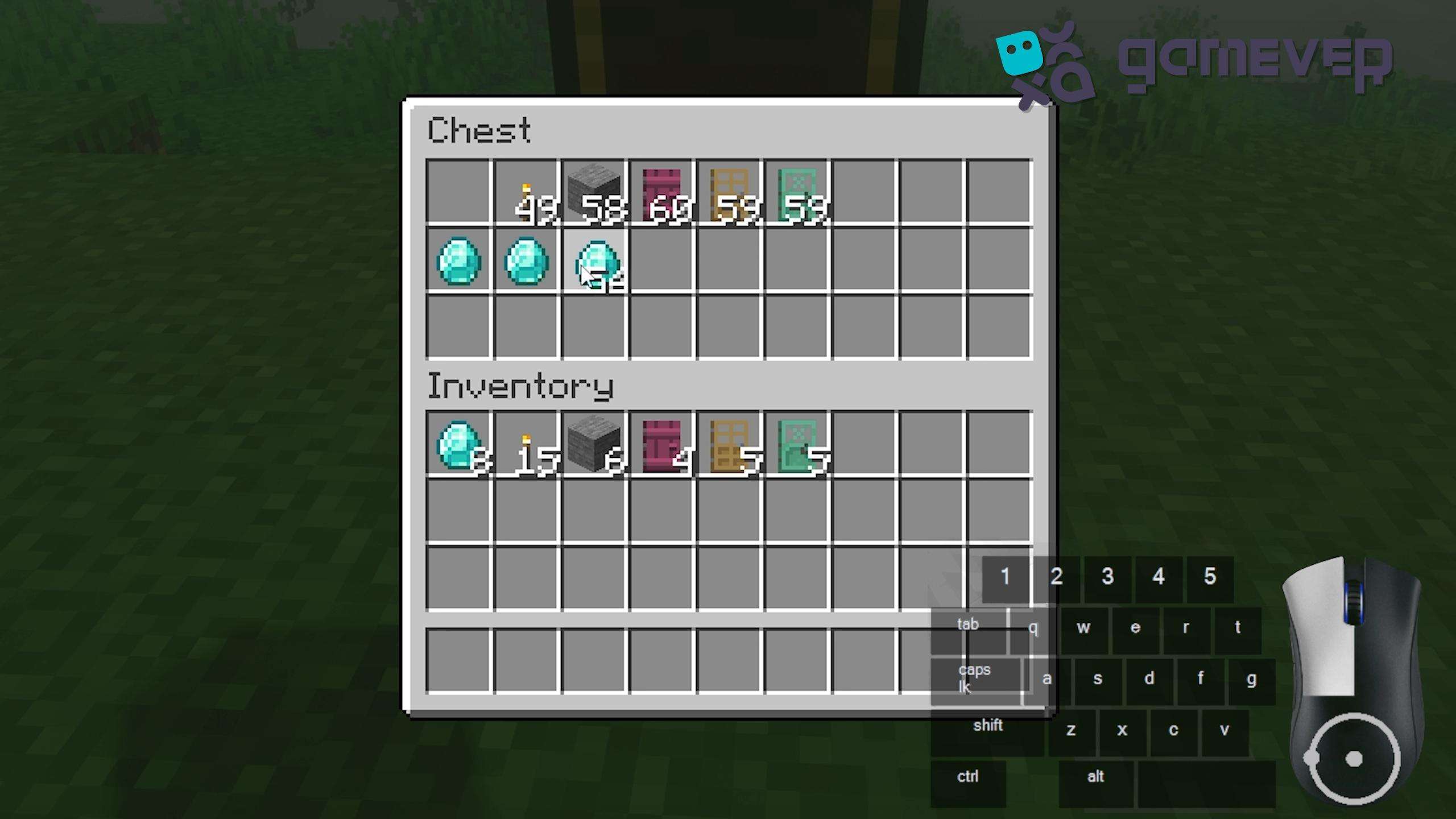
2. Splitting Stacks
You can split stacks evenly between slots by:

Holding the left mouse button and dragging the stack across multiple inventory slots. This feature is useful when you need to divide resources evenly, such as when crafting or distributing items in a chest.
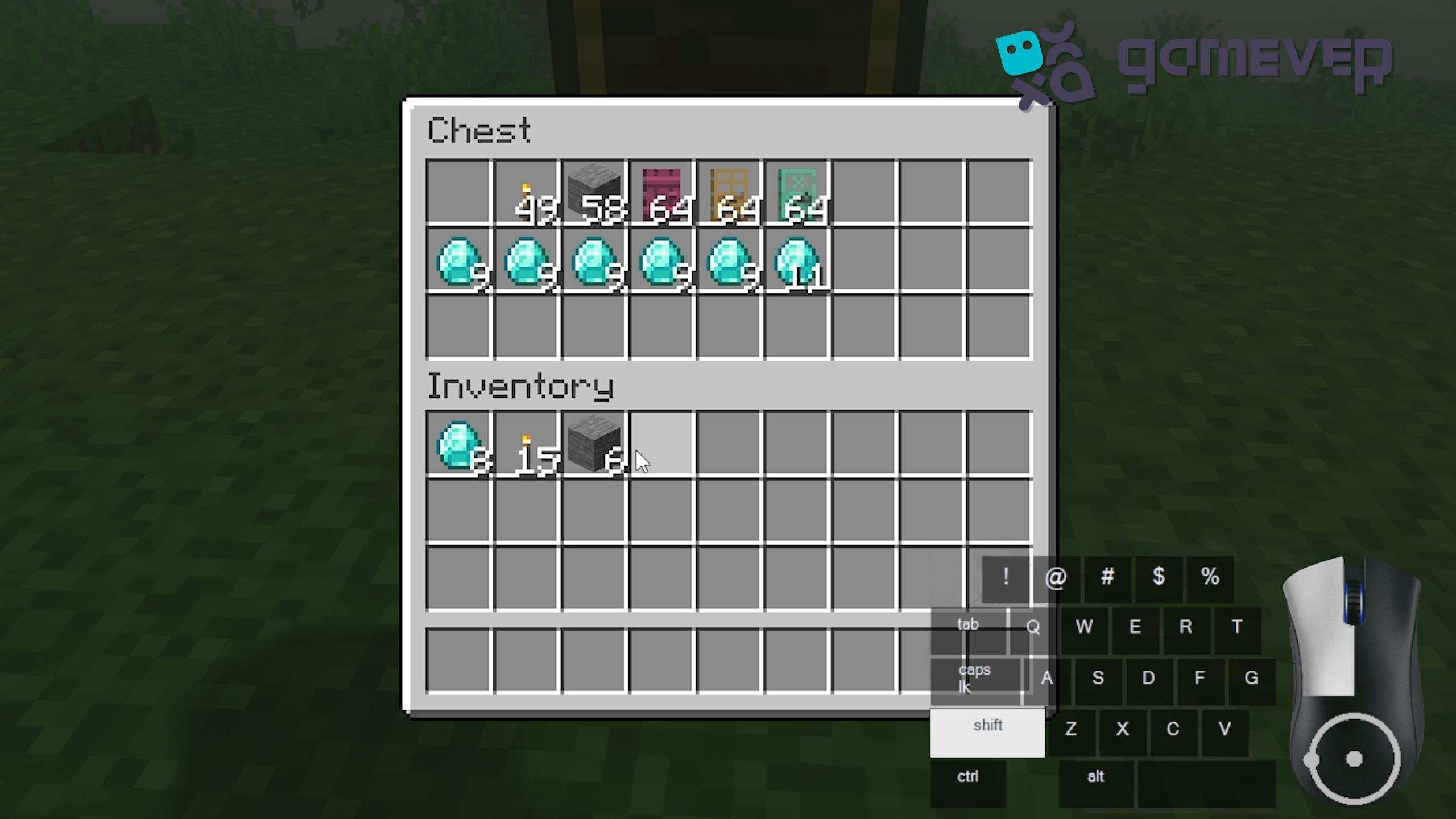
3. Quickly Moving Items Between Inventories
Shift + Left-click to quickly transfer items between your inventory and containers, such as chests or furnaces. This makes managing large inventories much more efficient, especially when organizing items after mining trips or building projects.
4. Scroll Wheel for Stack Management
Mouse Tweaks also allows you to adjust stack sizes using your scroll wheel:
- Scroll down to decrease the number of items in a stack.
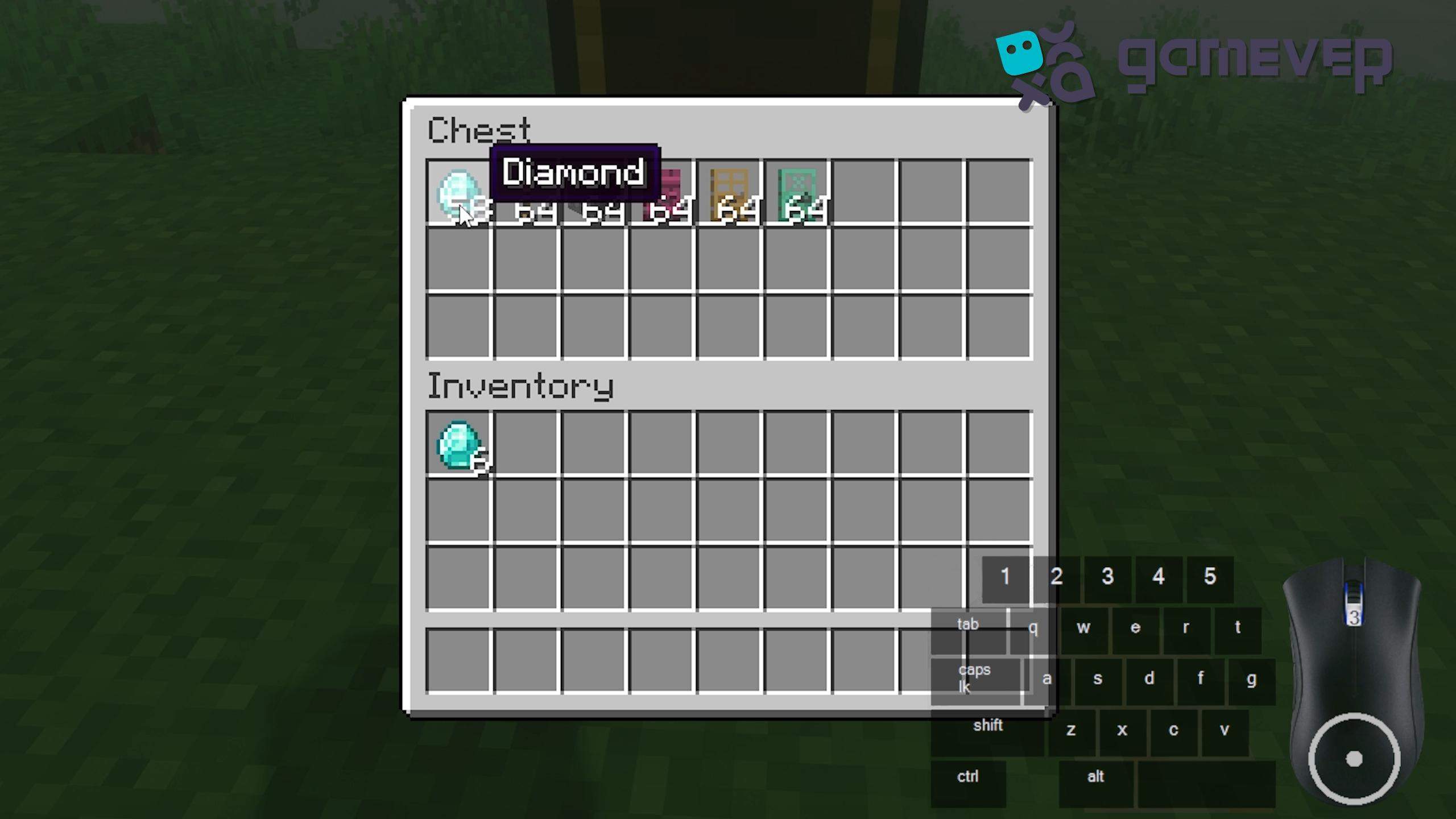
- Scroll up to increase the number of items, pulling from other available inventory slots.
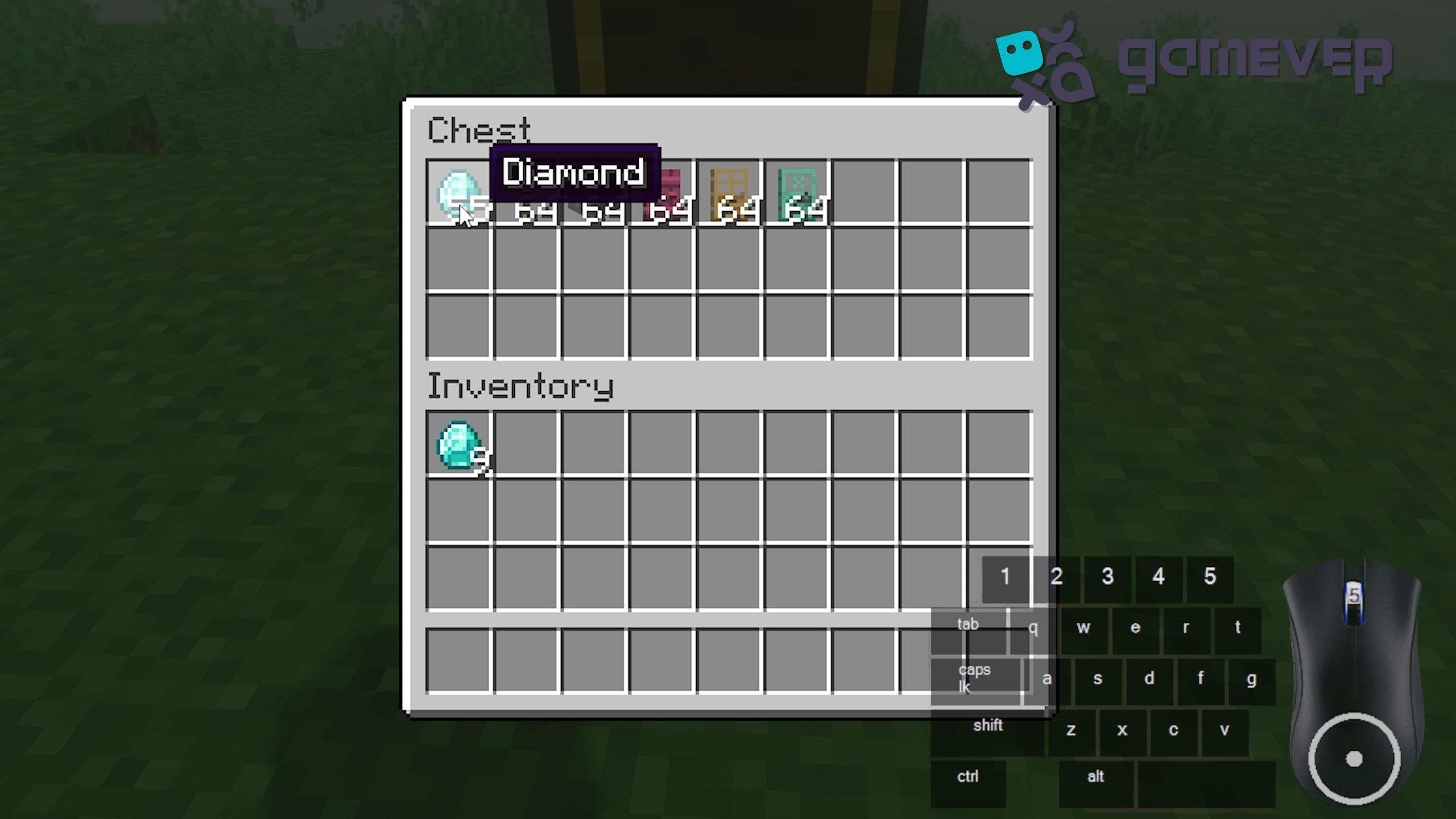
This feature is particularly handy when crafting or organizing resources into specific quantities.
Benefits of Using Mouse Tweaks on Gamever Servers
Mouse Tweaks isn’t just beneficial for single-player mode—it’s incredibly helpful on multiplayer servers like Gamever, where efficient inventory management is key. On Gamever servers, you can join a community of players in large-scale projects, building, or resource gathering. Here’s why Mouse Tweaks can enhance your multiplayer experience:
- Speed Up Building Projects: If you’re working on a big build, you’ll often need to craft large quantities of materials. Mouse Tweaks allows you to quickly manage items in your inventory, saving you time and allowing you to focus on the task at hand.
- Collaborative Play: Use Mouse Tweaks' quick transfer features to quickly move items between inventories and chests and share resources efficiently with teammates.
- Resource Management: When playing on servers with limited resources, managing your inventory properly is crucial. Mouse Tweaks helps you do this with minimal effort, letting you focus on more important gameplay.
Conclusion
Installing and using Mouse Tweaks in Minecraft significantly improves inventory management, making the process faster, easier, and more intuitive. Whether you’re organizing your personal inventory or managing large amounts of resources on Gamever servers, Mouse Tweaks can save you valuable time. With its drag-and-drop system, stack-splitting features, and quick transfer options, this mod is a must-have for any Minecraft player.
If you’re looking to take your Minecraft multiplayer experience to the next level, consider joining Gamever servers. In a vibrant community, you can enjoy efficient gameplay with Mouse Tweaks, collaborate with friends, and take on large-scale projects.