
How to install a custom map for your Minecraft server
To install custom maps into your Minecraft server you need to follow this list of steps:
1.Download your custom map (we advise you to use THIS link).
2.Extract files from downloaded archive.
3.Open Gamever.io and go to “My servers” tab.
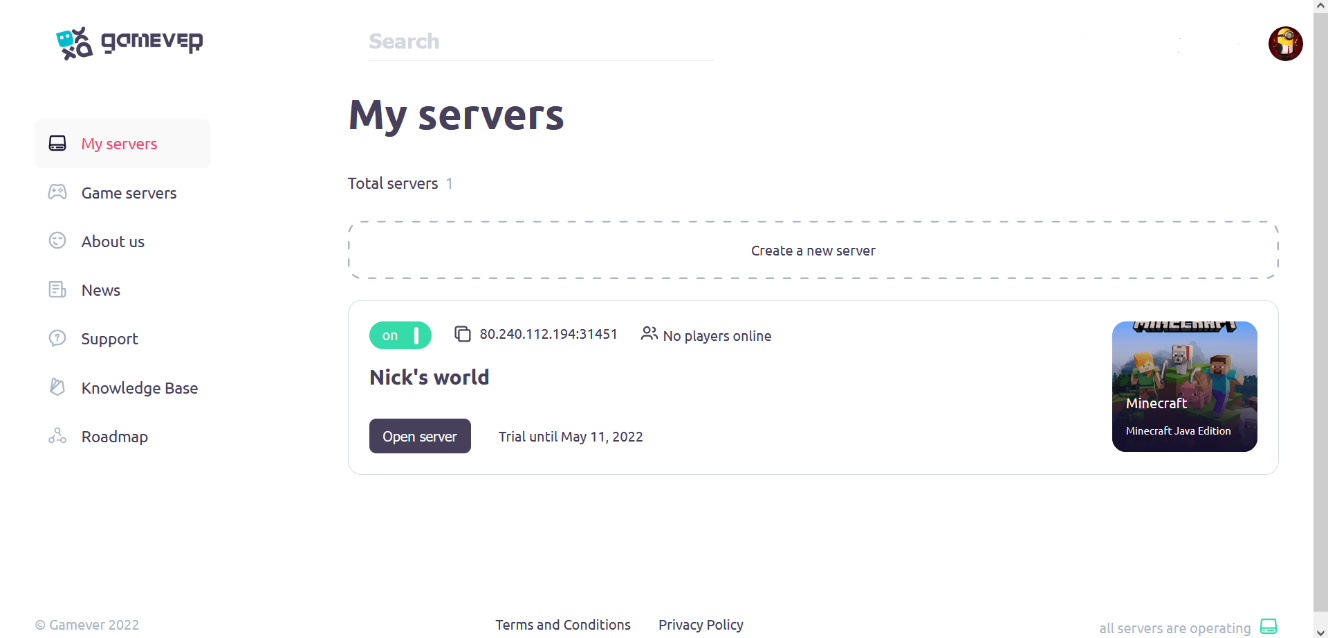
4.Click “Open server” button (on the server you wish to install a map) and stop it, if server is working
5.Connect to your server via FTP
6.Go to the “world/region” folder and delete files inside folder from the server
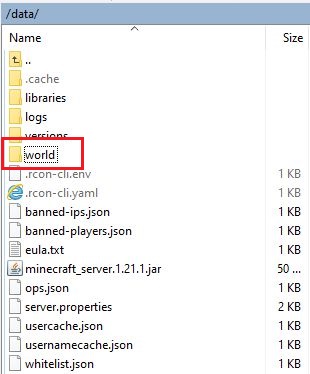
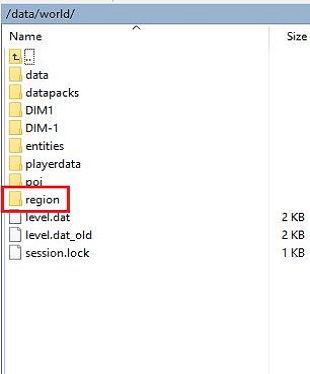
7.Open folder of a map you have just extracted and then go to “region” folder there, then select ALL files inside “region” folder.
8.Upload these files
9.Turn server on!
10.Connect to your server!
If something is not working as intended – doublecheck that your Minecraft map, server client (inside Gamever.io) and your local Minecraft client (on your PC) are having COMPLETELY SAME VERSIONS!