
How to Improve Low FPS in V Rising
Is your V Rising experience more of a slideshow than an epic adventure? Fear not, fellow gamer! We've got the lowdown on how to kick those low FPS blues to the curb and get back to slaying vampires with silky smooth performance.
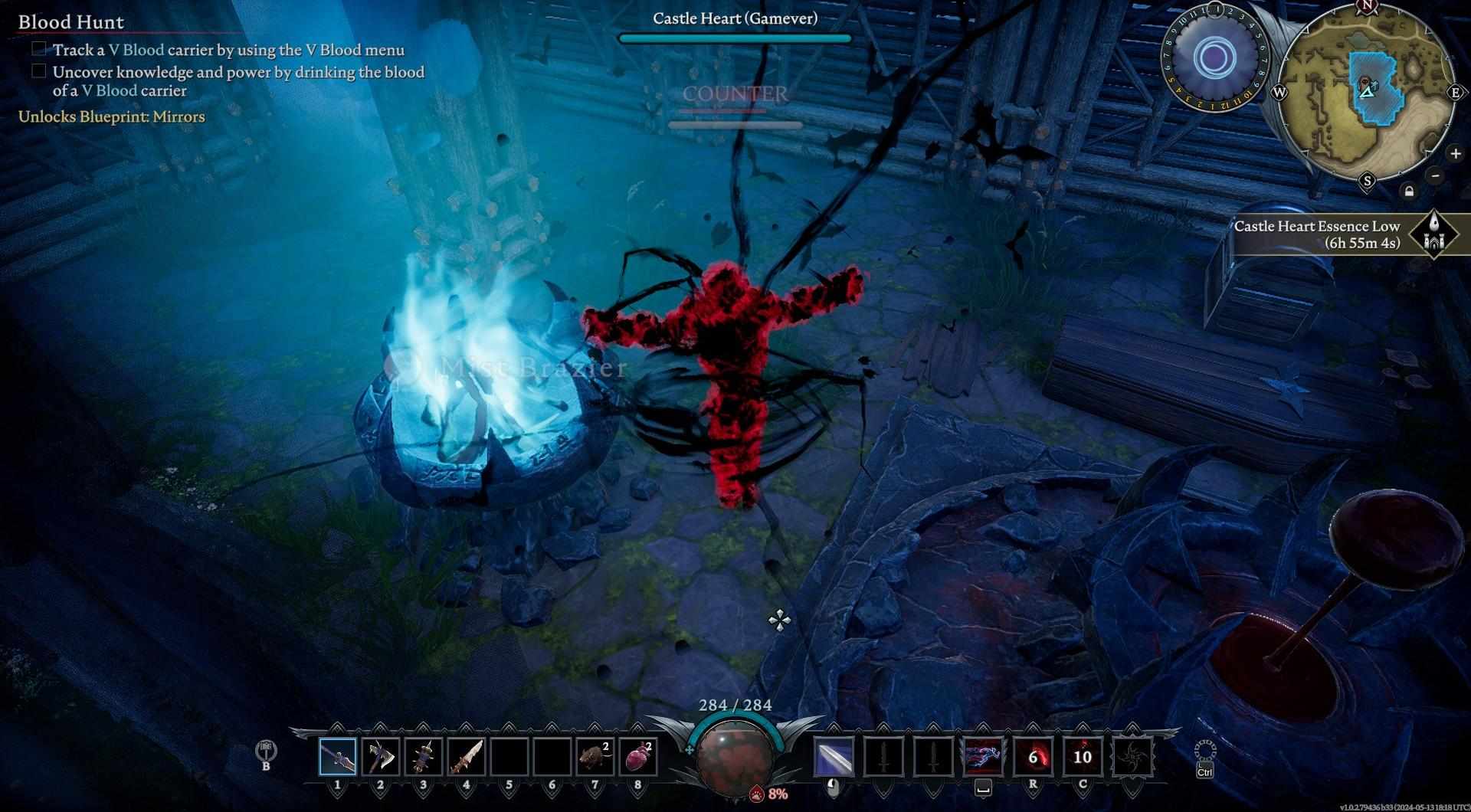
Check Your Hardware and Software
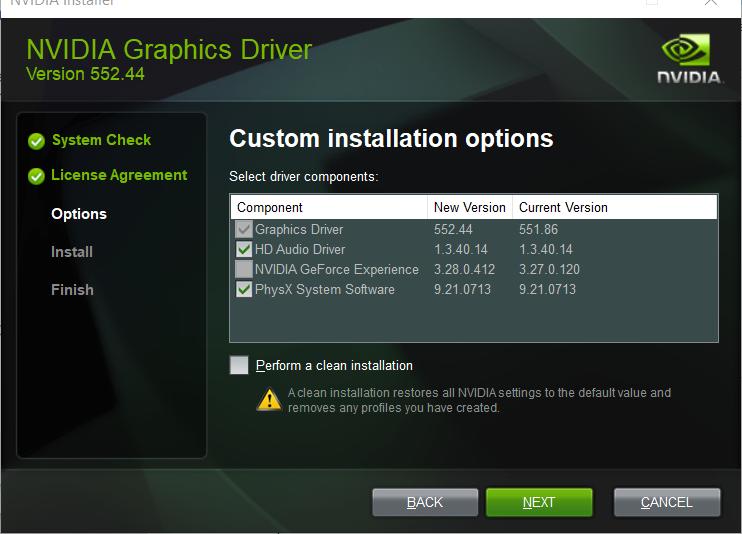
Update Your GPU Drivers: Don't let outdated drivers suck the life out of your game. Update your GPU drivers for a quick FPS boost.
Manage CPU and Memory Usage: Keep an eye on your Task Manager and shut down any resource-hogging processes before diving into the game.
Optimize In-Game Settings
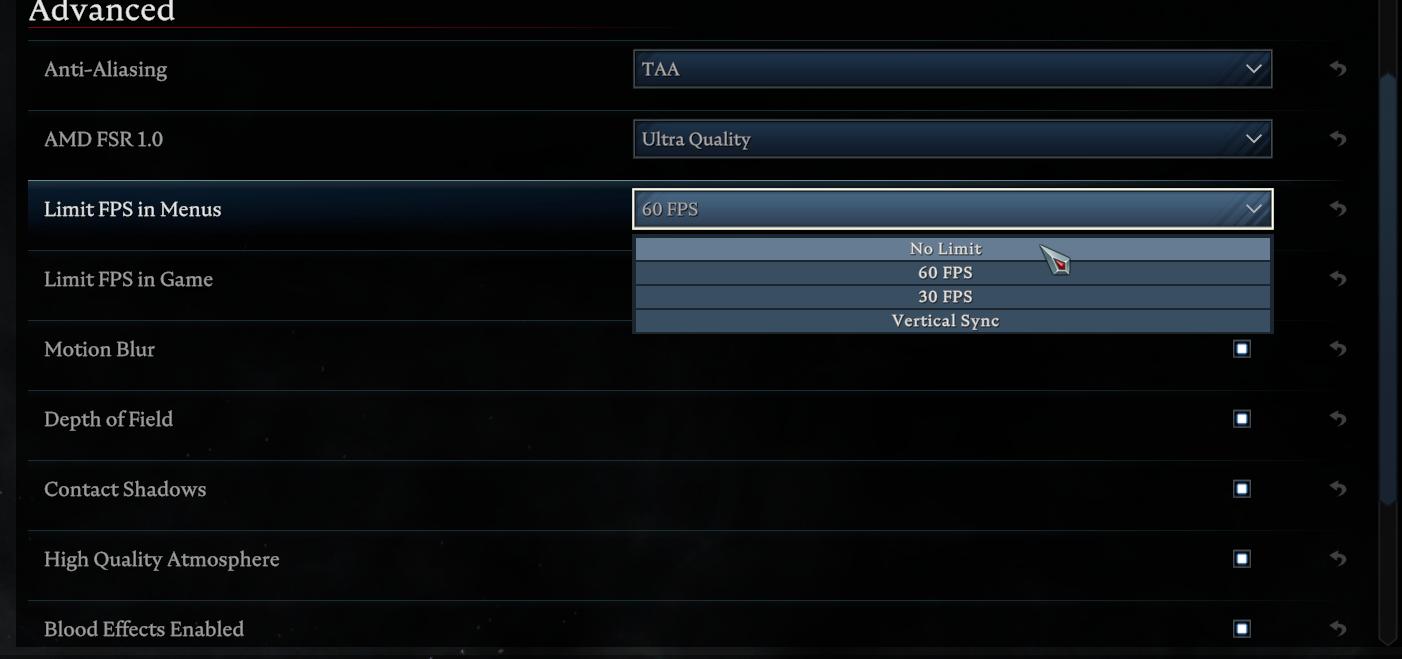
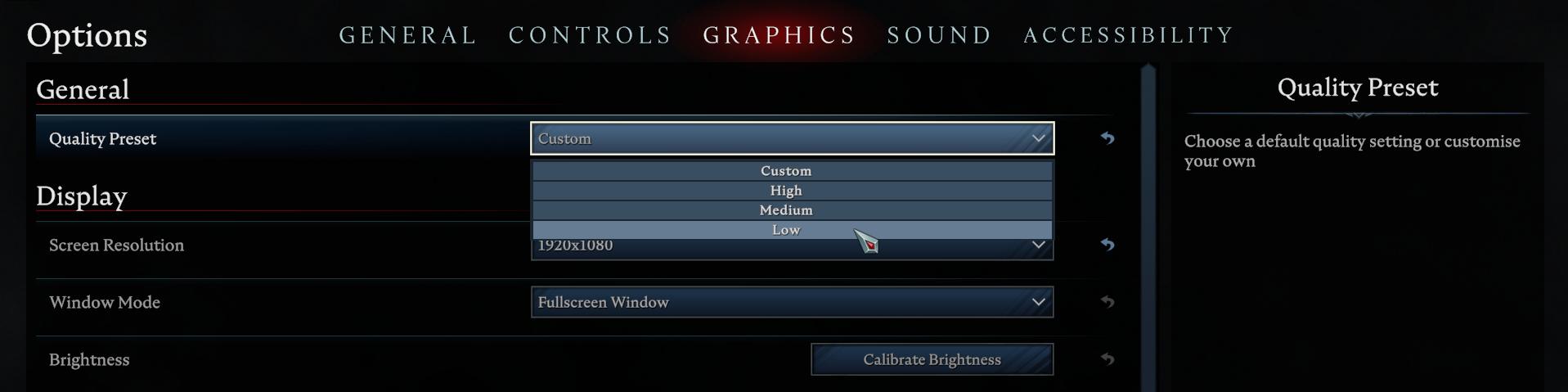
Fine-tune your in-game settings for smoother performance in V Rising:
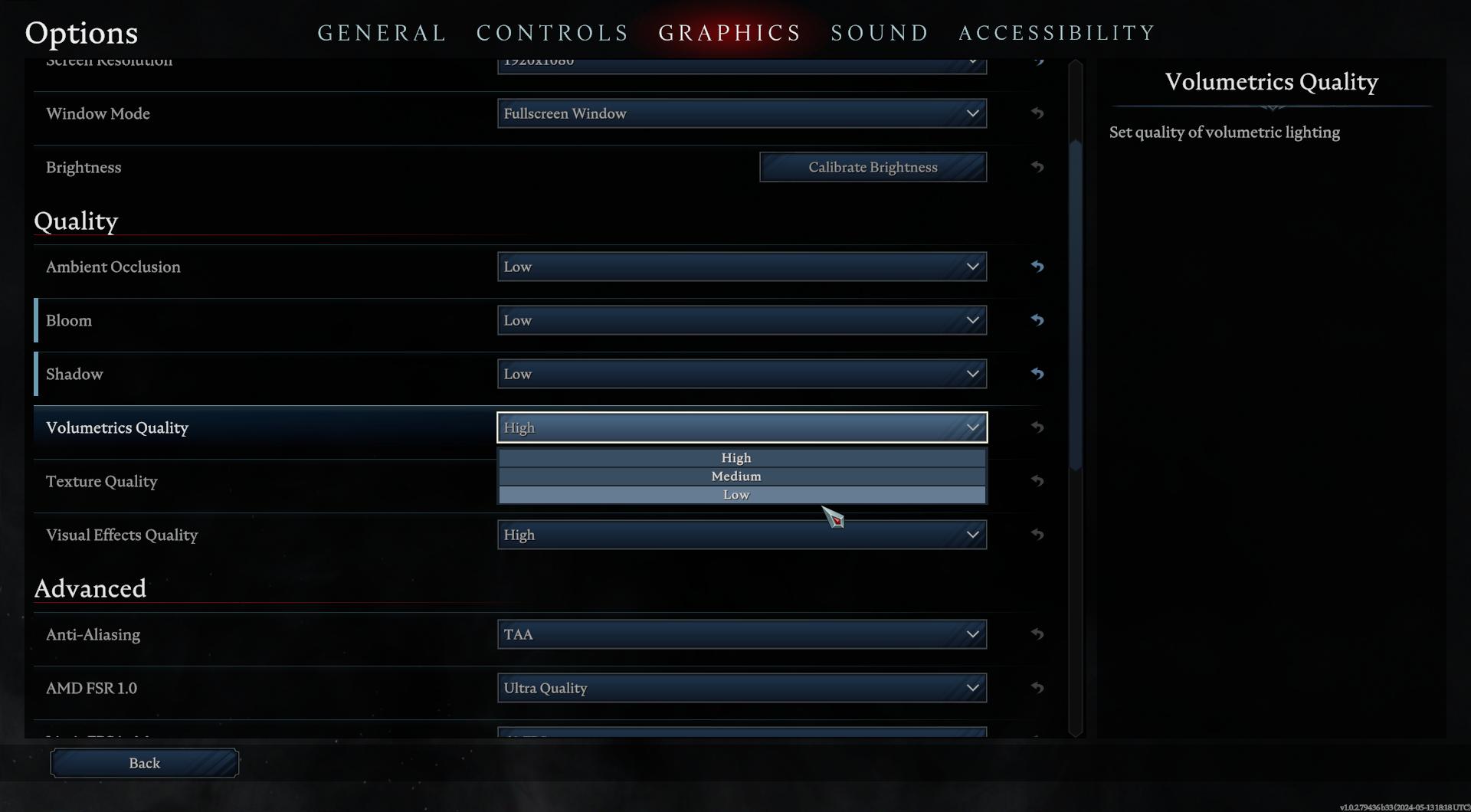
Ambient occlusion: Enhances texture, light, and shadow contact points. Lowering this detail before reducing texture quality can aid performance.
Shadows: Adjusting shadow settings impacts performance differently, ranging from CPU-intensive shadow volumes to GPU-intensive ray tracing. Lower settings like medium or low can boost FPS without significant visual impact.
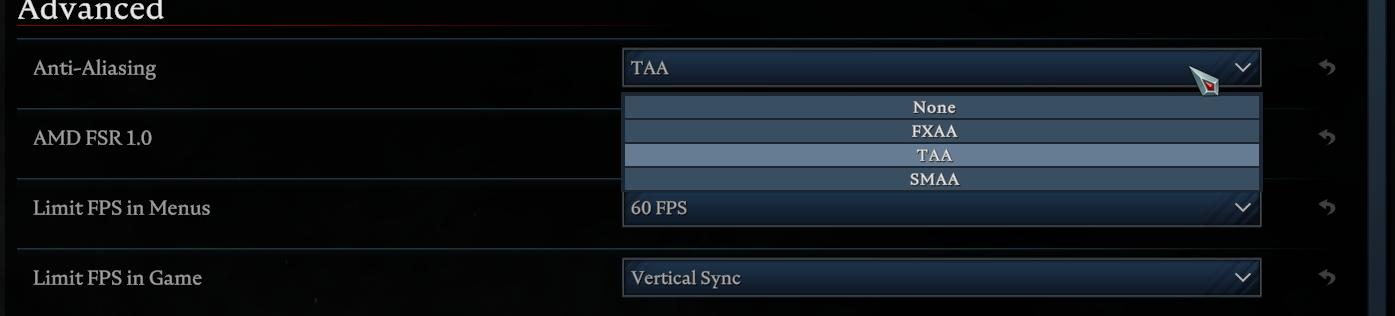
Anti-aliasing (AA): AA smooths jagged edges by sampling pixels and filling gaps. Reducing the sample rate (e.g., from 4x to 2x) or using less GPU-intensive forms like FXAA can improve performance and FPS.
Dynamic reflections: Rendering scenes twice for reflections can be GPU-intensive. Sacrificing reflection quality in fast-paced games may yield extra frames.
Volumetric lighting: Adds depth to light shafts, but can impact performance significantly due to complex rendering.
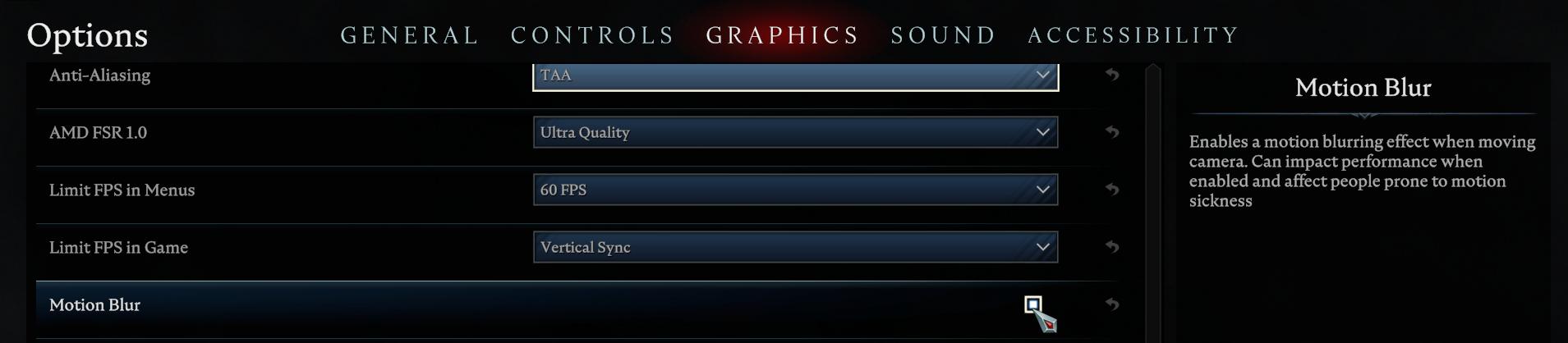
Motion blur: Simulates camera blur during movement. While it can mask low frame rates, it may slightly impact performance.
Understanding Low FPS
Low frame rate can ruin your gaming experience, turning smooth gameplay into a sluggish crawl. It happens when your hardware struggles to keep up with the demands of the game.
Your graphics card, CPU, and RAM work together to render each frame, and if any component can't keep pace, you'll experience a drop in FPS.
Importance of High FPS
High FPS isn't just about visuals; it's about performance. A higher frame rate means smoother, more lifelike movements in-game, giving you a competitive edge. But remember, your monitor's refresh rate sets the upper limit for FPS. So, aim for FPS that matches or exceeds your monitor's refresh rate for the best experience.
By understanding the factors influencing FPS and making the right adjustments, you can enjoy a smoother and more immersive gaming experience in V Rising. Unlock the full potential of V Rising with these FPS optimization tips and get ready to immerse yourself in the world of vampire survival like never before!