
How to Handle Dynamic Prices in Rust
What’s the Big Deal About Dynamic Pricing?
In the latest Rust update, NPC vending machines have gotten a serious makeover with dynamic pricing. This means that the cost of items now shifts based on their demand and availability, much like the stock market but way more fun and less stressful. Imagine you’re buying a Jackhammer one day, and it costs you a hefty amount of Scrap. A few hours later? It might be cheaper or even more expensive, depending on how much other players are buying or selling.
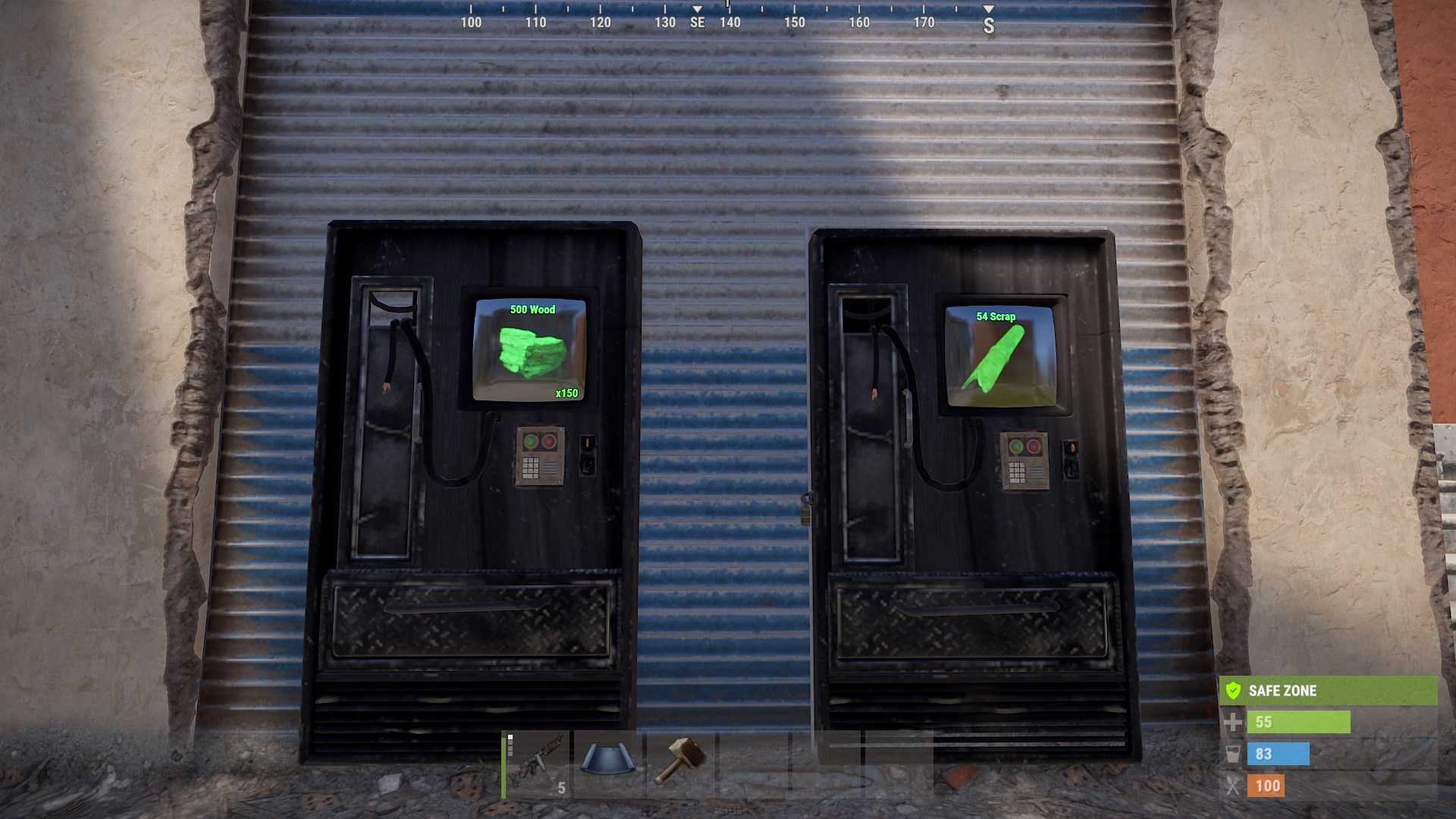
How It Works
Dynamic pricing in Rust operates on a system of ‘ticks,’ which are essentially in-game hours. Here’s the lowdown:
1. The pricing updates every in-game hour by default. So, after 24 ticks, you get a full day of price changes.
2. Items in high demand will see their prices go up by 10% or more, while less popular items might get a discount of up to 5%. The price increase cap is set at 200%, and discounts can go down to 50%. The minimum price for anything is 1 Scrap.
3. Right after a server wipe, prices start at a whopping 100% higher than usual. It’s like sticker shock but in Rust.
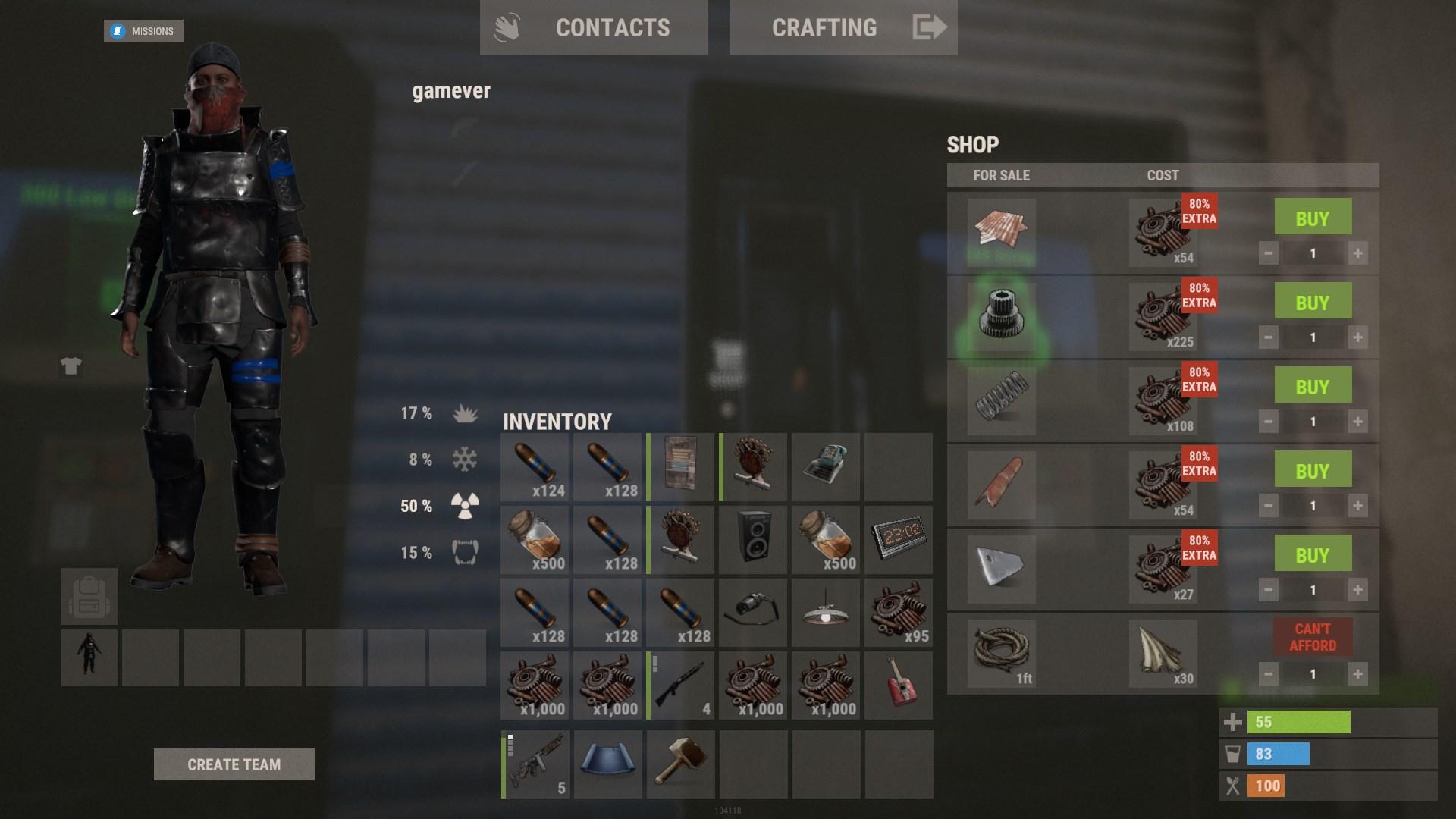
Why Dynamic Pricing?
The idea is to mirror real-world economics. When a server wipes and there’s a rush for new items, prices go up because demand spikes. Over time, as players accumulate resources and the initial frenzy settles, prices adjust downward. This system encourages players to adapt their buying strategies and take advantage of the fluctuating prices.
Mastering the Art of Dynamic Pricing
So, how can you turn these price swings to your advantage? Here’s how:
1. Use the map interface’s shop icon to keep an eye on current prices. Open the map and filter by Dollar Icon on the right side. Click on the shop icon displaying on the map to see the price information. This helps you spot when items are cheaper or more expensive and plan your purchases accordingly.

2. Prices for items like Jackhammers and SAM Sites might be high initially but could drop later. Stock up on essential items when prices are low, or wait out the high costs if you can afford to.
3. Items that are less in demand might be cheaper, so keep an eye on items like Smoke Grenades or Water Jugs. They might become surprisingly cheap and useful.
Control Your Pricing
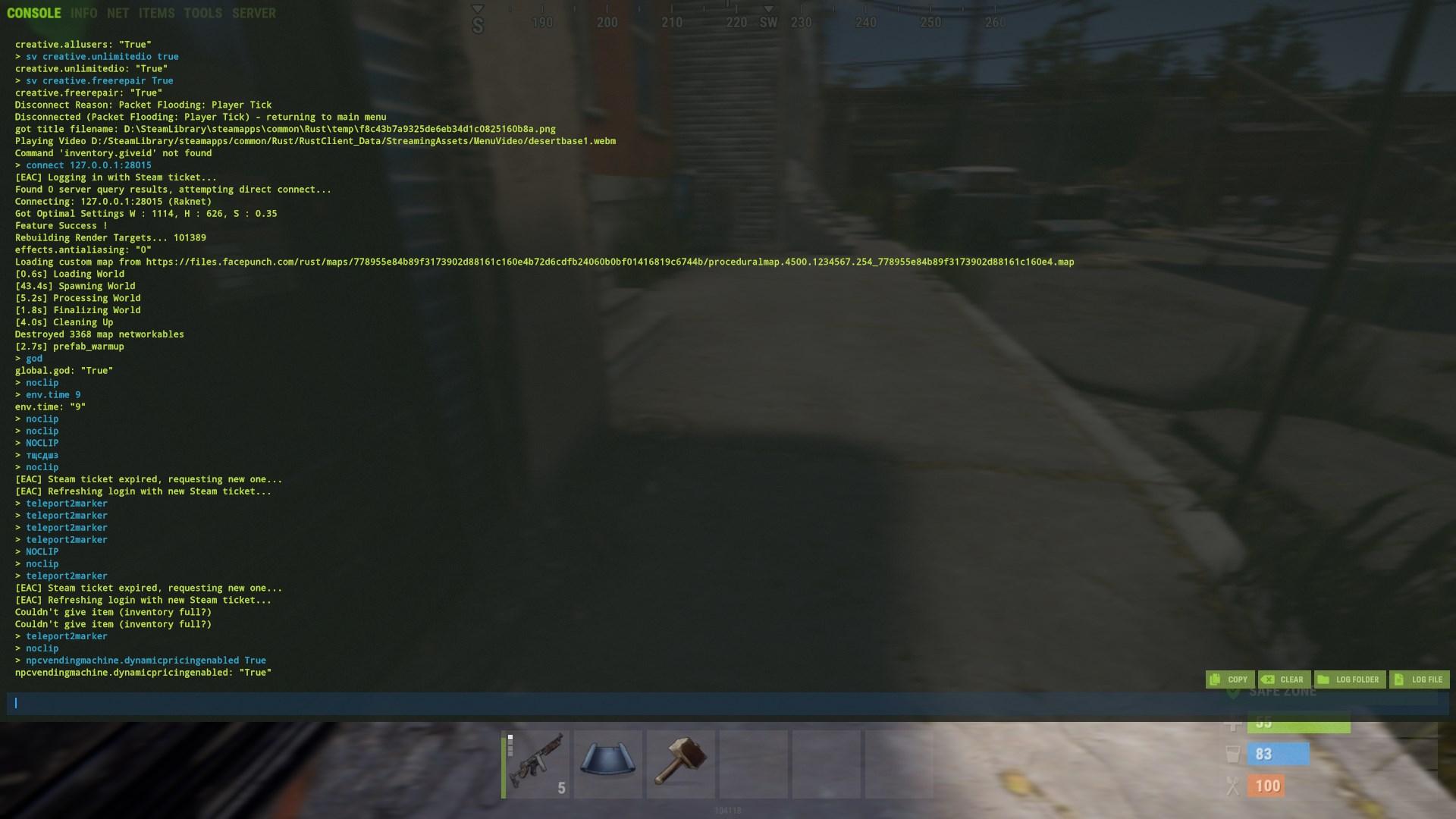
For server admins, you’ve got the power to tweak dynamic pricing settings. Press F1 to open Console. Here’s a quick rundown of useful commands:
- `npcvendingmachine.dynamicpricingenabled`: True or False. Turn the system on or off.
- `npcvendingmachine.intervalhours`: Set how often prices update (default is 1 hour).
- `npcvendingmachine.maximumpricemultiplier`: Cap for price increases.
- `npcvendingmachine.minimumpricemultiplier`: Cap for discounts.
- `npcvendingmachine.startingpricemultiplier`: Initial price increase after a wipe.
Tips & Tricks: Making the Most of Dynamic Prices
1. Regularly check prices to find patterns or deals.
2. If prices are too high, wait for them to drop before buying.
3. When prices drop, buy in bulk if you can.
Rust’s new Dynamic Pricing System is here to stay, and it’s all about making the game more realistic and strategic. Embrace the change, adapt your strategies, and you’ll find that you can navigate the fluctuating prices like a pro. Remember, the key to thriving in Rust is flexibility and quick thinking.