
How to Hack Money in Icarus Update
Accessing the File System
Begin by navigating to your computer's file manager. Locate your main user account directory, typically under C:\Users\[Your Username]. Enable the visibility of hidden items by accessing the View tab and selecting the appropriate option. Inside the AppData folder, navigate to Local, then Icarus, then Saved, and finally Player Data. Within this folder, find the directory corresponding to your Steam ID. Inside, the file named `player.json` contains the data required for making modifications.
Adjusting the Data
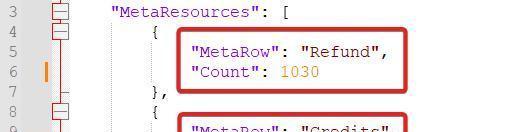
Open the `player.json` file using Notepad or a similar text editor. Inside this file, locate the lines that store your current credits and Exotics. These values might look something like this:
"credits": 925
"exotics": 100
Modify these numbers to your desired values, such as:
"credits": 10000
"exotics": 10000
Save the changes to the file once your edits are complete.
Activating the Changes
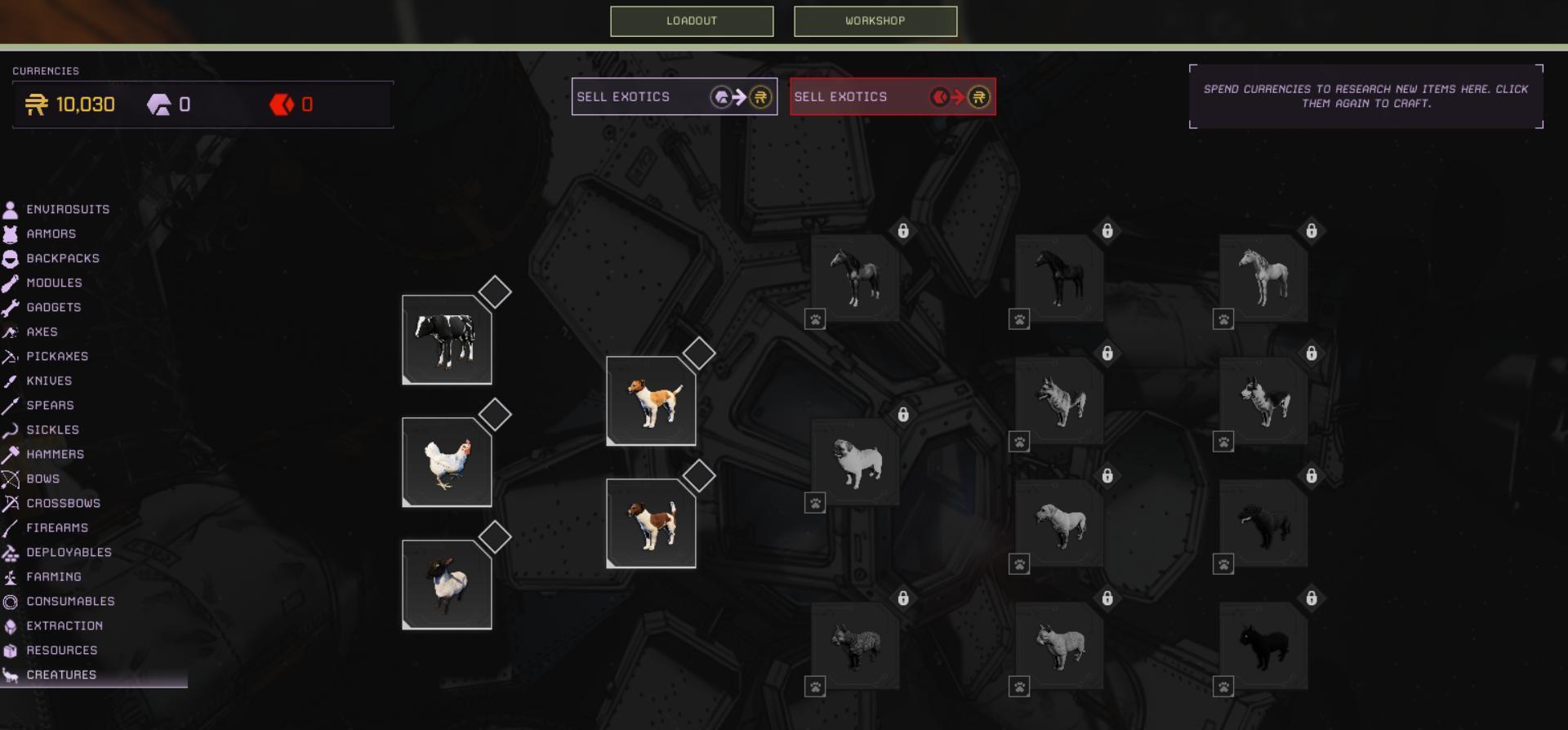
Reopen Icarus and access the character selection screen. Your updated credits and Exotics values should now reflect the changes made in the file. If not, return to the main menu and reload your character for the changes to take effect.
Precautions and Additional Edits
Before editing any files, create a backup of the Saved folder to prevent data loss in case of mistakes. Copy the folder to a secure location. In addition to credits and Exotics, this file allows adjustments to other game parameters, such as unlocking items or modifying talents. Explore cautiously, as unintended changes can disrupt gameplay.
Editing game files in Icarus allows for personal customization, enabling adjustments to credits, Exotics, and more. Always prioritize backups to ensure you can revert changes if necessary. Approach these edits responsibly and enjoy the enhanced gameplay experience.