
How to Hack Money Farming Simulator 25 using Multiplayer Session
Do you want more cash in Farming Simulator 25 but don’t want to use mods or do a ton of grinding? With this multiplayer farm creation trick, you can build up millions quickly on any platform. This method takes advantage of the game’s multiplayer feature to stack up funds easily and then transfer them to your single-player game. Here’s how to do it in just a few steps.
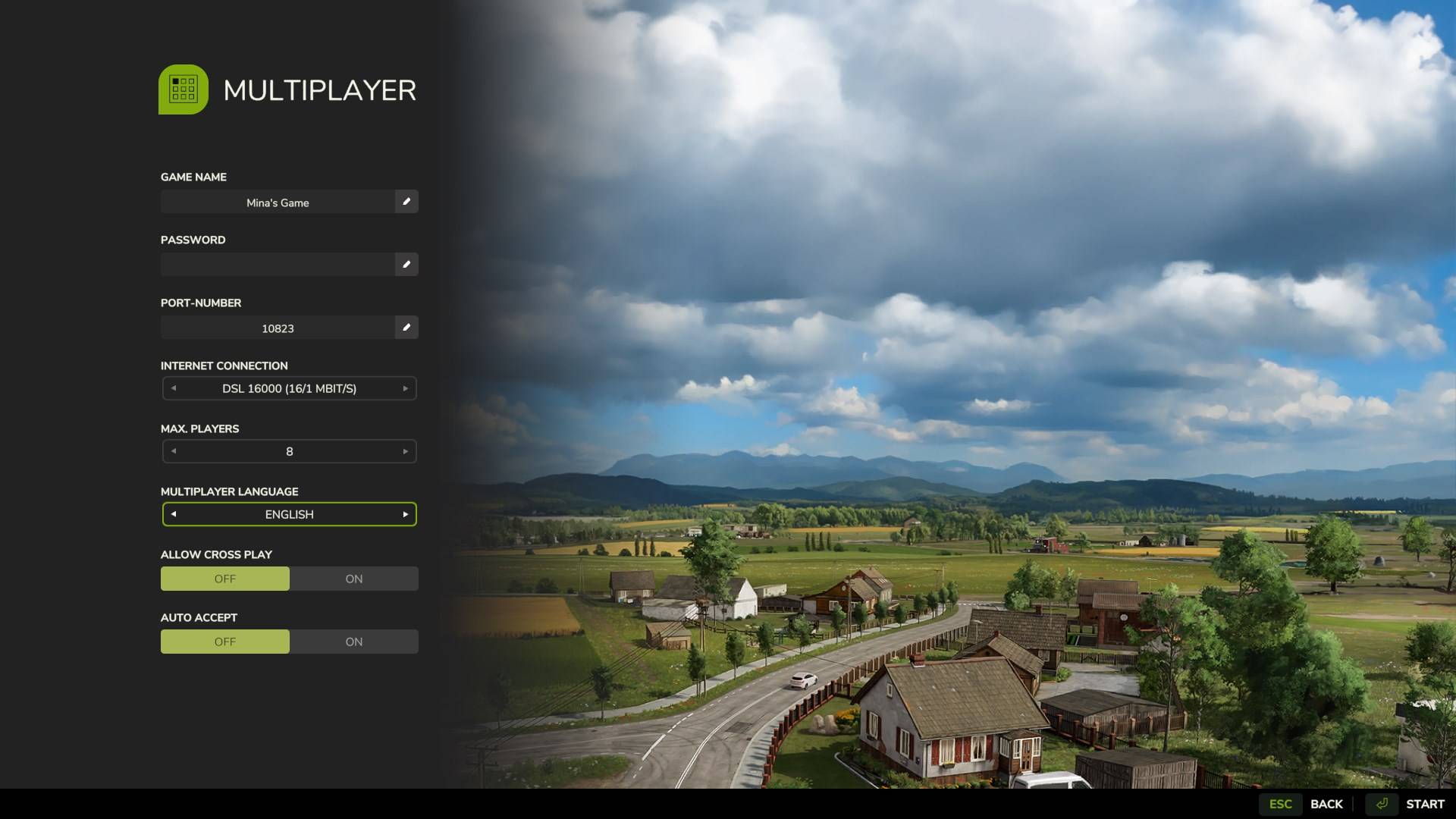
Step 1: Create a New Multiplayer Game
1. In the main menu, select “Create Game.”

2. Choose an empty save slot and pick any map you like. Riverbend Springs works well if you want a simple setup.
3. When selecting your starting funds, choose the highest option available, which is usually $1,000,000. This will give you a start in building funds.
4. Start the game.
Step 2: Create Multiple Farms to Stack Cash
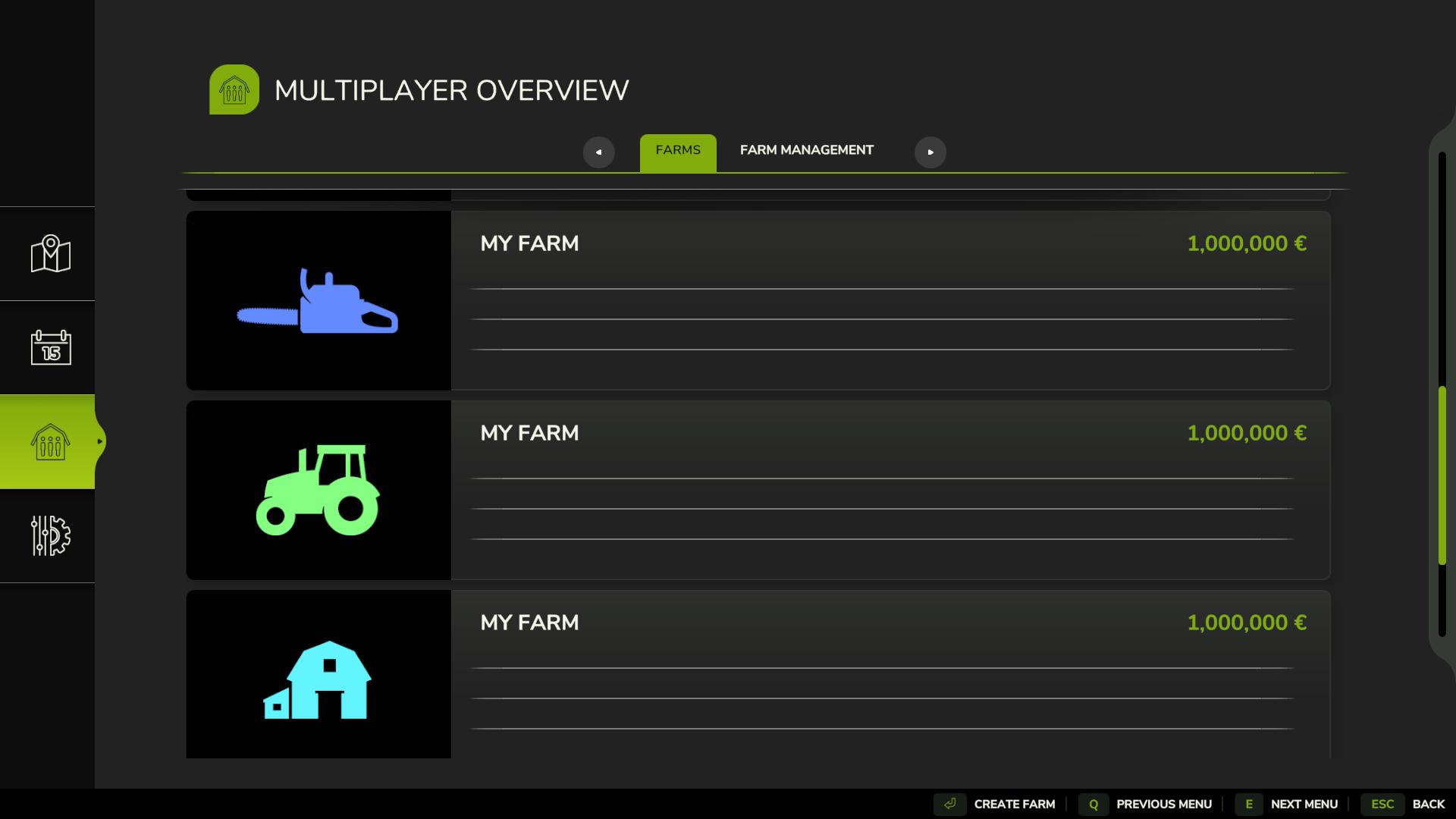
1. Open the Farms menu and select “Create New Farm” by pressing Esc.

2. Each time you create a new farm, you’ll get an extra $1,000,000 added to the total funds available.
3. Repeat this process until you reach the maximum number of farms allowed in multiplayer, which is typically eight farms. This means you’ll have around $7,000,000 in total after creating all possible farms.
If you want even more, you can reload this process in a new multiplayer game to add another $7,000,000 or so.
Step 3: Save and Quit the Multiplayer Session
Now that you’ve stacked up some funds, it’s time to save the game so you can use the money in single-player mode:
1. Save the game from the menu to lock in your new balance.
2. Exit back to the main menu by quitting the multiplayer session.

Step 4: Load the Game in Single-Player Mode
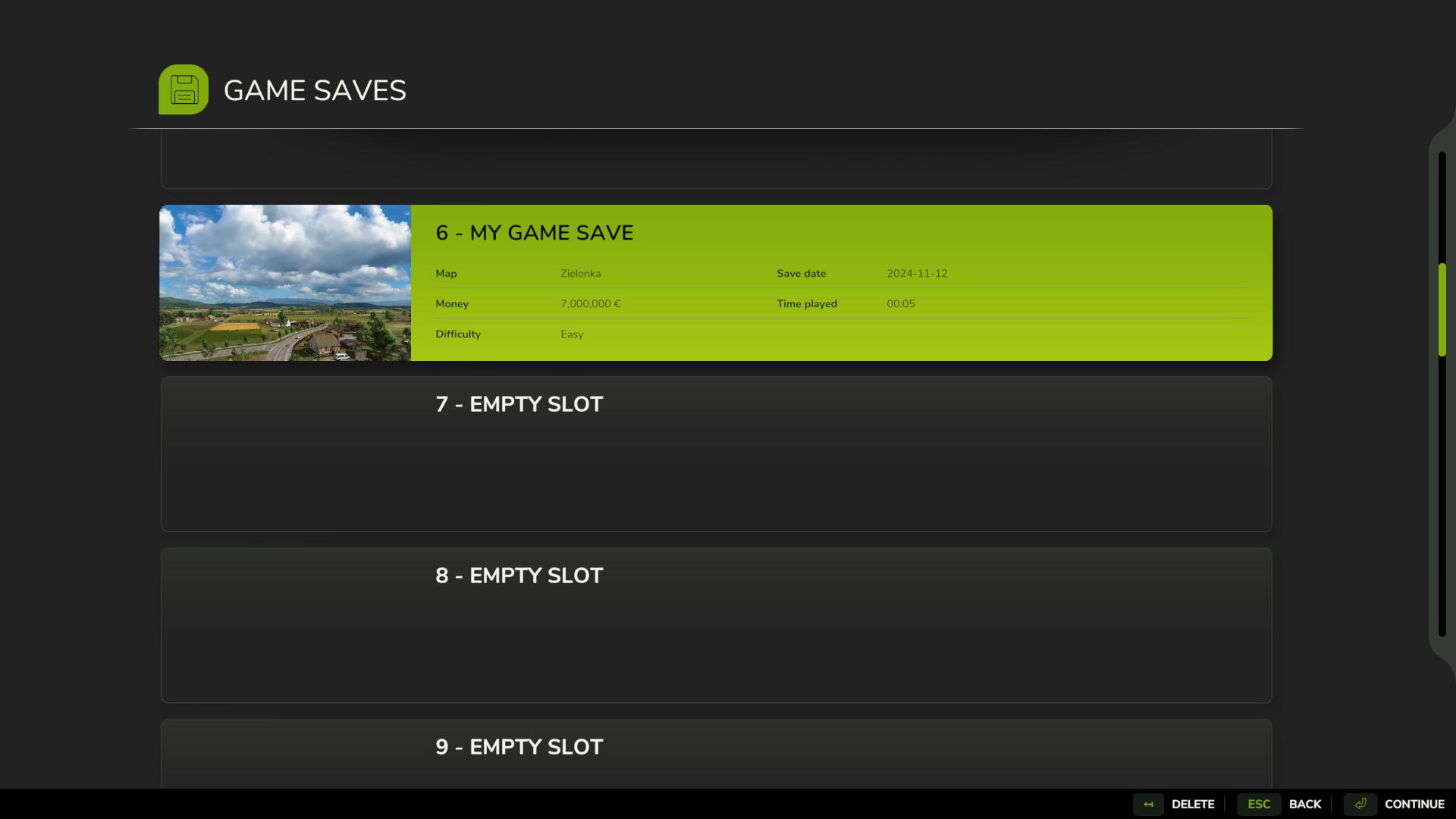
1. Go to Career Mode and select the save slot you used in multiplayer.
2. Load the game as a single-player session.
3. When the game loads, you’ll see a message confirming that all multiplayer farms have merged into one single farm. Your total funds should now reflect the combined balance from all created farms.
Step 5: Save to Lock in Your Funds
To make sure your balance is securely saved in single player, go to the menu and save your game one more time. Now, every time you load this save, your account will have the new total amount.

The multiplayer farm creation trick is a simple way to quickly add millions to your account without mods or file editing, and it works on every platform. With this trick, you can set up large-scale farms, buy new equipment, or just experiment freely with the game. Repeat the process if you want even more cash—there’s no limit to how much you can stack!