
How to grow trees in Minecraft?
The captivating world of Minecraft, an open-ended sandbox game renowned for its limitless creative potential, offers players an opportunity to tap into their innate skills of exploration, creativity, and survival. One of the critical tasks that a player must master in Minecraft is tree farming. Trees are fundamental resources, supplying necessary materials such as wood for building structures and crafting tools and apples for sustenance. This guide will take you through a step-by-step process on how to effectively grow trees in Minecraft. By the end, you'll be well equipped to create a sustainable source of wood and transform the landscape of your virtual world.
Understanding Tree Varieties in Minecraft
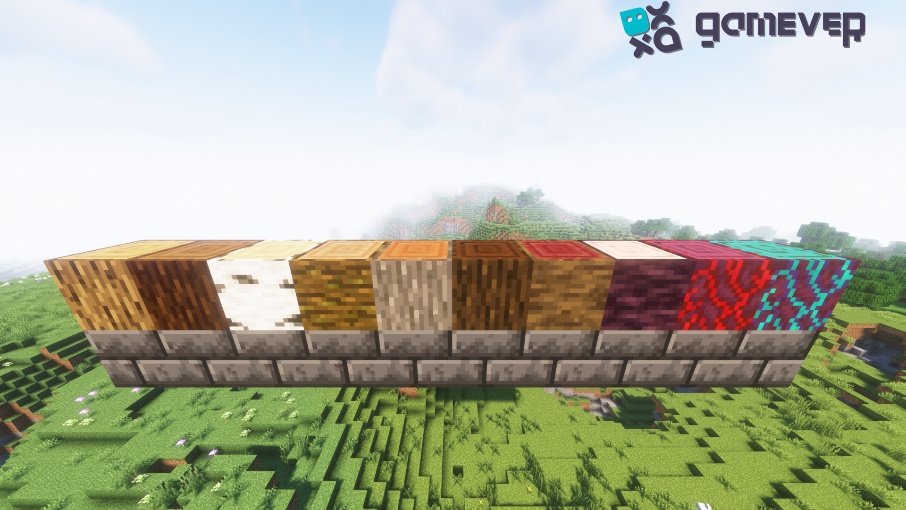
Minecraft hosts six major types of trees: Oak, Spruce, Birch, Jungle, Acacia, Dark Oak, Mangrove, Cherry, Crimson, Warped. Each type has its own unique features and wood color. The first step towards successful tree farming is understanding these different types and their distinct characteristics.
Gathering Tree Saplings
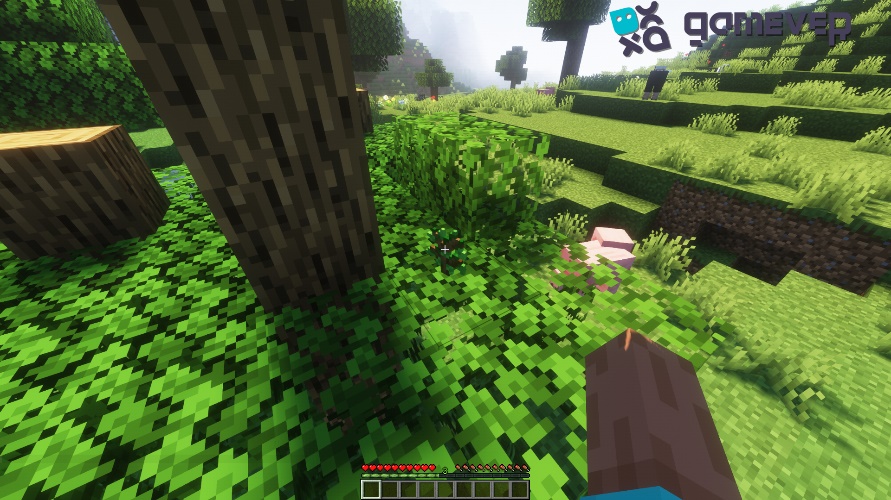
Regardless of the type of tree you intend to grow, the process begins with collecting saplings. Saplings are acquired by breaking tree leaves. As you explore the Minecraft world, remember to destroy tree leaves, and they'll occasionally drop saplings for you to collect.
Acquiring Bonemeal
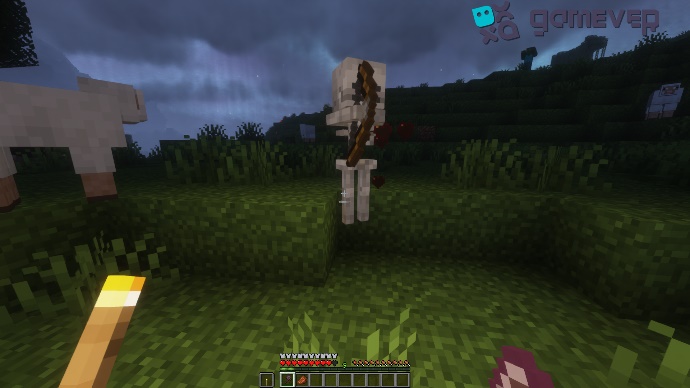
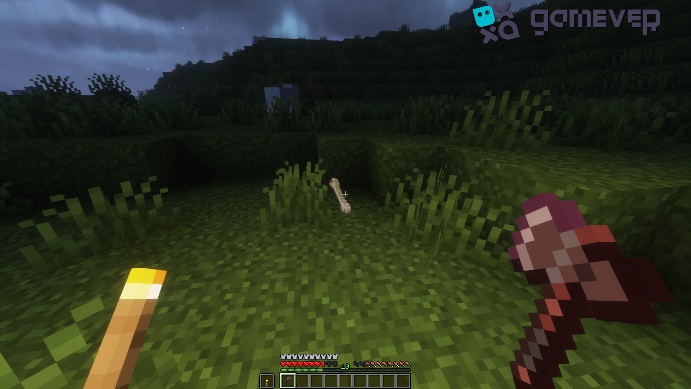
The next item you need is bone meal, a type of fertilizer that speeds up the tree's growth process. Placing bones in your crafting grid—typically those you've collected from defeated skeletons—creates bonemeal.

Choosing Your Tree Farming Location
Choosing the right location for your tree farm is essential. Keep in mind that different tree types require varying amounts of space to grow. For instance, Oak trees need at least 5 blocks of height, while Jungle trees can grow up to 30 blocks high.
Planting Your Tree
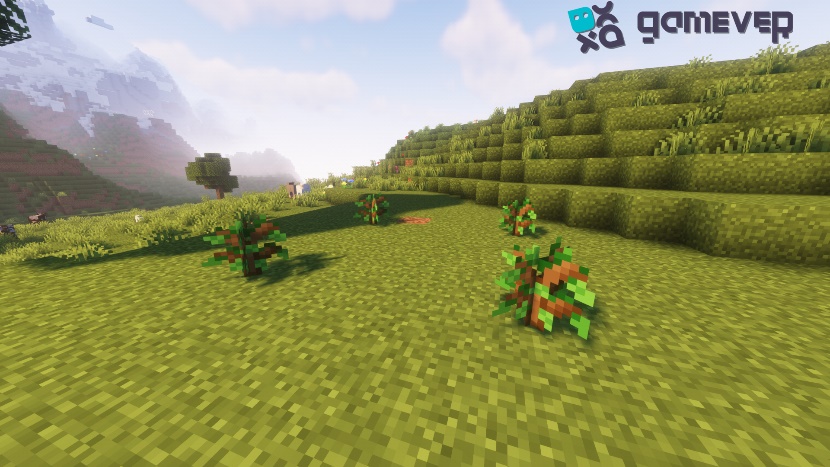
After acquiring your saplings and choosing the right location, it's time to plant. To do this, right-click the block where you want the tree to grow while holding the sapling.
Using Bonemeal
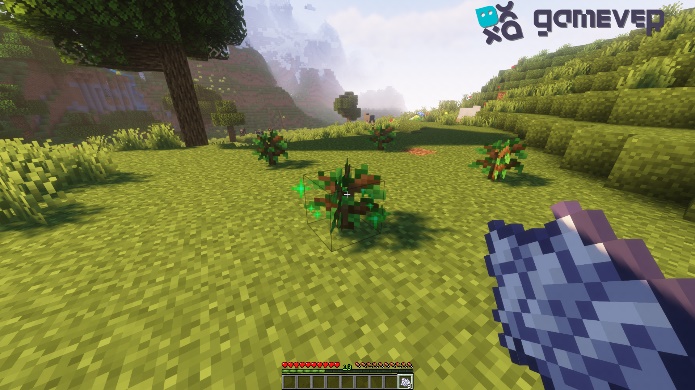
To expedite the tree's growth, use bone meal. To apply bone meal, right-click on the planted sapling. You'll notice a burst of green particles, indicating a successful application. The number of applications required before a tree grows varies.
Wait, Harvest, and repeat.
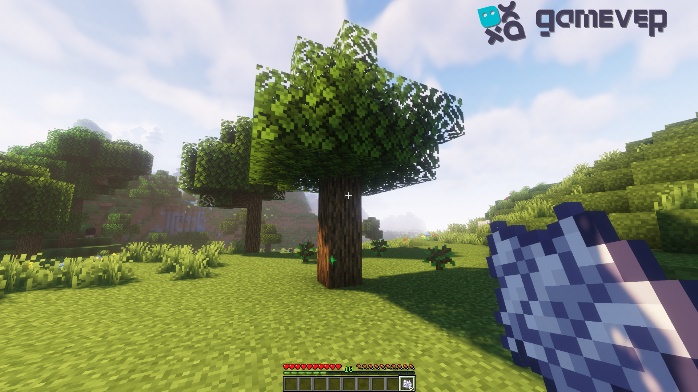
After applying bone meal, you need to be patient. Eventually, the sapling will grow into a fully mature tree. Once grown, you can harvest the wood with an axe and repeat the process with the newly dropped saplings.
Considerations for Large-Scale Tree Farming
As you progress in Minecraft, you may need to scale up your tree farming to meet the increased demand for wood. Key considerations for large-scale tree farming include adequate spacing between trees, ensuring sufficient light levels for sapling growth, and creating an organized layout for easy harvesting and replanting.
Adding a Touch of Strategy
Becoming an expert tree farmer in Minecraft requires some strategy. For instance, growing trees in a checkerboard pattern can be more effective, allowing all saplings enough light and space to grow. Also, incorporating automation using Redstone contraptions can save time and effort in harvesting and replanting.
Conclusion
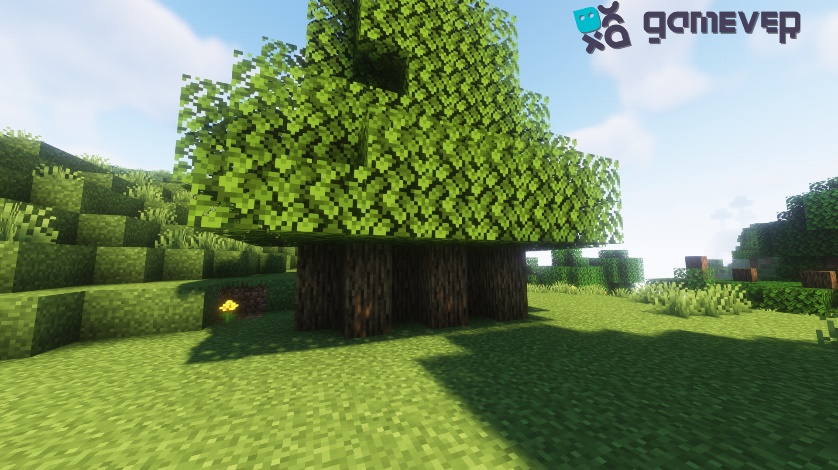
Tree farming in Minecraft is an integral part of the game's survival and creativity elements. With the right knowledge, resources, and strategies, you can become an adept tree farmer, contributing to your Minecraft world's beauty and resources. Take time to understand different tree types and their requirements, and incorporate strategic planning for efficient tree farming.
Now that you know how to effectively grow trees, why not elevate your gaming experience by exploring the fantastic world of Minecraft with your friends? Gamever, a service that lets you rent a server, provides a smooth, lag-free gaming experience, enabling you to take your Minecraft skills to new heights. Get started today and join the world of fun, creativity, and endless adventure with Gamever servers.