
How to Get Water in Farming Simulator 25
In Farming Simulator 25, collecting water is straightforward with a few easy steps. Here’s how to set up the right equipment and get water from different sources across your map.
Choosing Your Water Tank
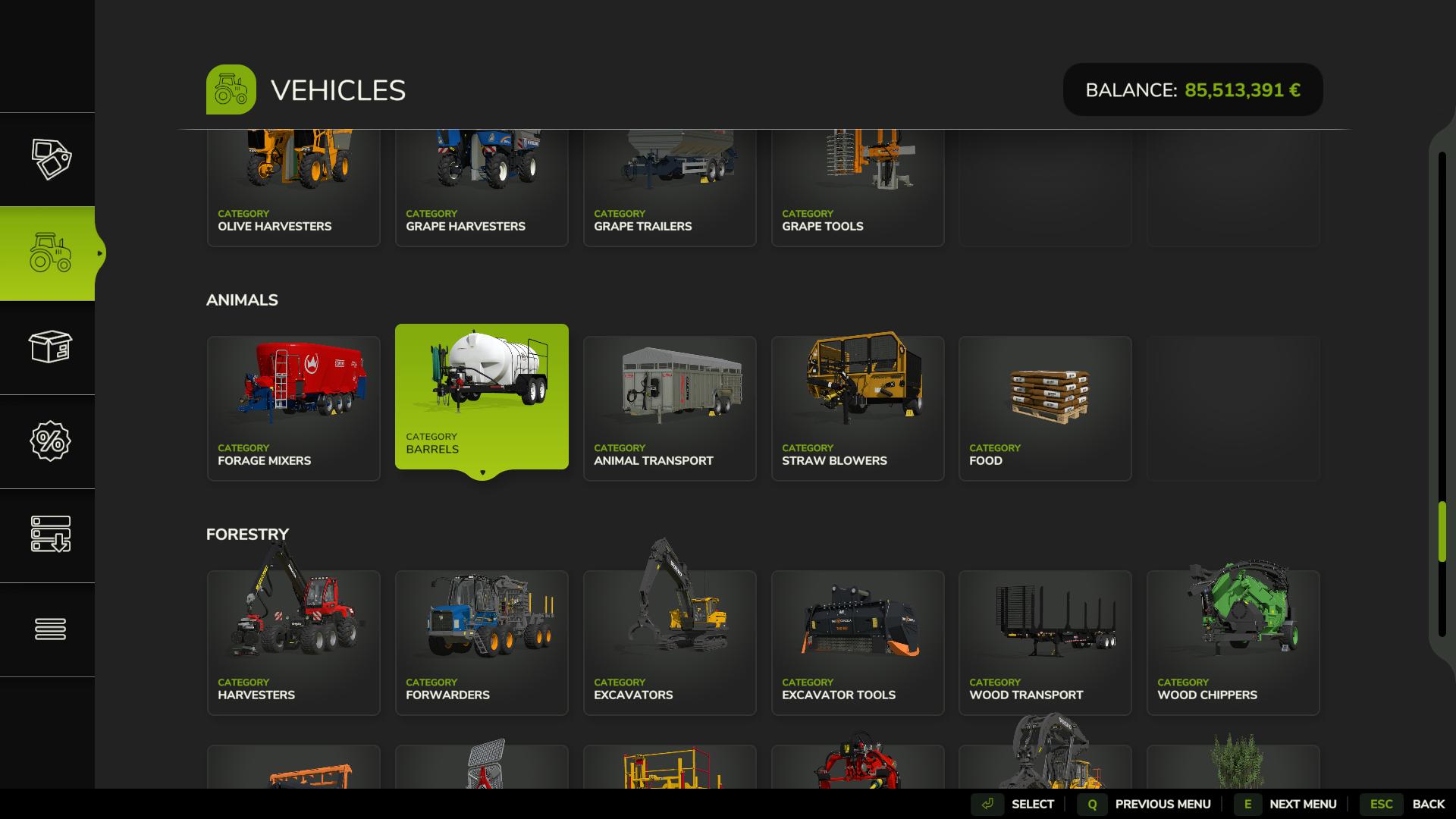
To start, get a water tank from the store. Go to the “Animals” section and choose a tank marked with the water droplet icon. Make sure to pick a tank that’s specifically designed for holding water, as some tanks are built for other liquids. Once you have the tank, attach it to a tractor.
Rivers and Lakes
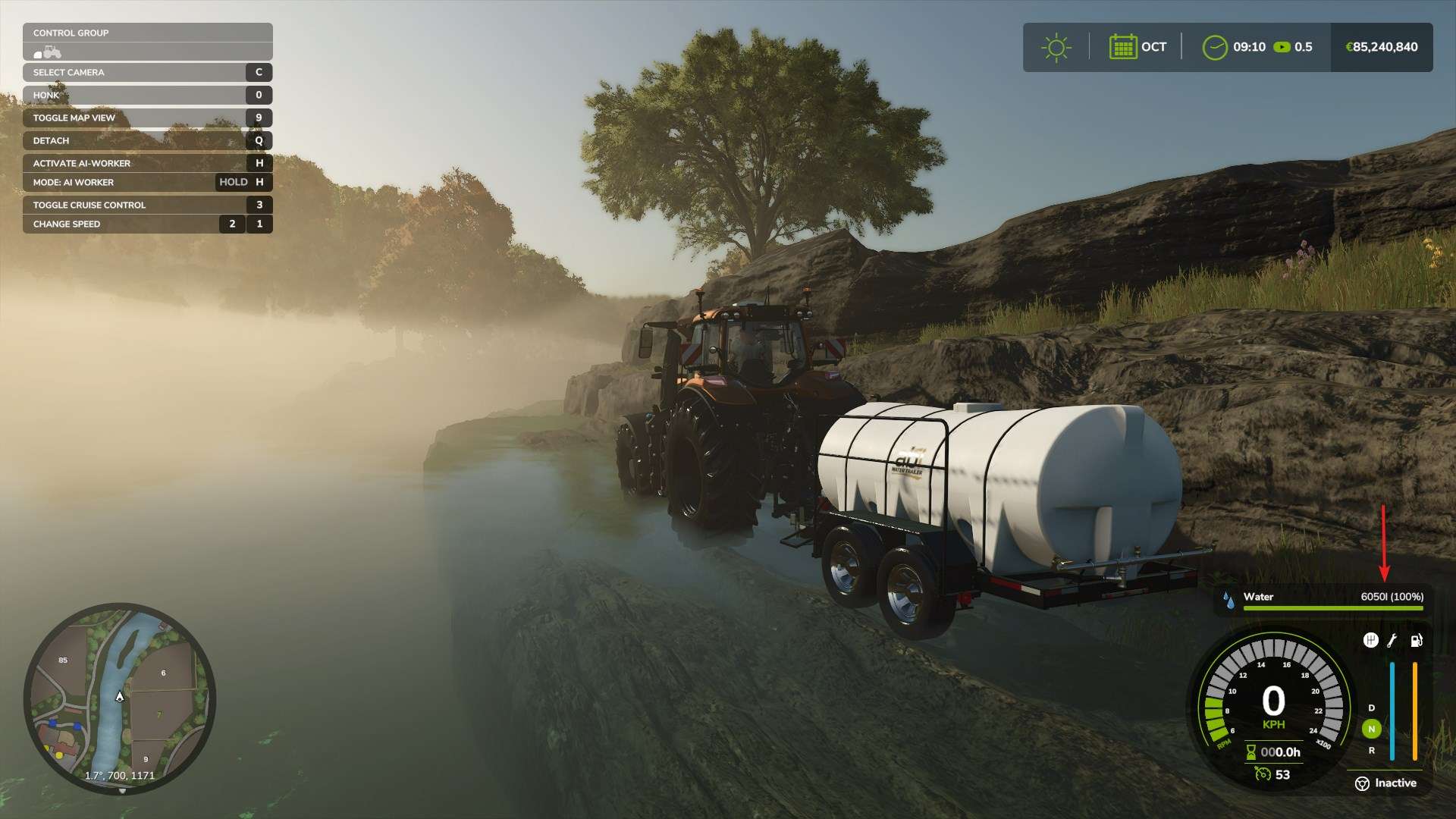
If you’re near a natural water source like a river or lake, simply drive your tank to the water’s edge. Park close, press ‘R’ to start filling the tank. Filling may take a moment, and this option is free, which makes it a popular choice.
Water Stations
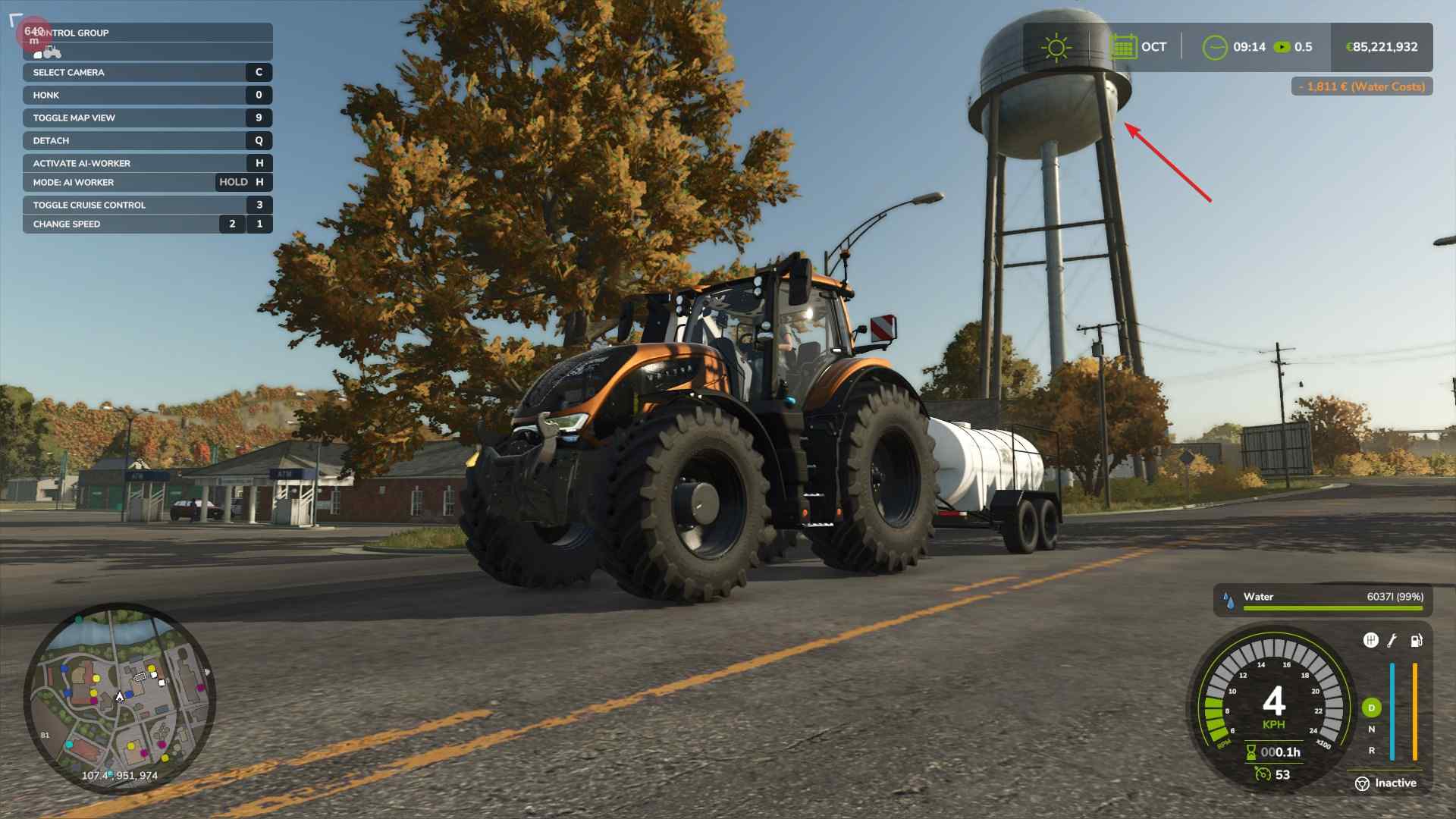
Many maps have dedicated water stations. Open your map to locate these stations, marked with a water tank icon. Drive your tank into the filling area, press the indicated button (often “R” on the keyboard), and the tank will fill up.
Buying Water
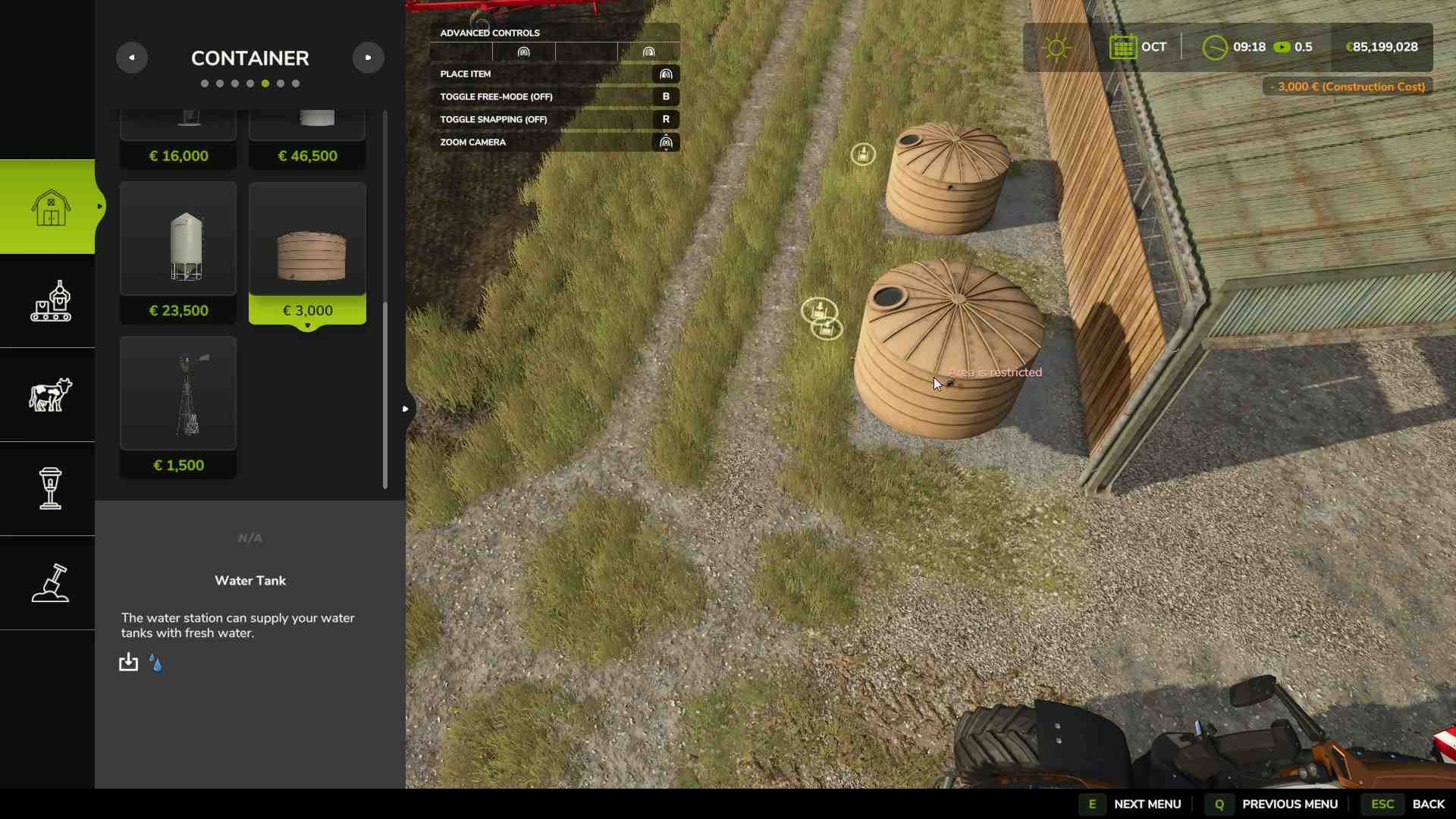
For a quicker option, you can buy a pre-filled water tank from the store’s “Containers” section. This option is more expensive, so it’s often used when time is a priority over cost.
Transporting and Unloading Water
After filling your tank, drive back to your farm or greenhouse. Park the tank near the designated water drop-off area and follow the prompt to start unloading. This will transfer the water where it’s needed until the tank is empty or the target is full.
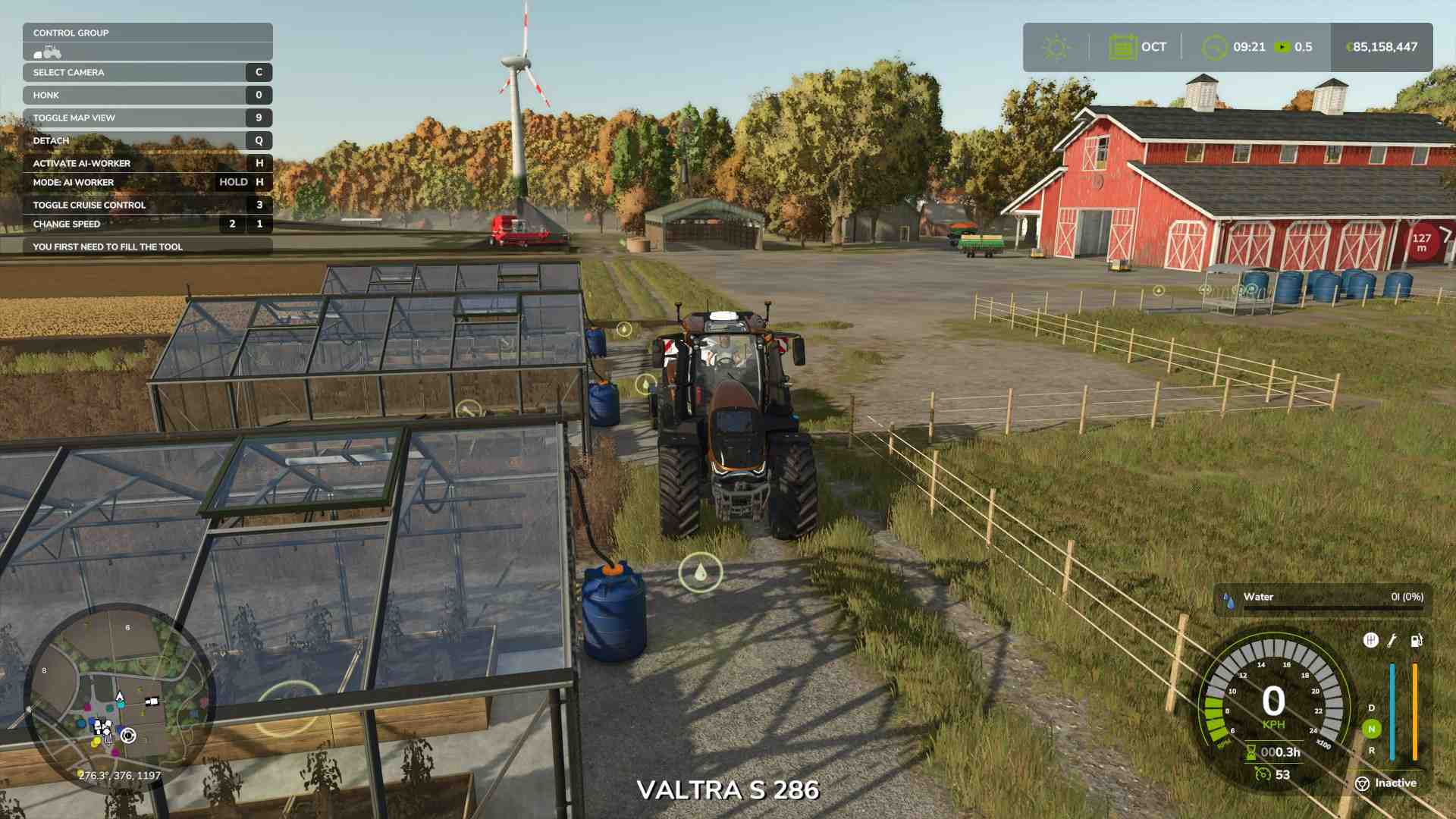
Setting up with a compatible tank and understanding the nearest water sources will keep your farm supplied. Use natural water sources for cost-free refills, or use stations and store options for quicker access.