
How to Get Seeds in Farming Simulator 25
In Farming Simulator 25, planting a successful crop starts with getting the right seeds. Whether you’re sowing wheat, corn, or even cotton, you’ll first need to visit the shop, pick up your seeds, and load them into your equipment. Here’s how to get set up with seeds, from finding the shop to loading up your seeder and hitting the field.
Buying Seeds from the Shop
To get seeds, open your map by pressing "ESC" and look for the shop icon. Once you find it, select “Visit” to go there directly. Keep in mind that you'll need to transport your purchases back to your farm, so it’s best to arrive at the shop with a vehicle that can handle cargo. Alternatively, you can buy seeds without visiting the shop by pressing “P” and navigating to the "Packs" tab.
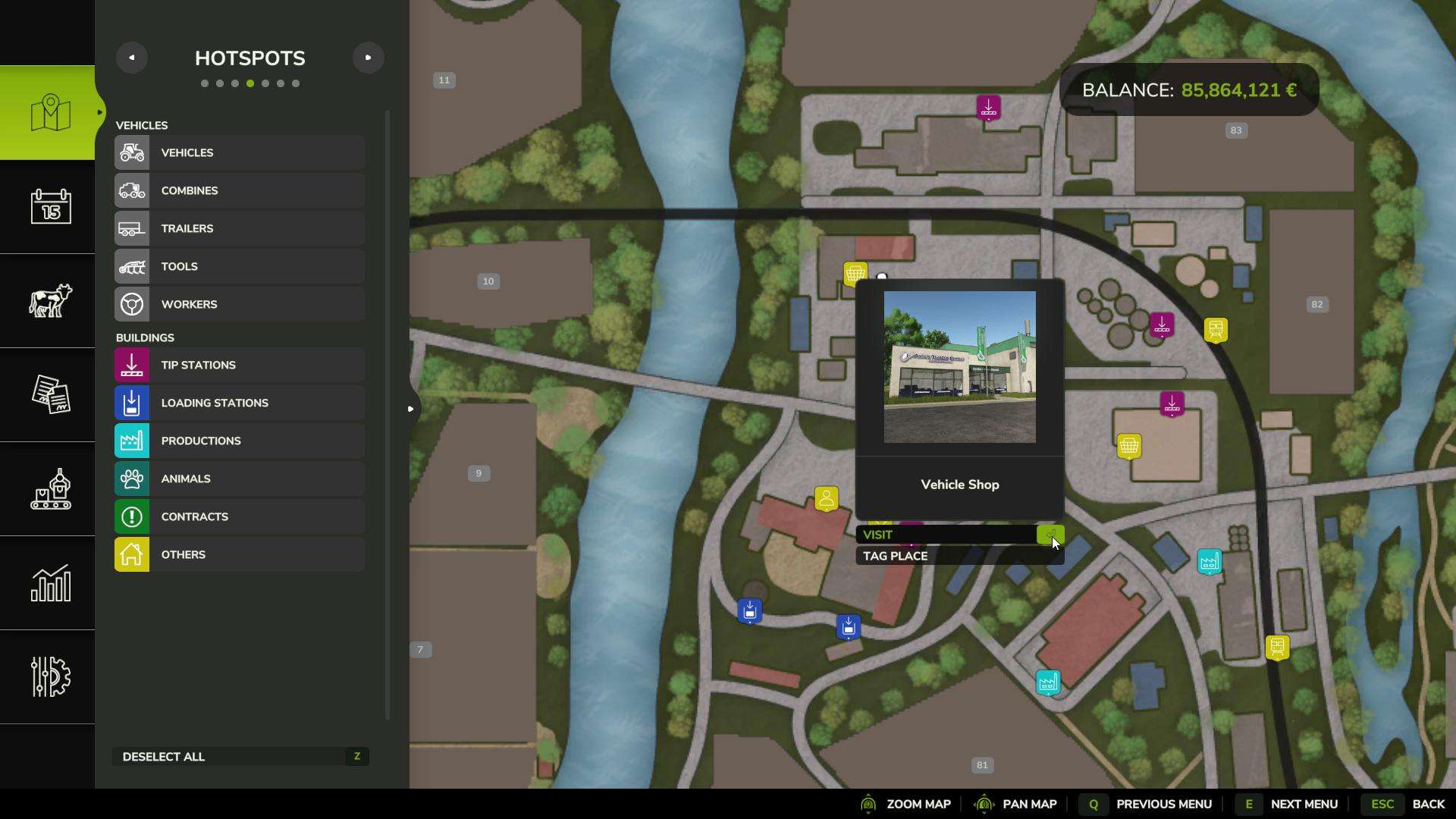
When you arrive, interact with the shop by pressing the “R” key (or the designated button on your console). This will open the shop menu, where you’ll be able to browse all the items you need for planting.
Selecting Seeds in the Shop
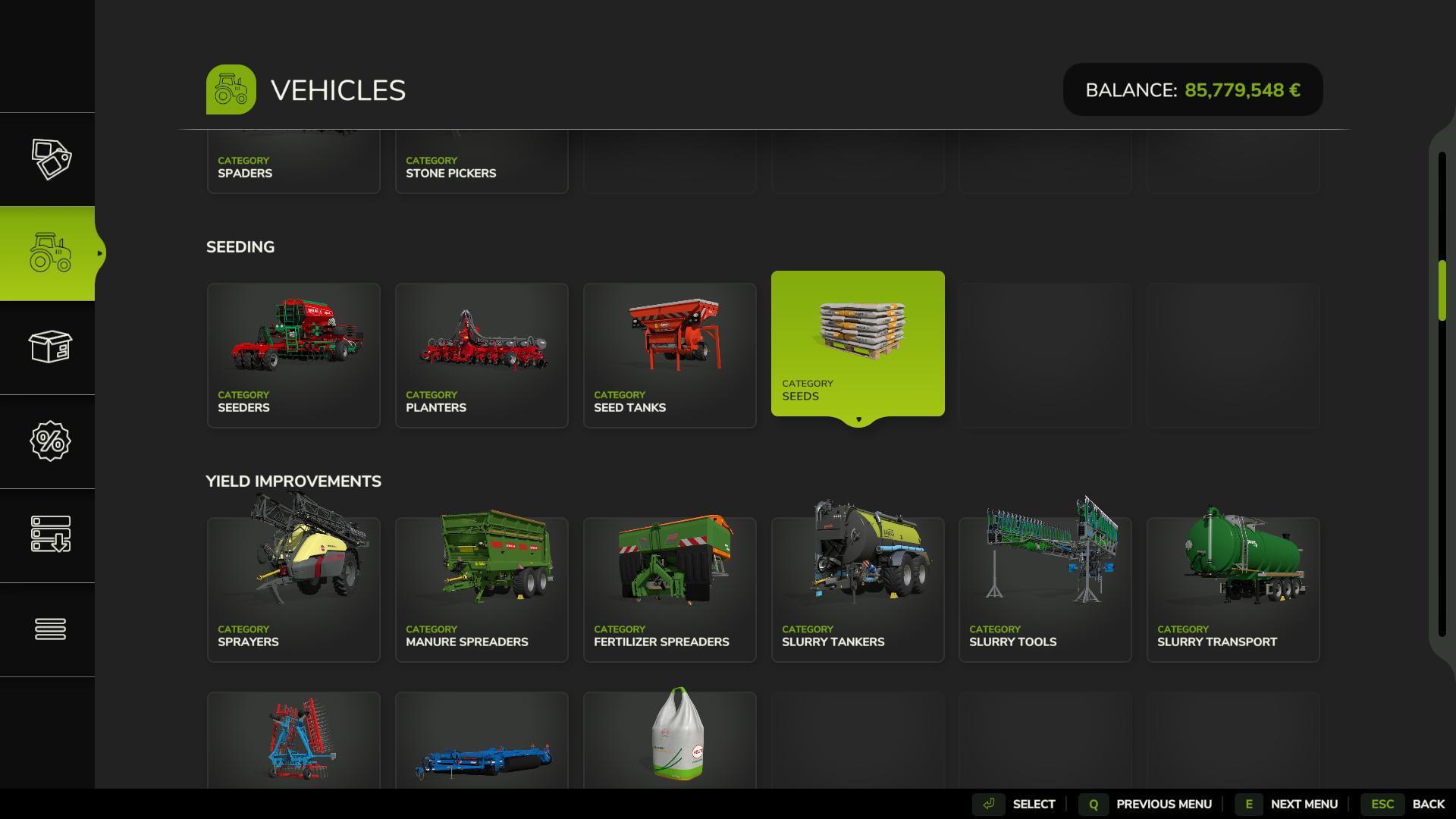
Inside the shop, go to the “Objects” section and then to the “Packs” subsection. Look for “Vehicles” in this list and scroll to the Seeding tab. Seeds in Farming Simulator 25 are universal, so one type works for all crops. Once you find the seeds, simply click on “Select” or press Enter.
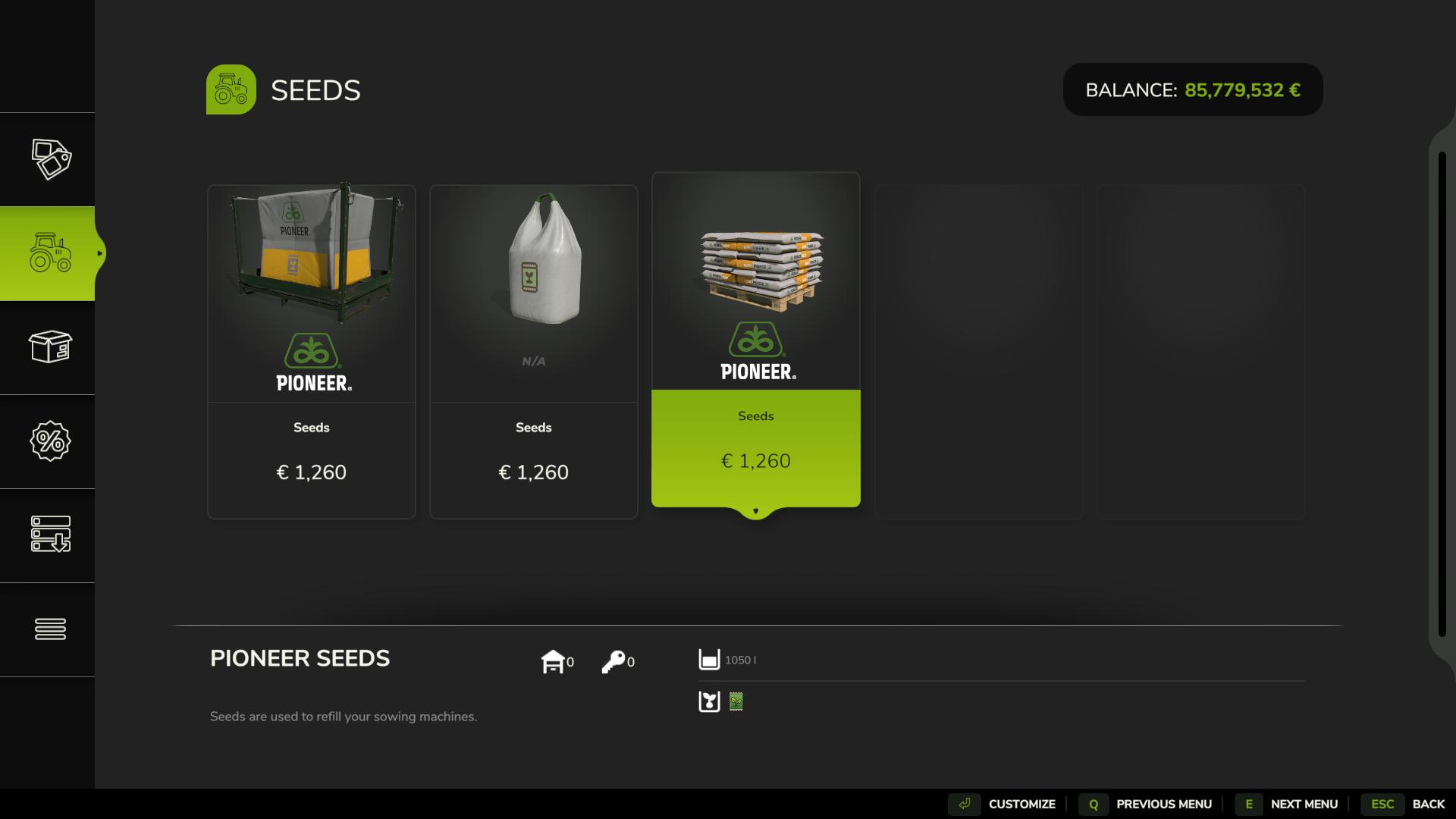
In the next Tab, select Seed container and click ‘Customize’, then choose the quantity you need.
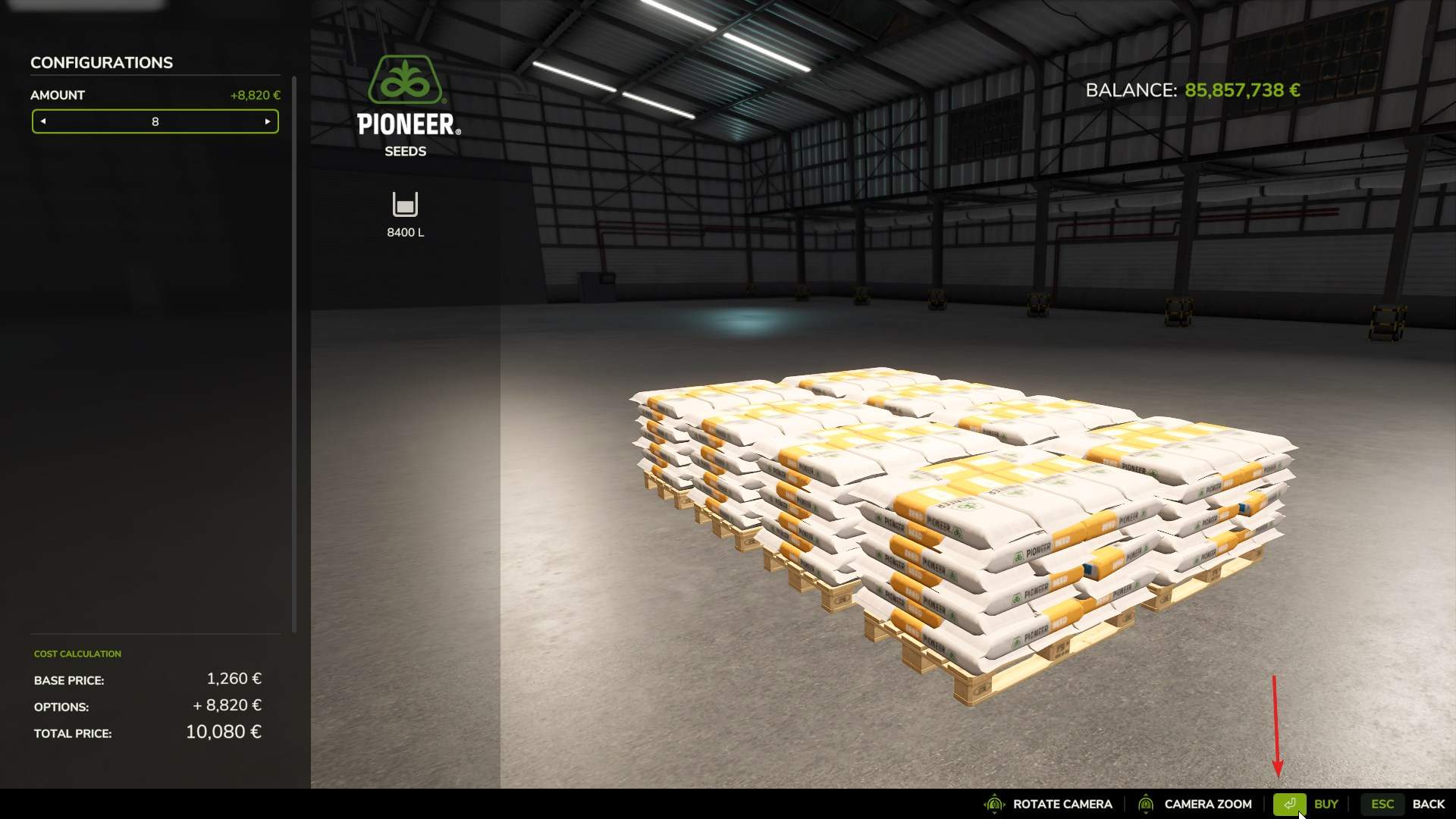
Your purchased seed bags will be placed in the shop’s delivery area, where they’ll be ready for pickup.
Transporting Seeds Back to Your Farm
Now that you’ve bought your seeds, it’s time to bring them back to the farm. Head to the shop’s delivery area, where you’ll see your seed bags. To transport them, use a truck, trailer, or any vehicle that can carry pallets or bags.
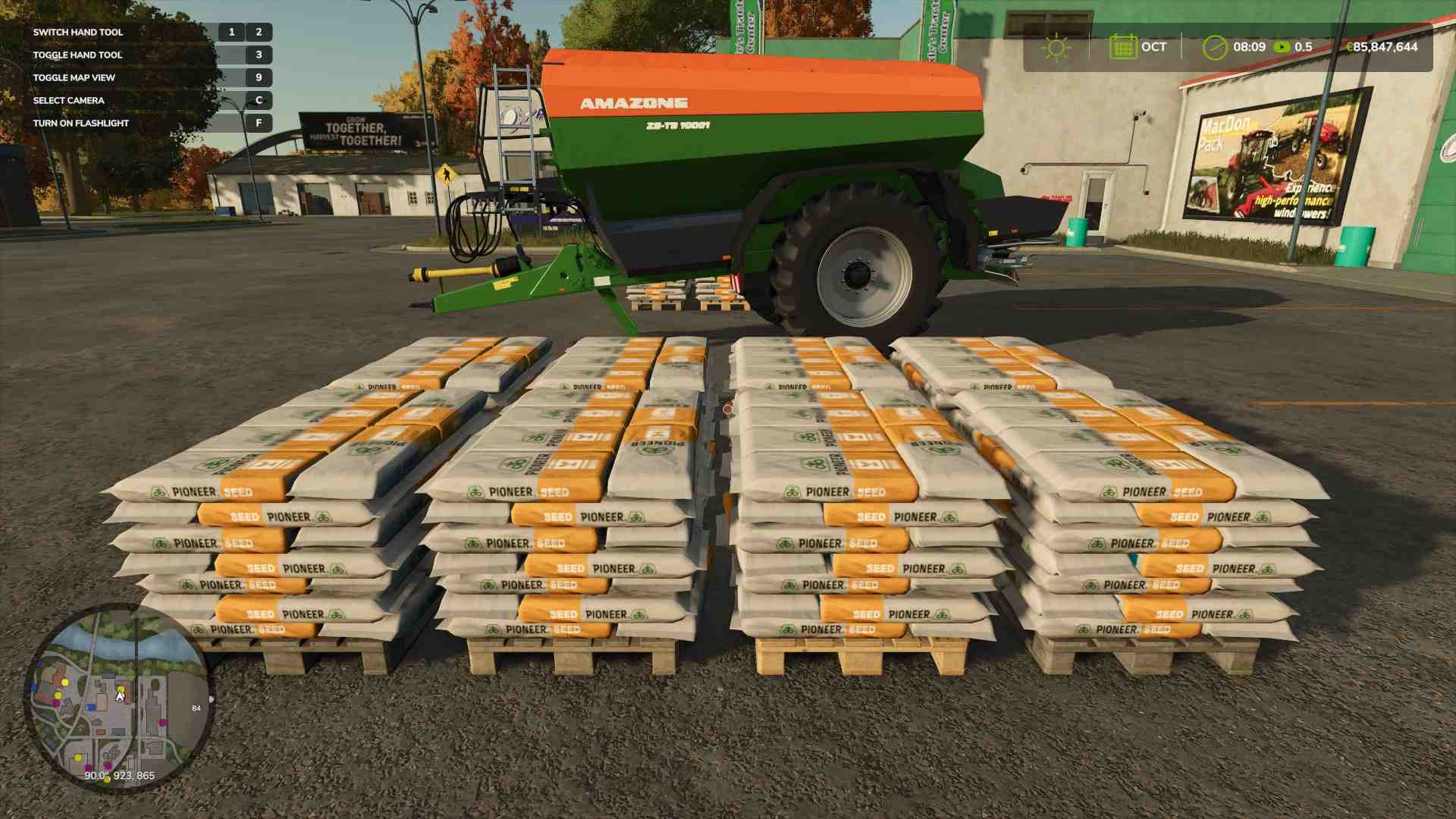
Drive close to the seed bags or pallets, and press ‘R’ to refill your seed tank. Don’t forget to cover the tank by pressing ‘N’.
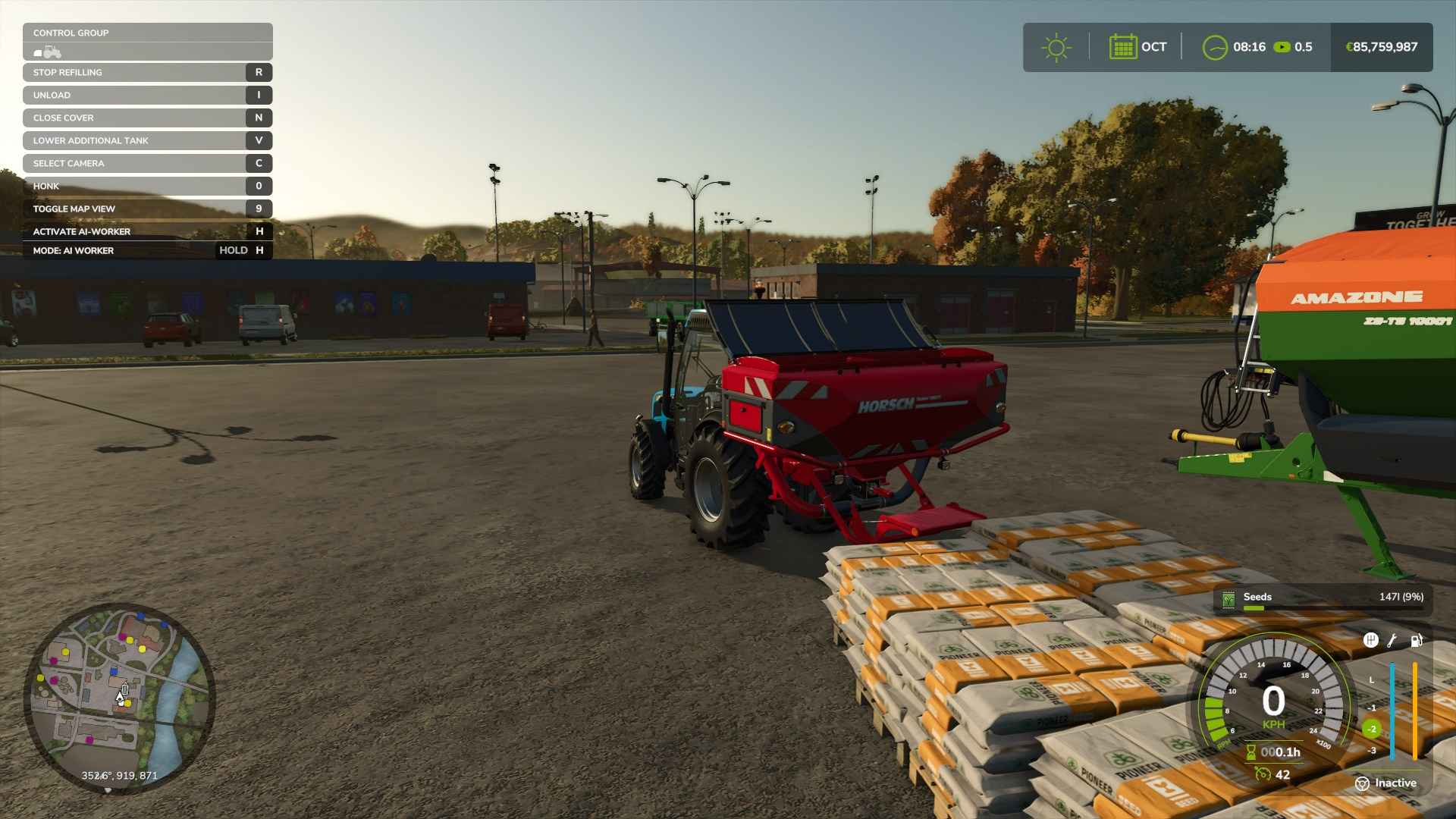
Loading Seeds into Your Seeder
Back at your farm, unload the seeds. it’s time to get the seeds loaded into your seeder. First, attach the seeder to your tractor.
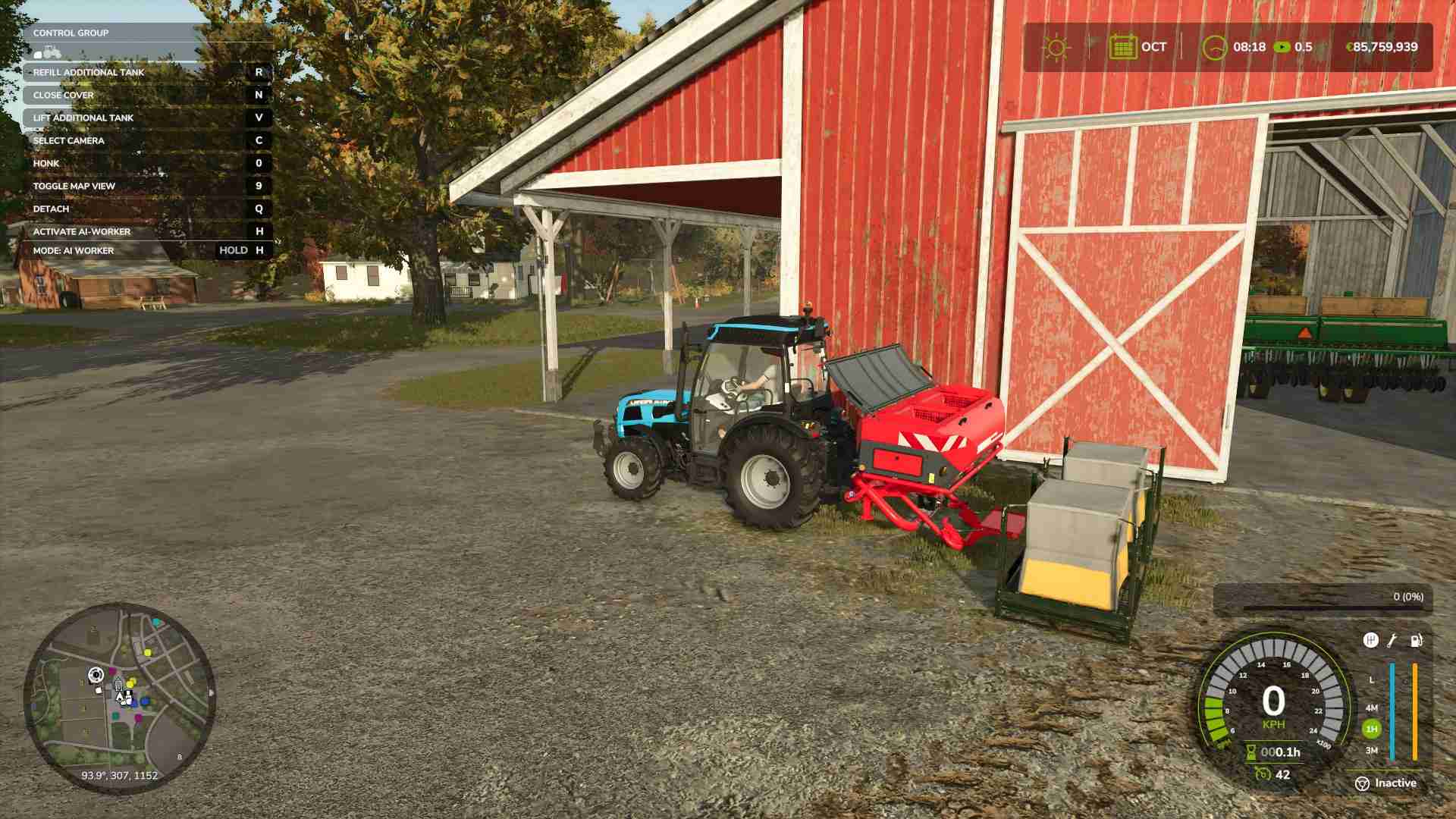
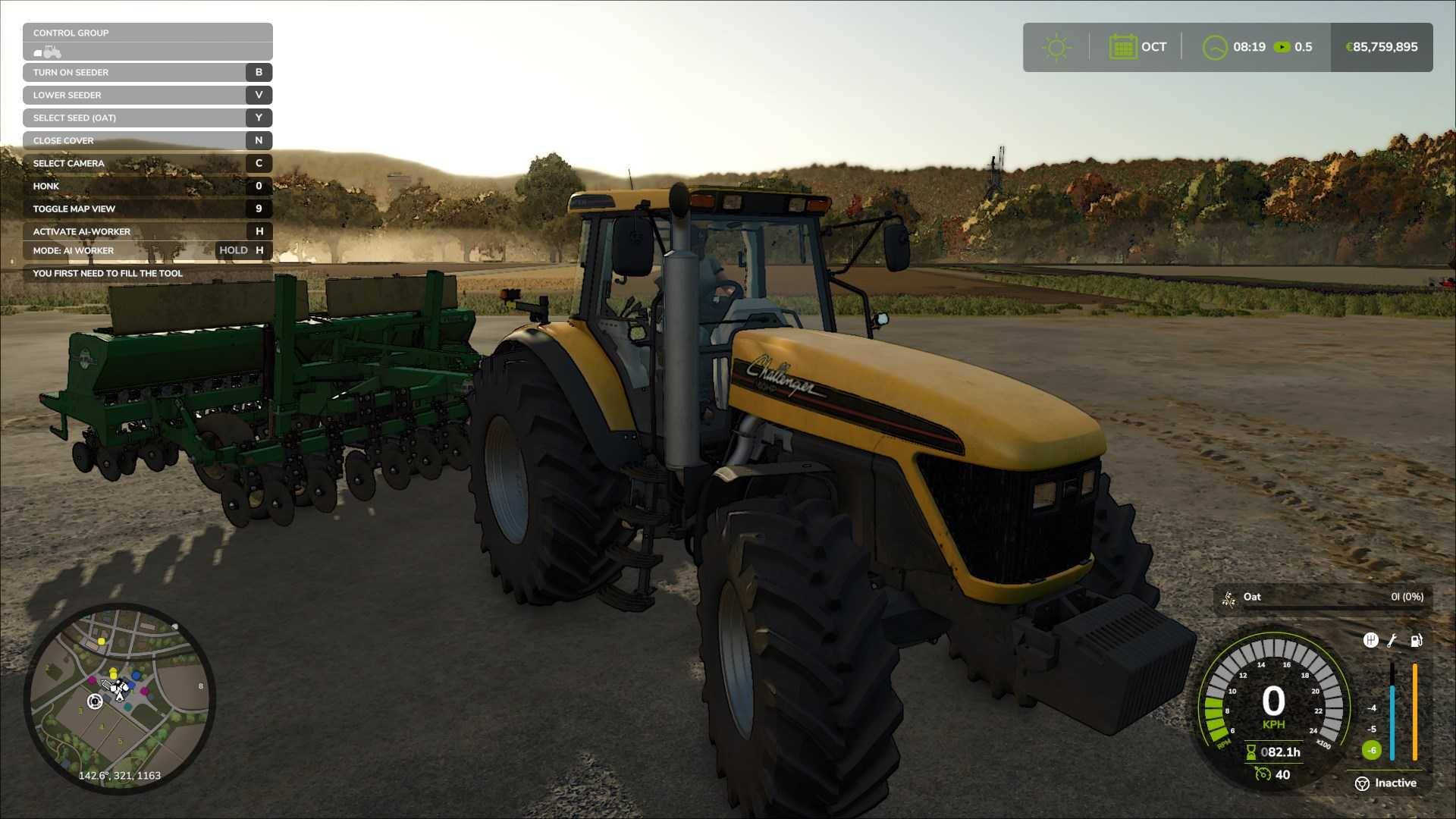
Once you’re set, drive your tractor over to the seed bags or pallets, select seed type by pressing ‘Y’ and when the prompt appears (usually “R”), press it to begin loading the seeds into your seeder. A progress bar on the screen will show how much has been loaded, and once it’s full, you’re ready to start planting.
Picking the Right Seeder
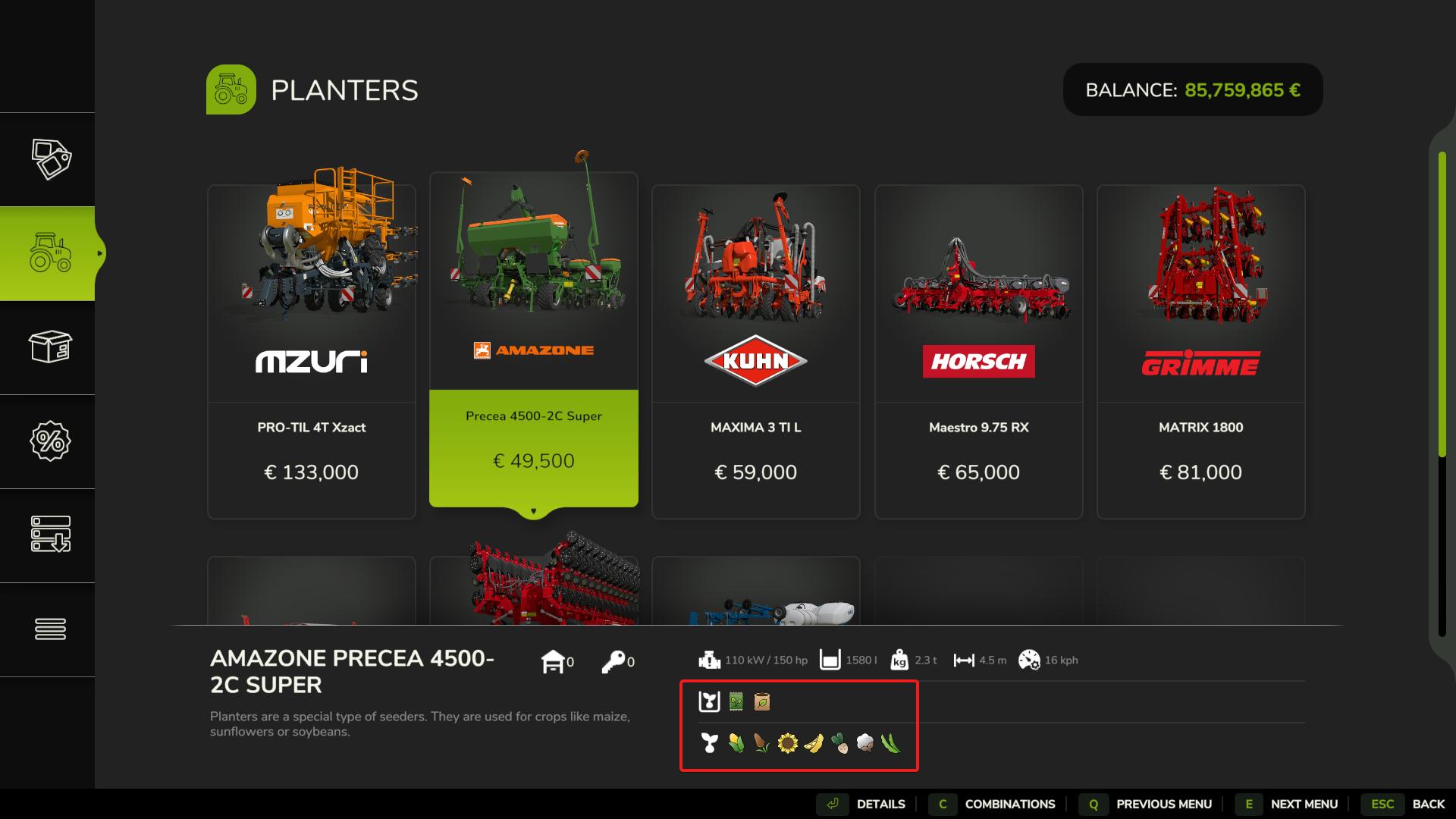
Different crops require different planters or seeders. If you’re planting basic crops like wheat or oats, a standard seeder will do the job. Specialized crops like potatoes or sugar beets need specific planters. You’ll find all types of seeders in the shop under “Tools” in the “Planters” category. Make sure you have the correct equipment before heading to the field.
Getting seeds in Farming Simulator 25 is straightforward and sets you up for a productive planting season. By following these steps, you’ll have everything in place, from picking up seeds at the shop to loading your equipment and hitting the field. Once planted, you’re on your way to growing a healthy, profitable crop.