
How to Get Hard Drives in Satisfactory
Hard Drives in Satisfactory are important items. You use them to unlock new blueprints and upgrades. These upgrades help improve your factory. With Hard Drives, you get better recipes and make your production better.
How to Find Hard Drives
1. Explore the World: Hard Drives are hidden all around the map, often tucked away in random but specific locations. The best way to find them is by exploring different biomes and looking for abandoned drop pods or crates. These pods are often perched on cliffs, hidden in caves, or even buried underground. Keep your eyes peeled and your scanner ready.
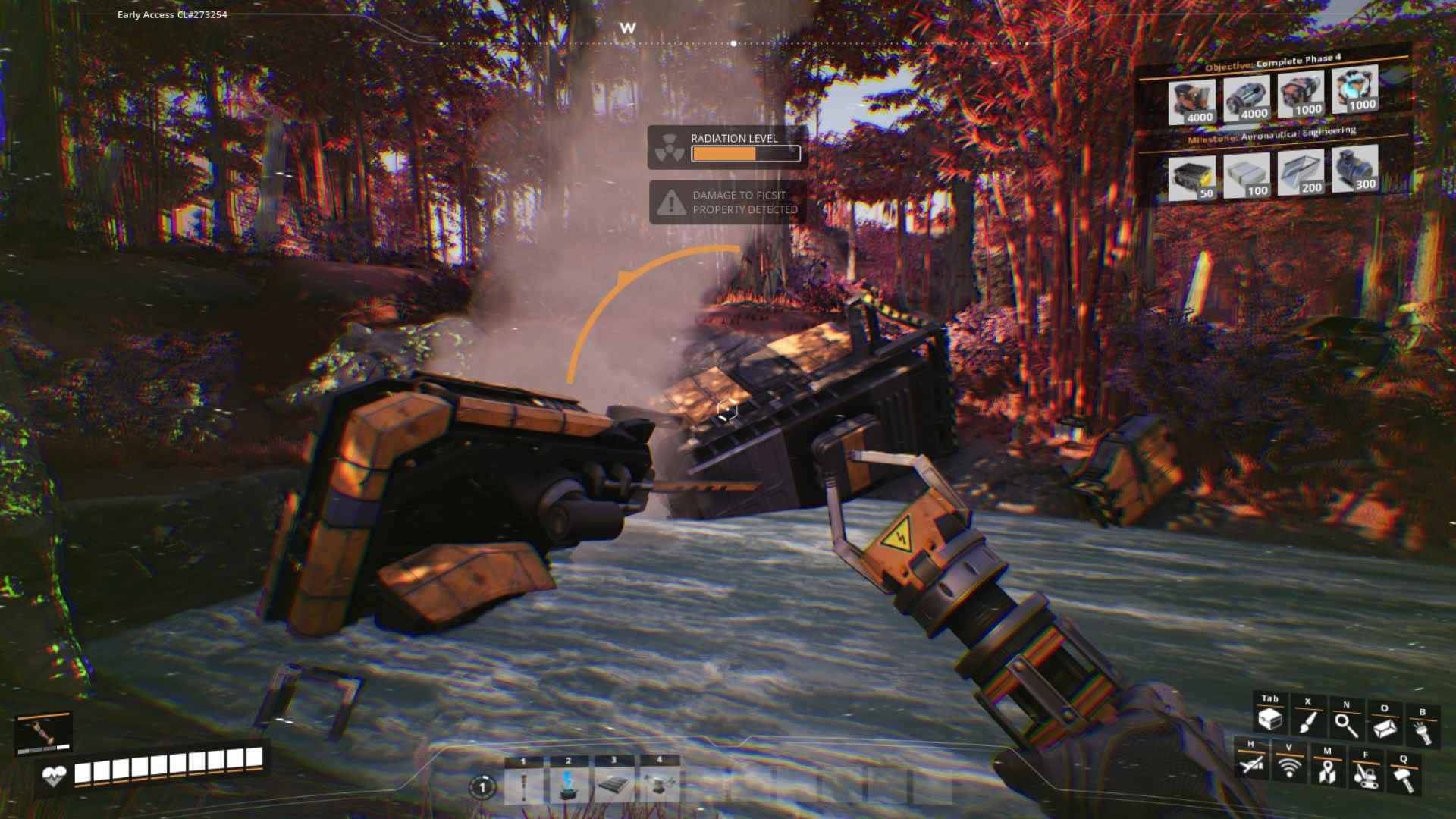
2. Loot Abandoned Pods: Look out for Abandoned Research Stations and Drop Pods scattered across the map. These pods are easy to spot with their glowing lights and often contain Hard Drives. They can be in remote areas or high places, so don't be afraid to climb, dig, or swim to get to them.

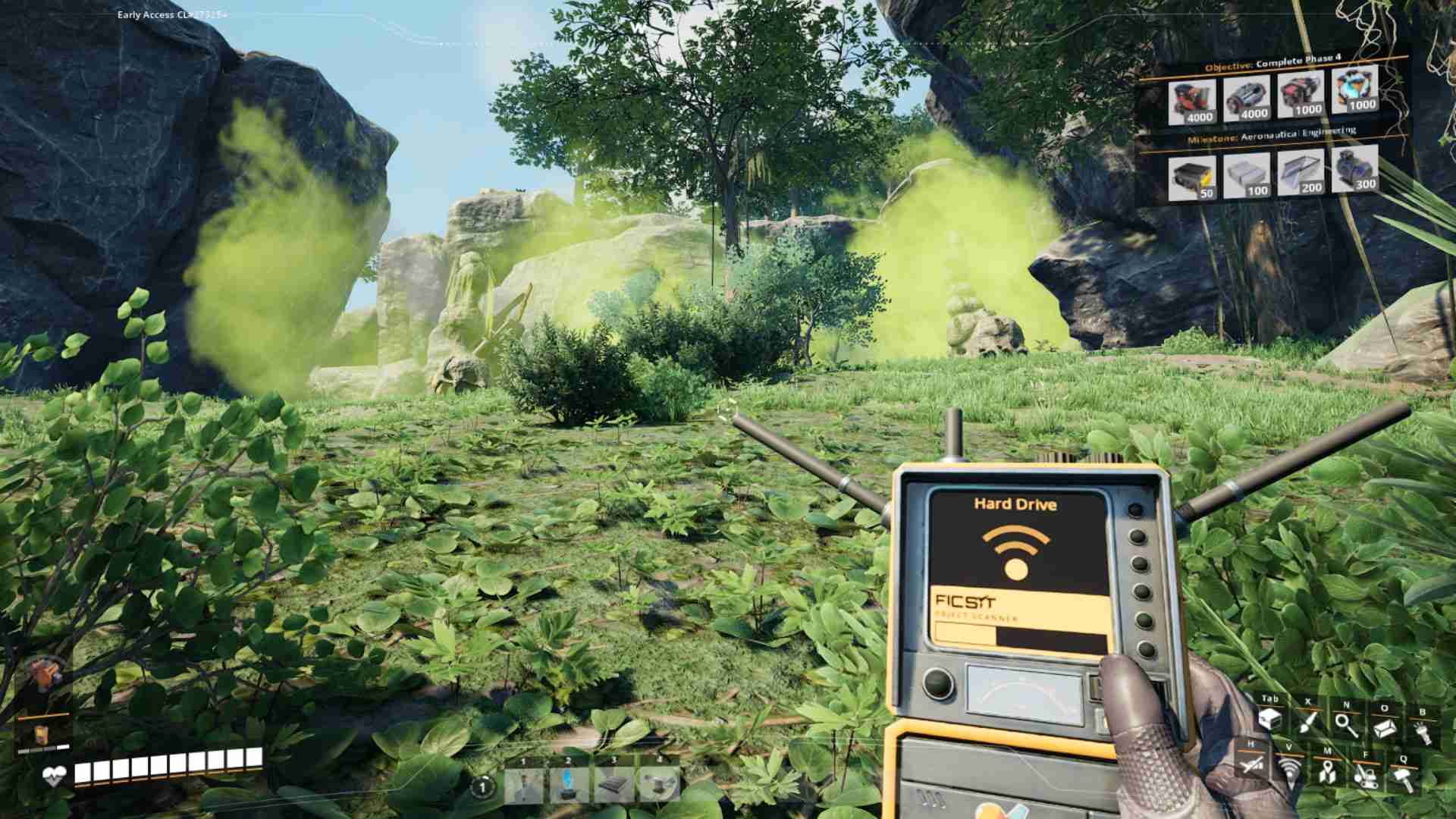
3. Scan for Hard Drives: Use your Object Scanner to search for Hard Drives. The scanner can be upgraded to improve its range and effectiveness, making it easier to spot those elusive drives. It’s a handy tool to help you pinpoint where you might find your next Hard Drive.
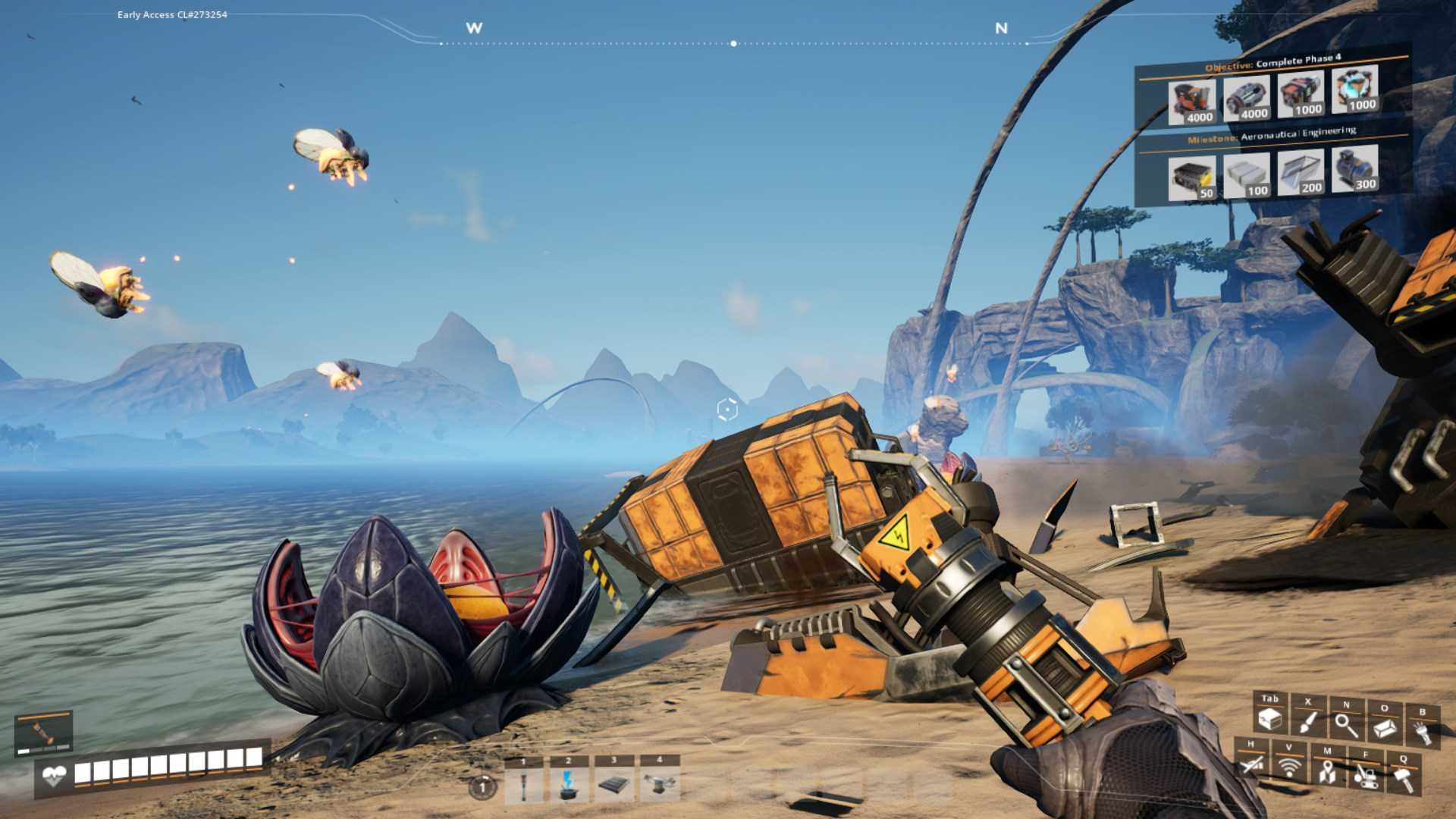
4. Combat and Challenges: Sometimes, Hard Drives are guarded by hostile creatures or hidden in more dangerous areas of the map. Be prepared to face off against some nasty critters and navigate hazardous environments to get to your prize. Remember, the bigger the challenge, the sweeter the reward!
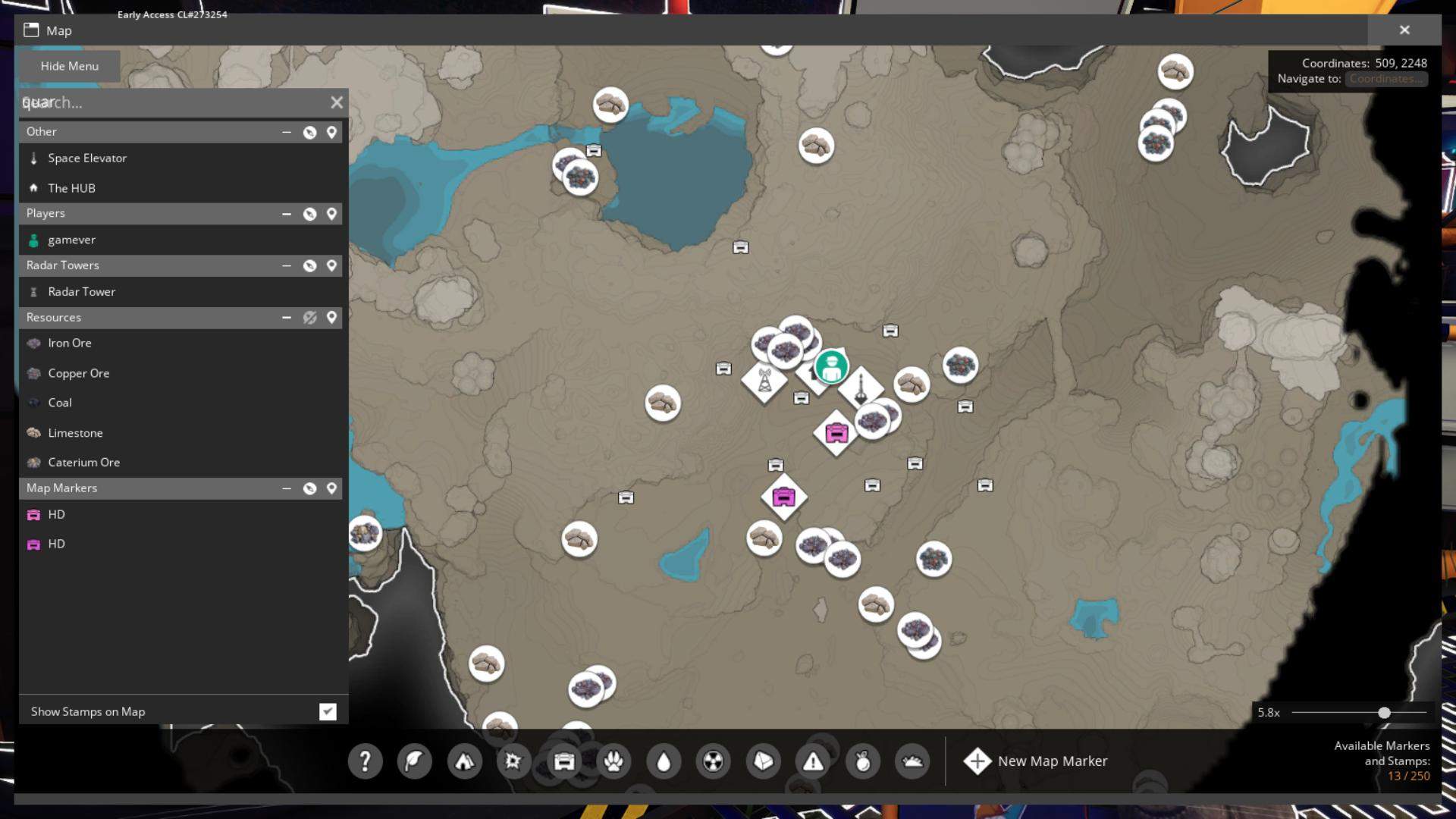
5. Check the Map: Keep an eye on your map for any indicators of research stations or crates. The map can sometimes give hints or mark areas where Hard Drives might be located.
Using Hard Drives
Once you’ve nabbed a Hard Drive, it’s time to put it to work! Take it back to your Hub and use it to unlock new recipes and technology. This can lead to more efficient production lines, new materials, and overall, a more streamlined factory. Make sure to utilize these new blueprints to keep pushing the boundaries of your factory’s capabilities.
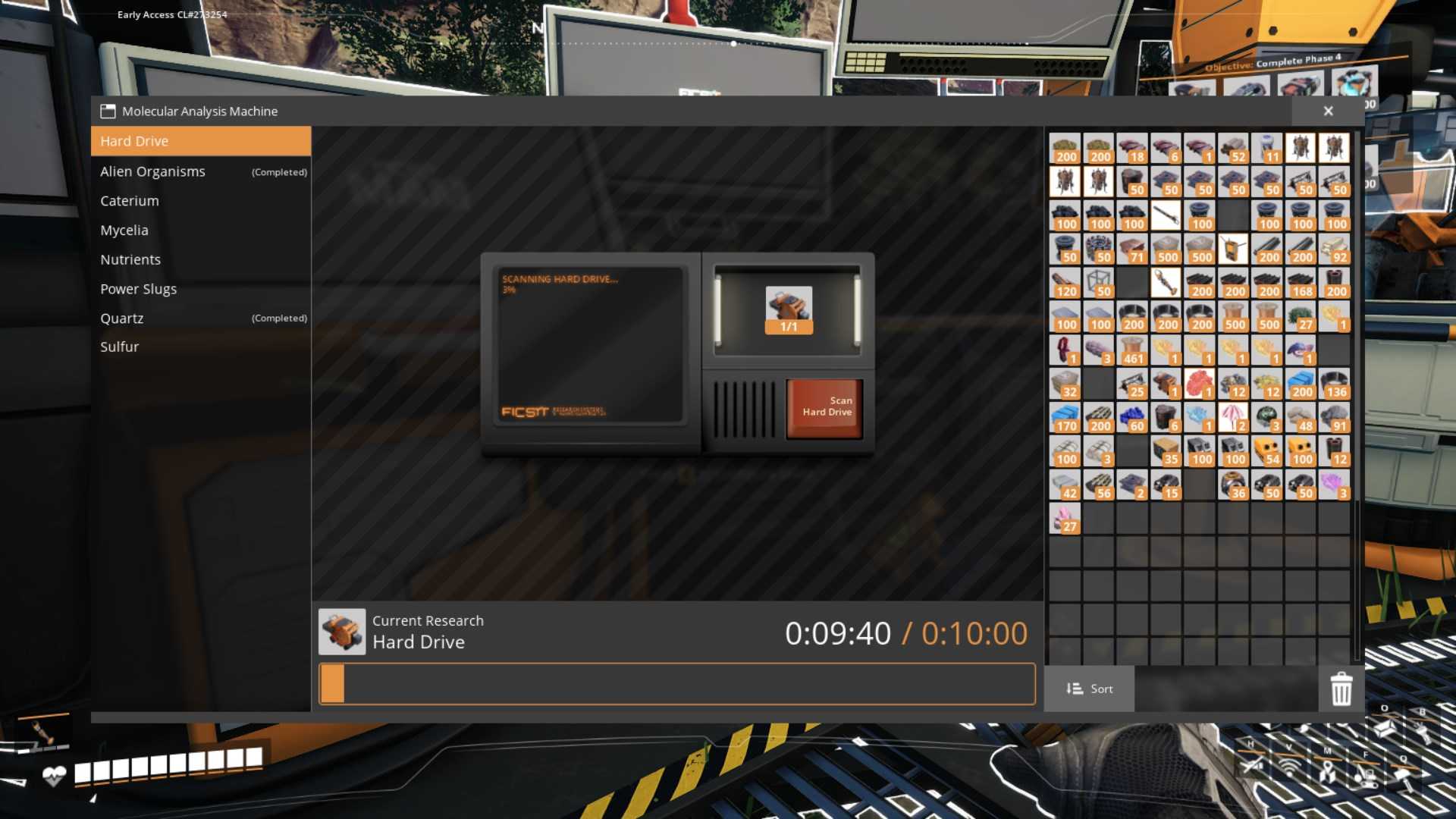
- Prioritize Upgrades: Use your Hard Drives wisely by prioritizing upgrades that will benefit your factory the most. Focus on unlocking blueprints that will boost your production efficiency or provide new materials.

- Map Your Progress: Keep a record of where you’ve found Hard Drives and which areas you still need to explore. This will help you systematically cover the map and ensure you don’t miss any valuable drives.
- Be Prepared: Some Hard Drives are located in dangerous areas, so always be equipped with good weapons and plenty of supplies. It’s better to be overprepared than caught off guard!
Getting Hard Drives in Satisfactory is an adventure packed with exploration, challenges, and rewards. By exploring the map, using your scanner, and being prepared for combat, you’ll be able to find these crucial items and unlock powerful upgrades for your factory. Keep your eyes open, your scanner active, and get ready to transform your factory into an industrial powerhouse.