
How to get command block in Minecraft?
Introduction
Every devoted player should be aware of the Command Block, a potent piece of equipment that is necessary for mastering the intriguing world of Minecraft. The details of getting and using a Command Block to improve your Minecraft gameplay experience are covered in this comprehensive guide.
What in Minecraft is a Command Block?
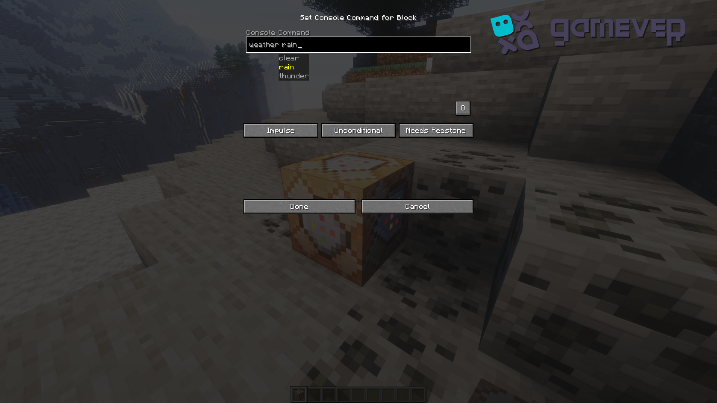
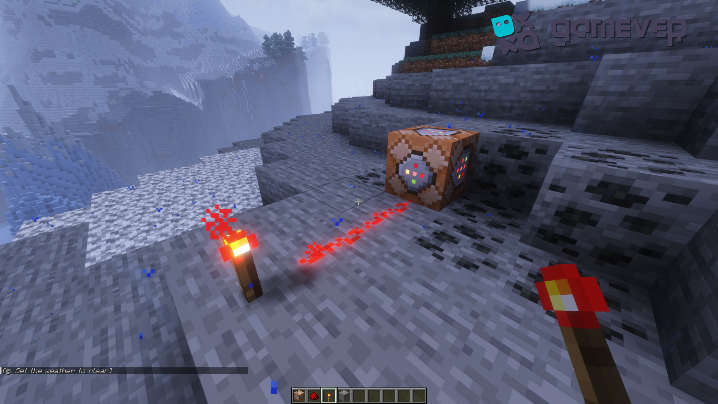
A Command Block in the vast and unending universe of Minecraft is more than simply a regular cube. It is a very versatile in-game object that, when triggered by a Redstone signal, can carry out a variety of tasks. These commands can be used to perform straightforward tasks like adjusting the weather as well as more difficult ones like producing monsters or building large structures. However, obtaining a Command Block is more difficult than obtaining the majority of the other blocks or game objects.

Accessing Command Blocks
Command Blocks are not available in the creative inventory or obtainable through the survival mode interface. They are exclusive to creative mode and require entering a specific command to be retrieved. However, before you can do this, you must ensure that you have operator permissions on the server you're playing on. It's crucial to remember that these blocks can alter game mechanics significantly, so they are not accessible to regular users by default to prevent potential misuse.
Obtaining a Command Block
To acquire a Command Block in Minecraft, follow the steps below:
1. Switch to Creative Mode: This can be done by typing "/gamemode creative" in the chat.
2. Enable Cheats: If you haven't done so yet, you need to enable cheats. This can be done from the settings menu when creating a new world or by typing "/defaultgamemode creative" for an existing one.

3. Type in the Command: After setting the game mode to creative, you can obtain a Command Block by typing "/give [Your Minecraft username] minecraft:command_block" into the chat.
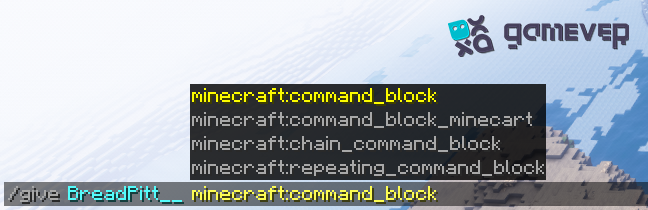
Once you press enter, a Command Block will appear in your inventory. Now, you are ready to start experimenting with commands and expanding your Minecraft world beyond its traditional boundaries.
Using a Command Block
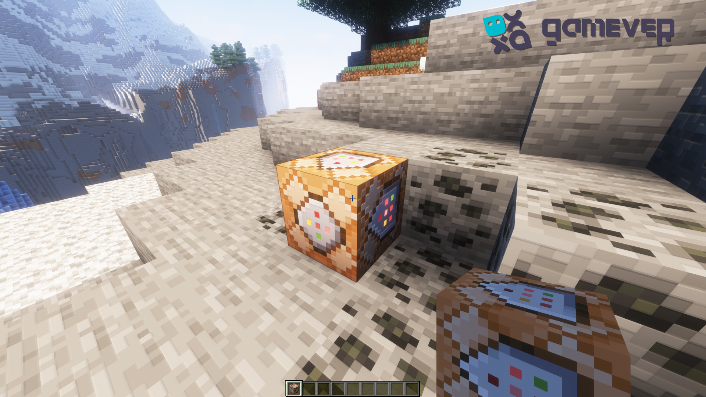
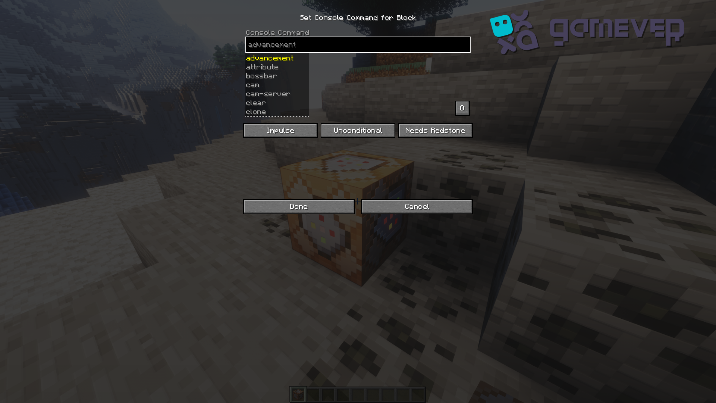
After obtaining a Command Block, right-clicking it will open an interface where you can input commands. When connected to a Redstone circuit, the block will execute the command when activated. To familiarize yourself with commands, start by exploring the official Minecraft Command List and experimenting with them in your world.
You can also customize when and how often the Command Block should activate its command. The block can be set to either 'Impulse', 'Chain', or 'Repeat', and its conditional status can be toggled between 'Conditional' and 'Unconditional'.
Impulse
Impulse Command Blocks will execute their command once each time they receive a redstone signal.
Chain
Chain Command Blocks execute only when a Command Block pointing towards them is activated.
Repeat
Repeat Command As long as there is a redstone signal powering them, blocks will continuously carry out their commands.
Conclusion
With command blocks, you can control and reshape your virtual world in ways that have never been possible before. So Command Blocks are the tools for you, whether you want to develop intricate devices, make amazing Minecraft games, or simply simplify some jobs.
Take into consideration renting a server from Gamever to enhance your Minecraft experience. You may design a private gaming haven with Gamever where you and your pals can engage in thrilling Minecraft adventures uninterrupted. We provide dependable, reasonably priced, and easily customizable servers to suit your preferred playing style. Why wait? With Gamever servers today, you can play more and worry less.