
How to get and use Overgrowth tool in Enshrouded Pact of the Flame Update
Have you ever dreamed of cloaking your Enshrouded homestead in creeping ivy, or creating a mystical mushroom-like atmosphere around your walls? The new Overgrowth tool introduced in the Pact of the Flame Update makes these dreams a reality.
What is the Overgrowth Tool
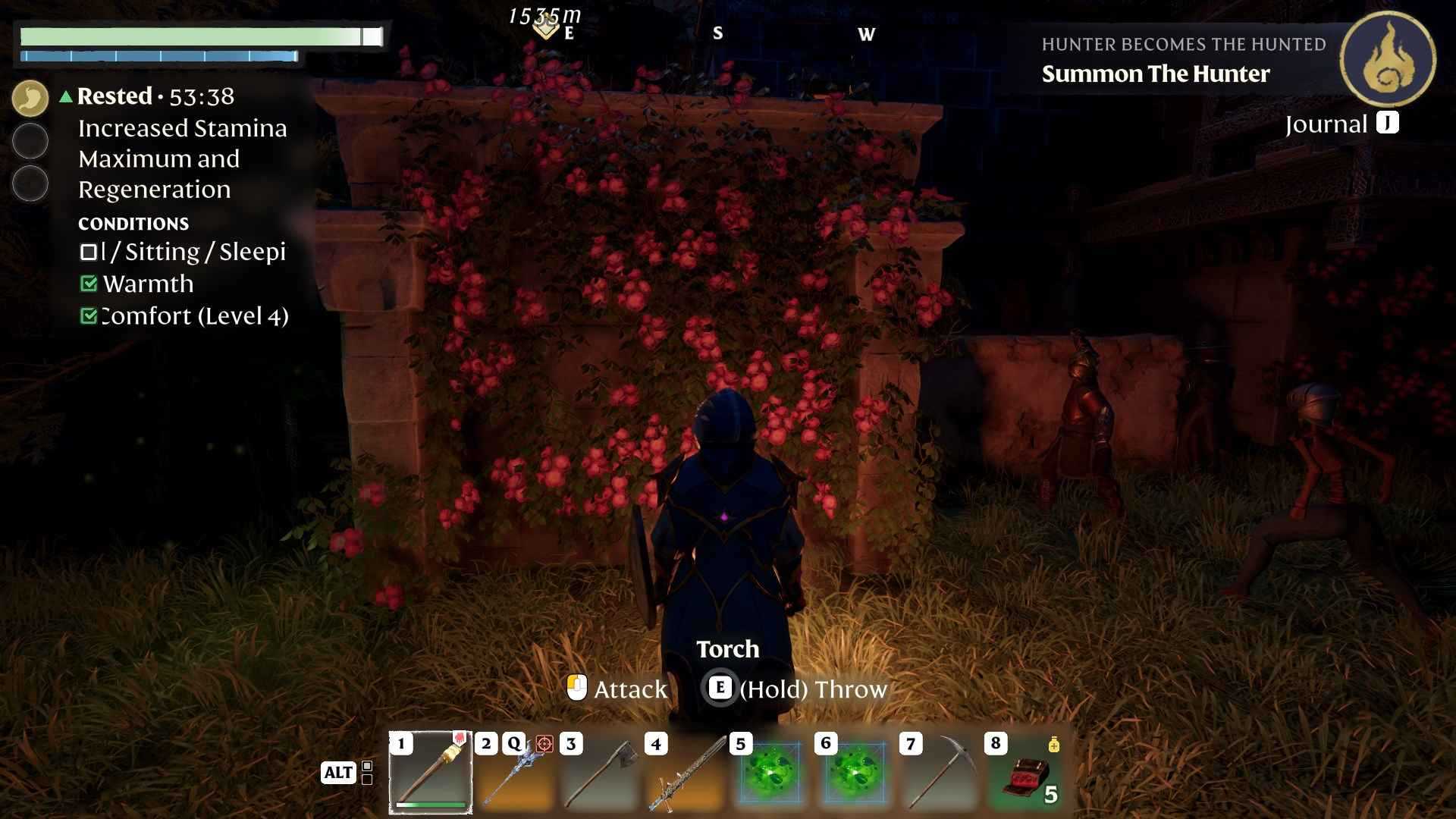
The Overgrowth tool is a specialized item that lets you add and remove overgrowth materials on any building blocks. Think of it as a garden wand, allowing you to bring the wilderness right onto your stone walls or wooden fences. It’s perfect for creating a cozy cottage vibe, a haunted fortress with creeping vines, or a magical glade filled with exotic flora. If you love to build and customize, this is one tool you don’t want to miss.
How to Craft the Overgrowth Tool
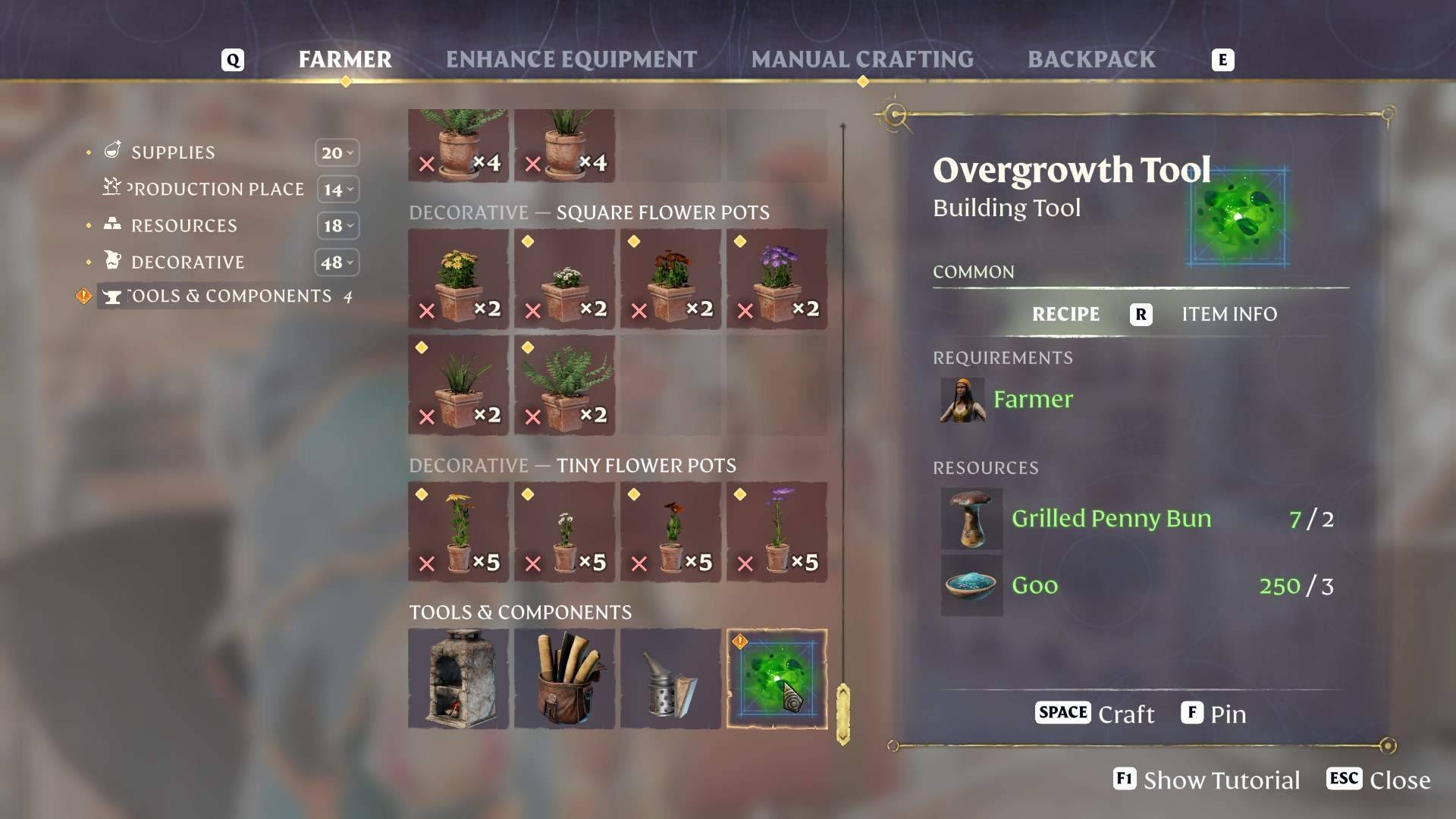
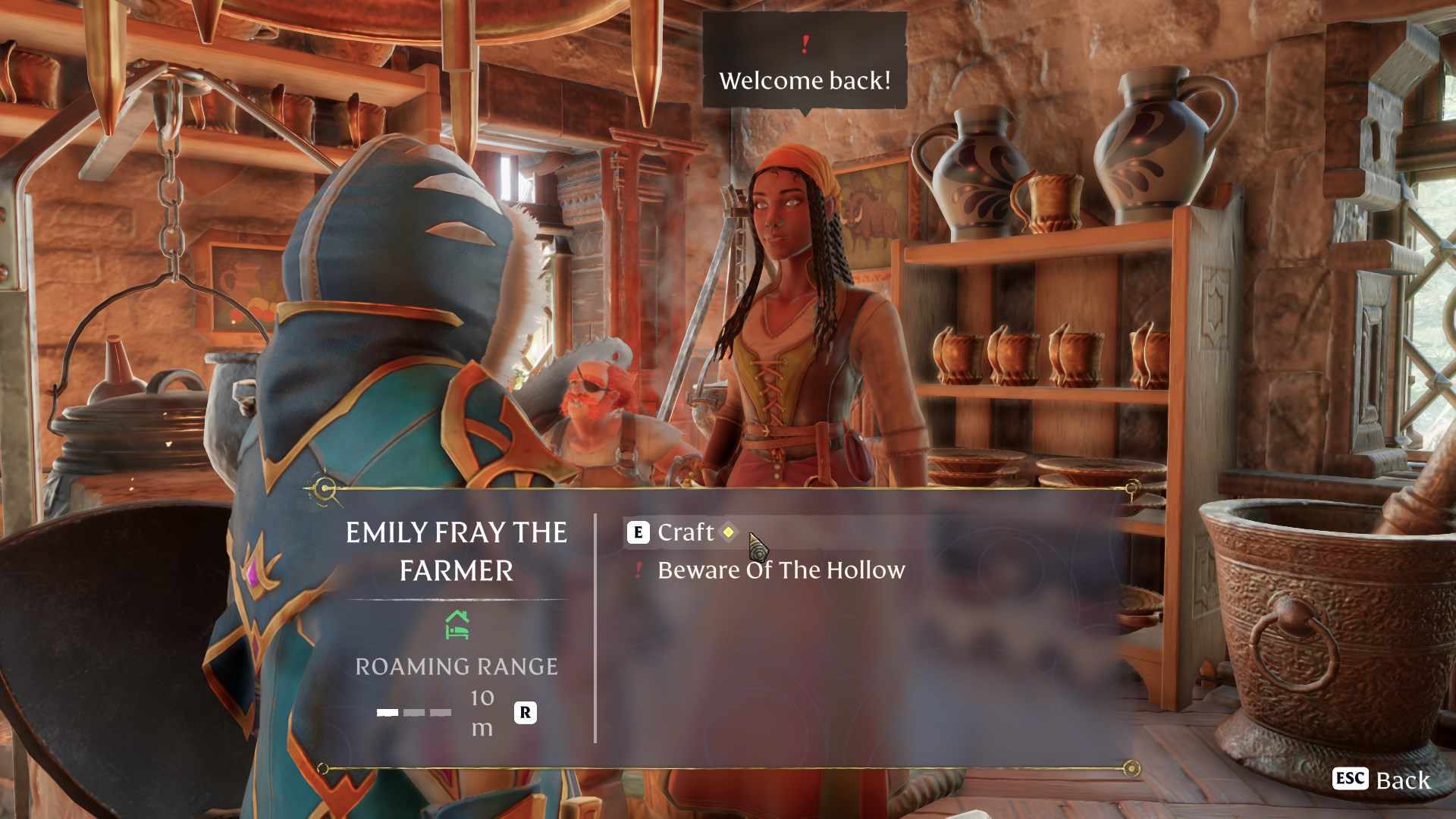
You’ll need to visit the Farmer NPC to craft this verdant masterpiece. Bring along 2 Grilled Penny Buns and 3 Goo, which you can usually gather or cook up from the creatures and resources scattered around Revelwood. Once you have these materials, chat with the Farmer, open up the crafting menu, and you’ll be able to produce your very own Overgrowth tool. Remember that this is a brand-new addition, so you won’t see it in your usual crafting list until you unlock it in your progression.
Equipping the Overgrowth Tool
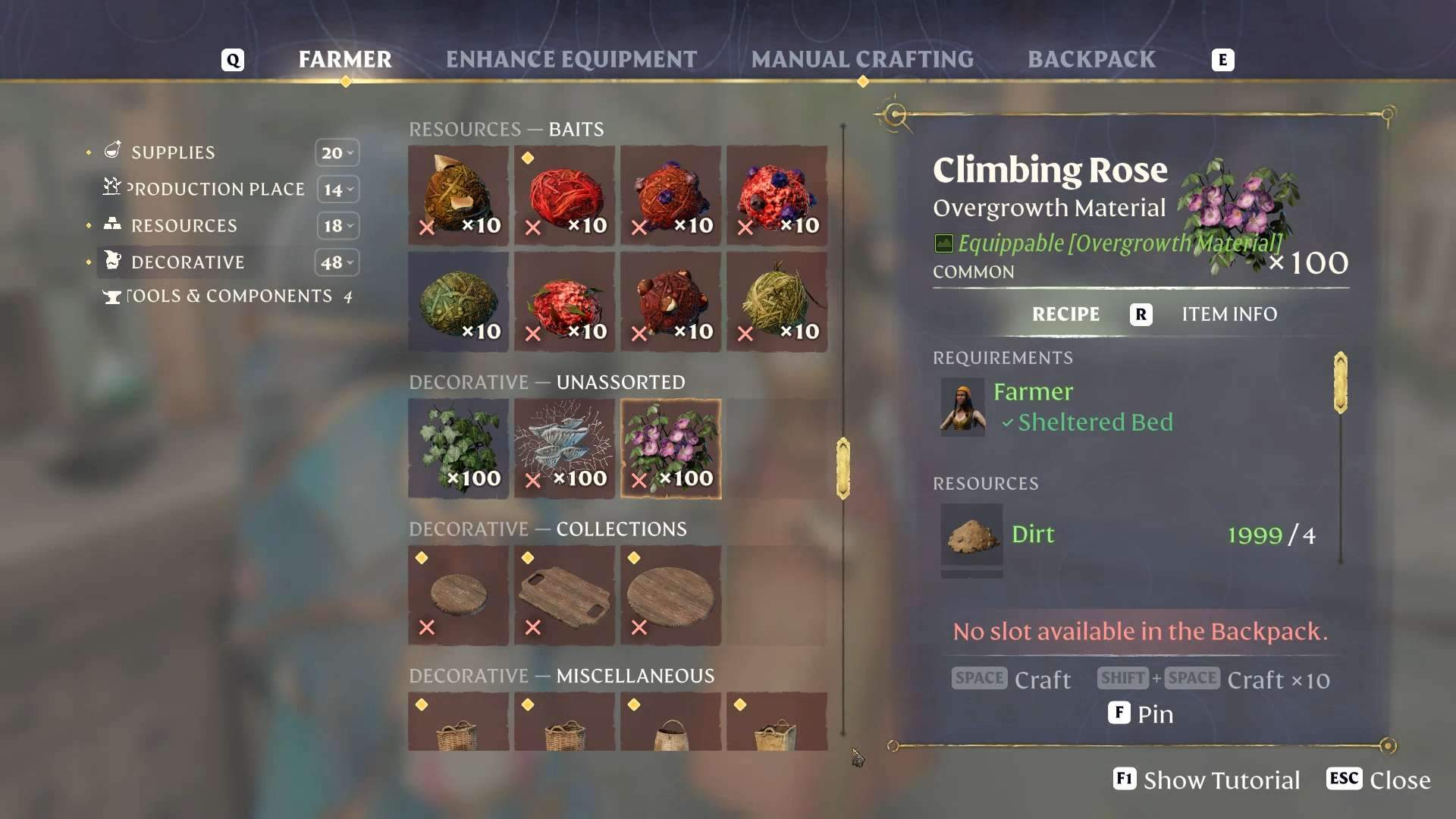
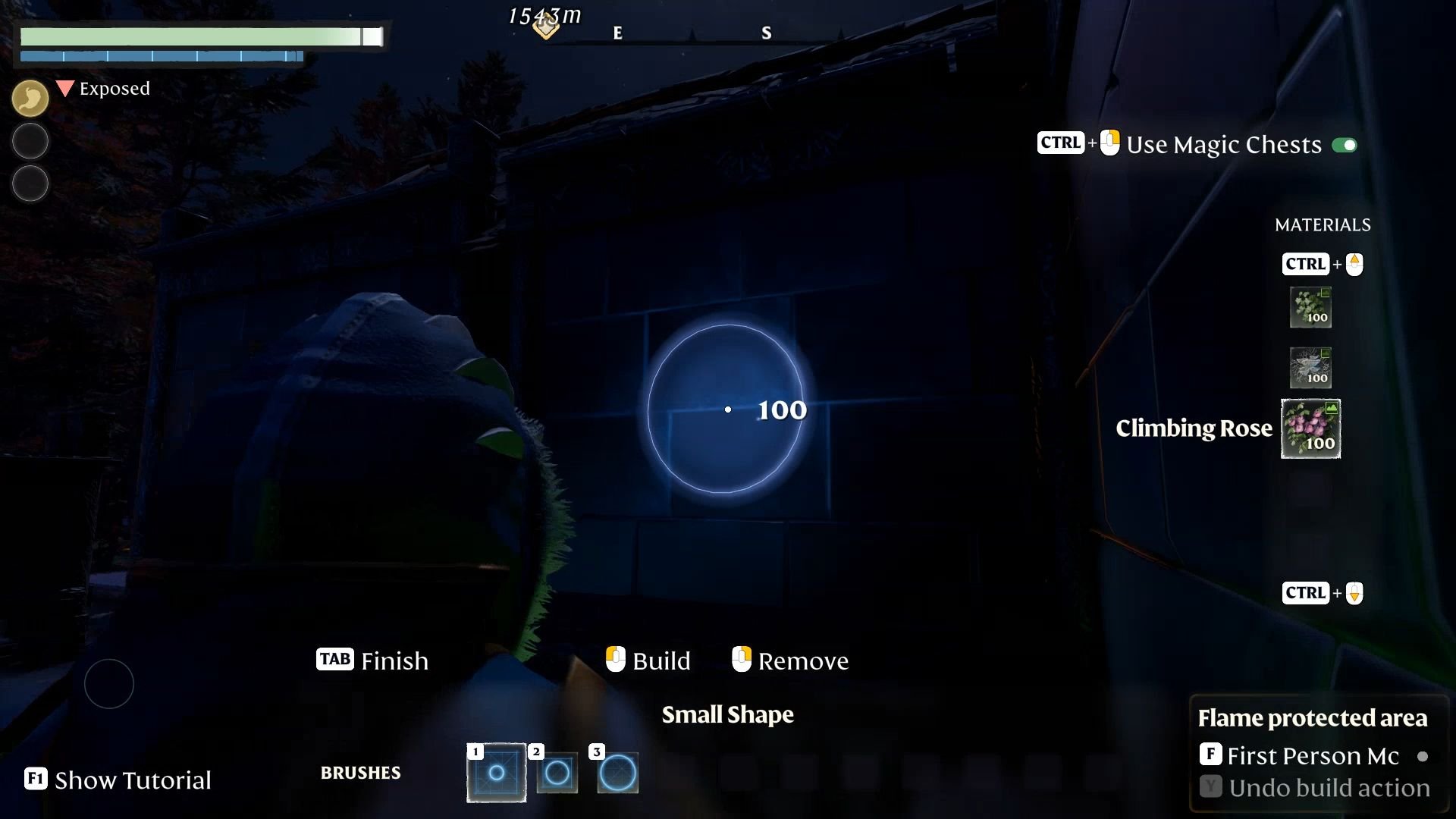
After you’ve crafted it, slot the Overgrowth tool into your inventory or hotbar. This handy gadget works best when you press Tab to open your building panel, revealing a list of possible materials on the right side of your screen. You can load the tool with decorative resources like ivy, climbing roses, or even mycelium. Each of these requires different ingredients - ivy calls for Farm Soil and Honey, climbing roses need Dirt and Flax, and mycelium calls for Fossilized Bones and… yep more mycelium. Stock up on these so you can switch between them whenever inspiration strikes.
Applying Overgrowth Materials
To choose which decoration you want to apply, hold Ctrl and scroll your mouse wheel until you see the material you like. You’ll also notice a circular outline that shows your brush size. Scrolling the mouse wheel normally (without holding Ctrl) will make this circle bigger or smaller, letting you fine-tune your overgrowth placement. Once you’re happy with the size, walk up to any wall or building block you want to decorate and click the left mouse button. Your chosen material will instantly appear, adding a leafy or flowery flair.
Removing Overgrowth Materials
If you happen to change your mind or want to tidy up your walls, the Overgrowth tool also doubles as a removal device. Just walk up to the overgrown area and right-click. The vines or flowers will vanish, returning your structure to its pristine state. This is great for experimenting with new looks or selectively applying plants without worrying about permanent mistakes.
Tips for Creative Building
When you combine the Overgrowth tool with different building styles, you can invent all sorts of imaginative designs. Maybe a climbing rose perimeter around your fortress gate, or a line of ivy along the rooftops for a storybook look. For an eerie effect, cover your walls in mycelium under low light. You can mix and match to keep your world fresh and ever-changing. Go wild and see how the Overgrowth tool can breathe new life into your Enshrouded realm.
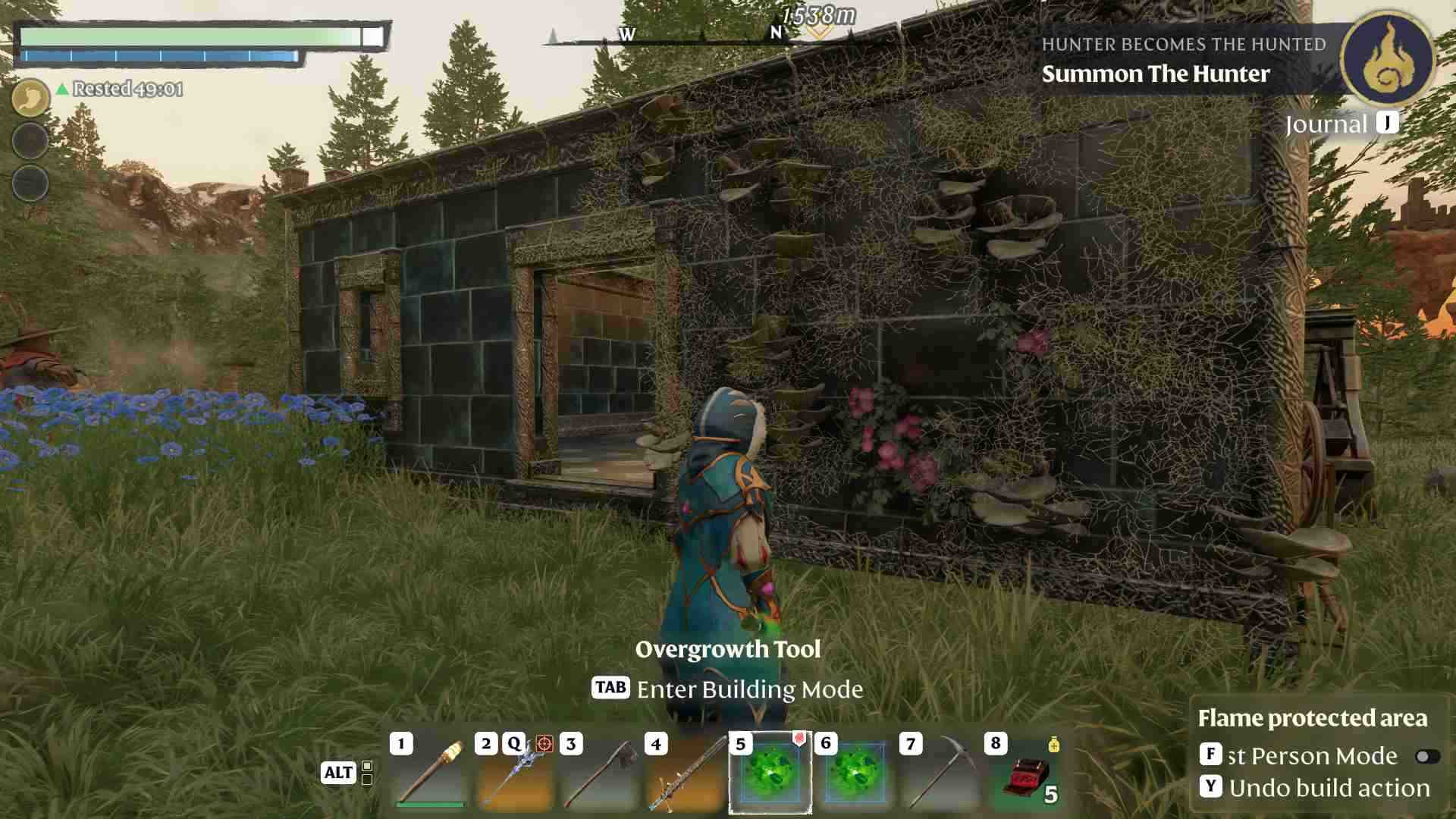
With the Overgrowth tool, you have the power to transform cold stone structures into lush gardens, enchanting groves, or spooky ivy-covered towers. Crafting it isn’t too hard once you gather the required materials from the Farmer, and applying your chosen greenery is as simple as a click. Now it’s time to channel your inner nature artist, grab those vines or roses, and watch your homestead bloom with personality. Embrace the harmony of flora and fortress, and set your world apart from all the rest.