
How to Get and Use Glider Launcher in Sons of the Forest
So, in the world of Sons of the Forest, getting around easily can mean the difference between life and, well, not life. That's where the Glider Launcher comes in handy. But where the heck do you find it?
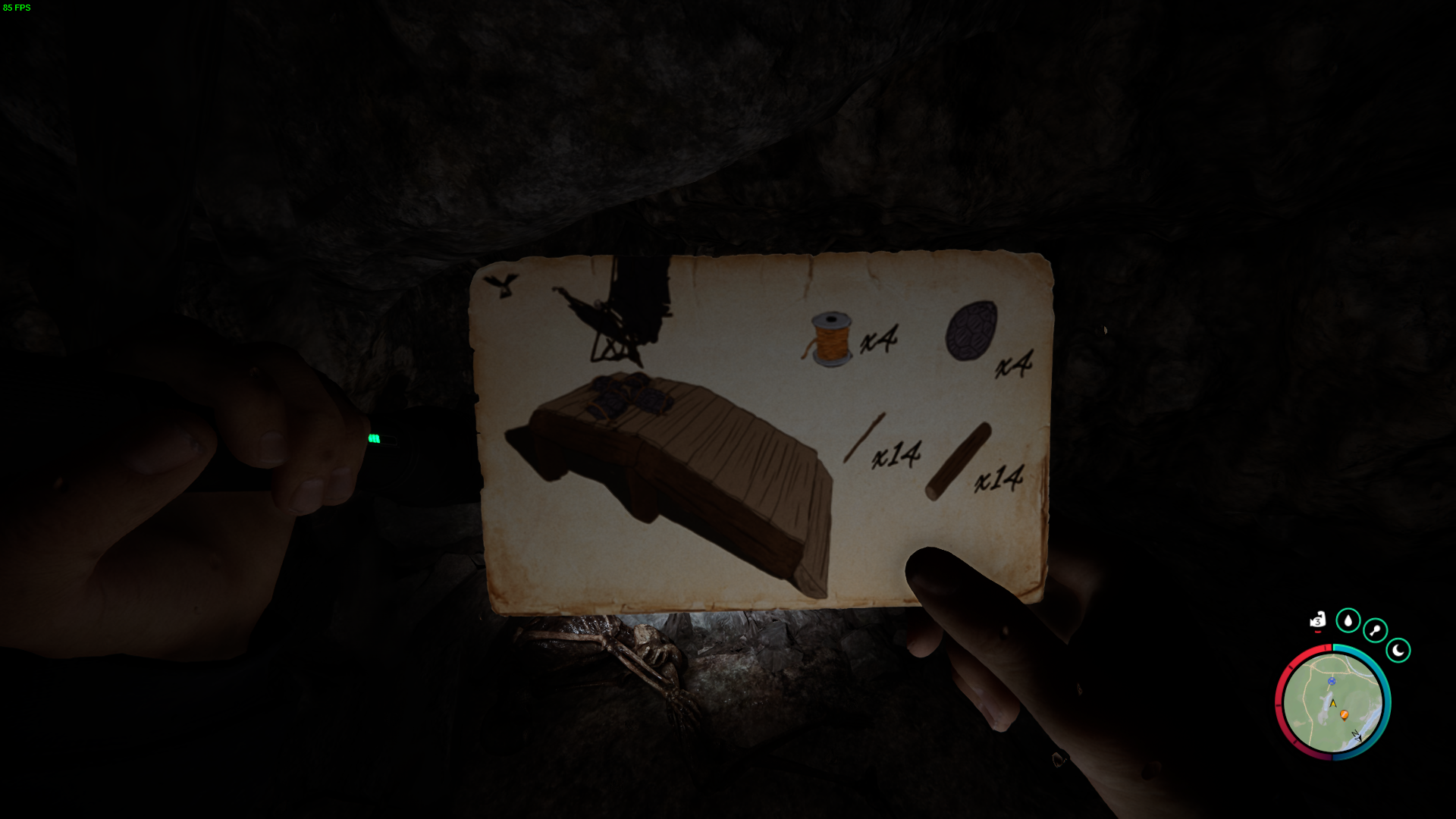
Finding the Glider Launcher Blueprint
To embark on the quest for the Glider Launcher, you must first locate its blueprint. Head to the western side of the island, just east of the Entertainment Bunker.
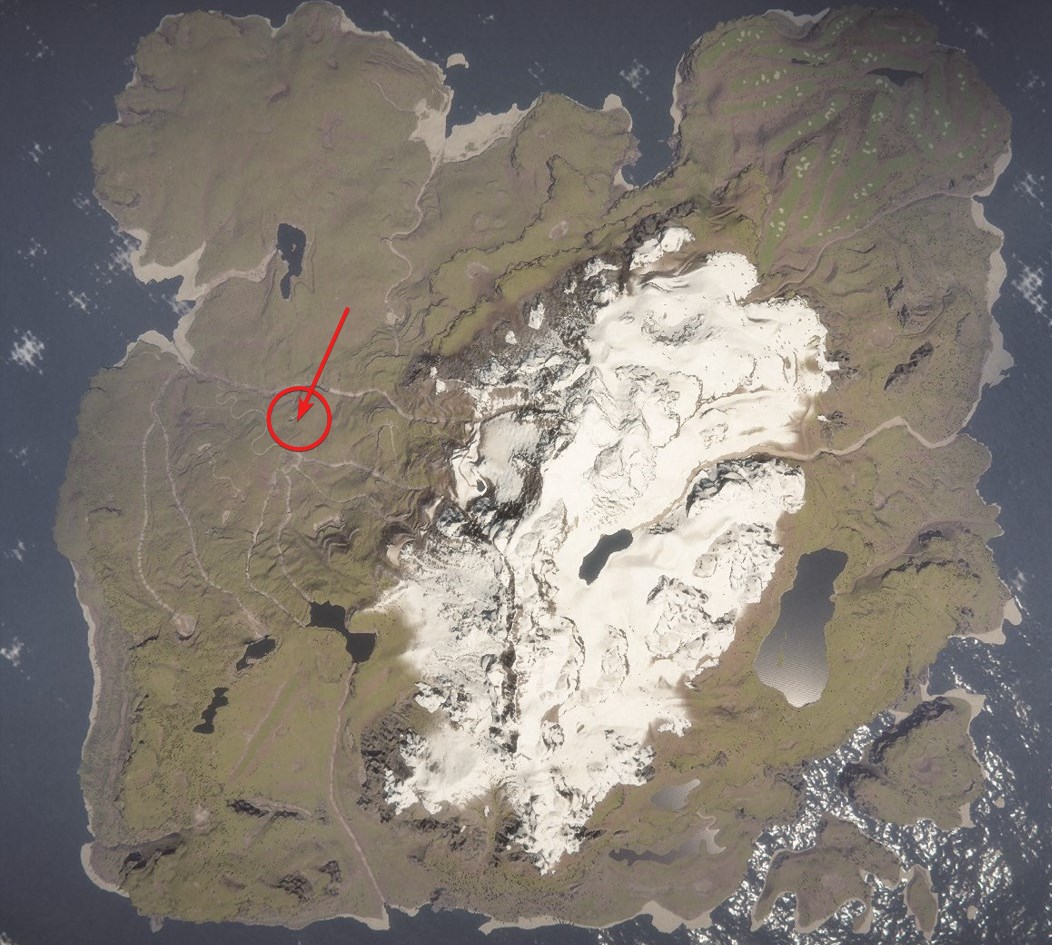
As you journey eastward from the bunker, keep an eye out for a scene of a deceased individual holding a light, signaling the path to the cave entrance. This marks the beginning of your journey to acquire the Glider Launcher blueprint.
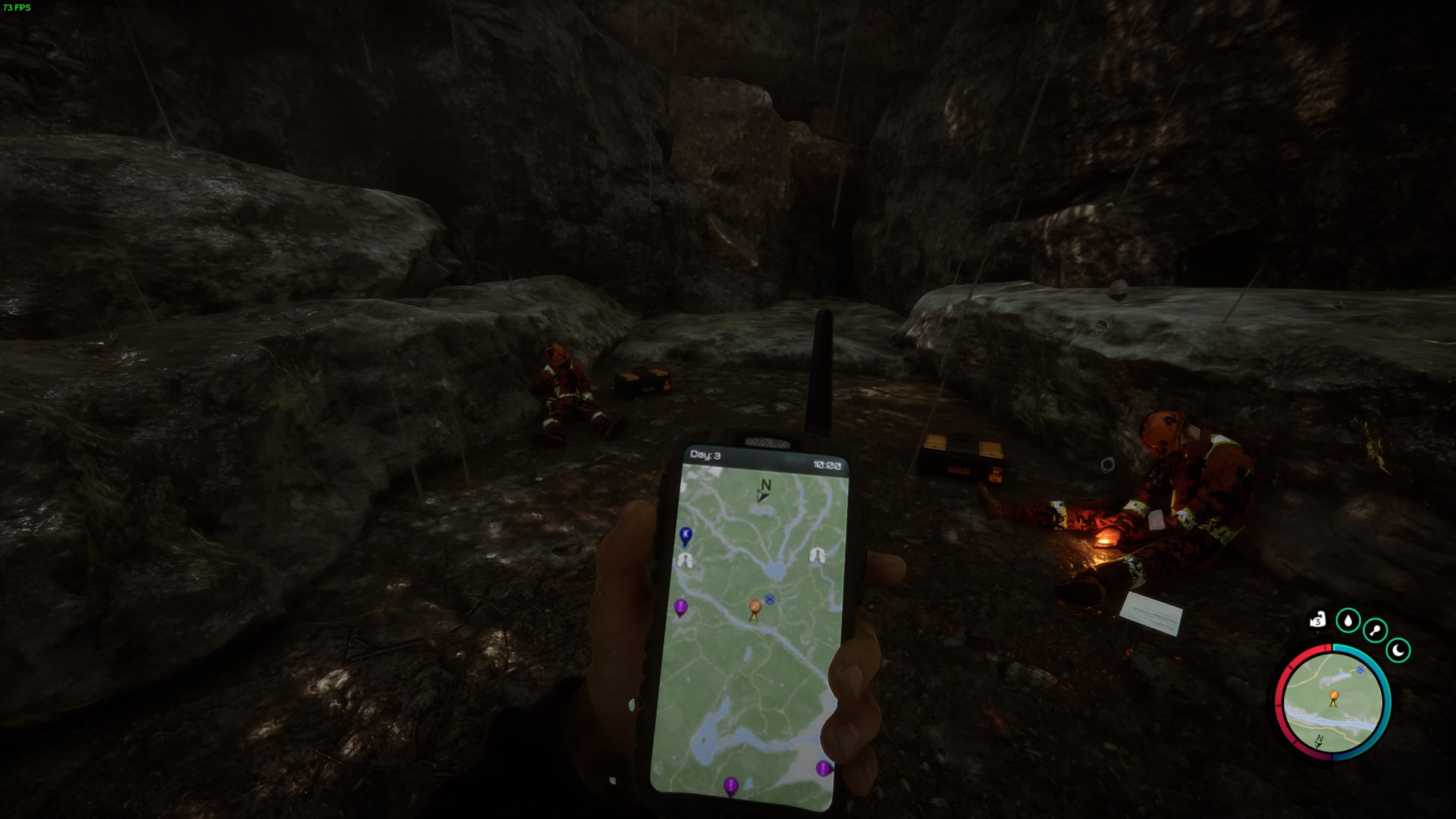
Navigating the Cave
Once inside the cave, breathe a sigh of relief as there are no hostile entities lurking within its narrow passages. Carefully traverse through the cave, gathering additional resources strewn along the way.

Your journey culminates in the discovery of the Glider Launcher blueprint tucked away at the cave's end. With the blueprint secured, you can now return to your base to commence crafting this groundbreaking tool.
Crafting the Glider Launcher
Crafting the Glider Launcher requires a combination of essential materials, including sticks, planks, logs, turtle shells, and wire.
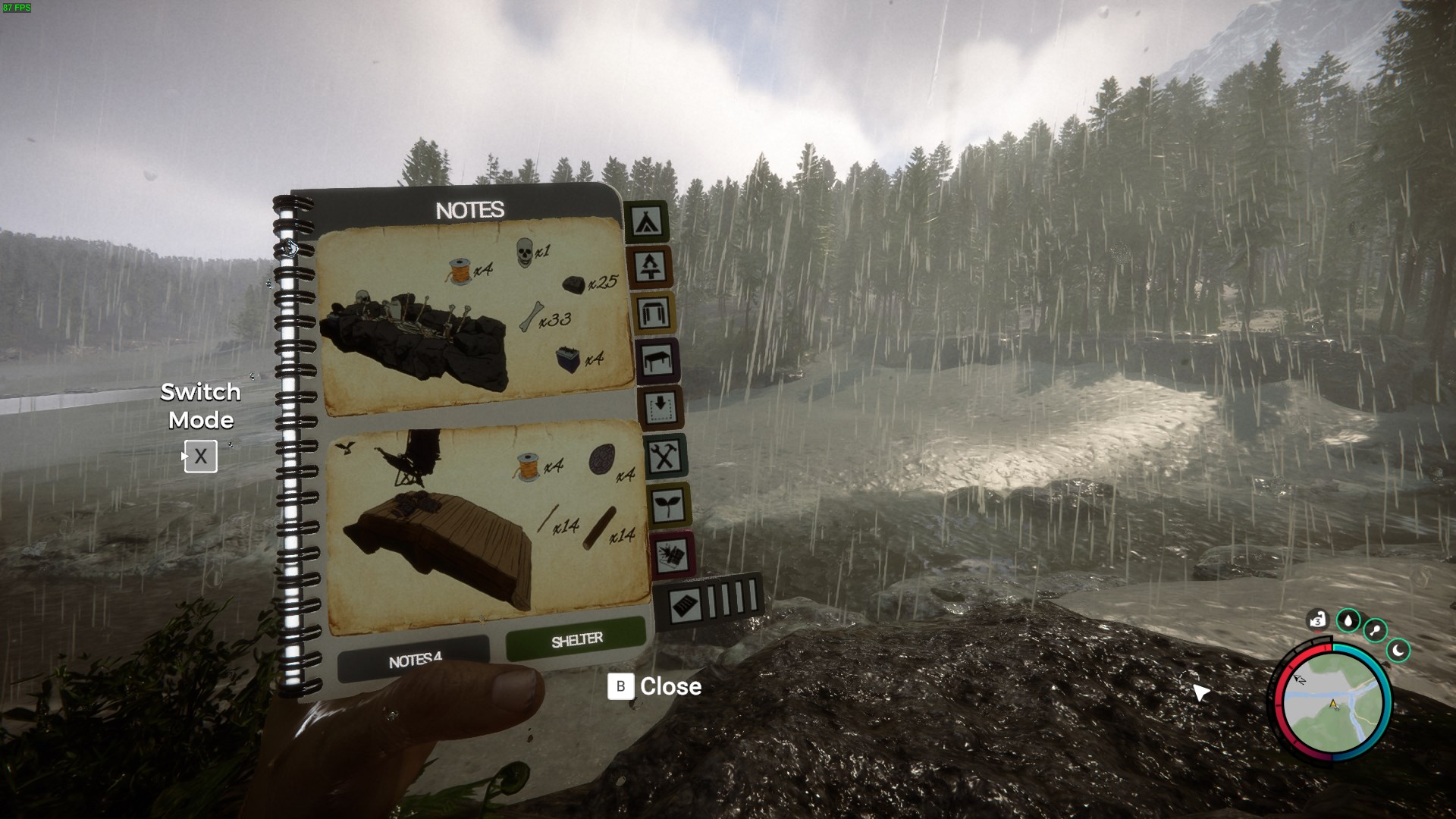
With these resources in hand, you can begin the construction process, assembling the components necessary to bring the Glider Launcher to life. Once crafted, strategically place the launcher in an open area near your base, ensuring a clear takeoff path for seamless aerial adventures.
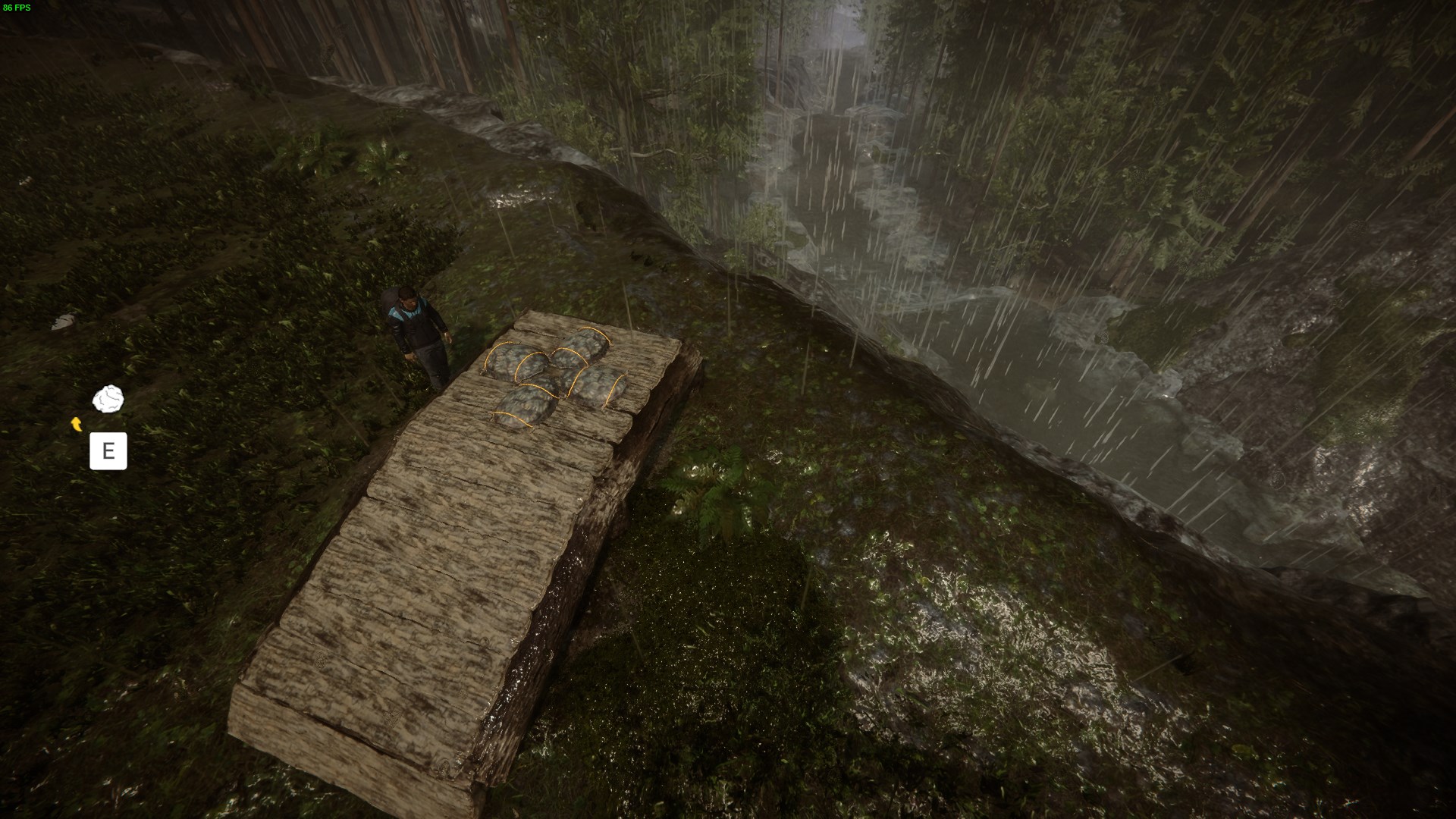
Using the Glider Launcher
Now that you've crafted your Glider Launcher, it's time to take to the skies. But before you do, let's go over how to use this incredible device.
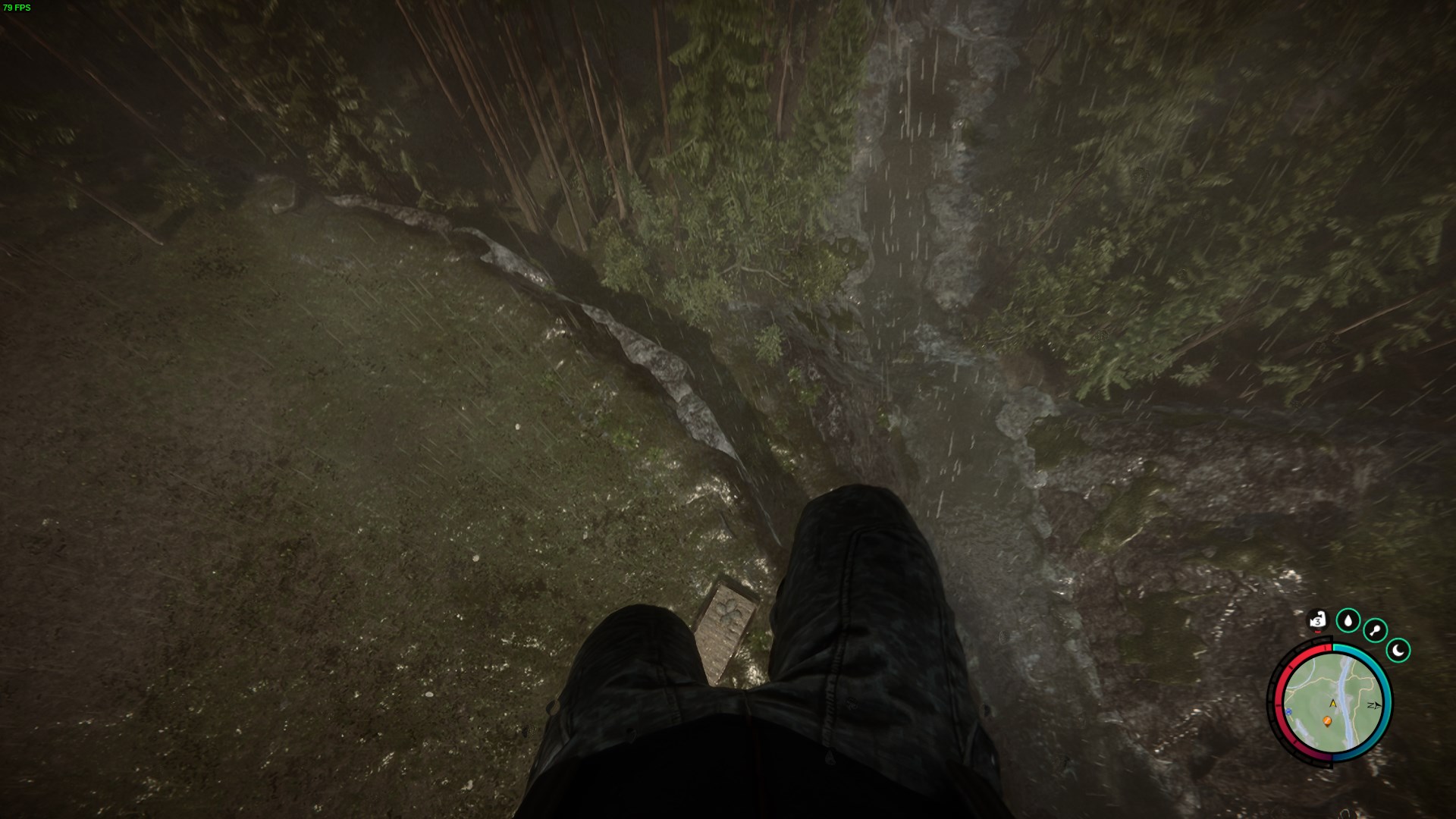
To relaunch the Glider Launcher after landing, hold down the "E" key. This action will prepare the launcher for another flight.
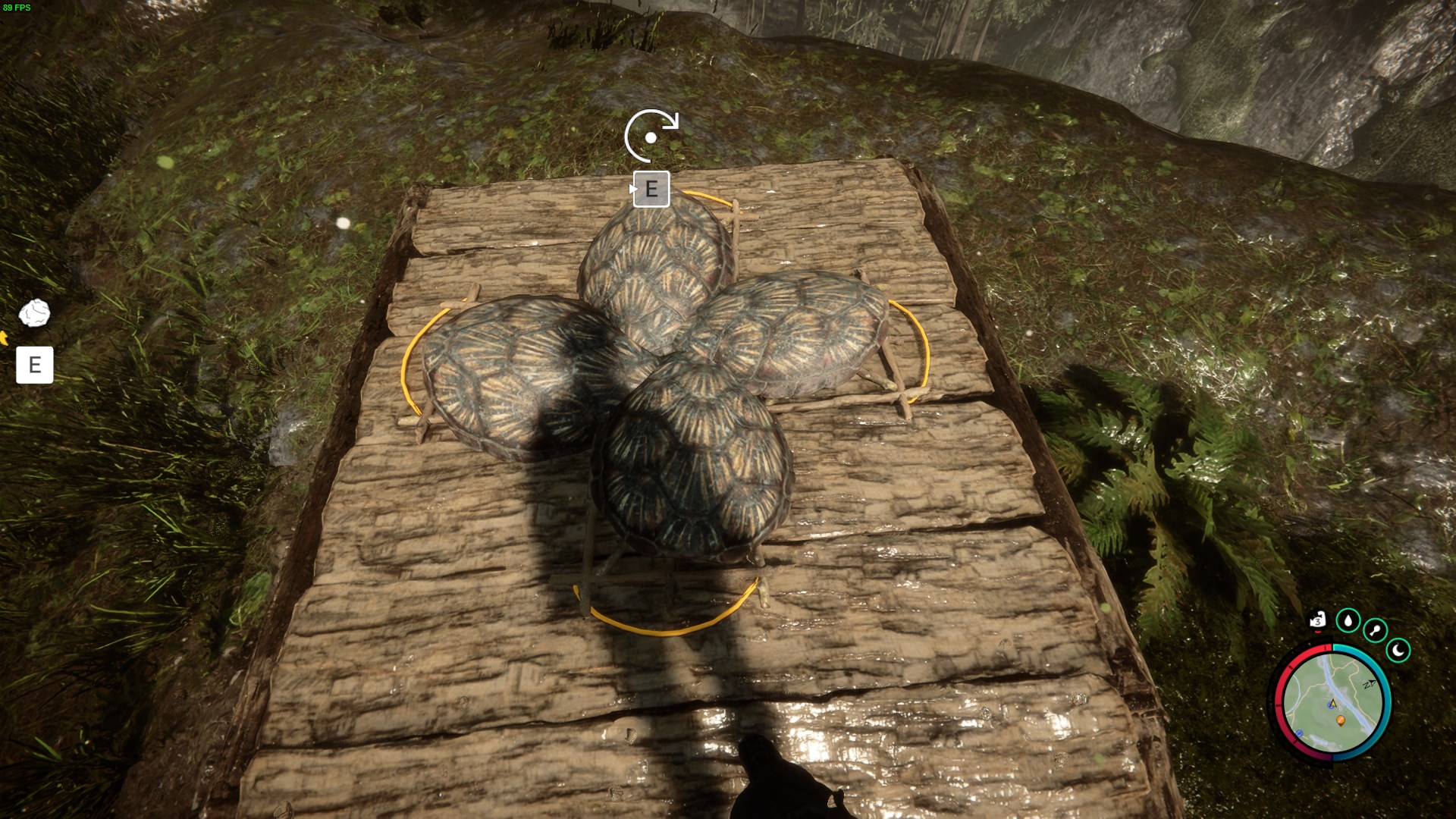
Once the launcher is ready, step onto the turtle shells positioned nearby. These shells will give you the boost you need to take off into the air.
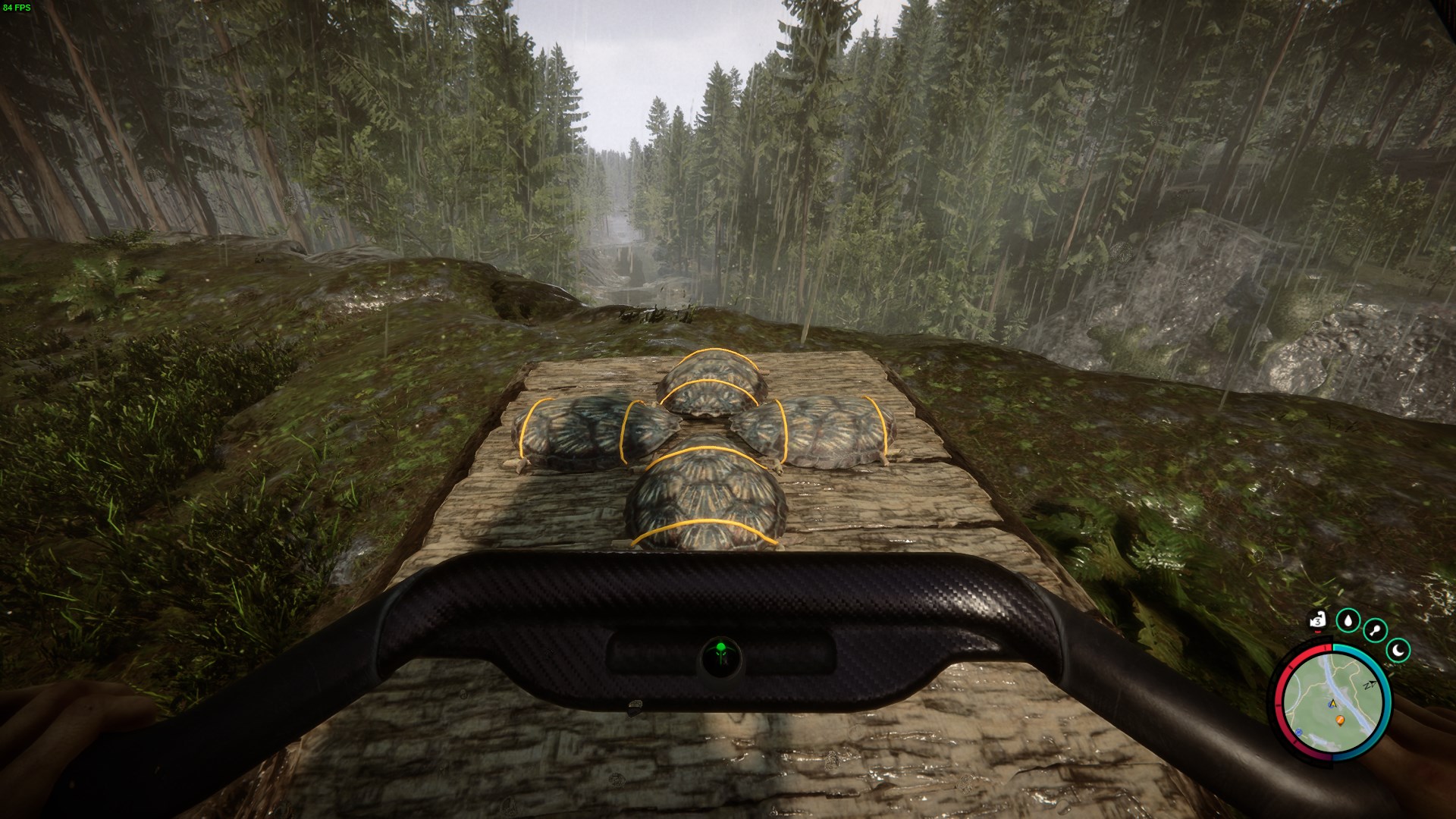
It's essential to prepare your Glider before experimenting with it. Ensure that you have it equipped and ready to go before attempting to launch yourself into the sky.
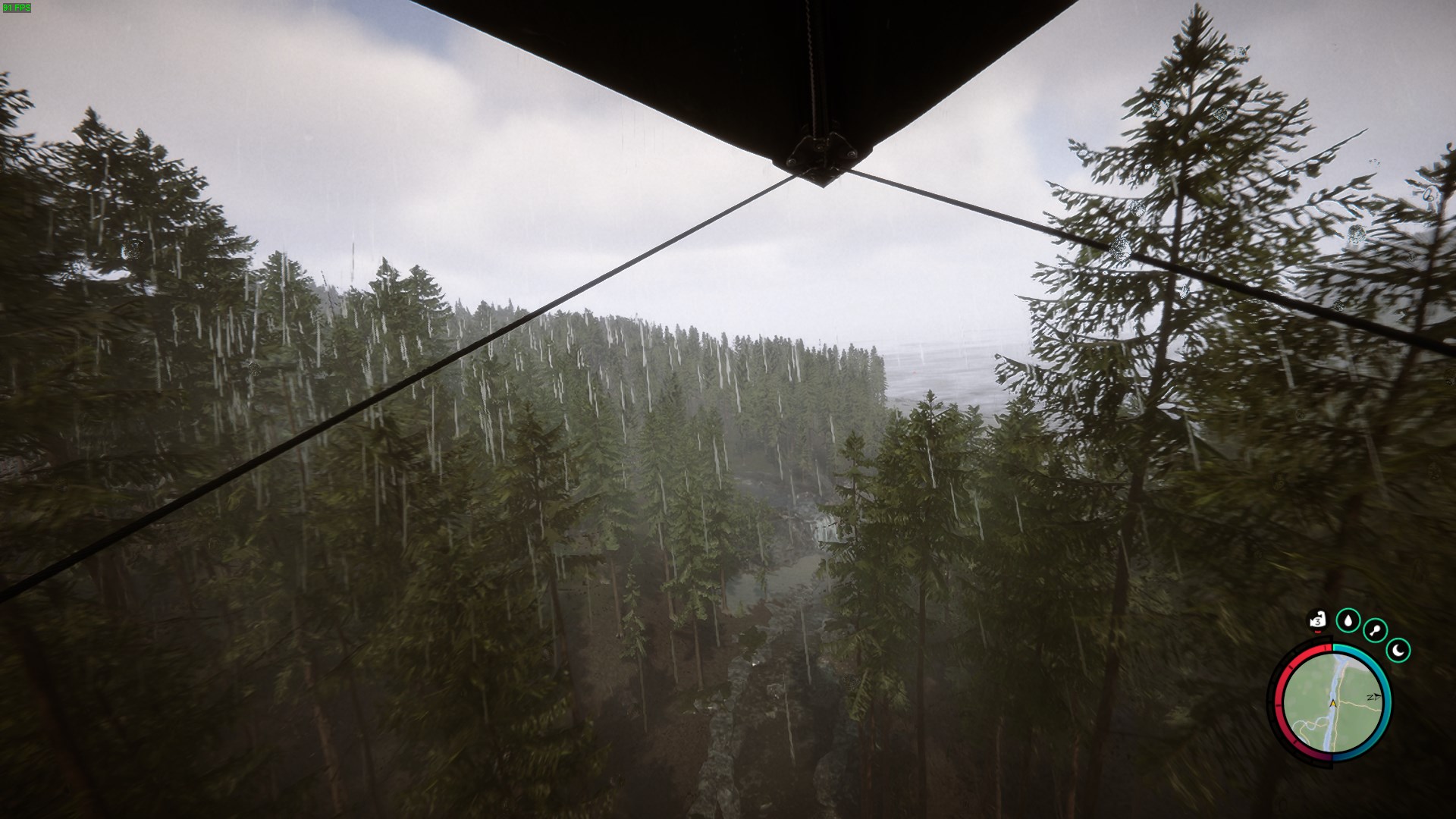
The Glider Launcher stands as a beacon of innovation in Sons of the Forest, offering you a thrilling means of exploration and travel. By following the path to its blueprint and mastering the art of crafting, you can unlock the full potential of this remarkable device. With these tips in mind, you're ready to experience the thrill of flying with your Glider Launcher.