
How to Get a Crosshair in Rust
Rust, the popular survival game, requires sharp shooting and quick reflexes to survive the harsh environment and hostile players. Having an accurate crosshair can make a significant difference in your gameplay, allowing you to target enemies with precision.
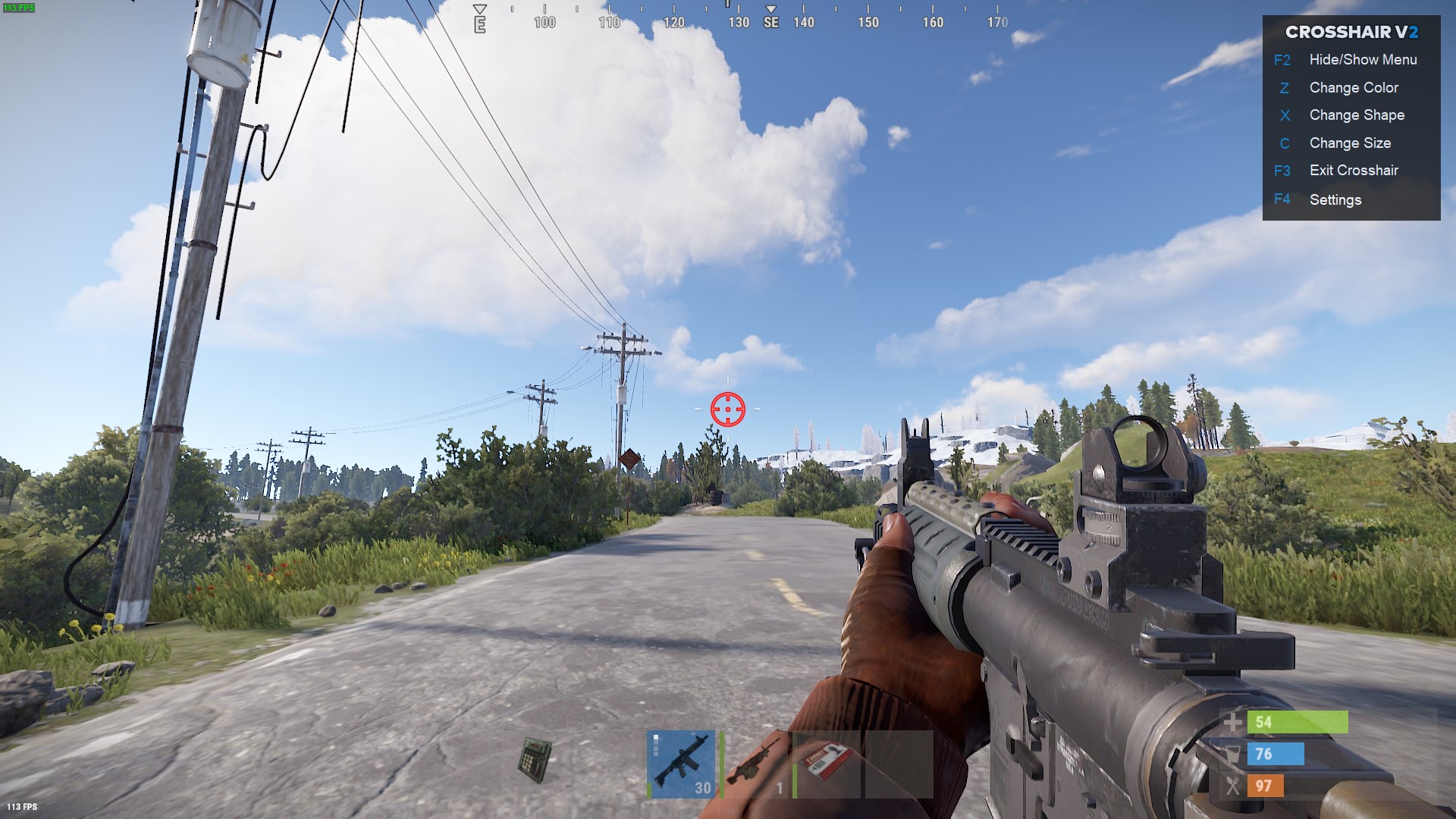
Third-Party Crosshairs in Rust
Using third-party crosshairs in Rust is allowed. There's no restriction on using custom crosshairs to enhance your aiming experience in the game. Feel free to explore different crosshair options to find the one that suits your preferences and helps you improve your gameplay.
How to Get a Free Custom Crosshair in Rust
If you're looking to enhance your aiming experience in Rust with a custom crosshair, you're in luck! Follow these simple steps to get a free custom crosshair in Rust:
1. Visit the Microsoft Store: Head over to the Microsoft Store and search for "crosshair v2."
2. Select the App: Tap on the first search result for "crosshair v2."
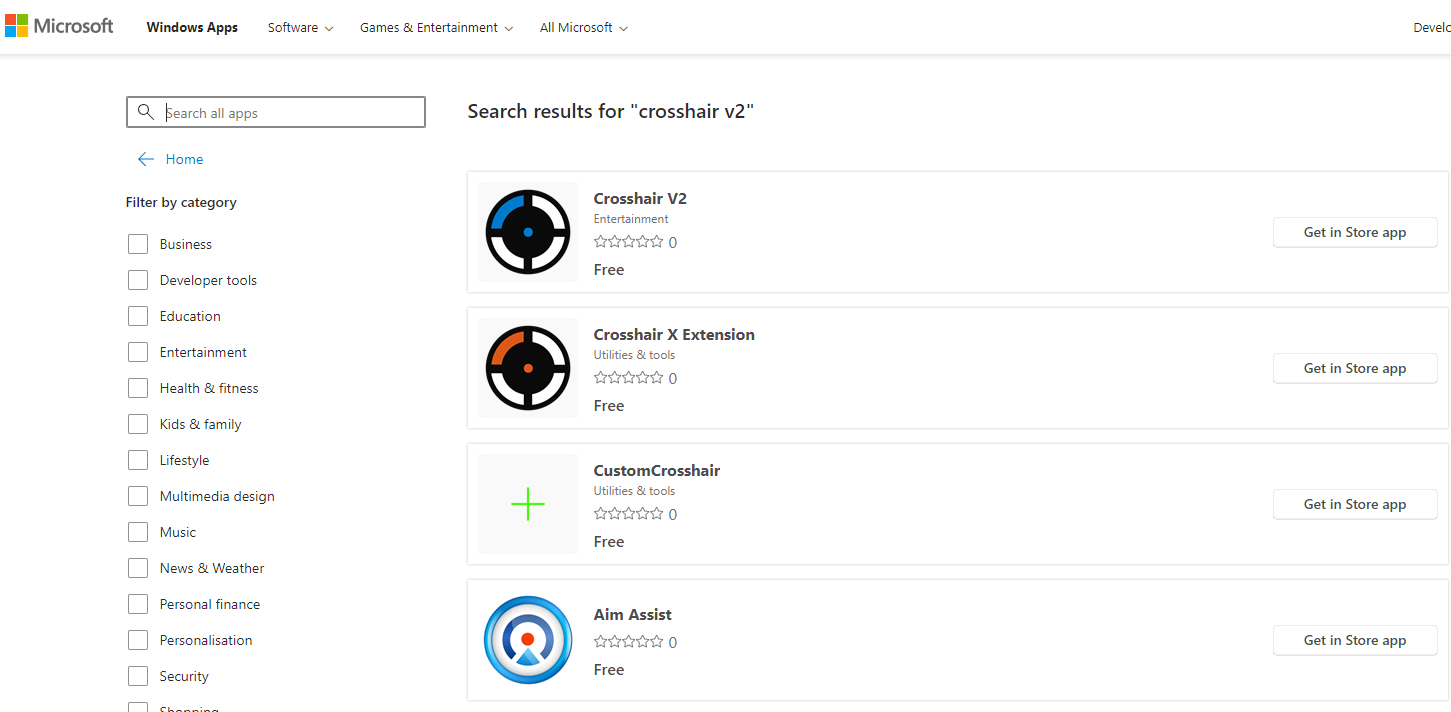
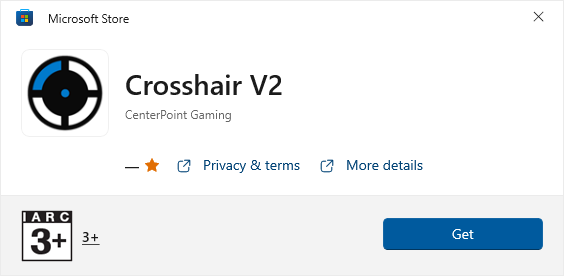
3. Install the App: Click on the "Install" button to download and install the Crosshair V2 app.
4. Join a Server: Launch Rust and join your preferred server.
5. Activate Crosshair: Once you're in the game, tap the Windows key to minimize Rust, then search for "crosshair V2" in the Windows search bar, and press Enter.
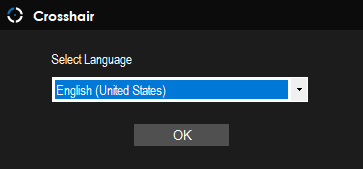
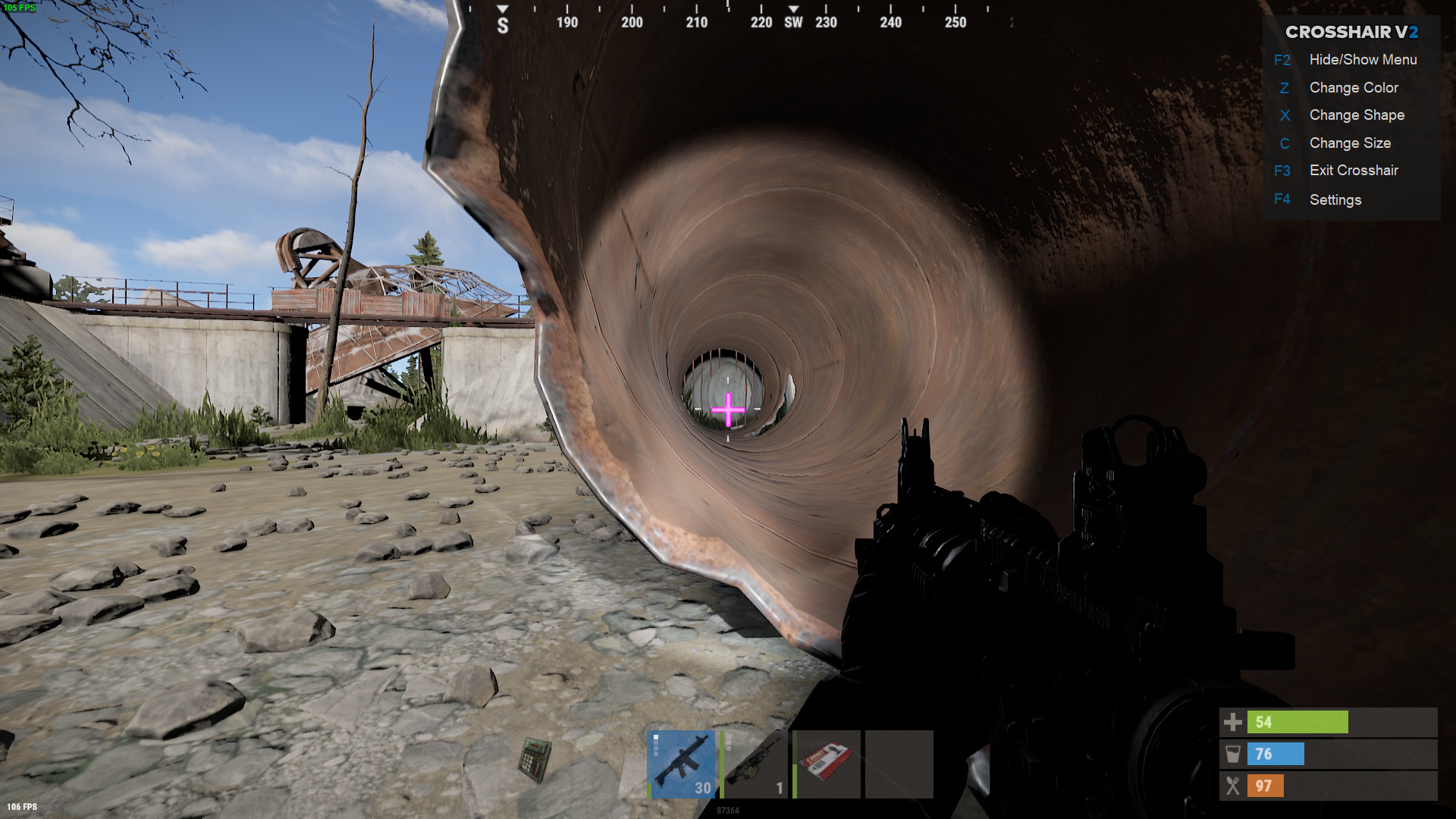
6. Customize Your Crosshair: After a few seconds, the crosshair will appear, and you'll see a small menu with hotkeys. You can now customize your crosshair to your preferred shape, size, and color.
7. Enjoy: Whether you prefer a simple red dot or a different style, have fun with your new customized crosshair and experience improved aiming in Rust!
To end
Adding a custom crosshair can make a significant difference in your gameplay, giving you better visibility and accuracy when targeting enemies. Now that you know how to get a free custom crosshair in Rust.