
How to Fly in Valheim
Flying in Valheim can be a game-changer, allowing you to traverse the vast landscapes quickly. While it's enabled through console commands, it's a powerful tool for saving time and covering long distances. In this guide, we'll walk you through the process of enabling flight in Valheim.
Enabling Flying in Valheim
To gain the ability to fly in Valheim, follow these steps:
1. Enable Console Commands or Cheats in Valheim:
- Open your Steam client and access the game's launch options by right-clicking on the game's tab or pressing the gear icon on the Steam Library page.
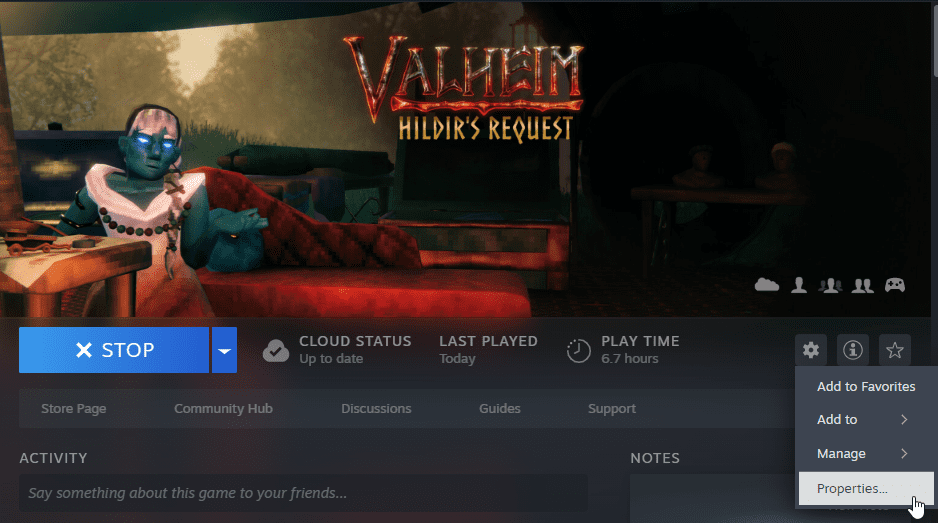
- In the launch options box, located under "Advanced users may choose to enter modifications to their launch options," type "-console" (without quotes).

Enable Flying via Console Commands
- Launch Valheim and load your world.
- After your save file loads, open the in-game console by pressing F5 on your keyboard.
- Type "devcommands" and hit enter. This will set "cheat true" in terms of game mechanics.
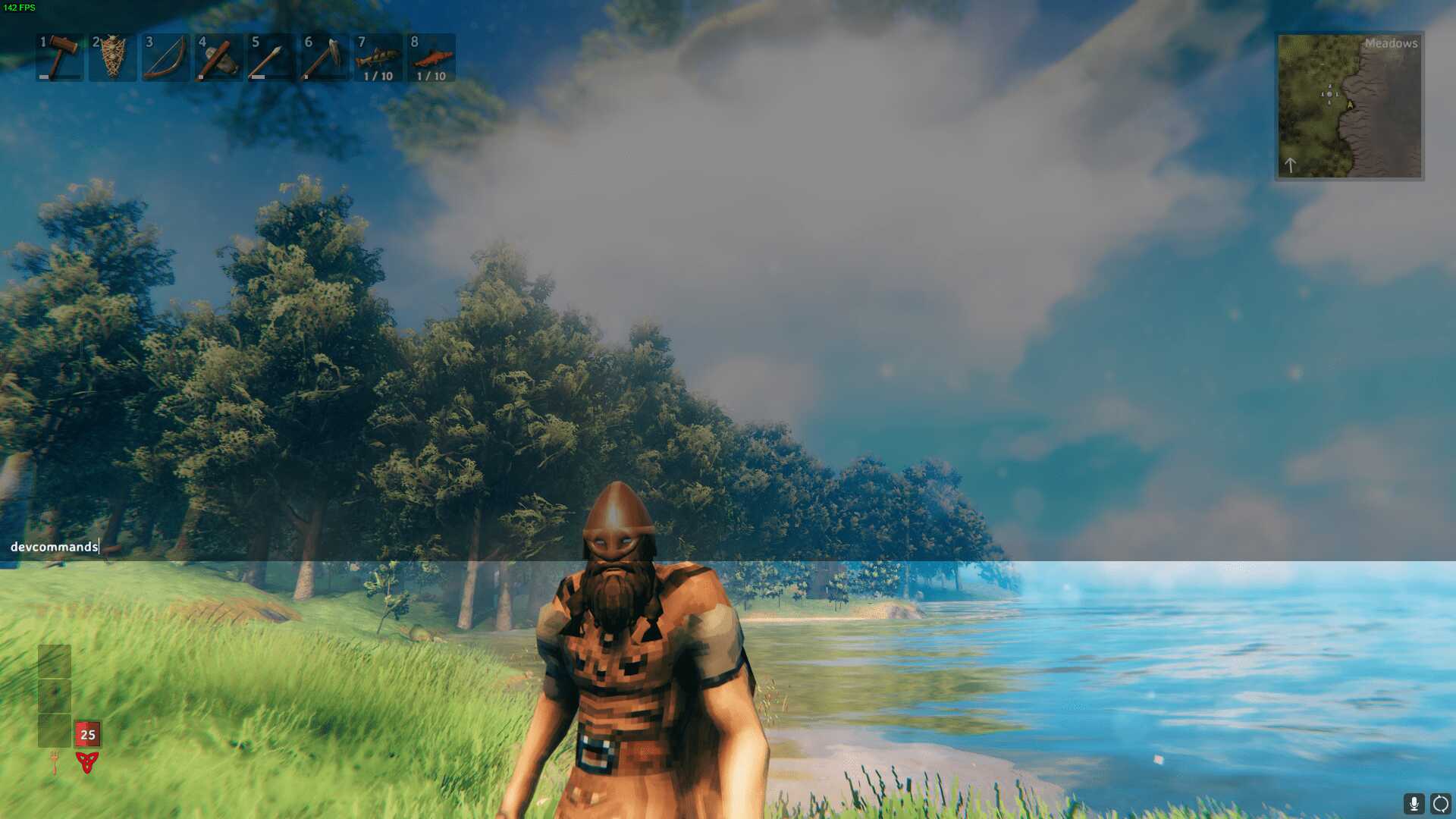
- To enable flying in Valheim, type "fly" and press enter. Your character will now have the ability to soar through the sky without any restrictions. It's worth noting that flying doesn't disable collision, so watch out for environmental objects and terrain.
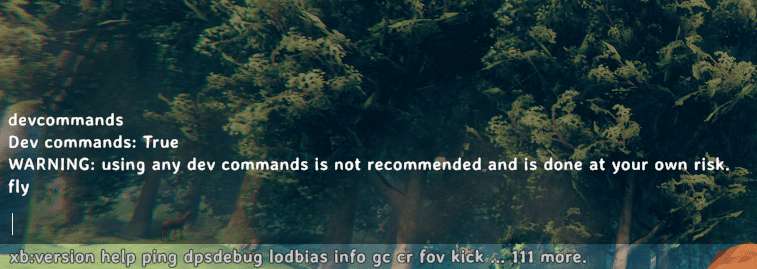
- Before descending, it's a good idea to enable "god mode" by typing "god" into the console. This prevents your character from taking fall damage or accidentally dying upon landing. If you've equipped the Feather Cape, you'll gracefully glide to the ground without any fall damage, thanks to the Feather Fall passive status effect.
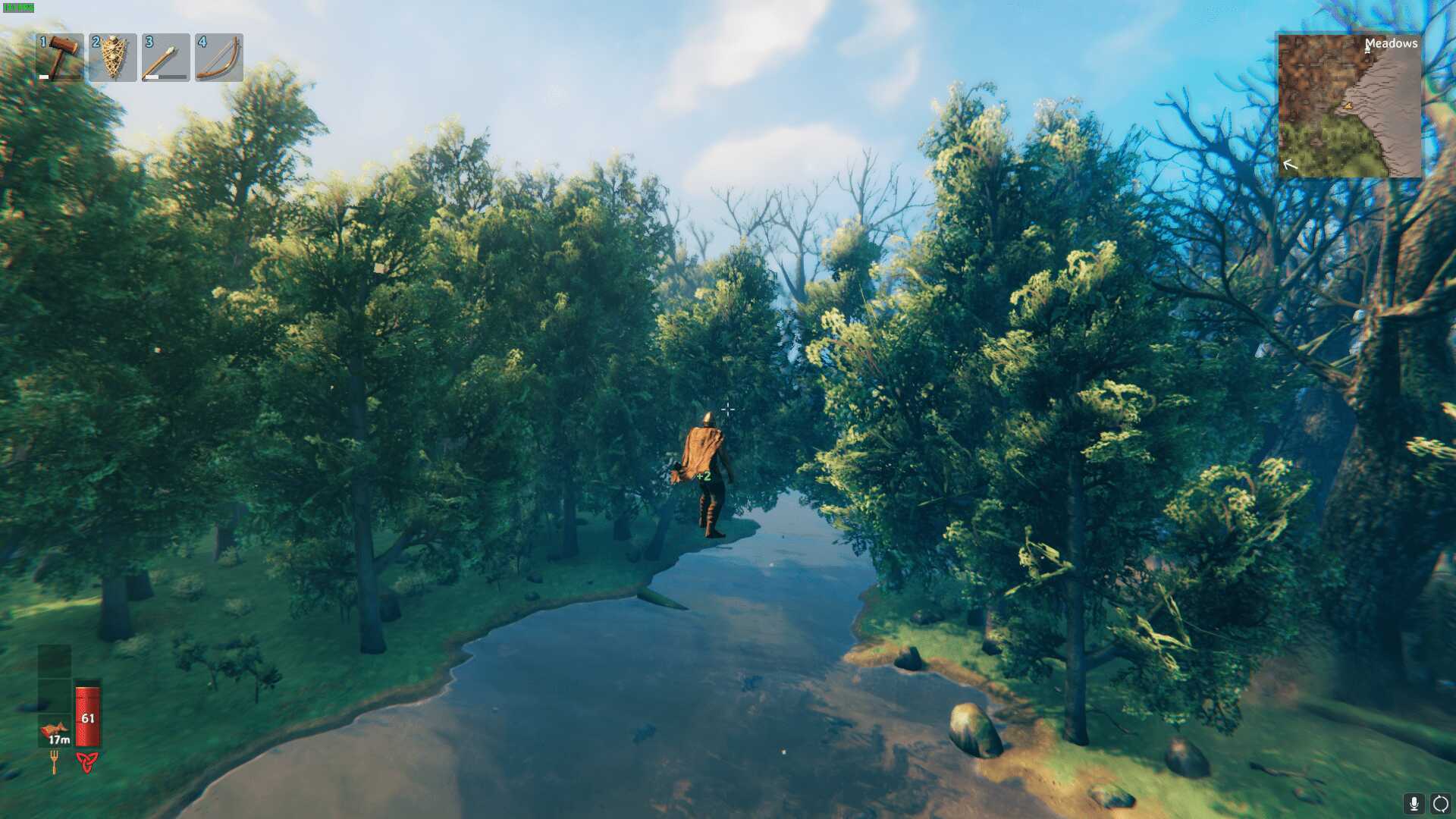
- To return to the ground, simply type "fly" again into the console.
Alternative: Using the "Freefly" Command
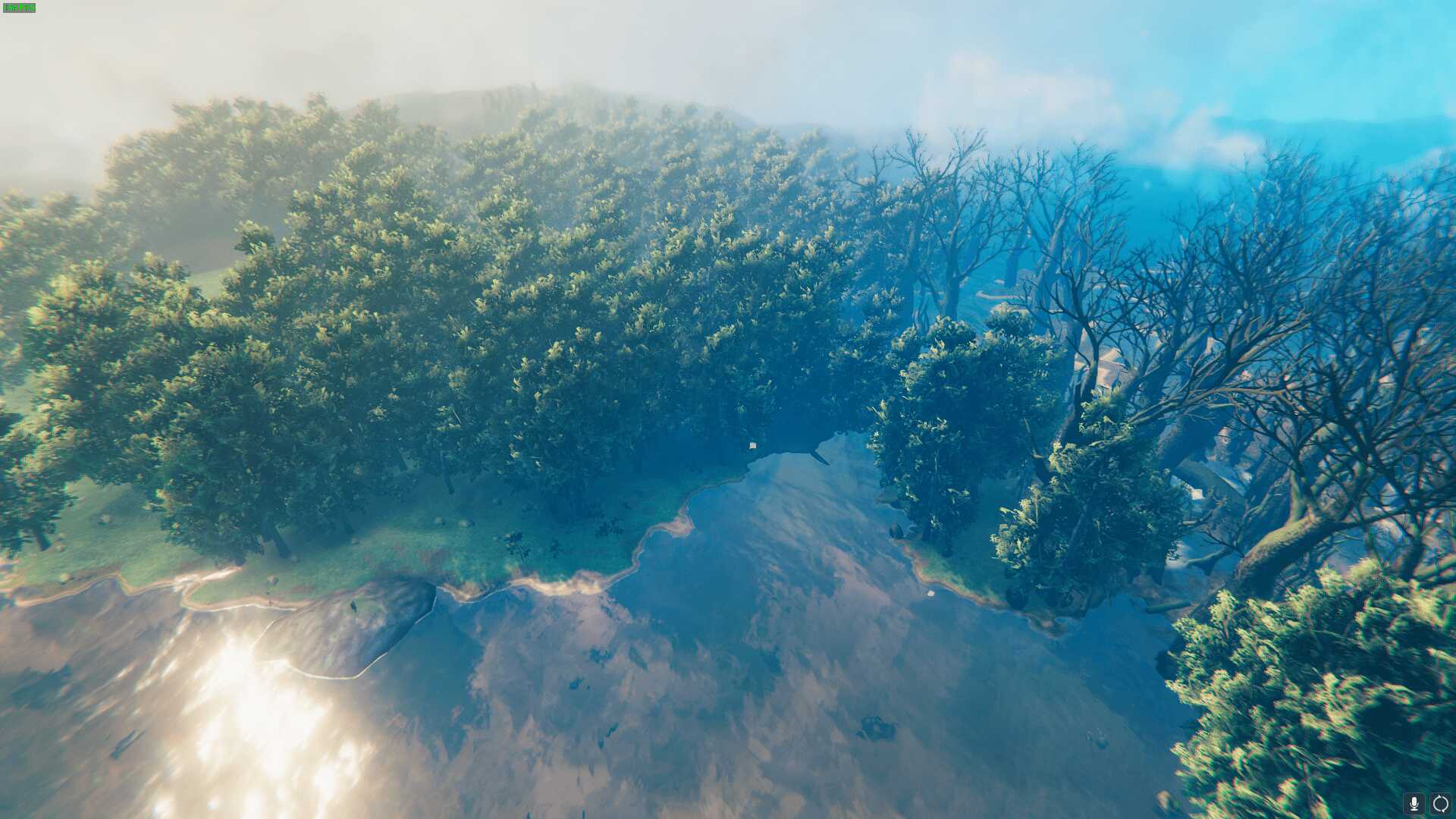
- Another way to enable flying in Valheim is by using the "freefly" console command. This allows you to control a camera view independent of your character, which is perfect for taking stylish screenshots or capturing cinematic moments in your playthrough.
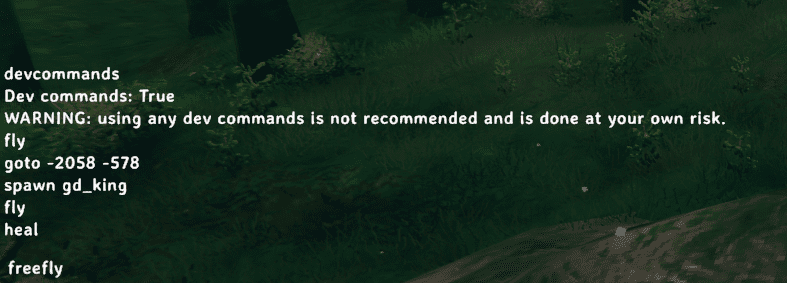
- To activate the free-camera mode, type "freefly" into the console. If you wish to remove the UI for a cleaner image, press Ctrl and F3 simultaneously. Remember to hold down Ctrl first, then press F3. To deactivate the free-camera mode, simply type "freefly" again into the console.
By following these simple steps, you can unlock the power of flight in Valheim, making your adventures in this Viking survival game even more exciting and efficient.