
How to fly drone in Rust
Rust has taken flight with the introduction of the Rust Drone during the Eye In The Sky Update. This aerial device adds a whole new dimension to the game. It lets players explore and scout the vast Rust world from above.

Craft Your Sky Companion
Crafting your very own Rust Drone is the first step. Head to the Workbench and create this flying tool.
Basics
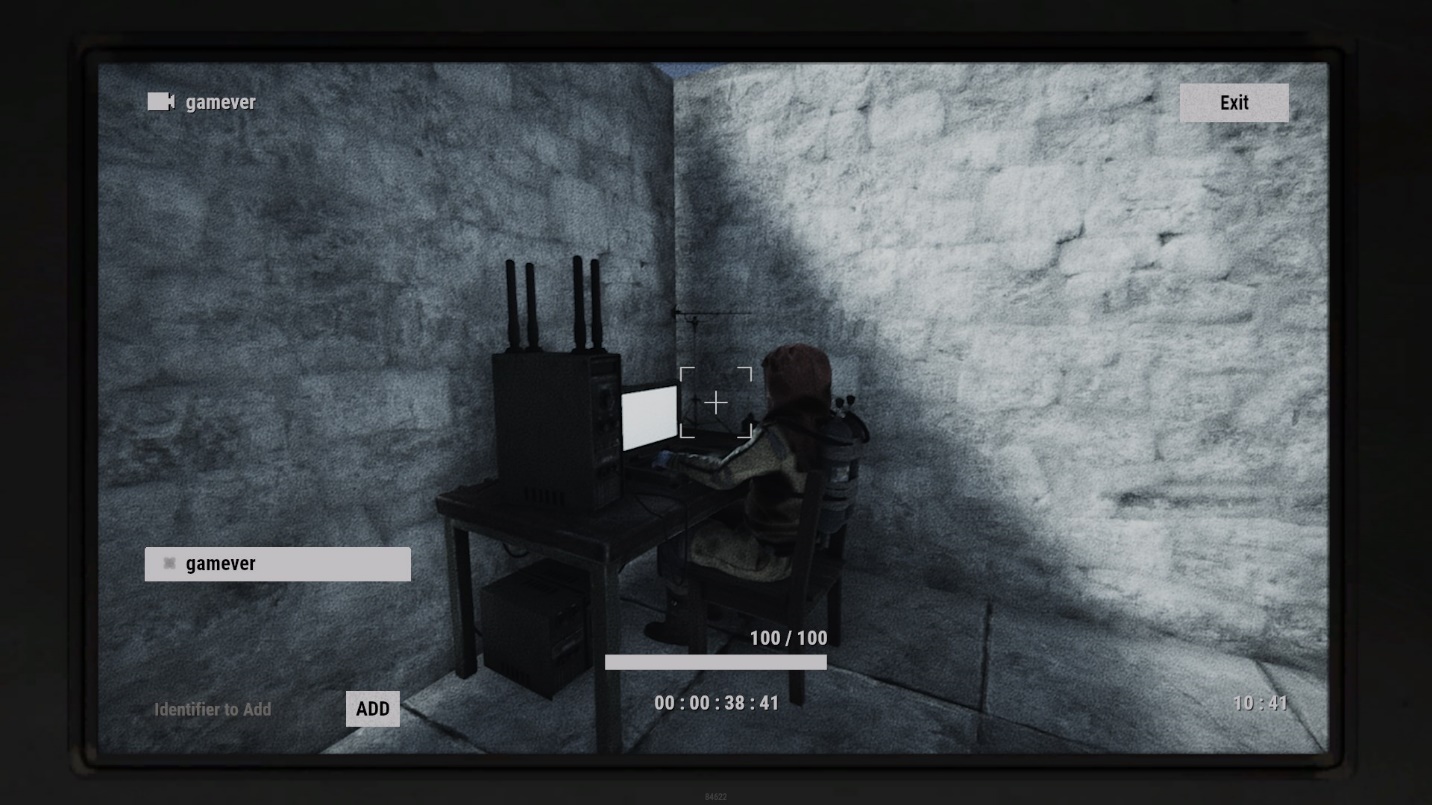
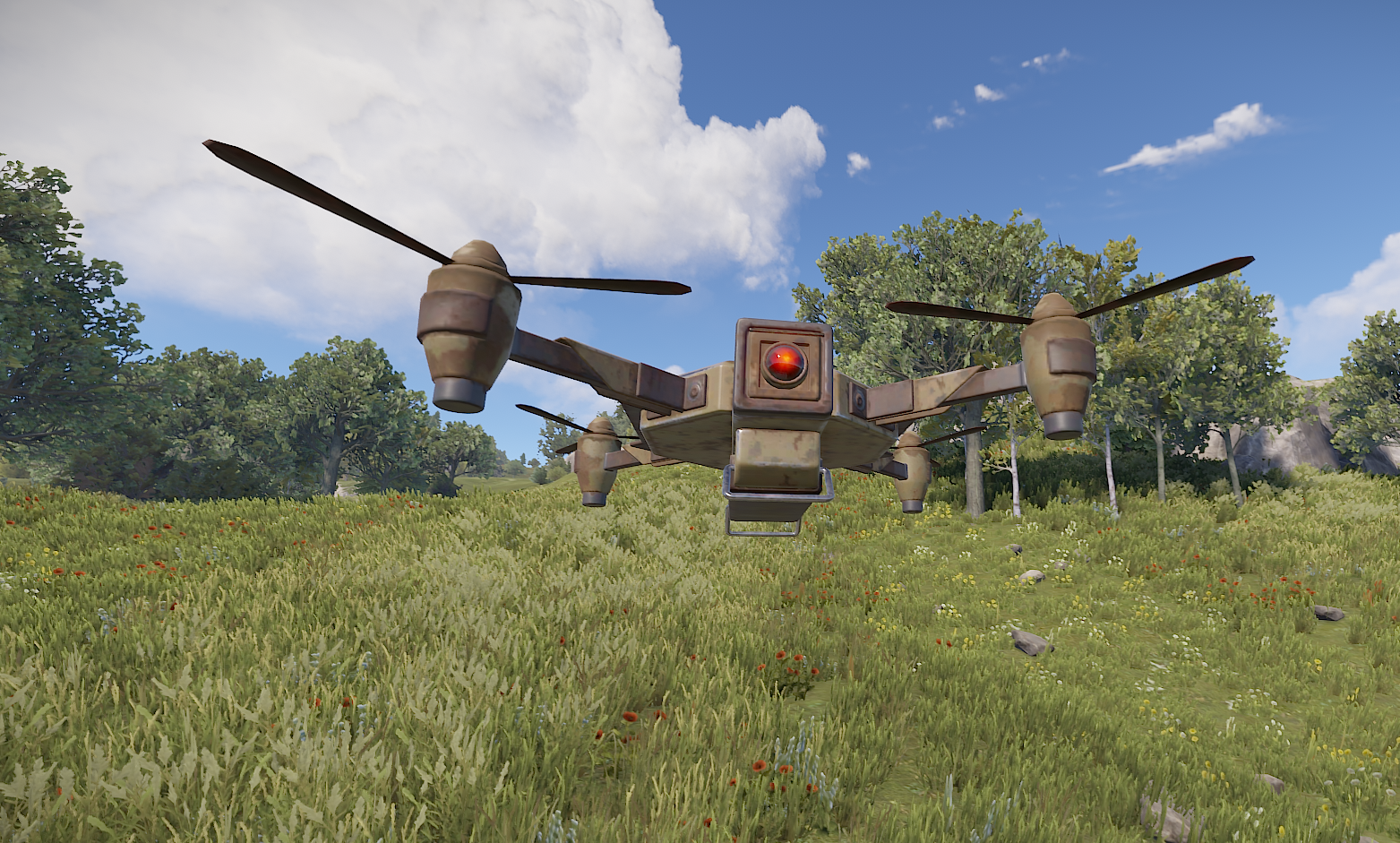
The drone operates using the RUST CCTV camera coding system, ensuring it has a keen field of vision and can be expertly piloted. And here's a perk: no fuel needed! Deploy it on a flat surface, then get personal by giving it a custom name. Simply press and hold the E key. When it comes to seeing through its eyes, use a Computer Station and type in its name (remember, it's case-sensitive).
Taking Control and Exploring
Piloting the drone is a breeze:
Left Shift: Soar higher
Left Ctrl: Ease down
W: Move forward
S: Move backward
D: Glide left
A: Slide right
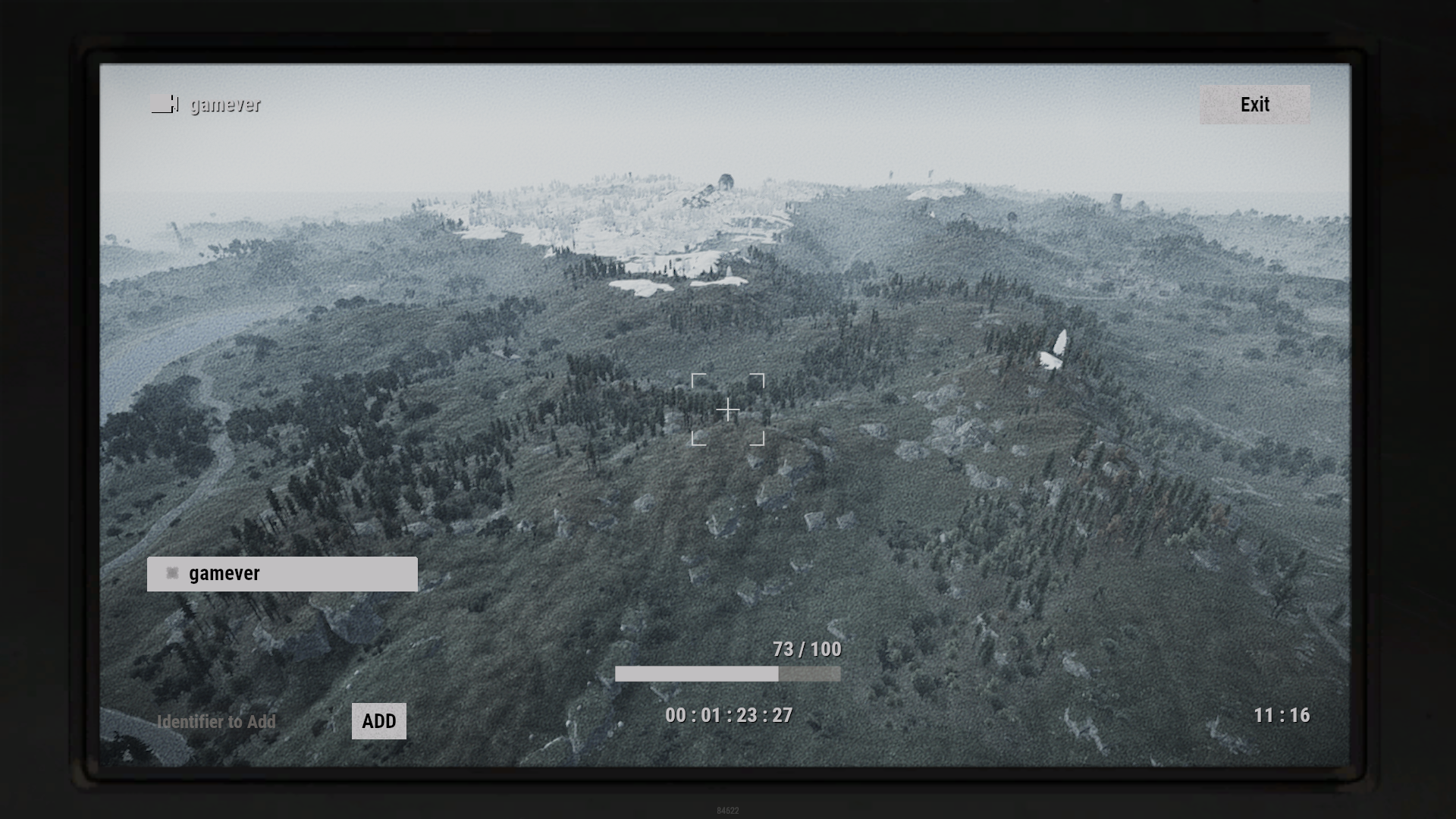
With a range of 250 meters or nearly 2 map tiles, you've got some ground to cover. Watch out, though: as you near the limit, the visual feed could fuzz out and lose signal.
Tips
Take these pointers to heart for smooth sailing:
Set the drone up away from structures and trees—they're not as tough as they look.
Enemy turrets and SAM sites can't mess with your drone, so don't worry.
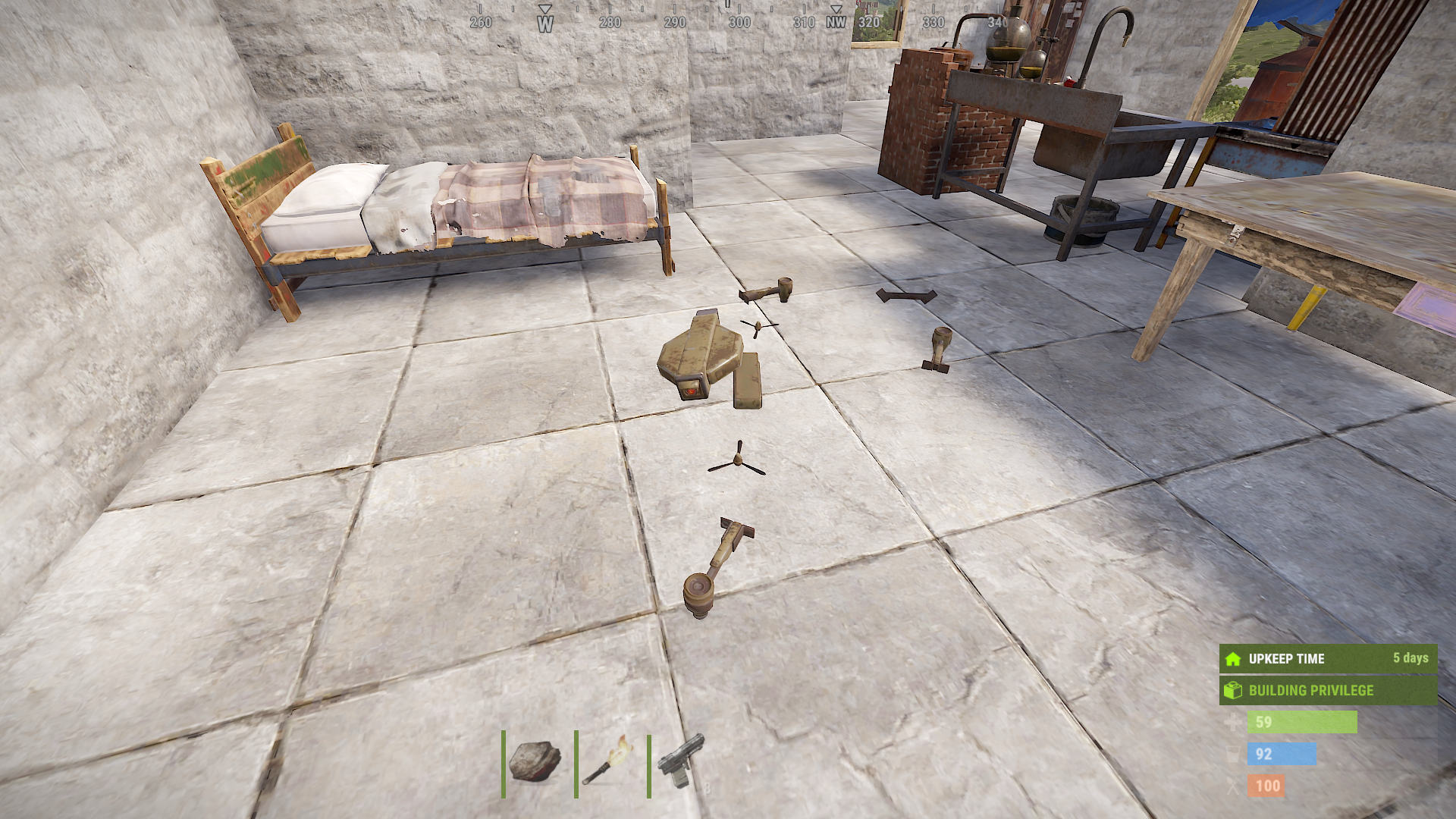
Be cautious! One bump or stray flight can spell disaster, and you might have to say goodbye to your drone.
Handle with care, these drones can be delicate!
Conclusion
The Rust Drone is your ticket to newfound exploration, reconnaissance, and strategizing. Take full advantage of its aerial prowess to gather intel, scope out rival bases, and stay a step ahead in the survival game. With smart tactics and precise controls, the drone can redefine your Rust adventure. Master flying this tech marvel and rule the skies of Rust.