
How to Fix Server Not Showing Up Error in Enshrouded
Restart Enshrouded
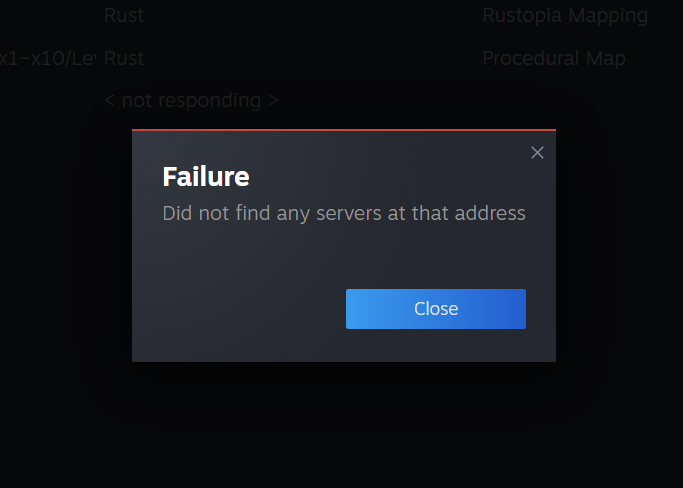
A classic troubleshooting step - simply restart Enshrouded to potentially resolve the server not showing up error. Restarting often clears temporary issues.
As a last resort, consider reinstalling Enshrouded. While time-consuming, this can effectively address various errors, including the server not showing up error.
Favorite the Server IP
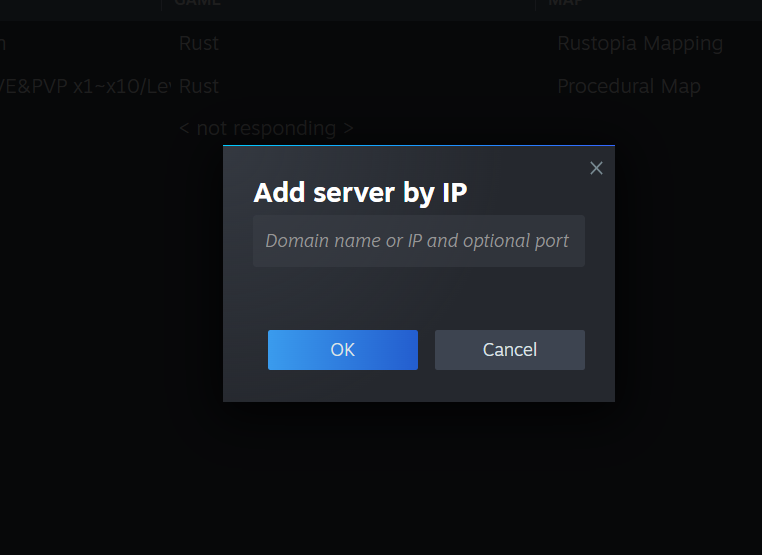
If Steam blocks IP addresses, add the server’s IP address to your favorites. Open Steam, navigate to the View tab, select Game Servers, click on Favorites, and add the IP address to ensure access.
Additional Troubleshooting Methods
Run Enshrouded as an administrator by locating the exec file in your Steam Library, right-clicking Enshrouded, selecting Properties, clicking Browse, and running the exec file as an administrator.
Stay updated with Enshrouded's developer, Keen Games, to ensure you're aware of any updates or issues. Visit Keen Games' Twitter account for updates and potential fixes.
Dedicated Server Not Showing Up Fix
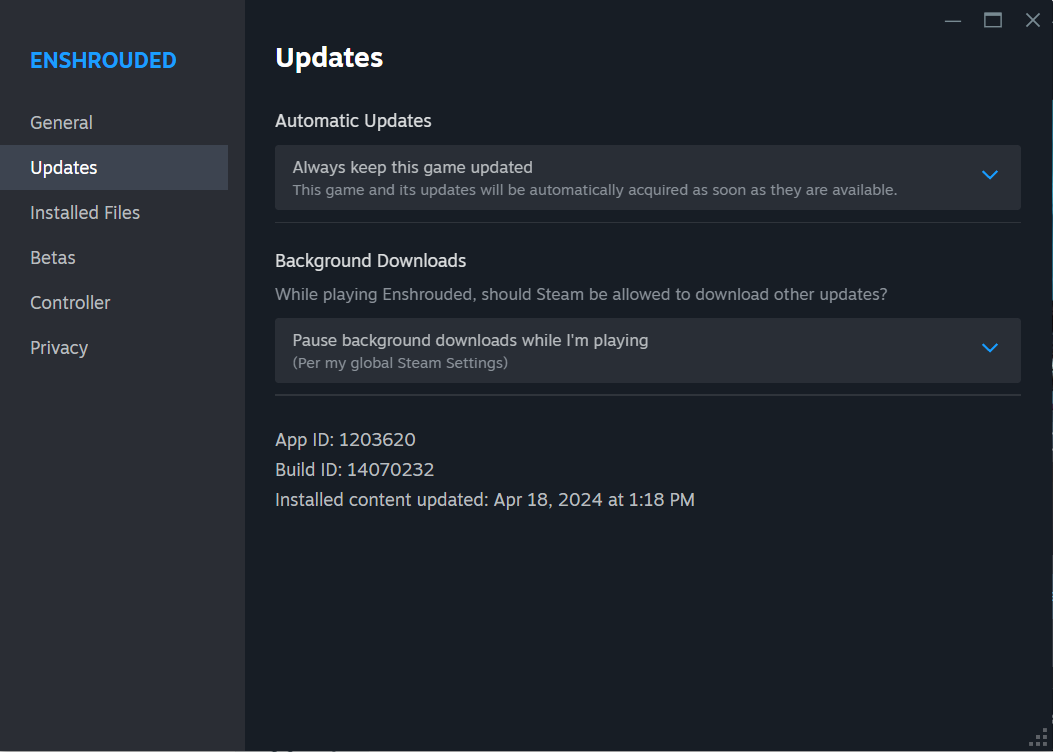
One more way to fix this issue is copying all files from the SteamCMD\Steamapps\common\EnshroudedServer folder to the server's location. This can address issues with servers not showing up online. It should work for locally hosted dedicated servers.
Don’t let the server not showing up error dampen your Enshrouded experience. Try these fixes to resolve the issue and get back to exploring the game world with your friends.