
How to Fix Out of Video Memory Issue in Soulmask
"Out of Video Memory" message is often linked to how Soulmask interacts with your GPU and system resources. Even high-end GPUs like the RTX 3090 or RX 7900 can face this problem if the game fails to allocate rendering resources properly. Common triggers include outdated drivers, incorrect graphics settings, or engine limitations.
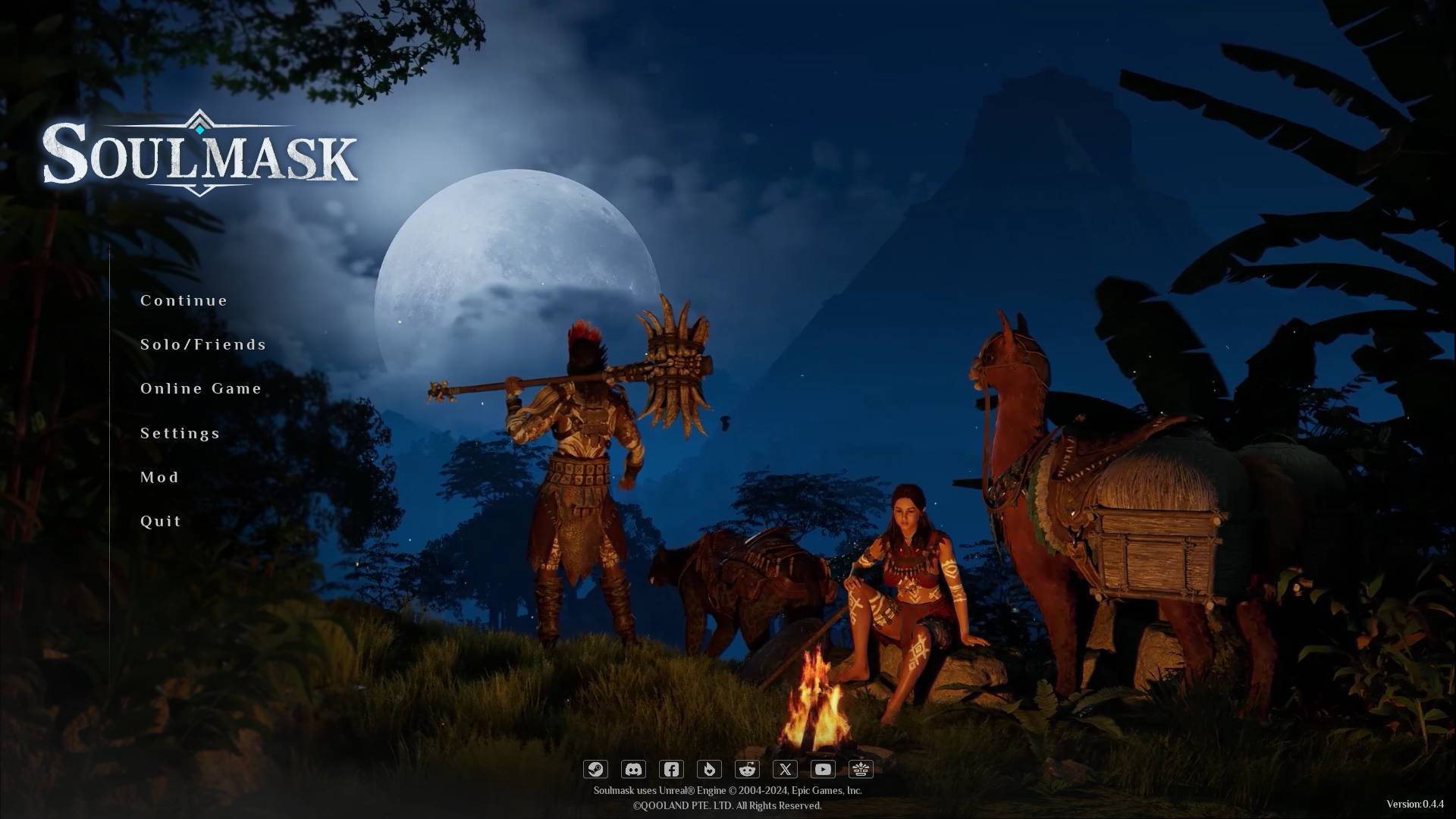
Switching Graphics API
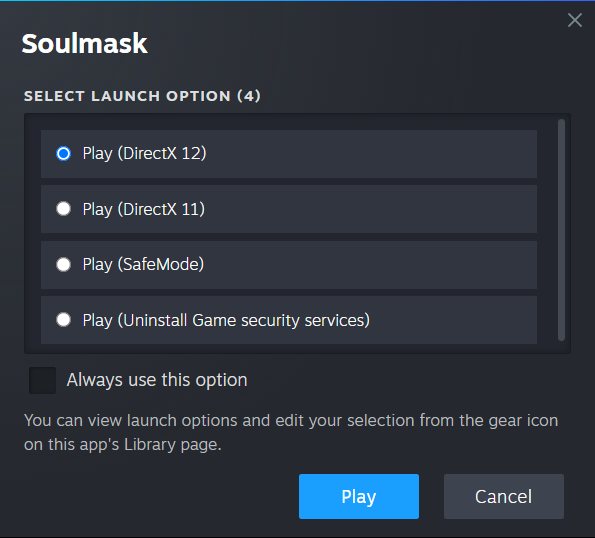
Choosing the appropriate DirectX version can influence the game’s performance.
- Open the Steam client and find Soulmask in your library.
- Right-click the game, select Properties, and locate Launch Options.
- Enter ‘-dx11’ to force the game to use DirectX 11, then try running it.
- If the issue persists, replace it with ‘-dx12’ to test DirectX 12 compatibility.
Updating Graphics Drivers
Outdated drivers can cause resource mismanagement.
- Visit the official website for NVIDIA or AMD, based on your GPU.
- Use the provided tools to identify your graphics card model.
- Download the latest drivers and perform a clean installation.
- Restart your system afterward.
Optimizing Graphics Settings
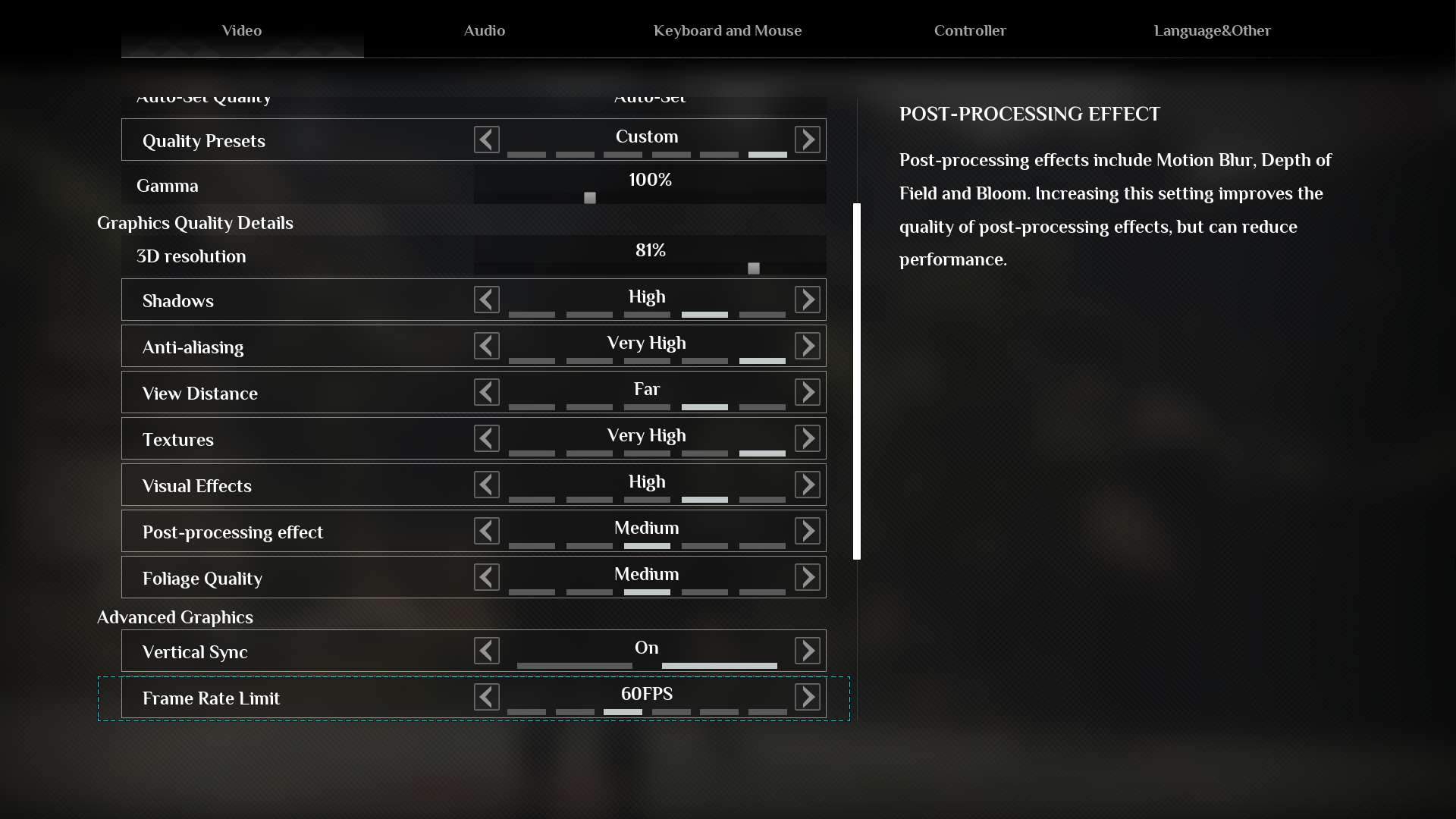
Adjusting settings within the game can reduce the strain on your GPU.
- Lower the resolution to 1920x1080 if playing at higher settings.
- Decrease texture quality, shadows, and disable ray tracing.
- Limit FPS to reduce unnecessary load.
Adjusting Virtual Memory
If your system’s virtual memory is insufficient, manually increasing it can help.
- Search for "Advanced System Settings" in the Windows search bar.
- Under Performance, select "Settings," then go to the Advanced tab.
- Choose "Virtual Memory" and uncheck "Automatically manage paging file size."
- Set custom values: for a system with 16GB RAM, use an initial size of 24576MB and a maximum size of 49152MB.
- Apply the changes and restart your system.
Disabling Overlays and Background Processes
Overlays like Steam, Discord, or NVIDIA GeForce Experience can interfere with game performance.
- Turn off overlays in their respective settings menus.
- Close non-essential background apps using Task Manager to free up resources.
Administrative Access
Running Soulmask with elevated permissions can resolve allocation issues.
- Locate the game’s executable file in its installation directory.
- Right-click the file, choose Properties, and open the Compatibility tab.
- Select "Run this program as an administrator" and confirm.
Checking Game Files
Game files can sometimes become corrupted during updates or installations.
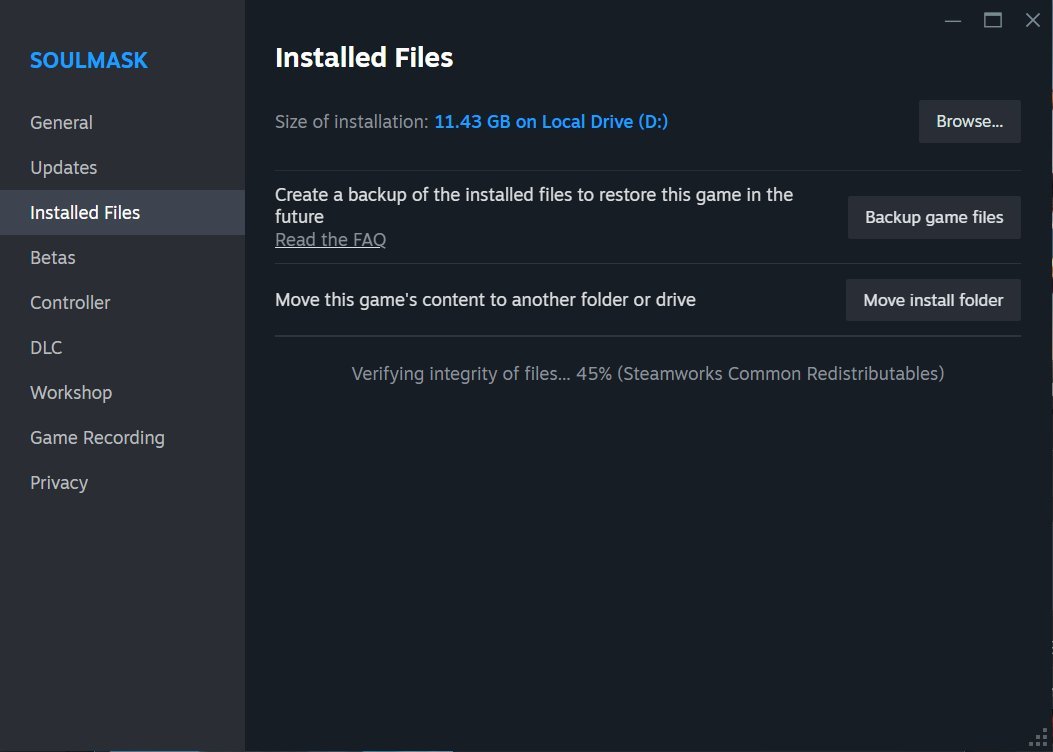
- In Steam, right-click Soulmask, go to Properties, and select the Installed Files tab.
- Use the "Verify Integrity of Game Files" option to identify and repair issues.
Reinstalling the Game
As a last resort, reinstalling can resolve persistent problems.
- Uninstall Soulmask from your library.
- Delete any remaining game files from the installation folder.
- Reinstall the game on your primary drive, such as C:, for better performance.
Addressing the "Out of Video Memory" error in Soulmask requires a bit of troubleshooting but often leads to significant improvements in gameplay. With the adjustments and configurations outlined here, you should notice a more seamless experience. This guide serves as a resource to help identify and resolve the underlying issues causing the error.