
How to Fix Lags and Stuttering in Icarus Update
If you’ve been exploring the hostile terrains of Icarus only to find your adventure interrupted by lags and stuttering, you’re not alone. These performance issues can be frustrating, especially in such an immersive game.
Optimizing System Performance
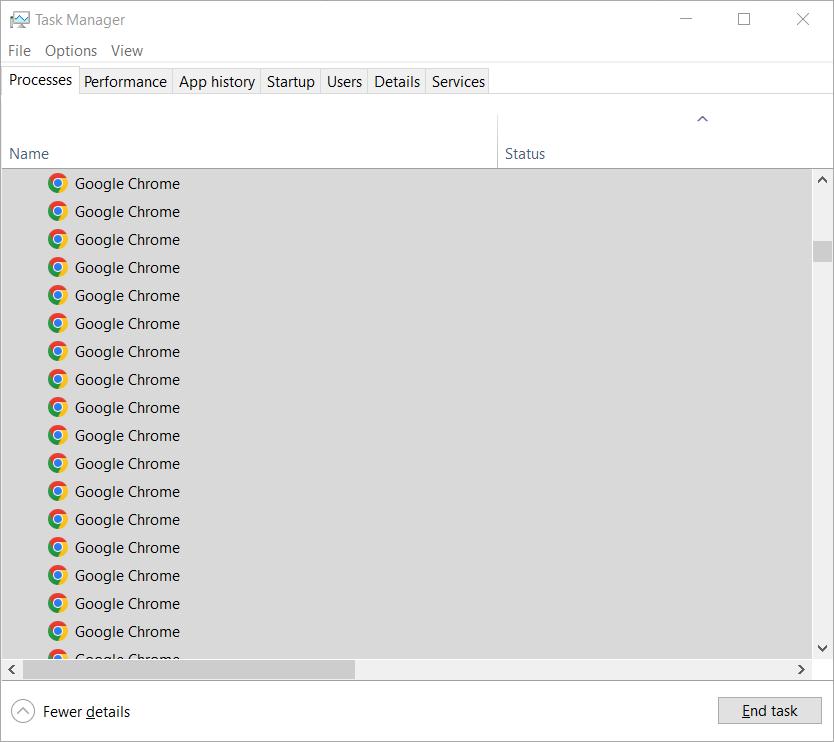
Start by managing your system’s resources effectively. Close all unnecessary applications running in the background, including browsers, music players, or any non-essential software. Programs like Chrome and Spotify can consume significant memory, which is better allocated to Icarus. Use Task Manager to identify and terminate processes hogging resources. Additionally, turn off real-time protection in Windows Security to free up more RAM.
Tuning Graphics Settings
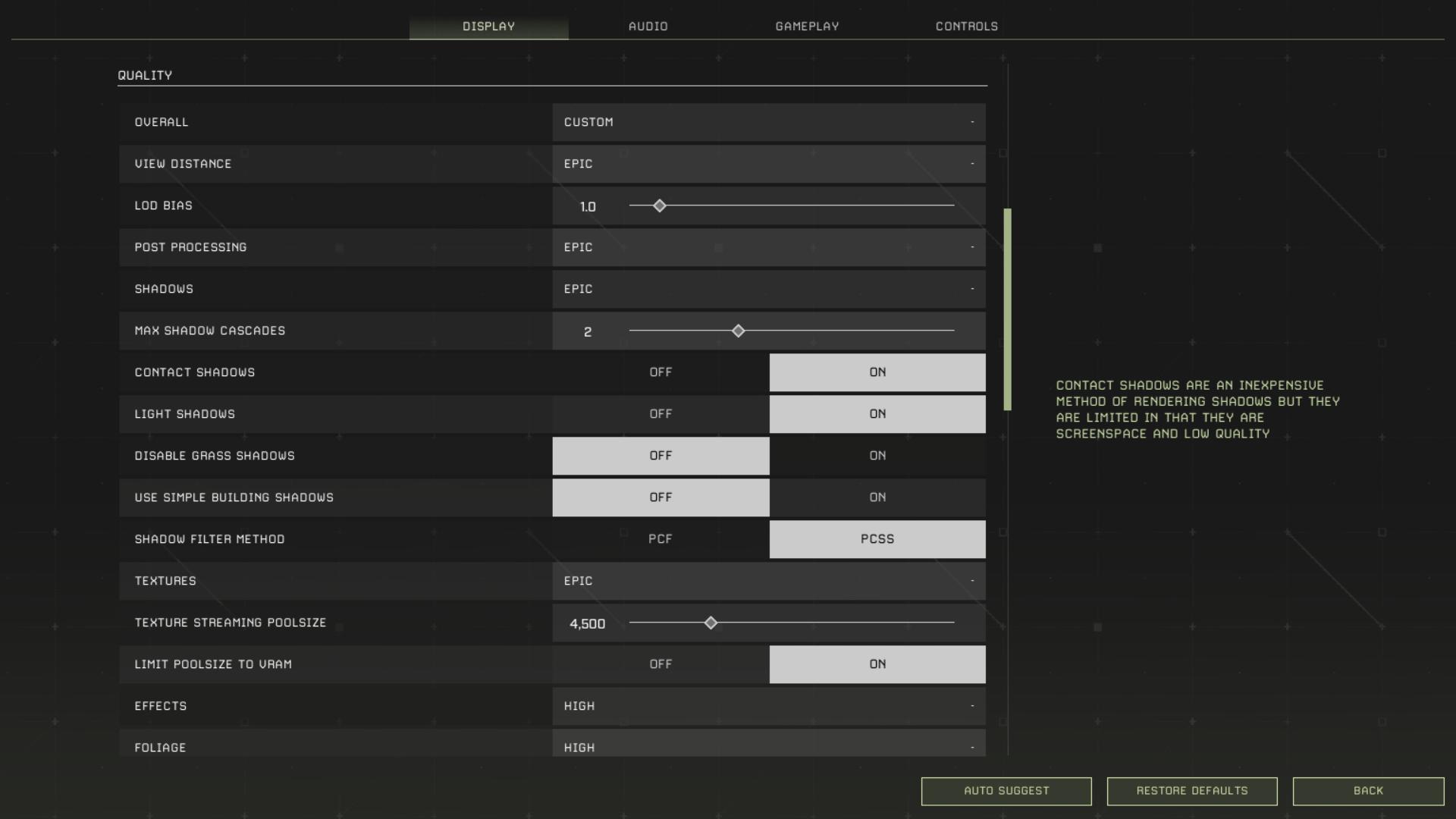
Head to your graphics settings in the game and lower the preset if you're running on “High” or above. For most players, switching to "Medium" or "Low" can significantly reduce stuttering. If you’re using DirectX 12, consider switching to DirectX 11, as DX12 often consumes more memory and has known performance issues. This single adjustment can smoothen your gameplay drastically.
Adjusting NVIDIA Control Panel Settings
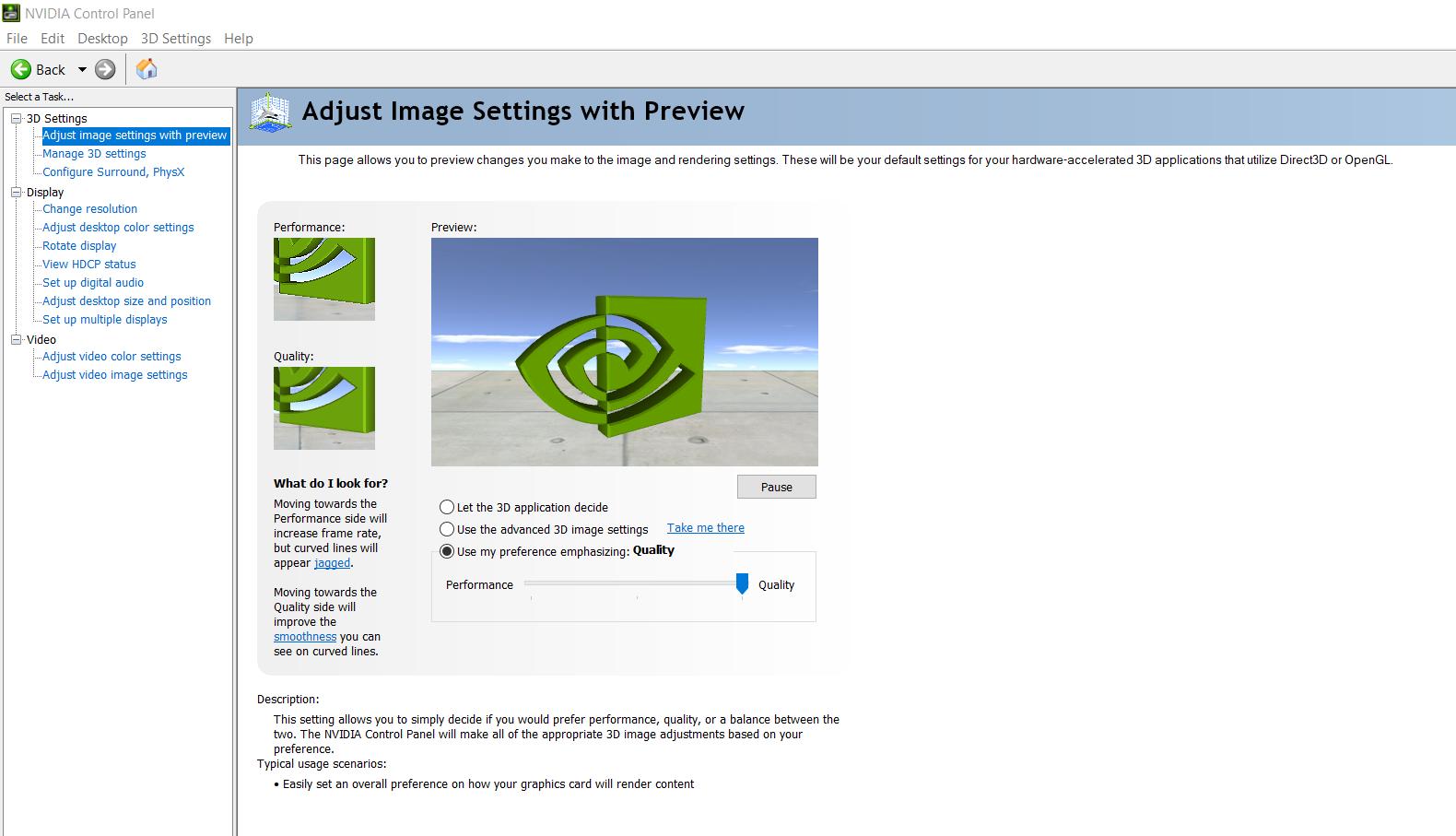
If you have an NVIDIA GPU, open the NVIDIA Control Panel. Navigate to “Adjust image settings with preview” and select “Use my preference emphasizing: Performance.” Although this might slightly affect visual fidelity, it can boost your FPS. Additionally, enable automatic GPU tuning to allow the system to find optimal overclocking settings without damaging your hardware. This can add 10–12 FPS, which makes a noticeable difference.
Managing Virtual Memory
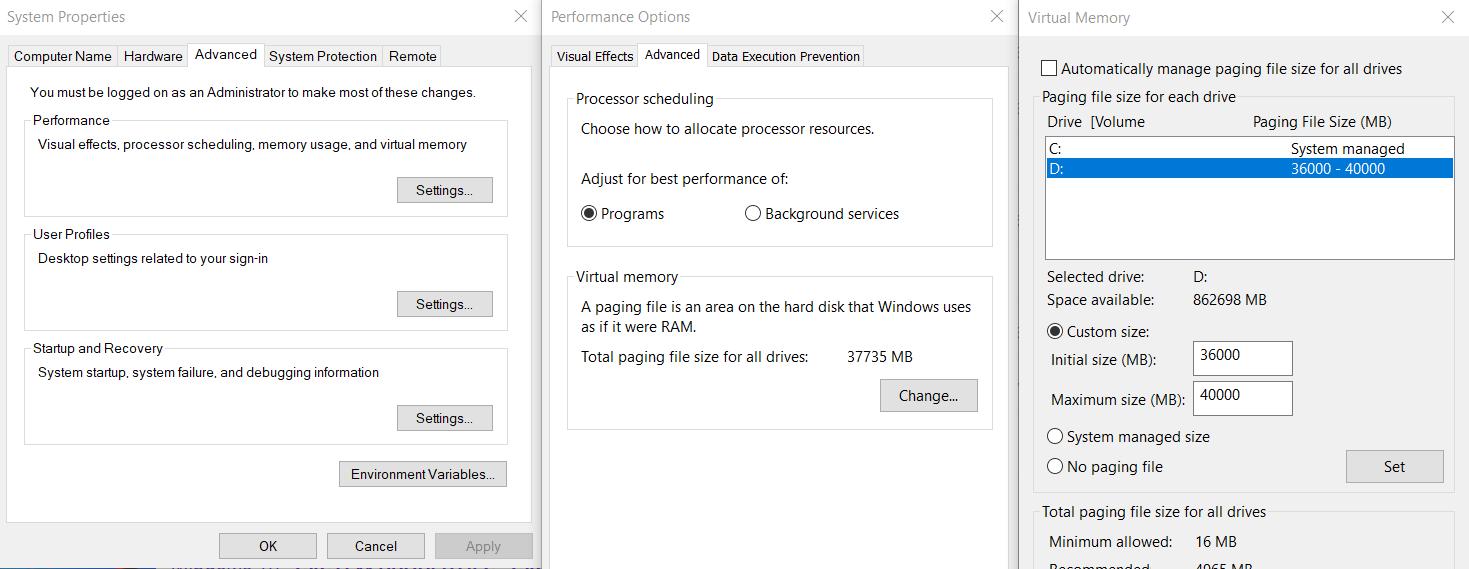
Expand your virtual memory settings by creating a fixed-size paging file of 32GB on your SSD. To do this, go to the Windows “System Properties,” navigate to the “Performance Options,” and adjust the virtual memory under “Advanced Settings.” This provides the Unreal Engine 4-5, which powers Icarus, with extra breathing room. Unreal is known for its hefty memory requirements, so this tweak can reduce stutters significantly.
Disabling Memory Compression
On Windows 10 or 11, disable memory compression to prevent potential lags. This feature can sometimes conflict with the game’s memory manager, causing unnecessary strain. Disabling it is a straightforward process and has shown performance improvements in Unreal Engine-based games like Icarus.
Minimizing Map Complexity
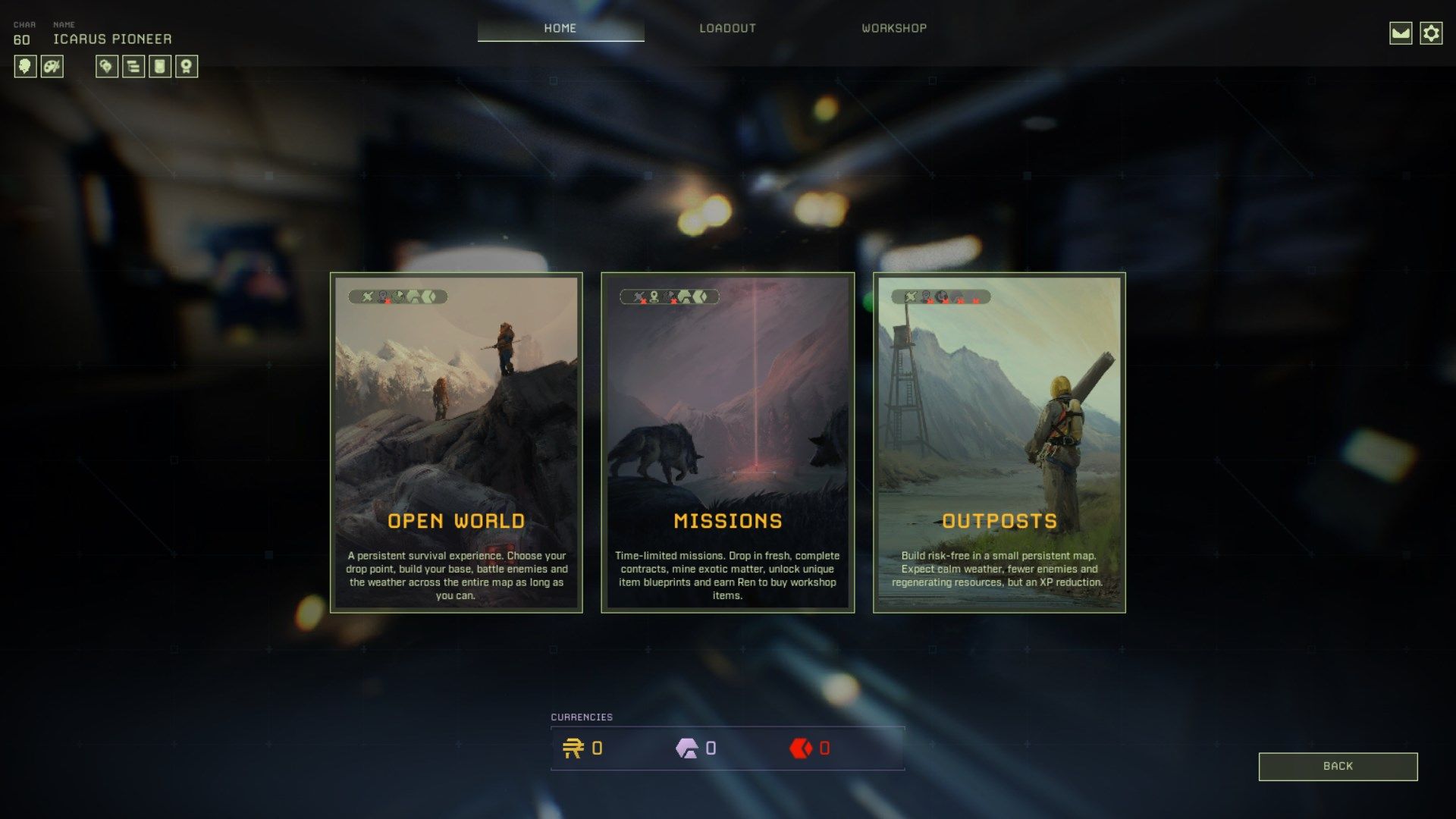
If you’re playing in the Open World mode, remember that map complexity grows with every change you make, buildings, deforestation, and mined resources all add to the game’s save data. These changes are constantly referenced and compressed, contributing to stutters. To mitigate this, consider playing in Mission or Outpost modes, which have smaller, less resource-intensive maps. For Open World mode, limit large-scale builds and frequently clear unnecessary objects.
Lastly, maintain your system regularly. Clear temporary files, update your drivers, and keep your operating system optimized. Regularly cleaning your PC physically can also prevent overheating, which can throttle performance.
Fixing lags and stuttering in Icarus requires a combination of in-game tweaks, system optimizations, and sometimes hardware upgrades. By following these steps, you’ll not only enhance your gaming experience but also extend the life of your hardware. Don’t let technical hiccups keep you from exploring the vast, dangerous beauty of Icarus. Dive back in and conquer the planet without interruptions.