
How to Fix Lag on Your Enshrouded Server
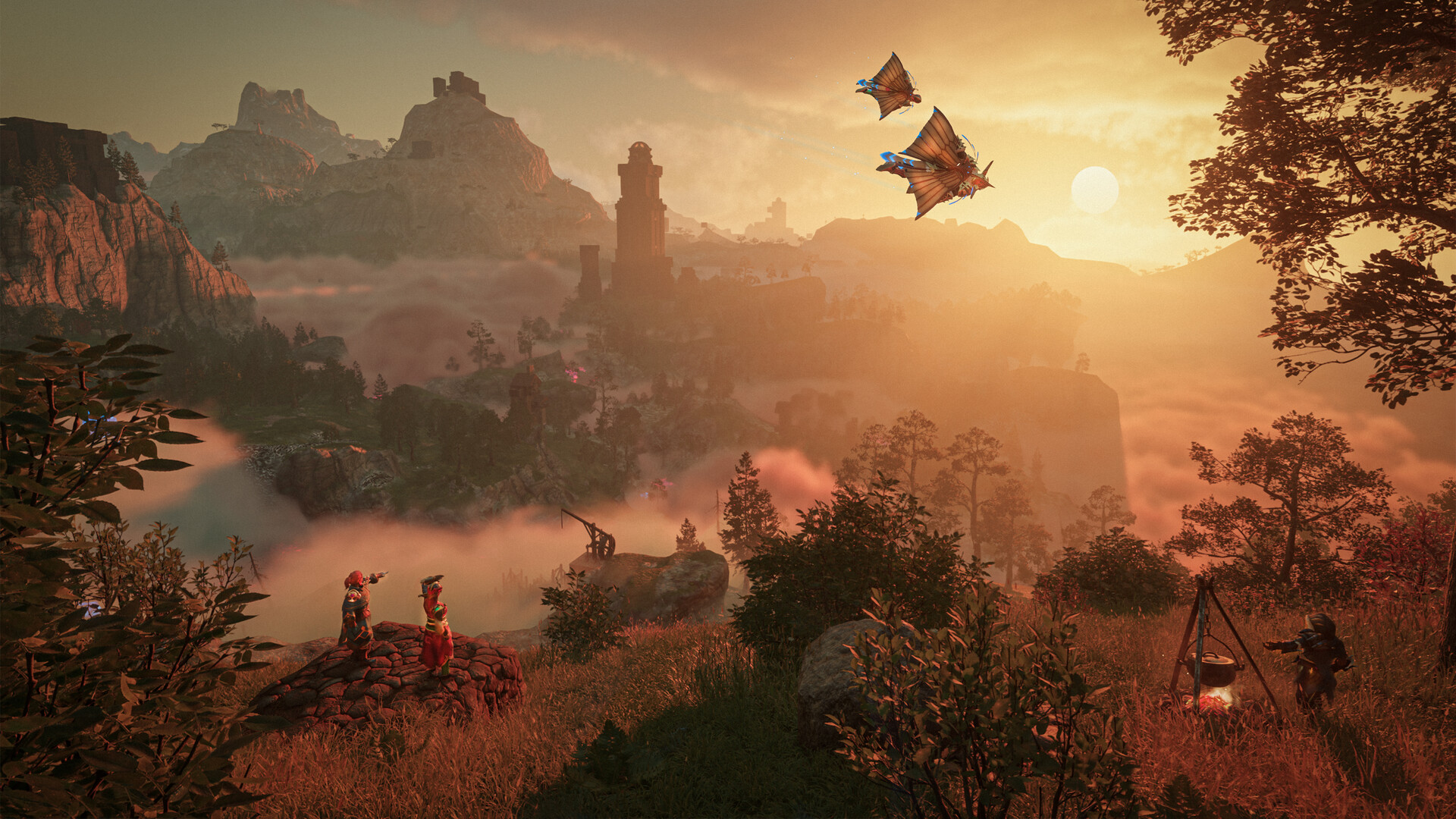
Enshrouded is one of the more demanding survival games to host, so lag — rubber-banding, delayed tool/weapon hits, stutter near big bases — is usually about resources and world load rather than anything exotic. This guide walks through the real causes server-side and how to fix each.
First, check the Usage meters
On the Overview tab, watch the Usage bars while the lag is happening:
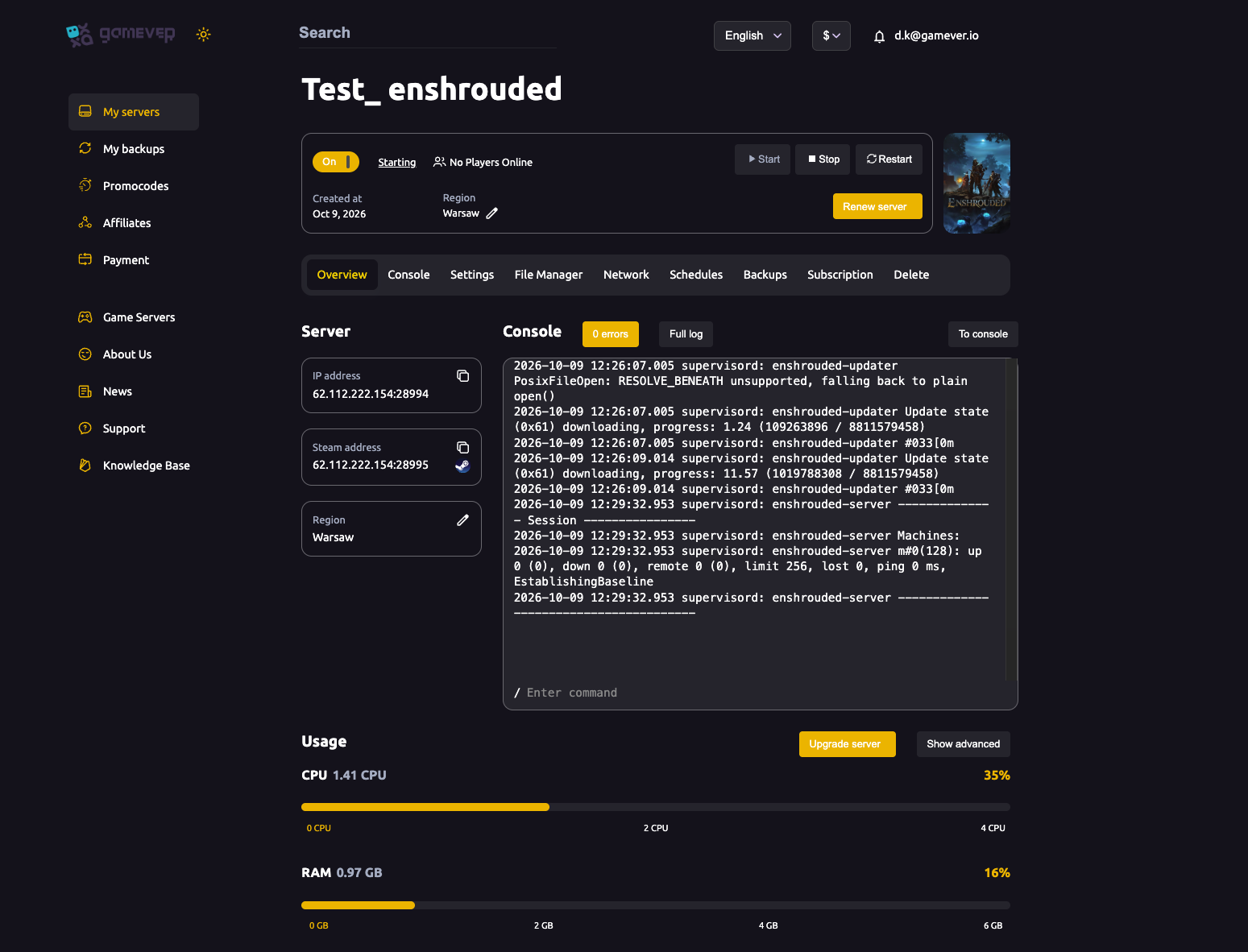
- CPU near 100% — the usual bottleneck. Enshrouded leans heavily on CPU, especially with a full group or big builds.
- RAM near the top — large worlds and more players eat memory.
If either is maxed, click Upgrade server for more resources — the most direct fix, and often the only real one for a demanding game like this.
Match your plan to your group
Enshrouded's requirements scale hard with players:
- A small co-op group runs fine on a modest plan.
- A full 16-player server (see max players) needs substantially more CPU and RAM.
- If you set 16 slots on a small plan, you'll get a laggy 16 — size the plan to how you actually play.
Trim the world load
Like most survival games, Enshrouded has to process everything placed in the world:
- Huge, dense bases cost the most — spread builds out rather than one mega-structure where possible.
- Clean up abandoned structures and clutter you don't need.
- Fewer active, loaded objects = less work per tick = smoother play.
Restart regularly
A server up for many days drifts in memory and hitchiness. Clear it:
- Set a daily scheduled restart at a quiet hour.
- Or restart manually from Overview when you notice slowdown.
Rule out the network
Not all "lag" is the server:
- Region — your server's region is on Overview; a region far from your players adds ping for everyone. Pick one close to your group.
- A single player's local connection can look like server lag to them alone — compare whether everyone is affected or just one person.
Additional Tips
- Check Usage first — maxed CPU/RAM points straight at the fix.
- CPU is usually the bottleneck — Enshrouded is CPU-hungry.
- Size the plan to your player count — 16 players needs real headroom.
- Trim big builds to cut world-processing load.
- Restart daily to clear accumulated memory.
Conclusion
Server-side Enshrouded lag is almost always resources or world load: check the Usage meters (and Upgrade server if CPU/RAM are maxed), size your plan to your actual player count, trim oversized builds, and schedule a daily restart. Enshrouded asks a lot of a server, so a little CPU headroom and a tidy world go a long way toward smooth co-op.
Rent your Enshrouded server at gamever.io — strong CPUs, easy upgrades and live Usage meters so you can see exactly what to fix. Free trial, promo code WELCOME.