
How to Fix Join Server Crash in Enshrouded
Joining a friend’s game is the simplest method to enter multiplayer mode in Enshrouded. Right-click on your friend’s name in your Steam Friend List and select “Join Game” to bypass server list issues.
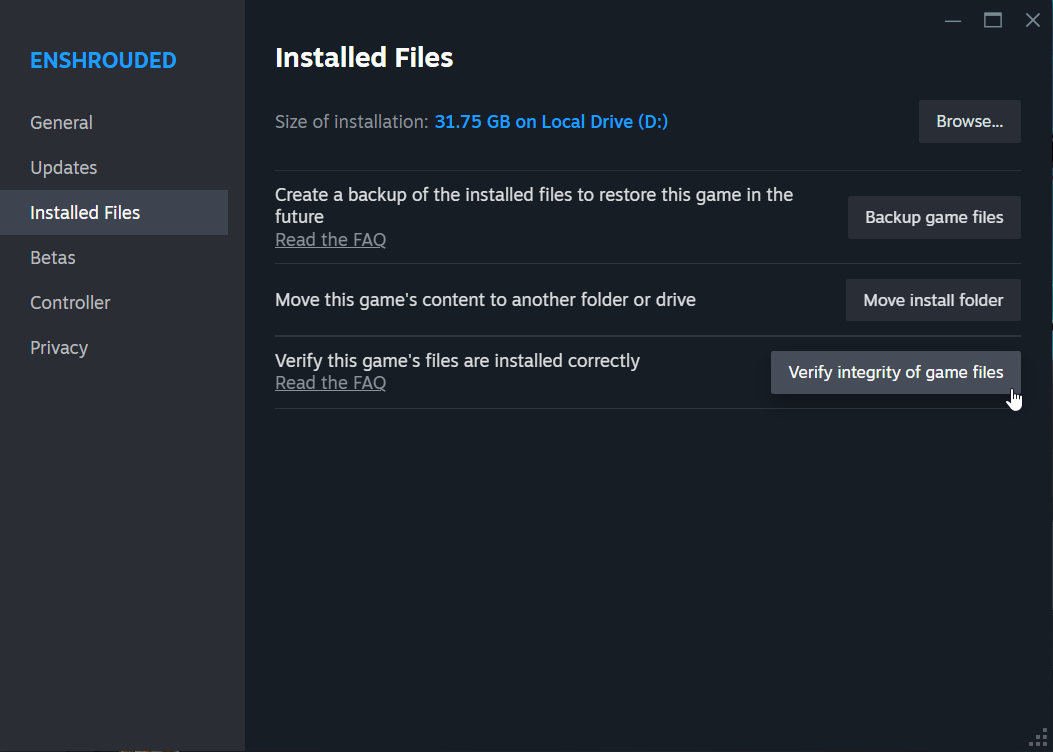
Verify Game Files
Ensure Enshrouded game files' integrity by using the Steam feature to verify game files. This checks for any corrupted files and replaces them if necessary, addressing crashes and connection problems.
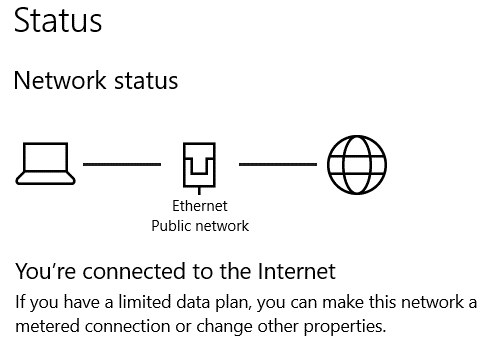
Check Internet Connection
Maintain a stable internet connection to avoid connectivity issues and crashes. Close bandwidth-intensive applications and devices that may impact your connection.
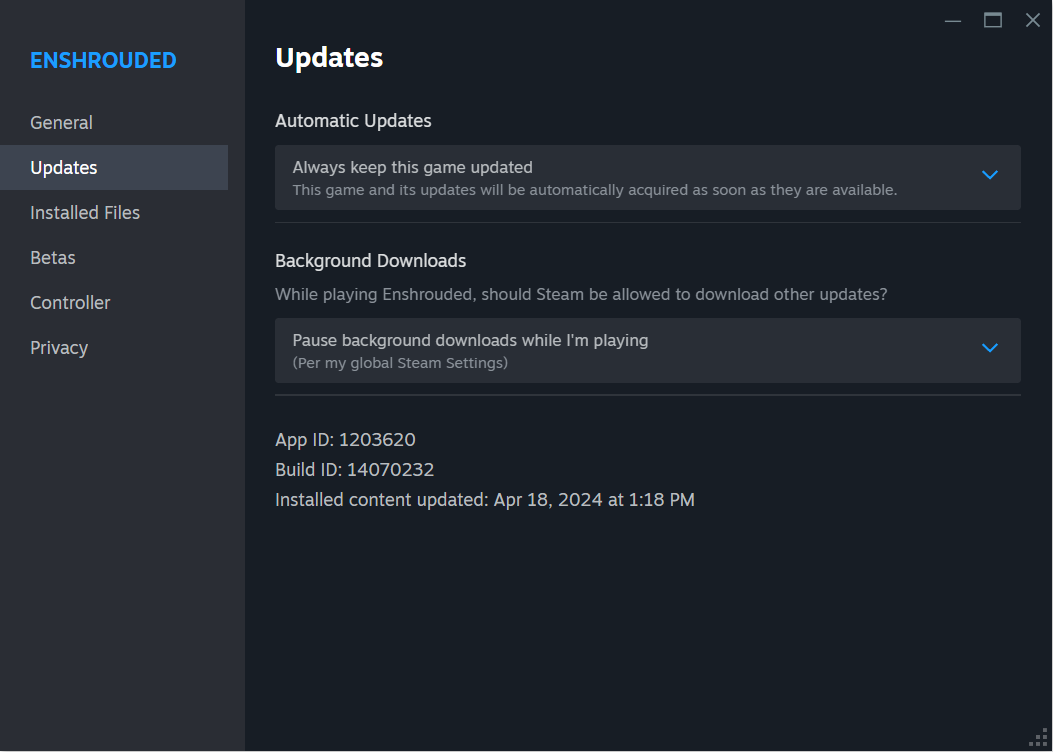
Update Game and Server
Keep both your Enshrouded game client and dedicated server software updated to avoid compatibility issues. Regularly check for updates and install them promptly.
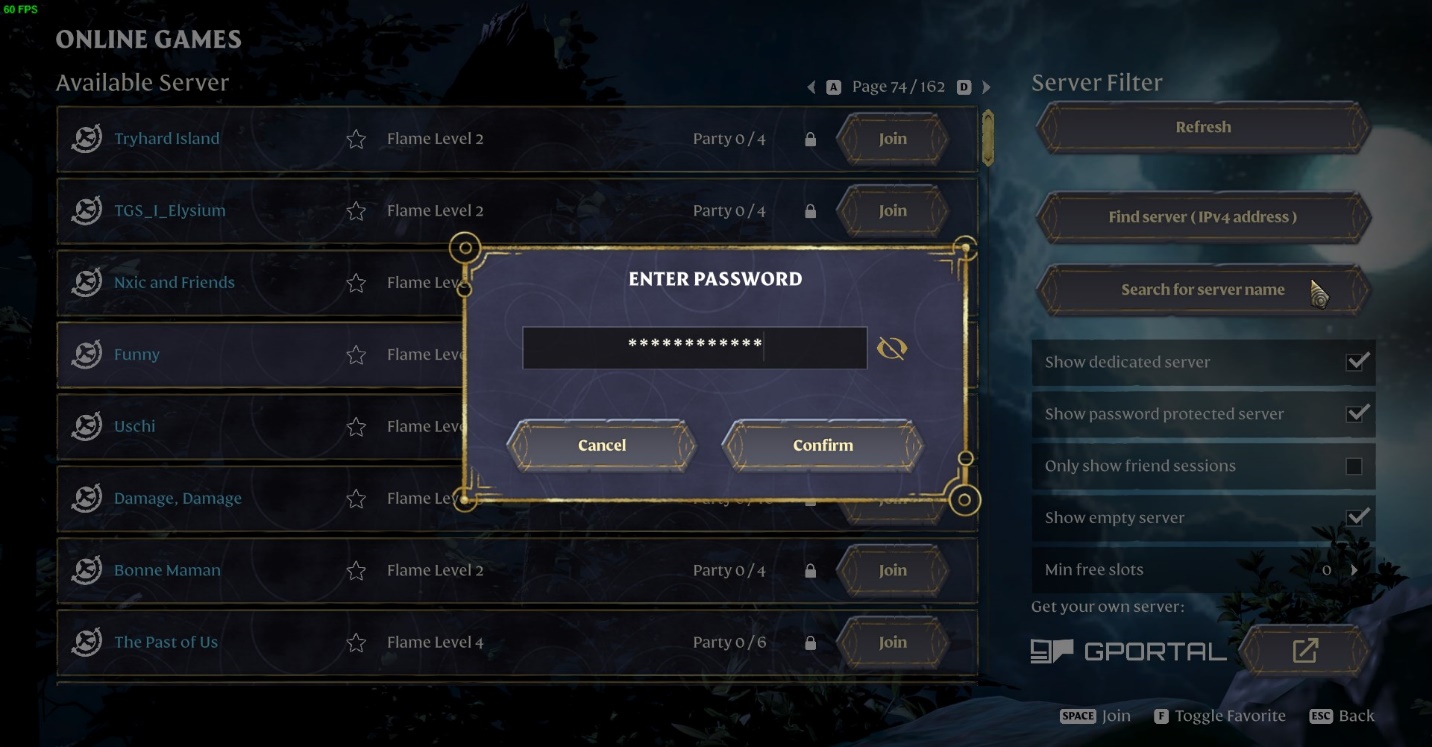
Check Server Password and Configuration
Verify the accuracy of the server password and configuration settings to prevent connection issues and crashes.
Security Settings and Mods
Grant permissions for Enshrouded and the dedicated server software through firewall and antivirus settings to prevent connection obstructions.
Ensure installed mods on the server are compatible with your game client to avoid crashes. Confirm compatibility before joining the server.
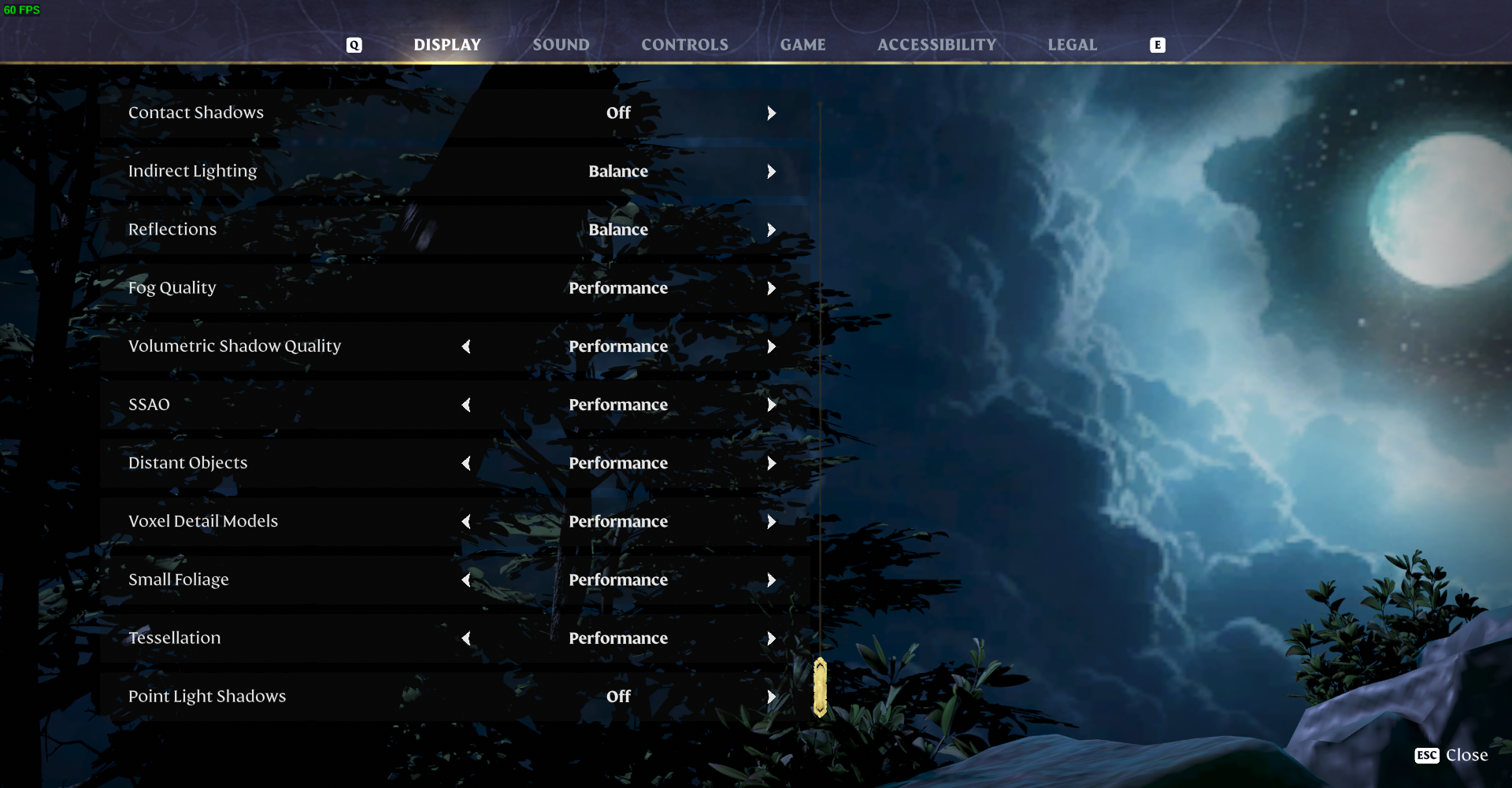
Lower In-Game Settings
Adjust in-game graphics settings to the lowest configuration to reduce strain on your system and potentially prevent crashes.
Incorporate these troubleshooting steps to overcome crashing issues in Enshrouded multiplayer. Stay informed about updates from official channels and consider restarting your PC or updating graphics drivers for additional solutions.