
How to Fix enshrouded.exe Has Crashed
Are you tired of encountering the “Enshrouded.exe has crashed” error? Don’t let a common issue ruin your gaming experience!
Update Your Game
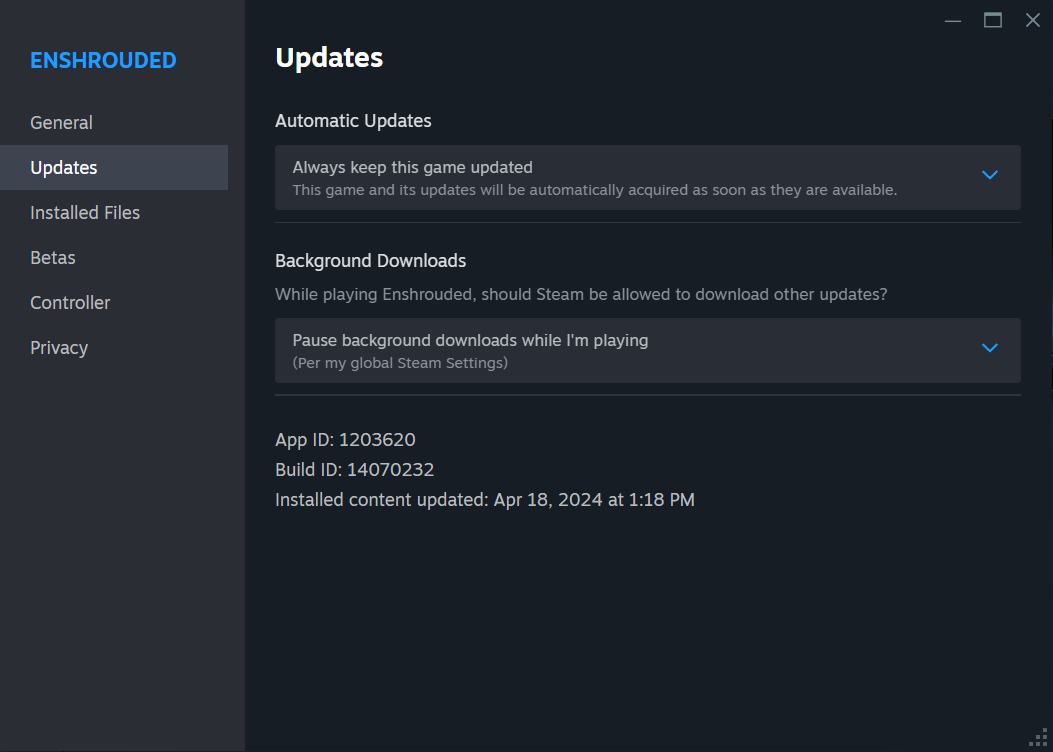
Ensure your game is updated to the latest version. Launch the Steam client, access the “Library” section, right-click on Enshrouded, choose “Properties,” and proceed to the “Updates” tab to check for updates.
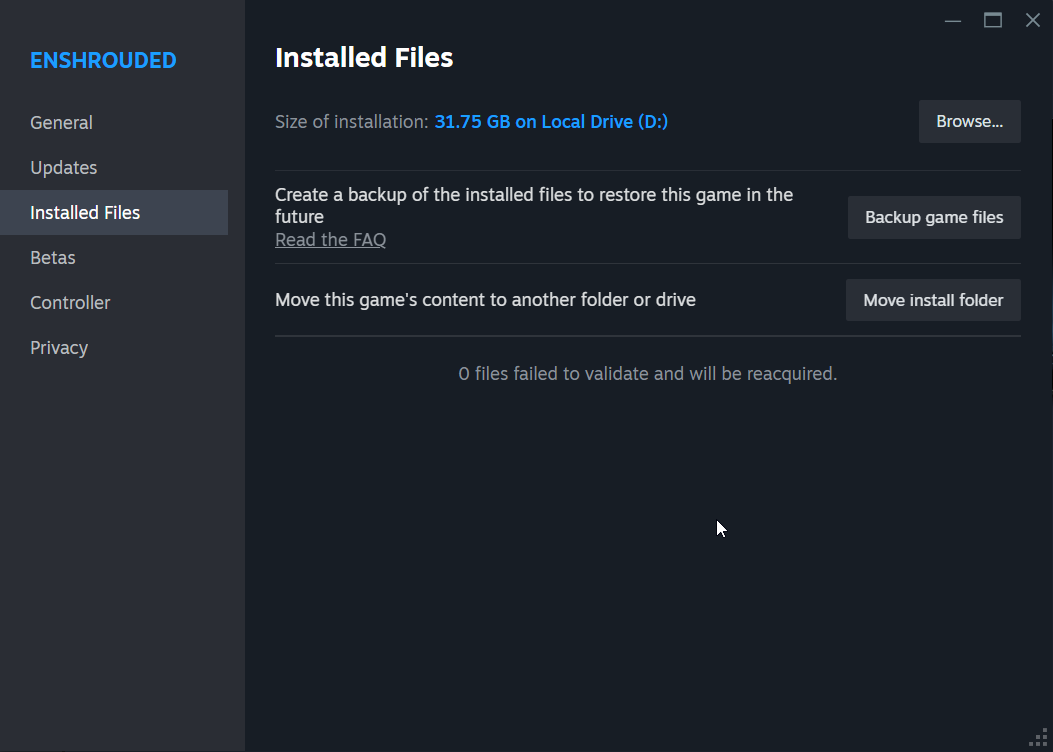
Verify Game Files
If updating the game doesn't work, verify the integrity of game files. In Steam, right-click on Enshrouded in your Library, select “Properties,” navigate to the “Local Files” tab, and click “Verify integrity of game files” to confirm all files are intact.
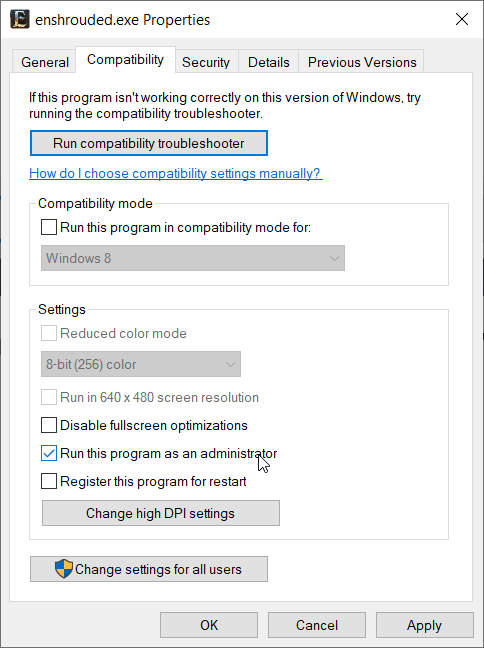
Run the Game as an Administrator
To avoid permission-related issues, run Enshrouded as an administrator. Right-click on the Enshrouded executable or shortcut, choose “Run as administrator,” and confirm any prompts.
Uninstall and Reinstall Enshrouded
If previous steps fail, uninstall and then reinstall Enshrouded to address issues stemming from file corruption or system alterations. Access the Steam client, navigate to “Library,” right-click on Enshrouded, select “Uninstall,” and reinstall the game.
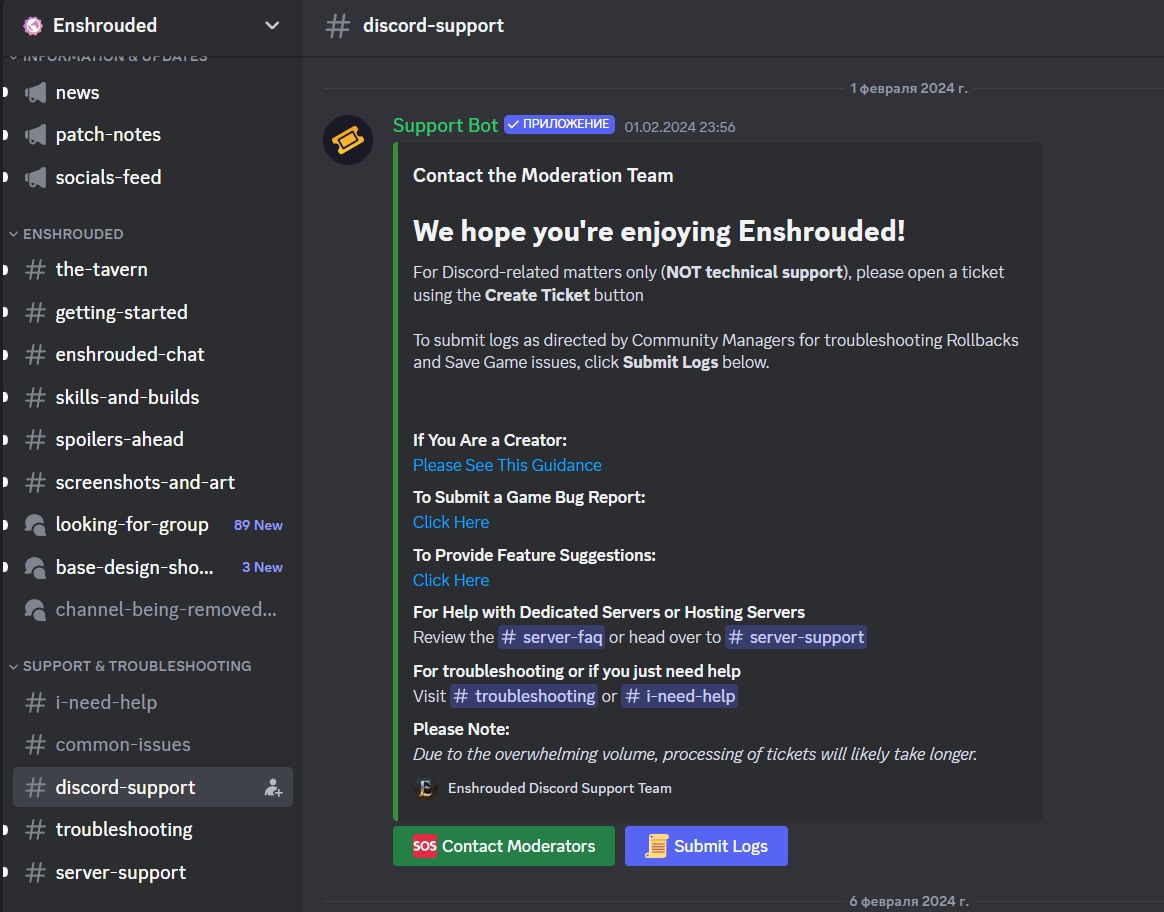
Contact Enshrouded Support
If the error persists, contact Enshrouded support for further assistance. Reach out via Twitter for direct assistance or additional troubleshooting steps.
Keep your game updated, verify game files, run the game with administrative privileges, and reinstall Enshrouded if necessary. If challenges persist, seek assistance from Enshrouded’s support team. Enjoy your gaming!