
How to Fix Cloud Error in Factorio Space Age
If you're facing the Steam Cloud sync error in Factorio Space Age, you’re not alone! This guide will show you step-by-step solutions to keep your game progress safely synced without hitting a roadblock. Let's dive into each fix and get you back to exploring the stars.

Check for Save File Size Limits
Factorio save files can get huge, especially with mods. Steam Cloud has a limit per individual save file, typically around 256 MB. For large saves, you might need to disable cloud sync or manually manage files.
- Disable Cloud Sync: Open Steam > Settings > Cloud > Uncheck “Enable Steam Cloud synchronization.” You’ll need to move saves manually between devices.

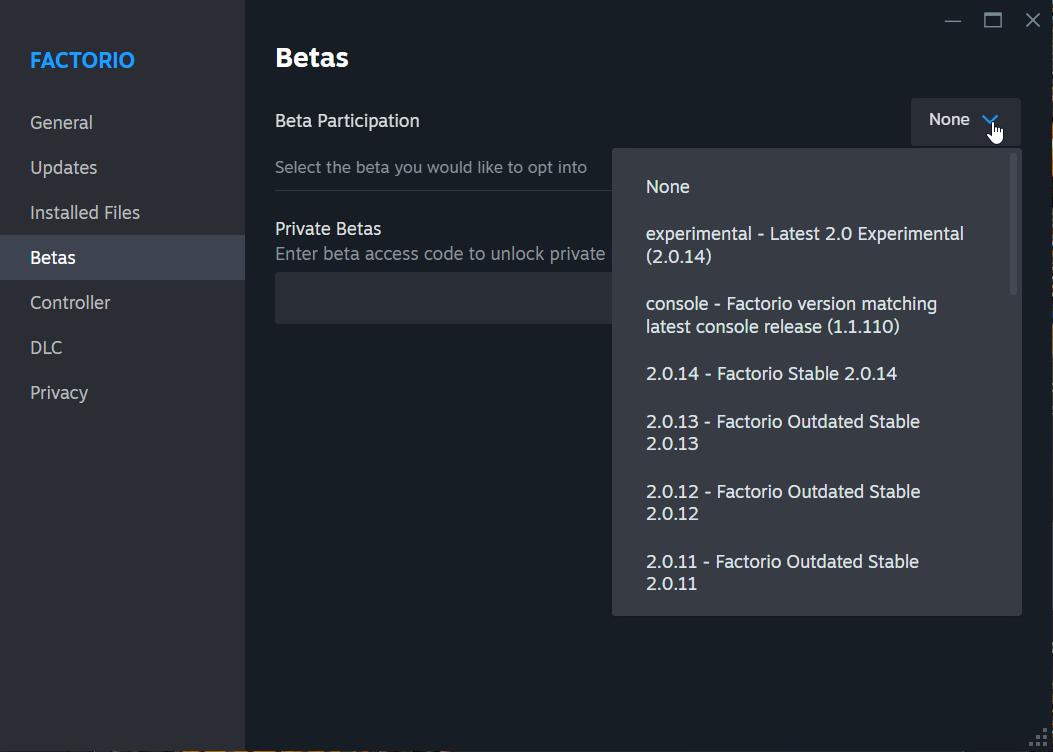
Leave the Beta Release Branch
Some beta versions may be incompatible with the current Steam Cloud sync process.
- How to Exit Beta: Go to your Steam Library > Right-click Factorio > Properties > Betas > Select "None" from the dropdown. This will update Factorio to the latest stable version.
Clear Steam Cloud Data
Clearing existing data can help reset the sync process.
1. Open Steam > Settings > Cloud.
2. Uncheck “Enable Steam Cloud synchronization” and restart Steam.
3. Locate your Factorio cloud folder by navigating to:
- ‘C:\Program Files (x86)\Steam\userdata\[YourSteamID]\427520\’
4. Delete everything in this folder to reset cloud storage.

Monitor Sync Progress and File Corruption
Make sure you give Steam enough time to finish syncing before shutting down.
- Tip: Watch the Library tab in Steam for sync progress. Interrupted syncs can lead to corrupted files, making them impossible to recover.
Check Available Cloud Storage
Factorio’s cloud limit is game-dependent. Check if you have available space.
- Find Your Storage: Go to Factorio properties in Steam. This will show you the storage status for your account (e.g., "235.63 MB stored / 23.05GB available").
Large Save Files
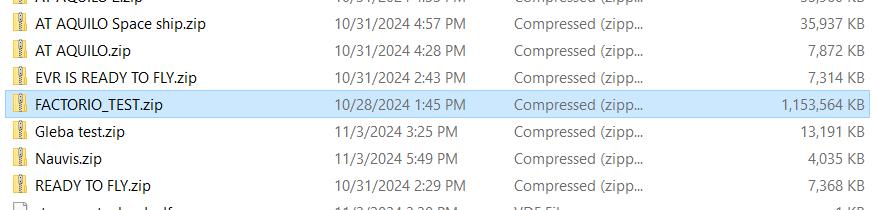
Steam Cloud struggles with files larger than 256 MB. If you play with extensive mods, manually transfer saves by copying them from your Factorio saves folder to an alternative service like Dropbox.
Inconsistent File Syncing
Switching between devices may desync files if Steam hasn't fully updated. Save your game on the device with the latest progress, then sync by following the steps above.
Manual File Transfers
Copy your save files directly from your primary device’s save folder:
- Navigate to ‘C:\Users\[YourUserName]\AppData\Roaming\Factorio\saves’.
- Transfer the save file to your other device manually.
Following these steps should resolve the cloud sync error in Factorio Space Age. When in doubt, manually transfer saves and monitor file sizes to avoid hitting Steam’s file limits. Now you're set to enjoy uninterrupted gameplay across all devices!