
How to Fix Blue Screen EasyAntiCheat.sys in Rust
Encountering a Blue Screen with an EasyAntiCheat.sys error can be unsettling, especially when it stops you from diving into Rust. This issue, while frustrating, often stems from compatibility or configuration problems between Easy Anti-Cheat (EAC), Rust, and your system. Here’s how you can address it and resolve the problem.
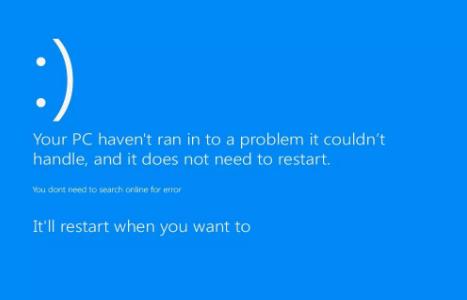
The EasyAntiCheat.sys error often appears during game startup or right after launching Rust. It’s typically caused by corrupt or outdated EAC files, conflicts with other system components, or missing updates for critical system drivers. Understanding the root cause helps to apply the right fix.
Update Your System Drivers
Start by ensuring all your drivers, especially graphics and system-related ones, are updated:
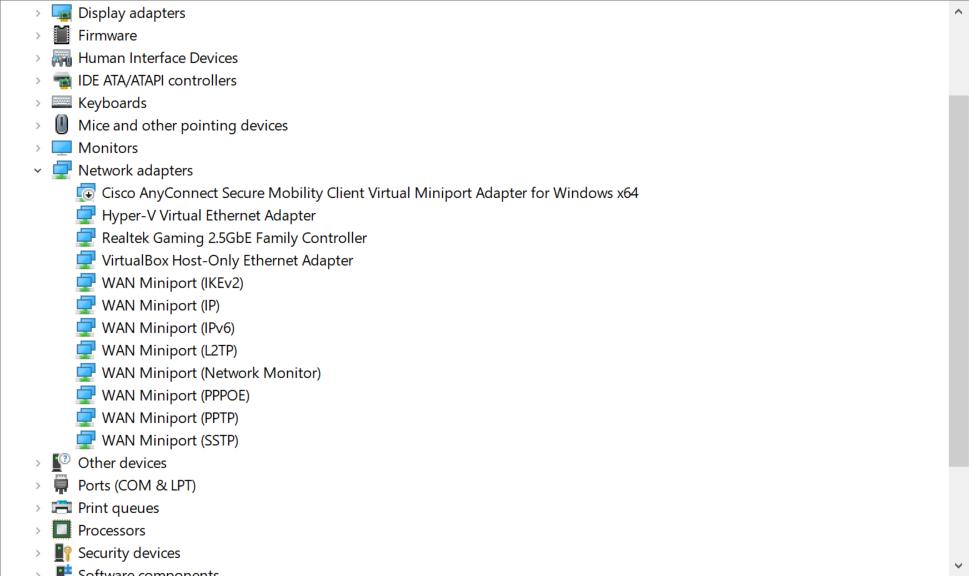
1. Open your Device Manager (‘Win + X’ > ‘Device Manager’).
2. Check for updates for your graphics card, network adapters, and system chipset.
3. Visit your hardware manufacturer's website for the latest drivers, if necessary.
Outdated drivers can cause crashes when EAC interacts with your system components.
Verify Rust’s Game Files
Corrupt or missing files in Rust can lead to EAC errors. To verify your game files:
1. Open Steam and go to your library.
2. Right-click on Rust, then click ‘Properties’.
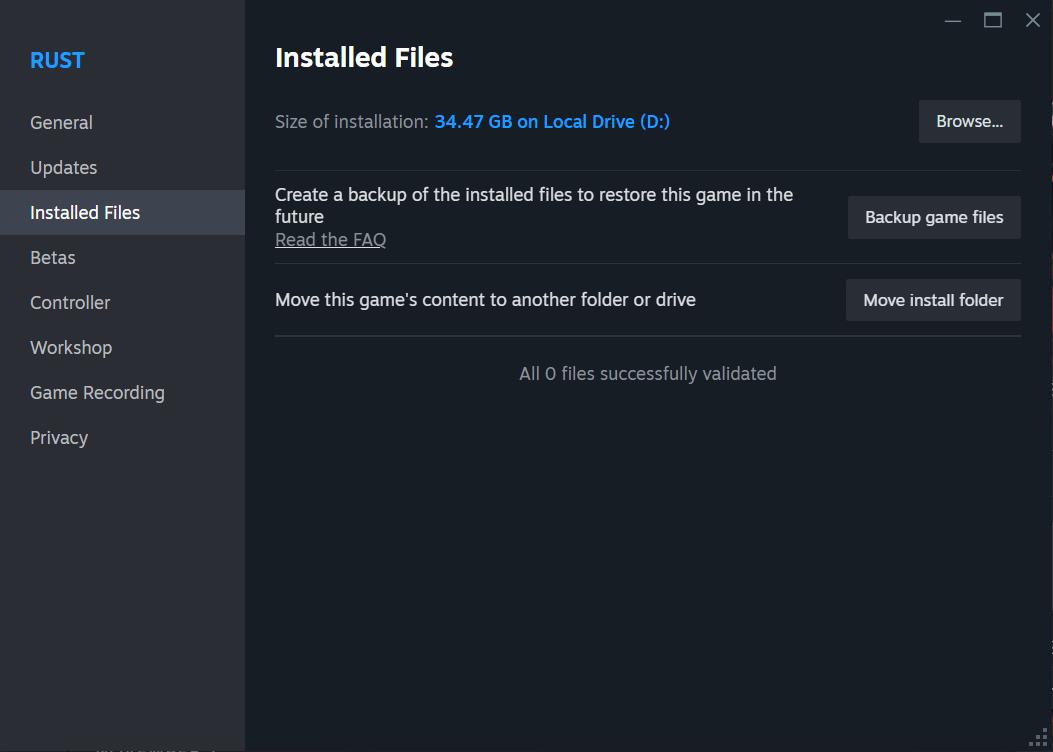
3. Navigate to the ‘Installed Files’ tab and click ‘Verify Integrity of Game Files’.
Steam will replace any missing or damaged files, ensuring your game works correctly.
Repair or Reinstall Easy Anti-Cheat
Sometimes, EAC itself is the problem. To repair or reinstall it:
1. Navigate to the Rust installation folder (typically ‘C:\Program Files (x86)\Steam\steamapps\common\Rust’).
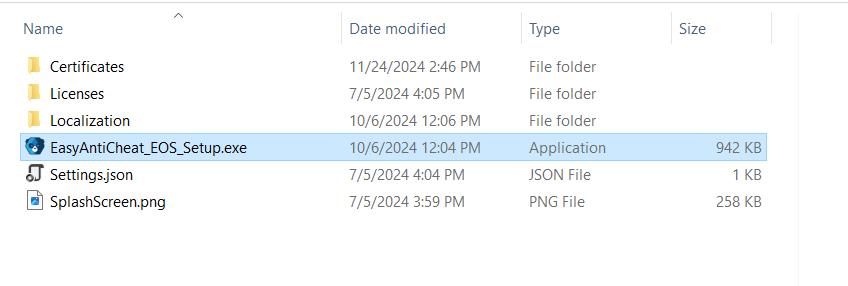
2. Open the ‘EasyAntiCheat’ folder and run ‘EasyAntiCheat_Setup.exe’.
3. Select Rust from the dropdown menu and click ‘Repair Service’.
If repairing doesn’t resolve the issue, uninstall EAC and reinstall it using the same setup file.
Adjust Antivirus or Firewall Settings
Overly aggressive antivirus or firewall settings can block EAC processes, leading to crashes. Add the following as exceptions:
1. The Rust executable file (‘RustClient.exe’).
2. The Easy Anti-Cheat service.
Consult your antivirus or firewall documentation for steps to create exceptions.
Check Windows Updates
An outdated Windows version can cause compatibility issues. Check for updates by:
1. Pressing ‘Win + I’ to open Settings.
2. Clicking on ‘Update & Security’ > ‘Check for Updates’.
Install any pending updates, especially those marked as critical or security-related.
Reinstall Rust Completely
If none of the above steps work, a clean reinstall of Rust might be required:
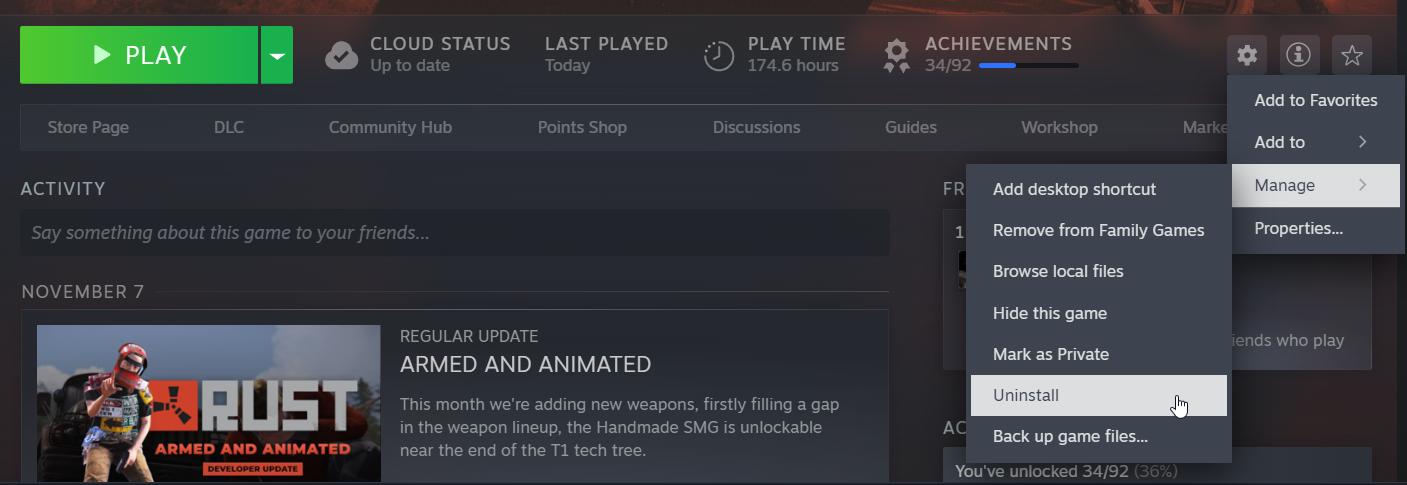
1. Uninstall Rust from Steam.
2. Delete any remaining files in the Rust installation folder.
3. Reinstall Rust via Steam.
A clean installation ensures no corrupt files linger from previous installations.
Seek Help from Easy Anti-Cheat Support
If the issue persists, reach out to Easy Anti-Cheat’s support team. Provide detailed information about the error, including screenshots or error codes, for faster assistance. You can submit a ticket on their official website at ‘https://www.easy.ac/support/’.
The Blue Screen caused by EasyAntiCheat.sys in Rust can be resolved by addressing system compatibility issues, repairing EAC, or reinstalling Rust. While it may take some trial and error to pinpoint the cause, following these steps ensures you’ll be able to tackle the problem methodically and get back to exploring Rust’s world.