
How to Fix a Broken Fuse in Satisfactory
Identifying the Problem
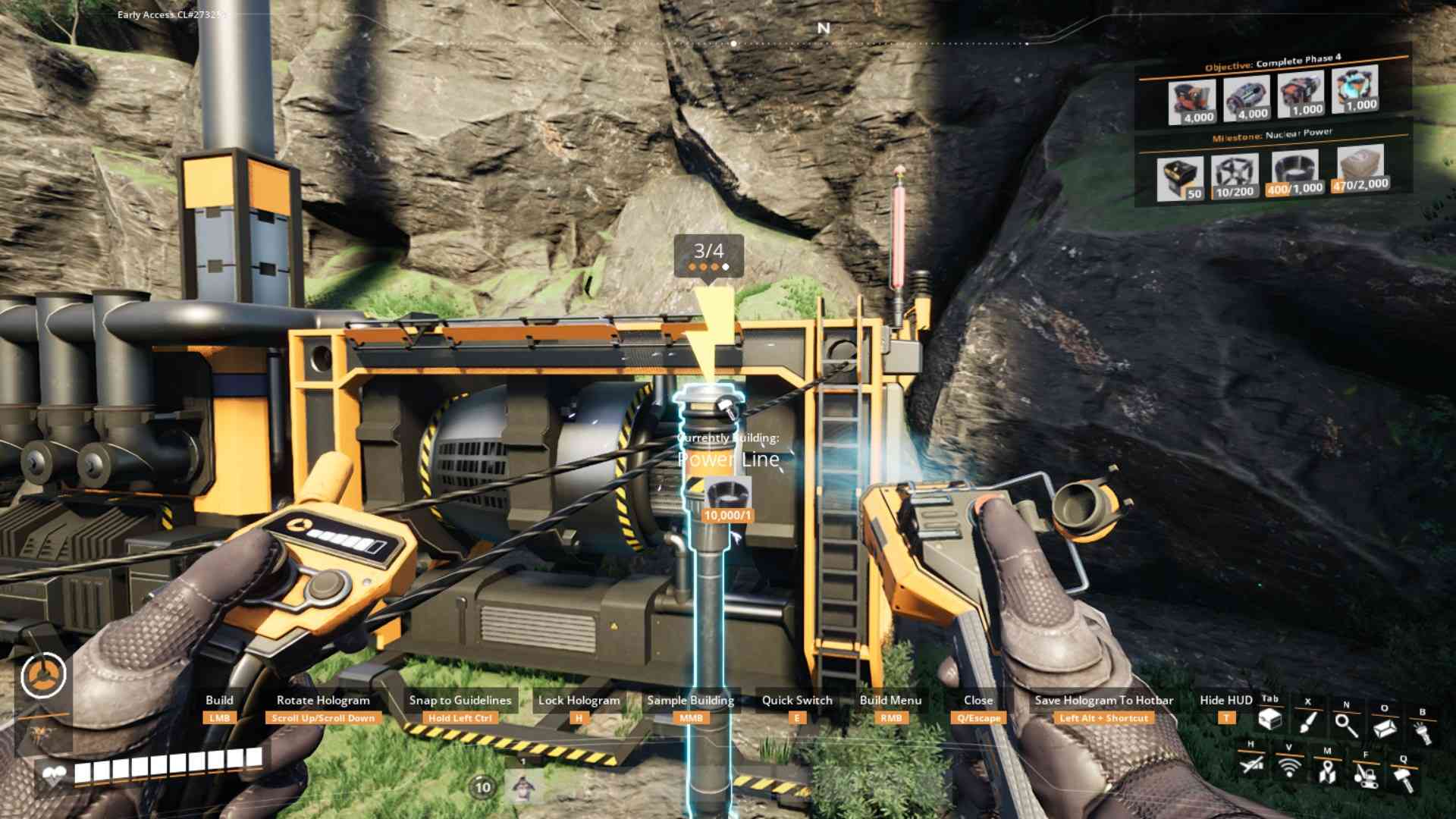
The first step in fixing a broken fuse is to figure out what’s causing the outage. If your base suddenly stops functioning, or certain machines are offline, it’s usually a sign that a fuse has blown. In Satisfactory, this can happen when your power demand exceeds the output of your generators or when there’s an issue with your power network. Look for any warning signs, like a broken connection or a red light on your power poles. These are your clues that something’s gone awry.
The most common problem is using a Hover Pack. If your power network is running at high production levels, wireless charging of your device can stop, which may disrupt and break the entire power system.
Isolate the Problem
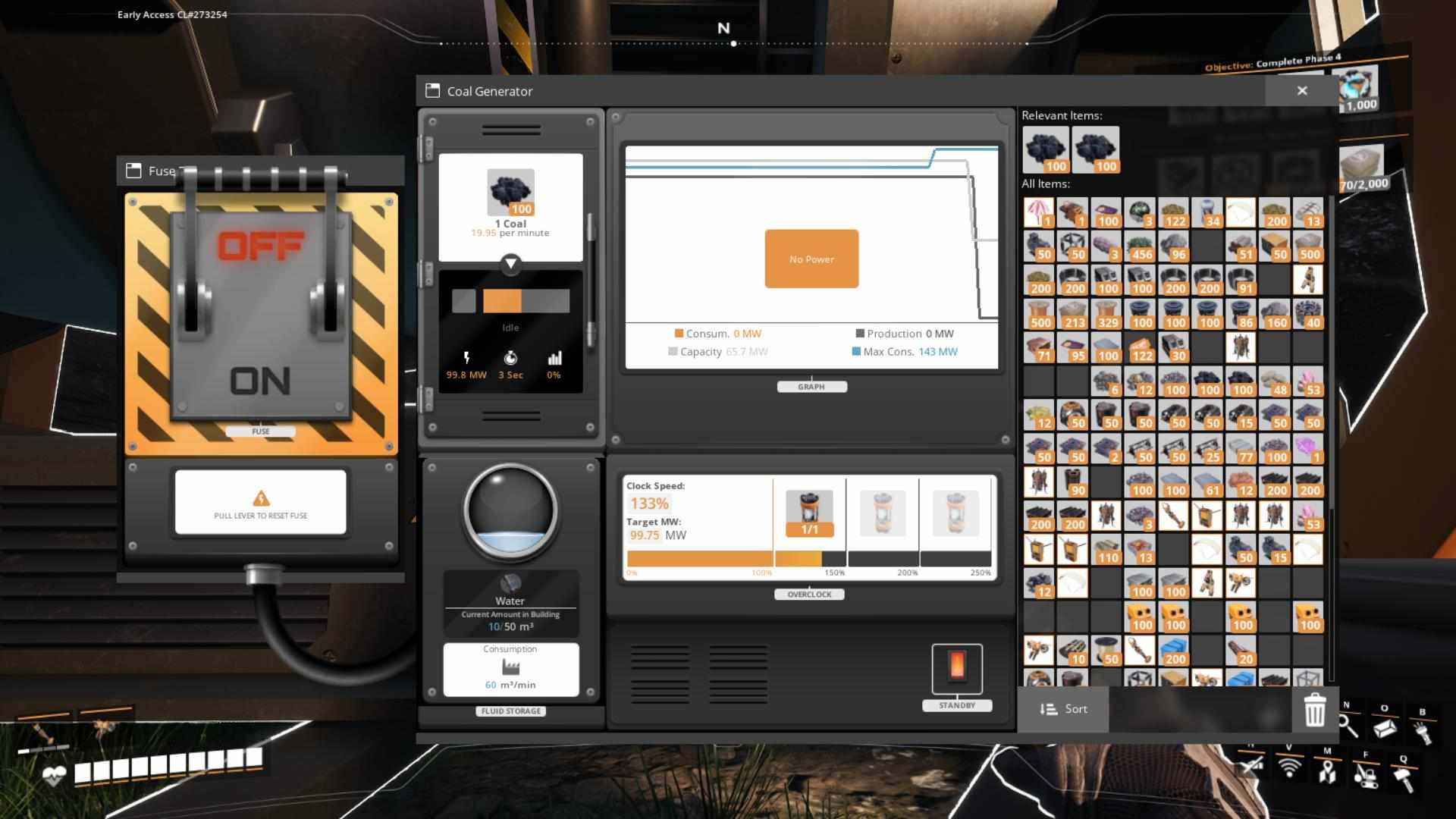
Once you’ve identified that a fuse is the culprit, it’s time to isolate the problem. Begin by checking your power network to see which part of it is affected. Use a power switch to disconnect sections of your network systematically. This will help you pinpoint where the power load is too high or where the fuse might be broken. If you’re using a power switch, turn off the sections until you find the one that’s causing the issue.
Reconnecting the Power
With the problem isolated, you need to start reconnecting the power. Begin by checking your generators and making sure they’re all functioning. If you’re running a biomass burner or coal power plant, ensure that these are properly connected and have a supply of resources like coal or biomass. Sometimes, reconnecting these can solve the issue if they were accidentally disconnected or if their output was insufficient.
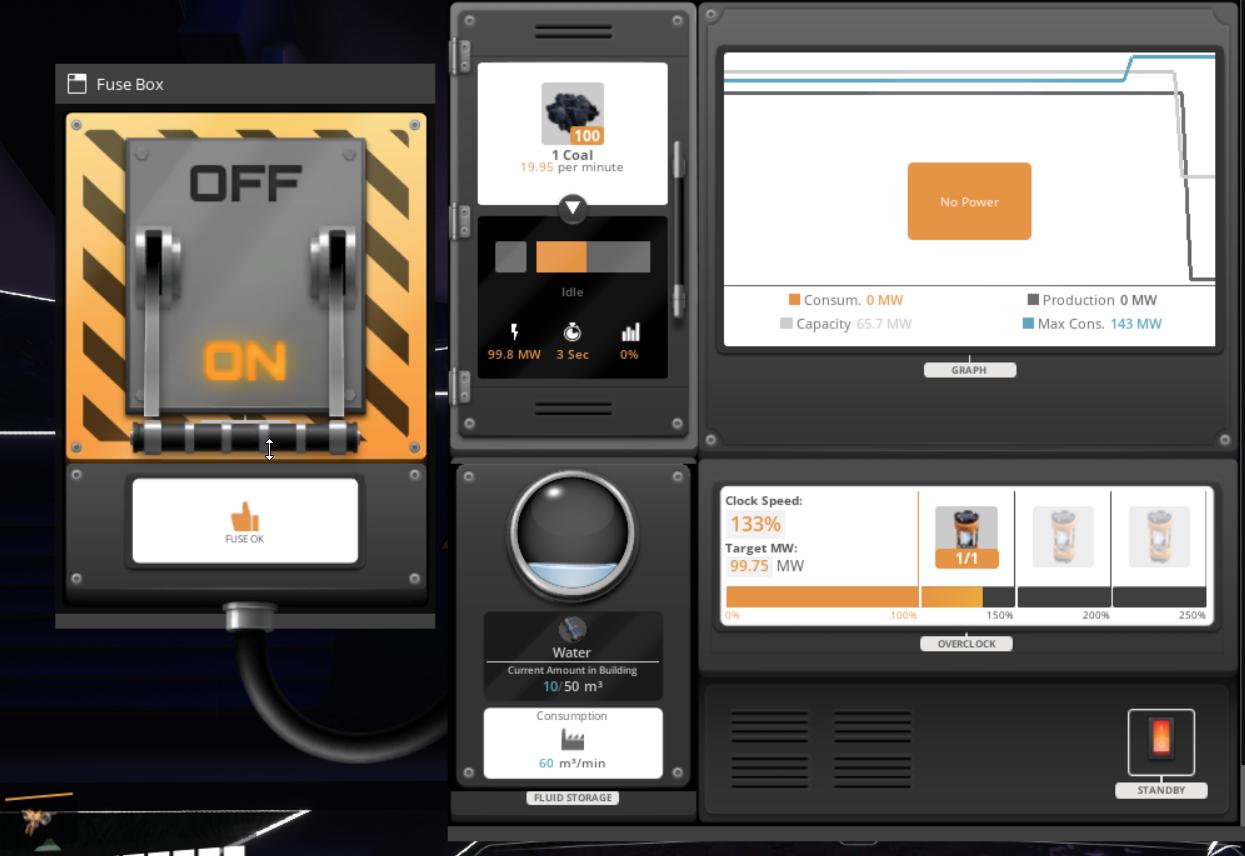
In Satisfactory, power issues are often linked to resource shortages. If your generators don’t have enough fuel, they won’t produce power, leading to a broken fuse. Check your coal or biomass supplies and make sure they are being fed into your generators correctly. If necessary, build additional biomass burners or set up alternative power sources like geothermal vents. These can give you a temporary boost until you get your primary power sources back online.
Testing the Network
After you’ve reconnected and ensured all your generators are running smoothly, it’s time to test your power network. Turn everything back on and observe how the system responds. Make sure to monitor your power grid for any signs of overload or instability. If the power is still fluctuating or certain sections remain offline, you might need to tweak your connections or add more power sources to balance the load.
Adjusting Power Consumption
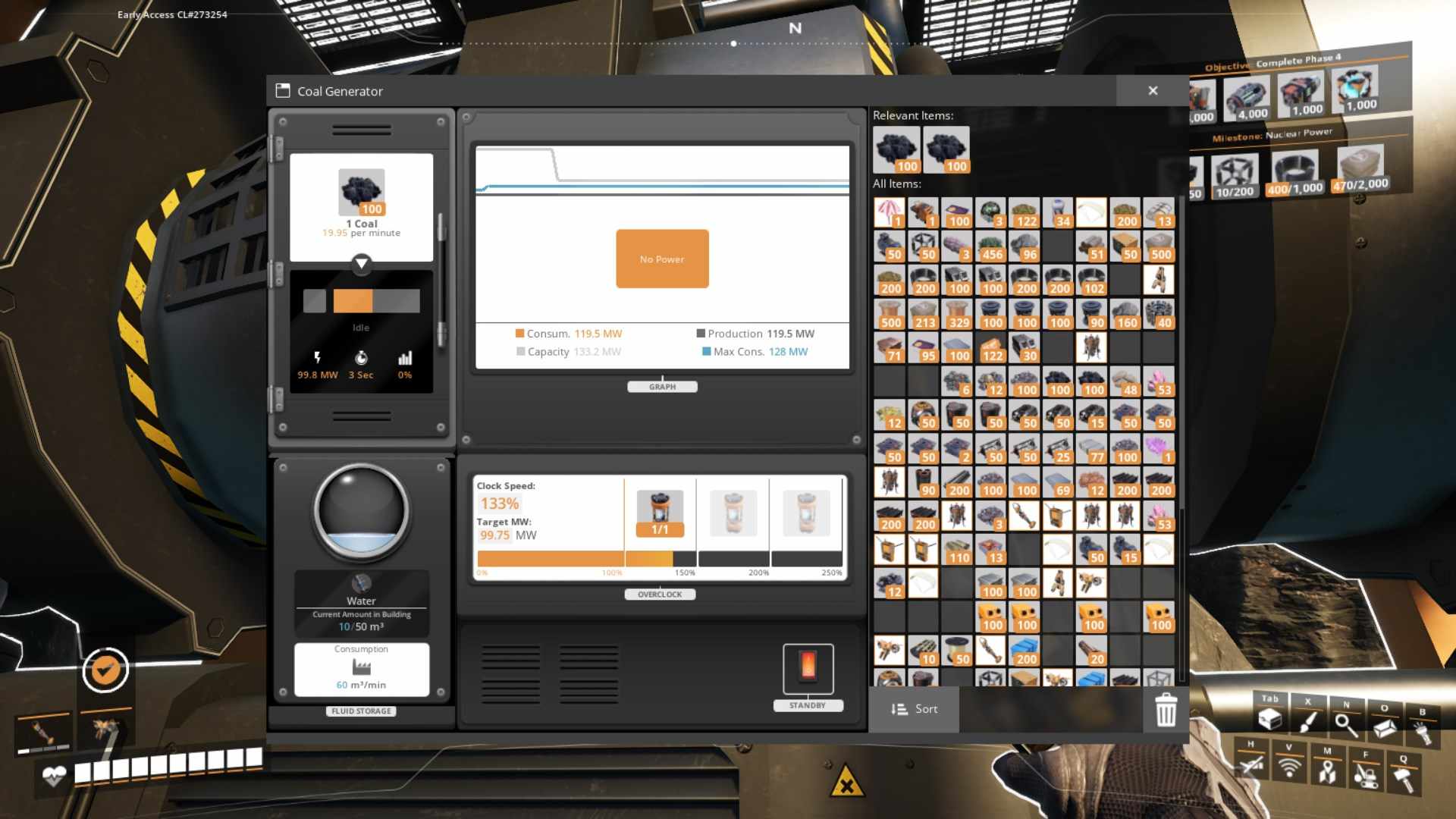
Sometimes, fixing a broken fuse isn’t just about reconnecting power—it’s also about managing consumption. If your network is overloaded, consider turning off some non-essential machines or factories temporarily. This will reduce the load on your power grid and help prevent future issues. Make sure your power consumption is within the limits of what your generators can handle.
If you’re in a pinch and need an immediate solution, using backup power sources can be a lifesaver. Set up temporary biomass burners or connect to a nearby geothermal vent to keep your base running while you sort out the main power issues. These alternatives can help stabilize your power network and keep things operational.
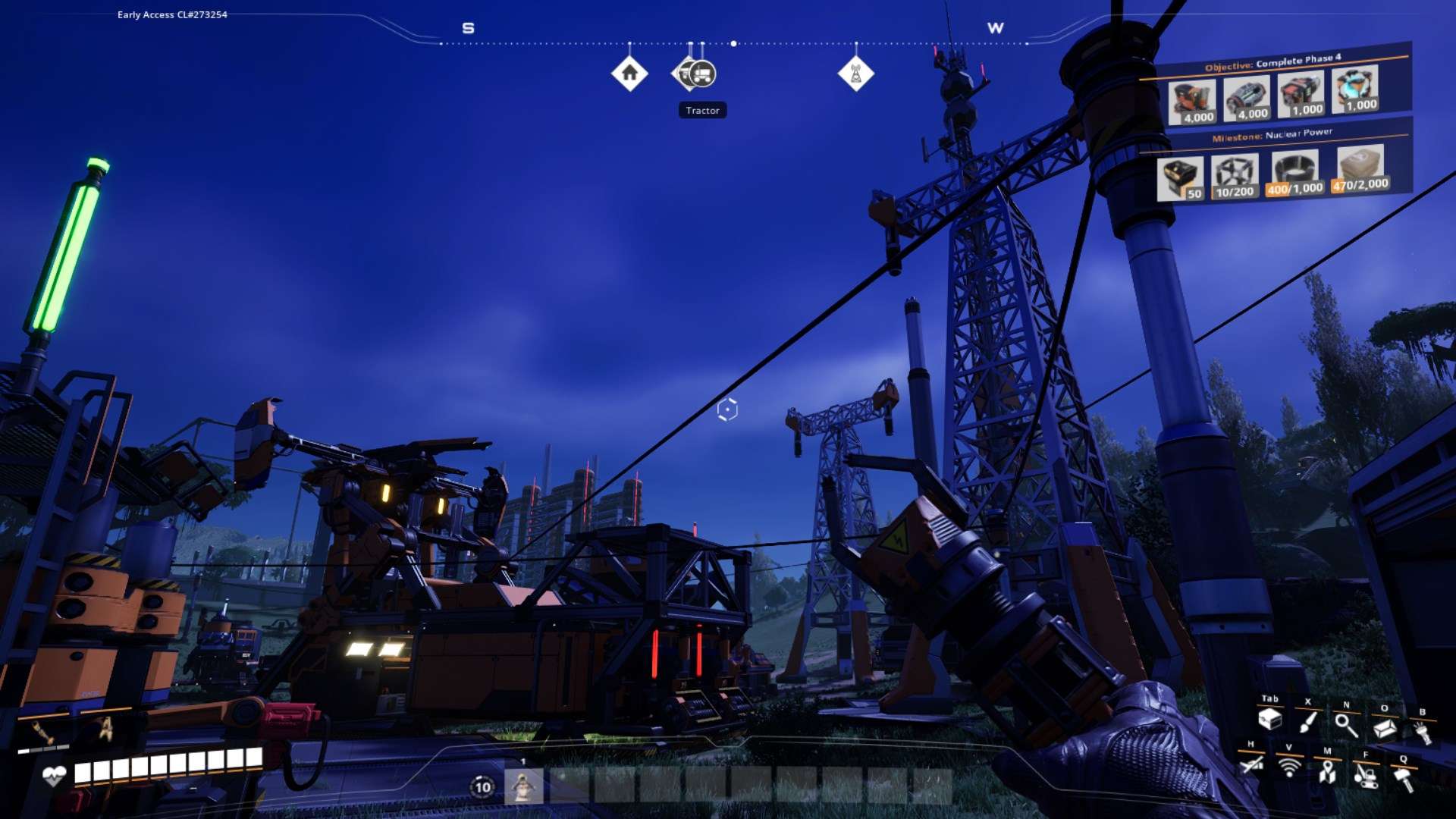
Once you’ve fixed the immediate issue, take some time to maintain and optimize your power network. Regularly check for any signs of strain or malfunction. Invest in upgrades and expansions to ensure that your base can handle increased power demands in the future. Good maintenance practices will help prevent similar issues from arising and keep your base running smoothly.
Fixing a broken fuse in Satisfactory can seem daunting, but with a systematic approach, you can get your power network back in tip-top shape in no time. Identify the problem, isolate and reconnect the power, handle resource shortages, and maintain your network regularly. With these steps, you’ll keep your base powered up and ready for whatever challenges come your way.