
How to find a village in Minecraft?
Introduction
Have you ever found yourself wandering aimlessly through the expansive world of Minecraft, hoping to stumble upon a thriving village? Your journey ends here. This comprehensive guide will help you learn how to find a village in Minecraft with ease, enhancing your gaming experience. So, grab your virtual pickaxe, and let’s dive right in!
Understanding Minecraft Villages
The blocky, procedurally generated 3D world of Mojang Studios' sandbox video game, Minecraft, is well known worldwide. One of the many enchanting aspects of this game is its diverse range of biomes, among which villages teeming with villagers are a popular point of interest.
Villages in Minecraft are naturally occurring structures inhabited by villagers. They can be discovered across different biomes and are an excellent source of loot. Each village is unique and composed of various structures like houses, farms, and more, providing you with essential resources.

Where Can You Find Villages?
Villages can spawn in several biomes: Plains, Desert, Savanna, Taiga, and even the snowy Tundra. However, they will not spawn in biomes like the Jungle or Mushroom Fields. Knowing this, you should concentrate your search on biomes where villages are likely to appear.
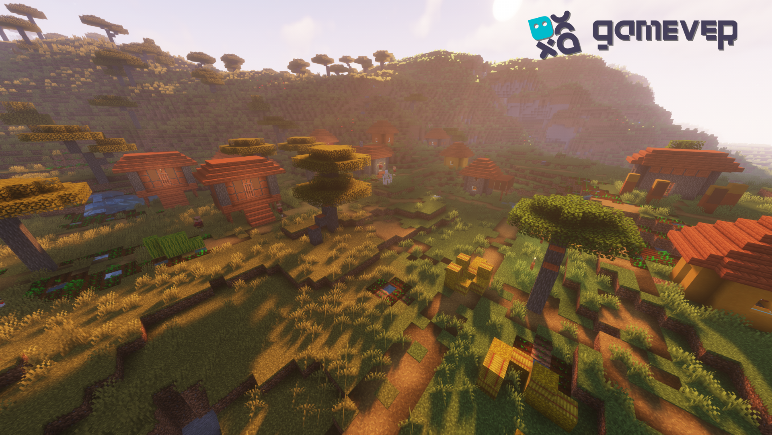
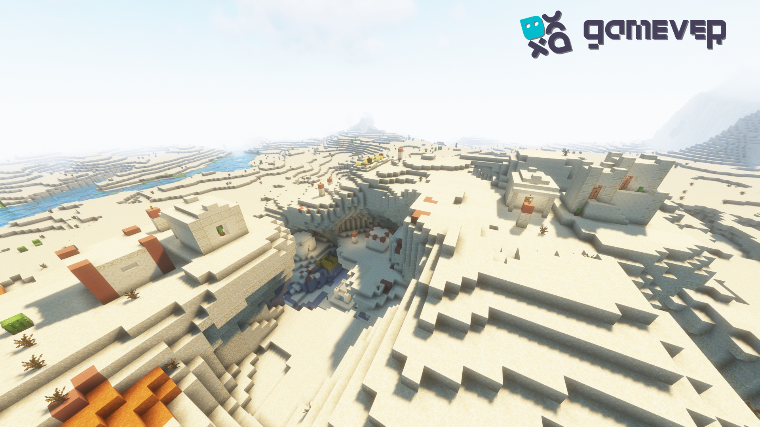

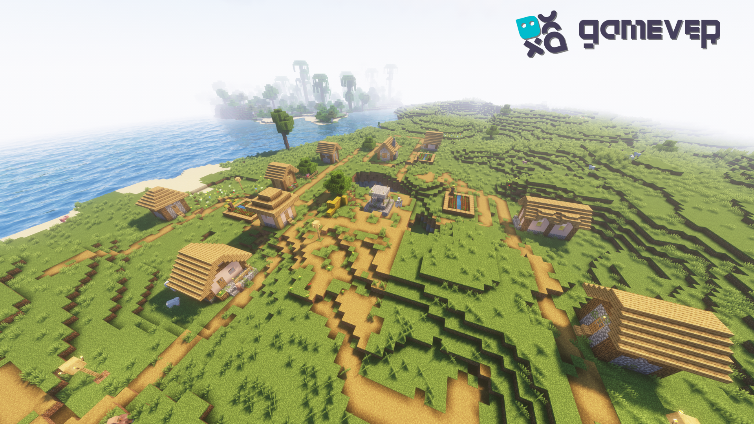
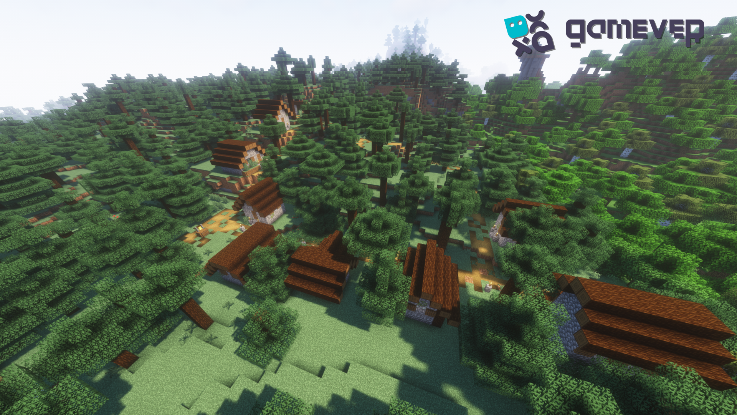
Techniques for Finding Villages in Minecraft
1. Exploring by Foot or Boat
One of the simplest methods to find a village is through traditional exploration. This method is particularly engaging as it allows you to fully appreciate the beauty of Minecraft's landscapes. However, it can be time-consuming and might require vast amounts of in-game resources.

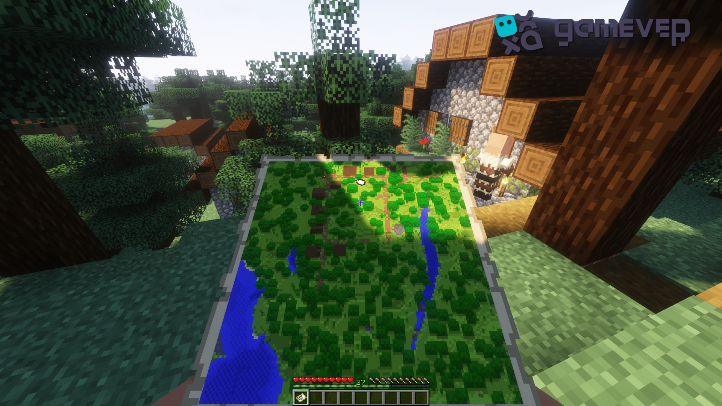
2. Using Maps and Cartographer Villagers
In Minecraft, players can trade with Cartographer villagers to obtain an Explorer's Map, which can lead them to specific locations, including villages. This method is a quick and reliable way to find a village, especially for beginners.
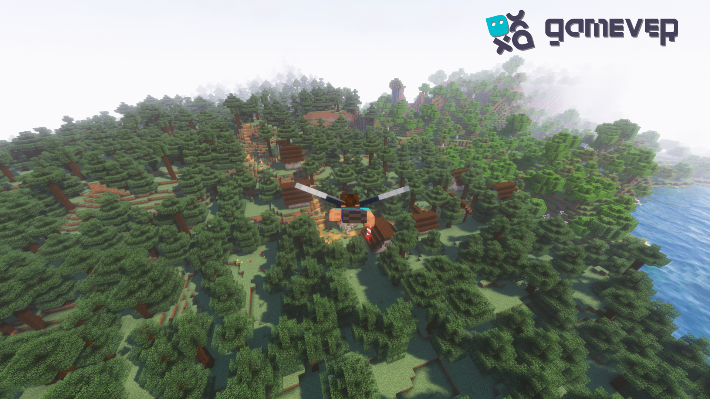
3. Utilizing the Elytra
The Elytra, a pair of wings that players can use to glide through the air, is an effective tool for long-distance exploration. Flying above the land, you can spot villages from a distance, saving time and effort.
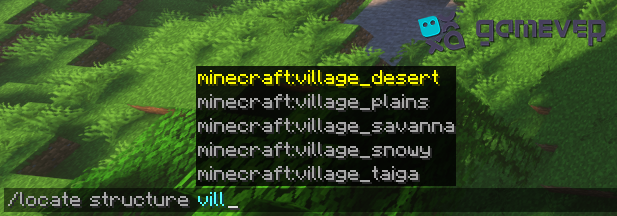
4. Using the "/locate" Command
This method is only applicable in the Minecraft Java edition, where players can use commands. Typing "/locate structure *Village*" into the command console will provide the coordinates for the nearest village.
Why Find a Village?
Finding a village can significantly enhance your gameplay. Villages offer an abundance of resources, trading options, and the opportunity to interact with villagers. These interactions can lead to tasks, or "quests," that reward you with unique items.
Moreover, you can use villages as bases, offering protection from hostile mobs. You can even transform the village to fit your architectural vision, integrating it into your larger world-building strategy.
Conclusion
Finding a village in Minecraft can be an exhilarating adventure. Whether you're on foot, gliding through the sky with your Elytra, or navigating with an Explorer's Map, discovering these populated structures can bring numerous benefits, enriching your overall gaming experience.
To further amplify your gaming journey, consider using Gamever. Gamever is a top-notch service where you can rent a server to play Minecraft with your friends. With dedicated servers and lag-free gameplay, your village discovery expedition will be smooth and enjoyable. So, what are you waiting for? Start your adventure on Gamever today!