
How to Expand Inventory in Abiotic Factor
Carrying more items can make or break your survival in Abiotic Factor, especially as you explore deeper into the facility and uncover new resources. From crafting your first makeshift backpack to acquiring specialized gear like the Voidpack, this guide has everything you need to know about inventory management and expansion.
Inventory Expansion
Your initial inventory in Abiotic Factor comes with just 12 slots, limiting how many items you can carry. This space represents your character’s pockets and is quickly outgrown as you gather resources and tools. Backpacks and other gear significantly enhance your carrying capacity, making them invaluable for exploration and survival.
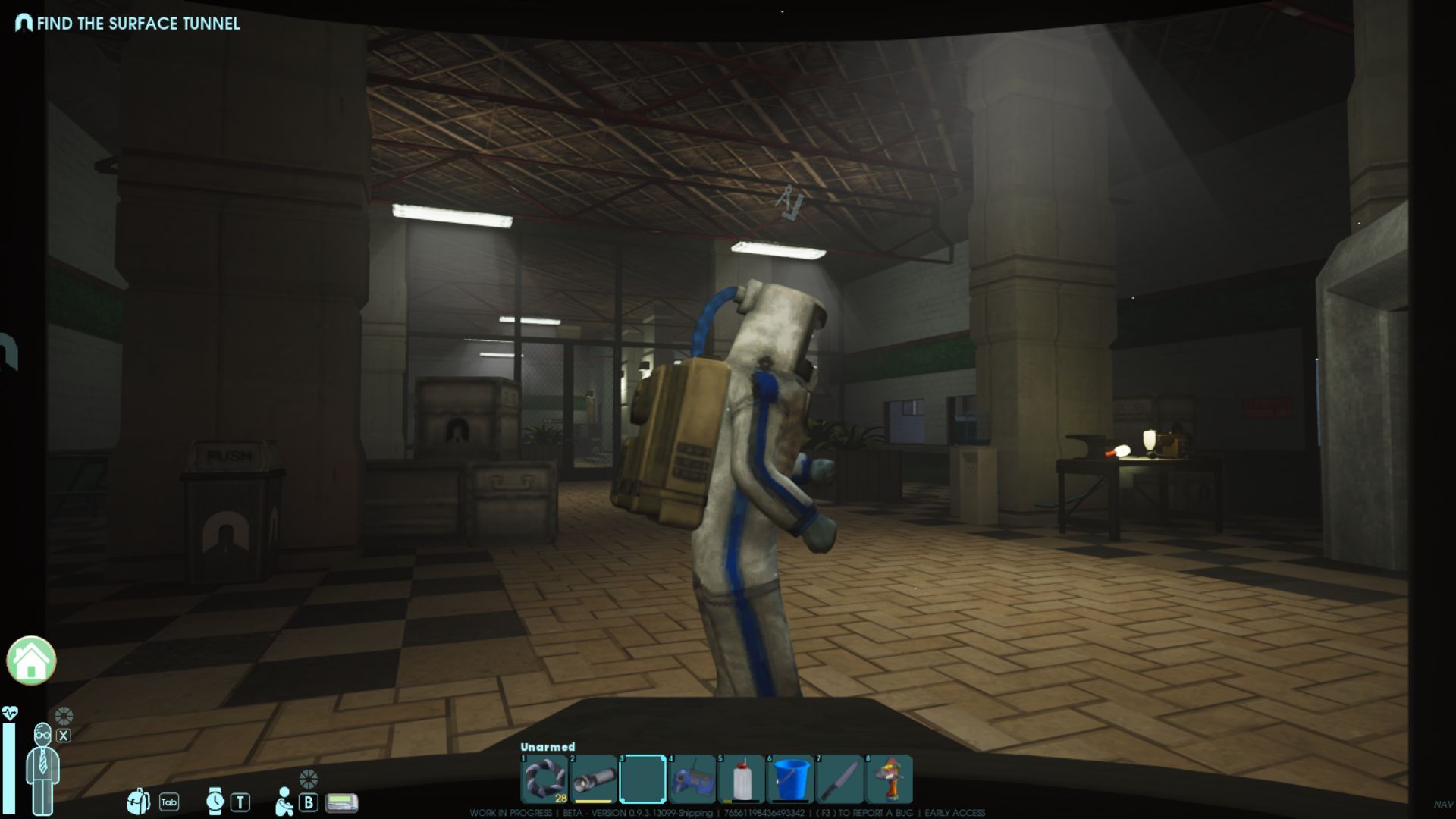
Crafting the Makeshift Backpack
The first upgrade to your inventory is the Makeshift Backpack. It’s an easy-to-craft option requiring:
- 2 Cloth Scraps
- 1 Metal Pipe
Craft it at a Crafting Bench and enjoy three additional inventory slots with a slight weight reduction of 10%. While not the most spacious, it’s a great starting point.

Finding the Basic Backpack
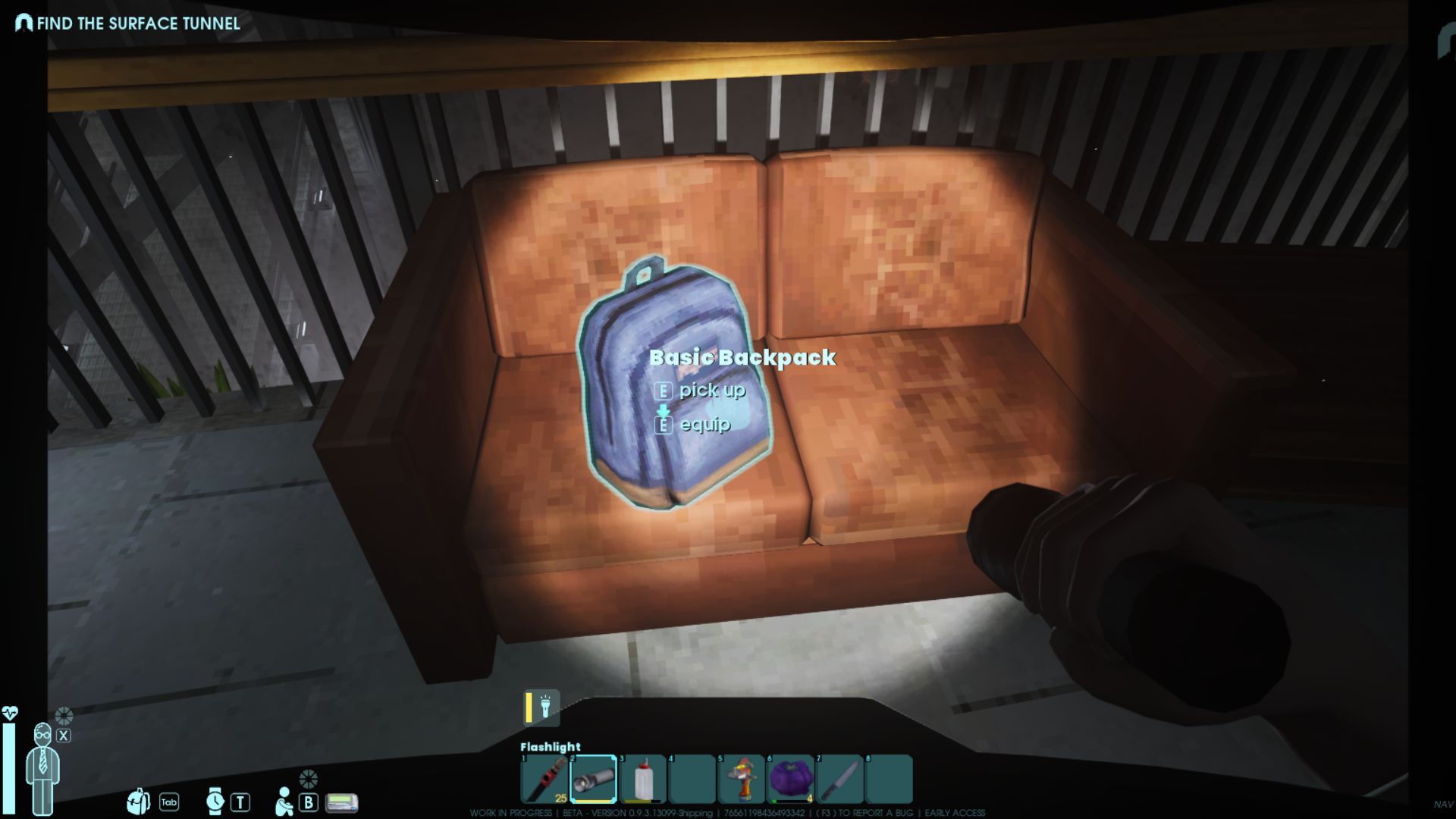
For a larger upgrade, head to the Data Farm after opening the Cafeteria doors. Inside the manager’s office, you’ll find a Basic Backpack lying on the ground. This backpack increases your inventory by six slots and reduces weight by 15%.
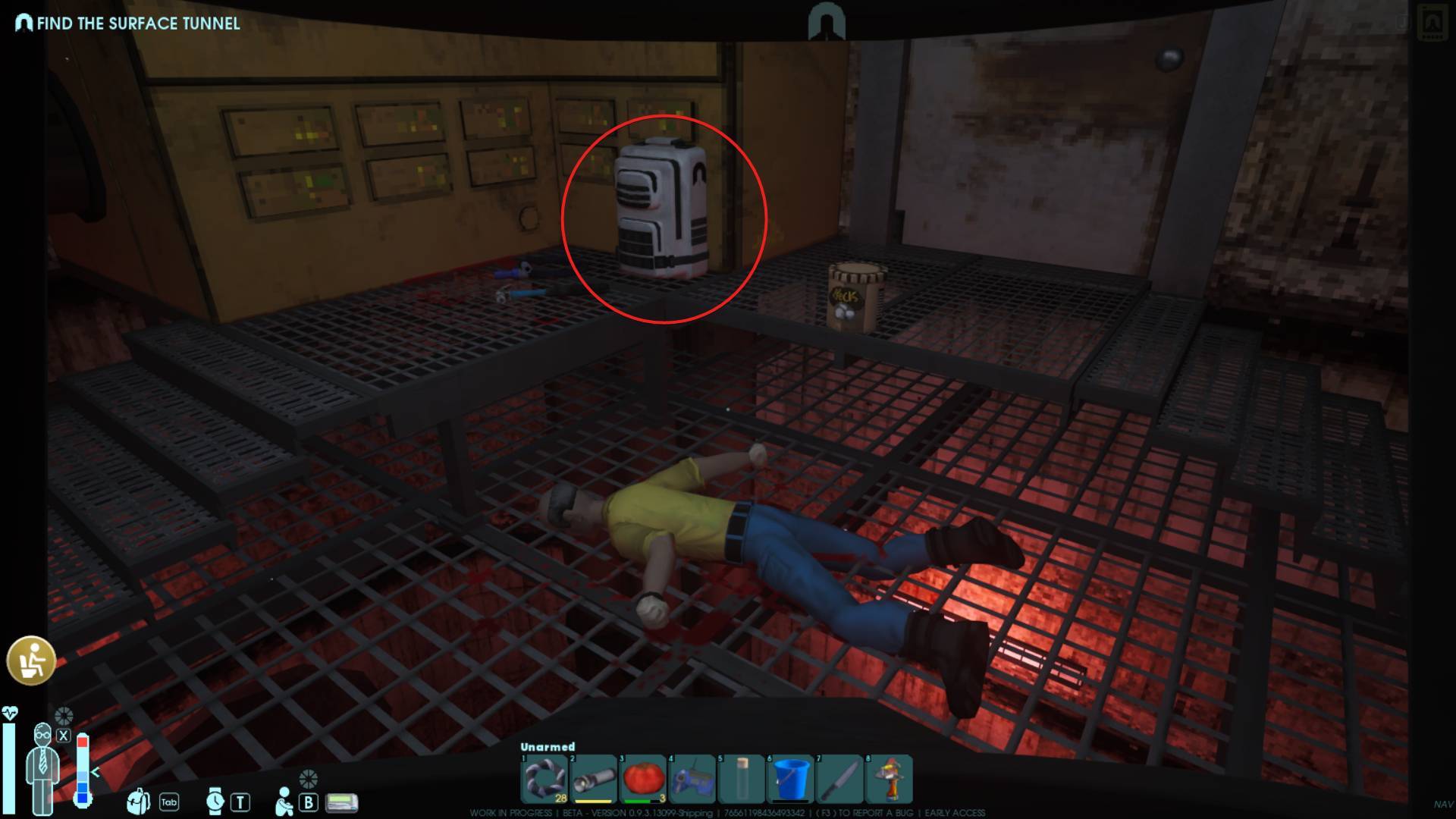
If you’re willing to explore further, climb down the ladder behind the Data Farm office. Follow the tunnel to discover a Security Pack on a dead GATE employee. This backpack offers nine additional slots, making it an excellent early-game find.
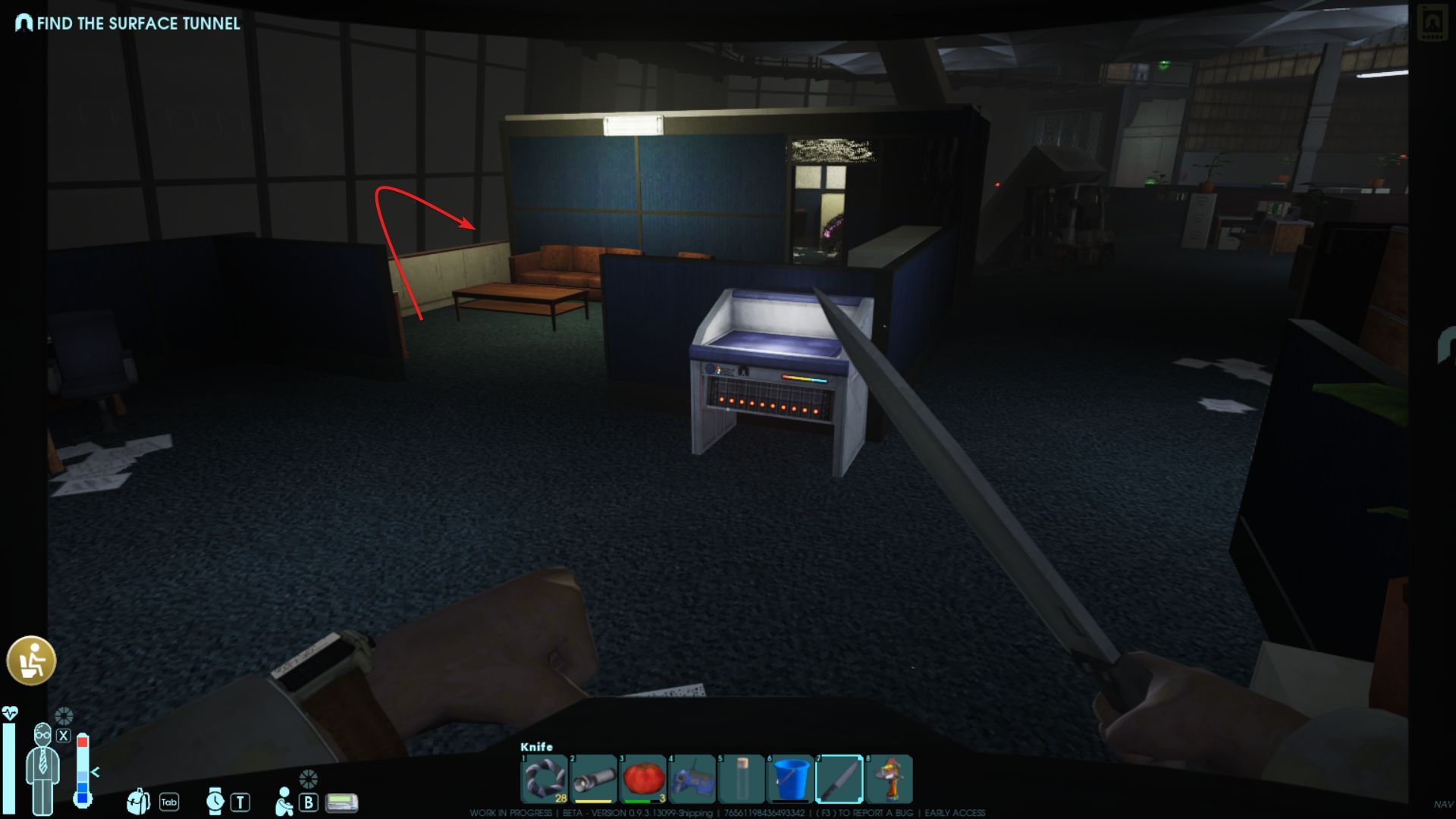
Climb down the ladder behind the office to find the Security Pack
Advanced Backpacks and Their Locations
As you progress, you’ll encounter better backpacks with unique benefits:
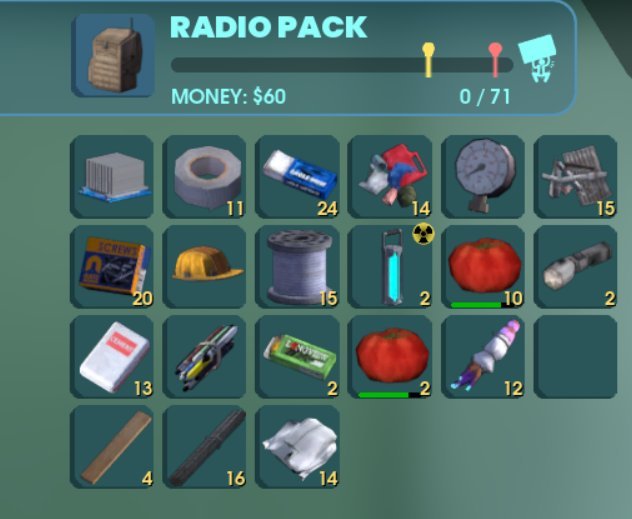
- Radio Pack: Found on Order soldiers, it has the same capacity as the Security Pack but reduces the battery drain of your devices.
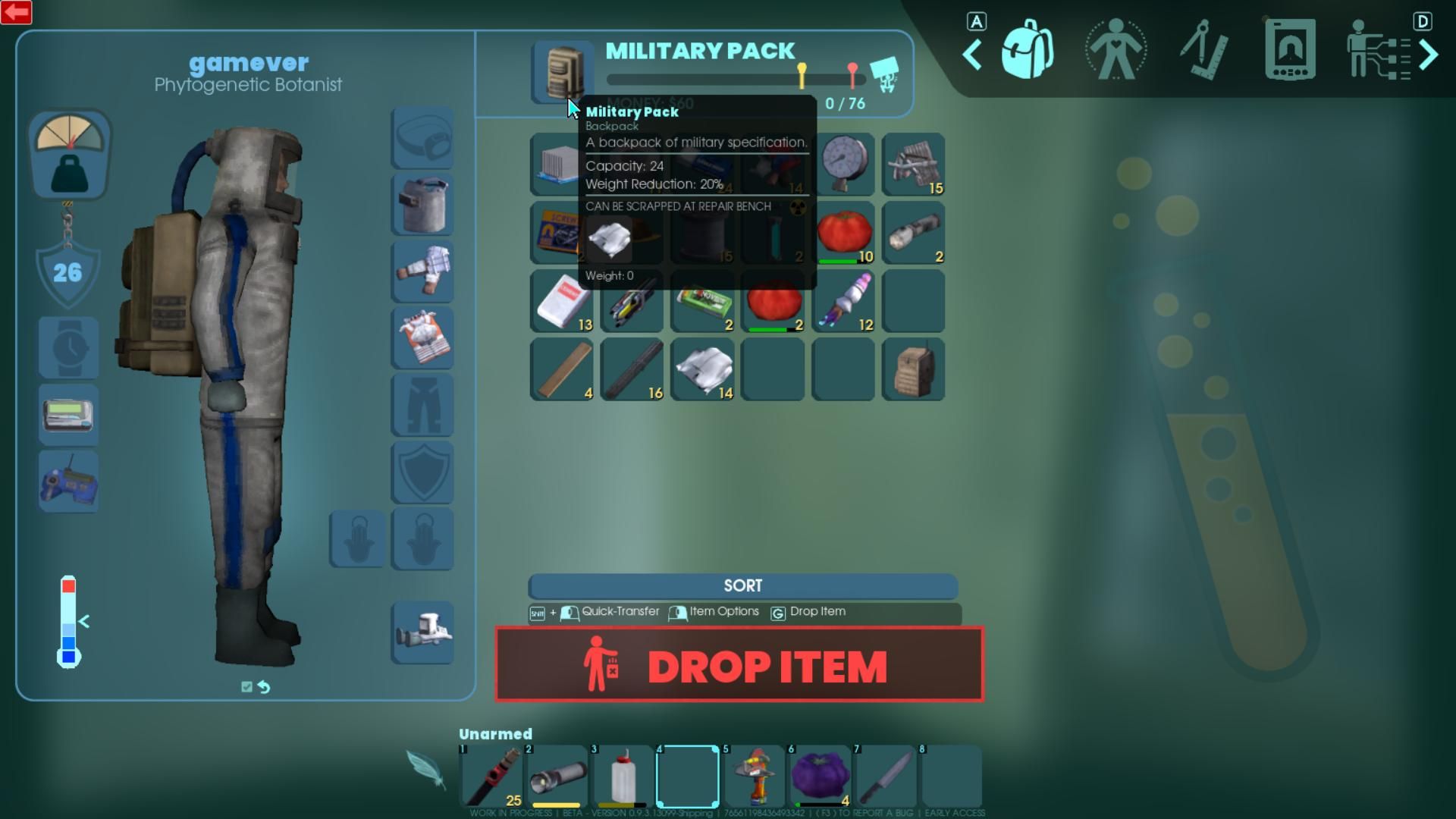
- Military Pack: Dropped by Order soldiers in the Manufacturing Sector, this backpack offers 12 additional slots and a substantial weight reduction of 20%.
- Rat Pack: A rare drop from rats, this backpack provides 18 extra slots but no weight reduction.
- Research Pack: Crafted using Carbon Plating and Anteverse Gel, it holds 30 slots while shielding against radioactive items.
Crafting Specialized Backpacks
Specialized backpacks like the Jetpack and Voidpack require advanced materials:
- Jetpack: Allows limited flight with double jumps. It requires Power Cells, an Air Compressor, Coil Winding, and Transformer Bushings.
- Voidpack: Found in the Hydroplant Sector, it offers 36 slots with 25% weight reduction. You’ll need a Laser Prism, Carbon Plating, and other resources to craft it.
Managing Inventory Space
Even with upgraded backpacks, inventory space can remain tight. Keep your load manageable by:
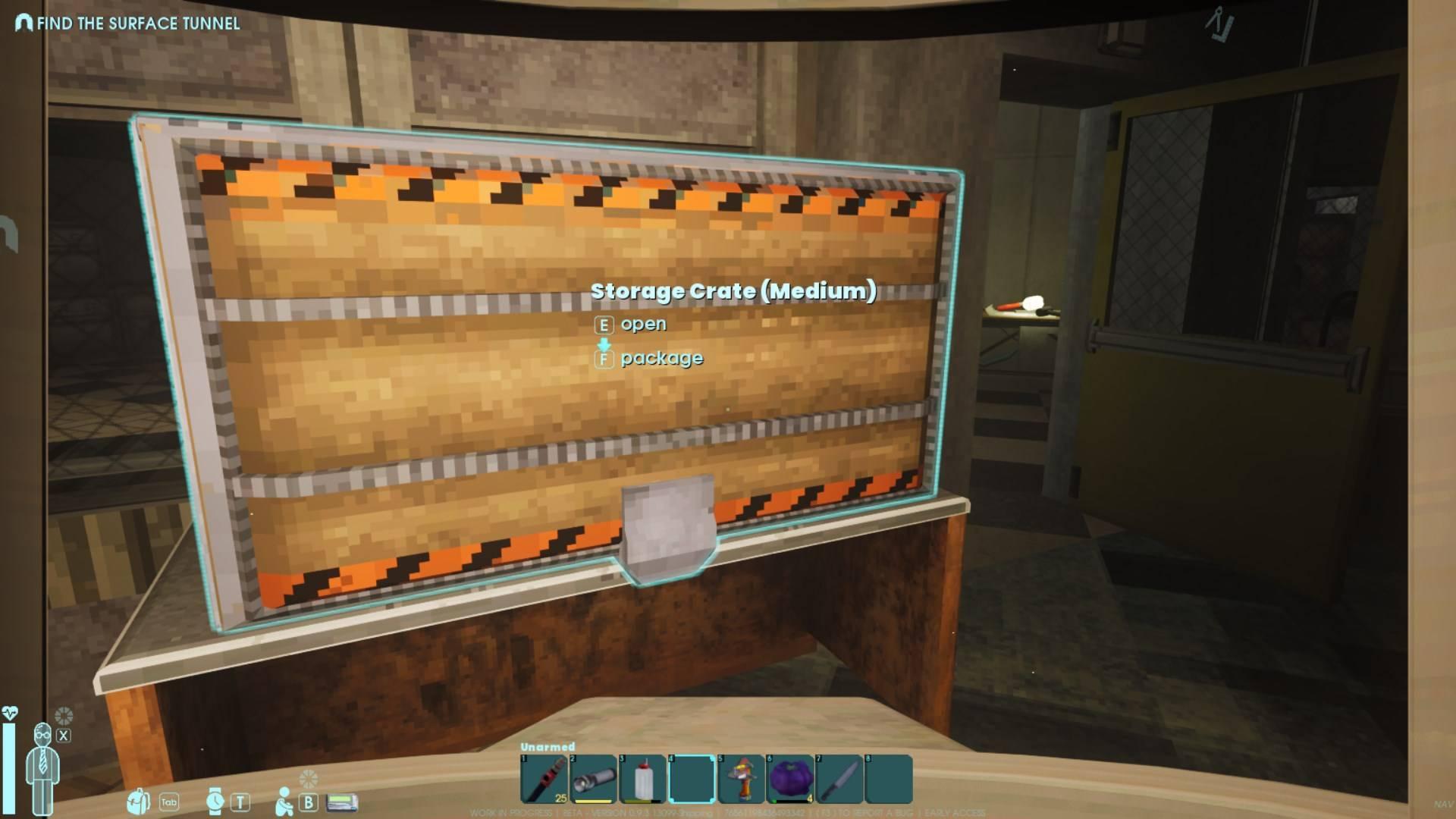
- Storing unneeded items in base storage units.
- Prioritizing rare and essential resources during expeditions.
- Using weight-reducing gear like the Alpine Pack for snowy regions.
Expanding your inventory in Abiotic Factor isn’t just about carrying more—it’s about surviving and thriving in challenging environments. By locating and crafting backpacks, you can increase your capacity and access specialized abilities tailored to your needs. Make every slot count as you venture deeper into the game’s vast world.