
How to enable whitelist on valheim server
1 Open file manager.
2. Navigate to the config folder. This is usually located in the "roots" folder.
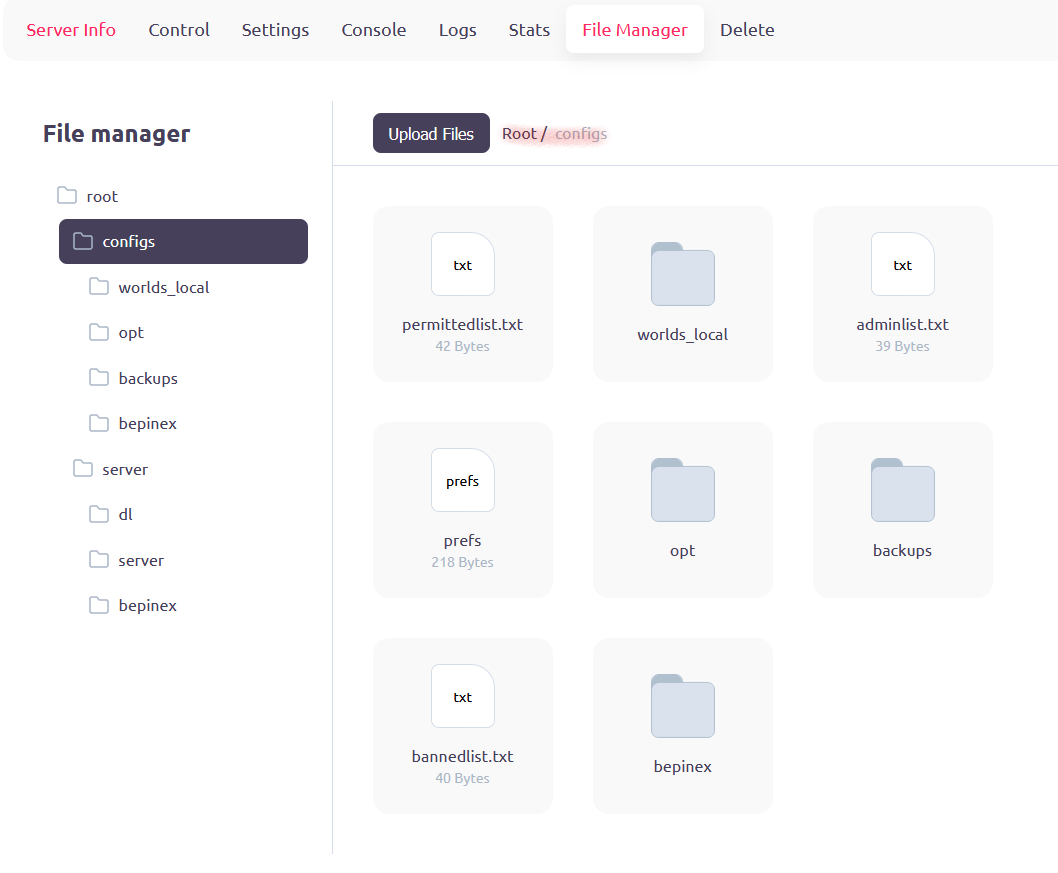
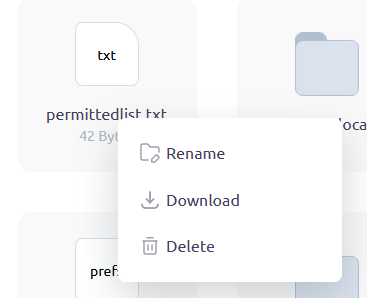
3. Download the "permittedlist.txt" file by right-clicking.
4. Add the Steam IDs of the players you want to whitelist to the file, one per line.
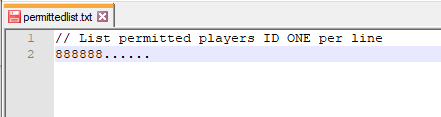
5. Save the file and upload it to server.
6. Restart your Valheim server for the changes to take effect.