
How to enable Voice Chat in Enshrouded Pact of the Flame Update
Greetings, adventurer! The Pact of the Flame Update in Enshrouded has finally arrived, bringing a fiery wave of features, fixes, and fantastic surprises. One of the most anticipated additions is the ability to chat with your allies in-game without needing external apps.
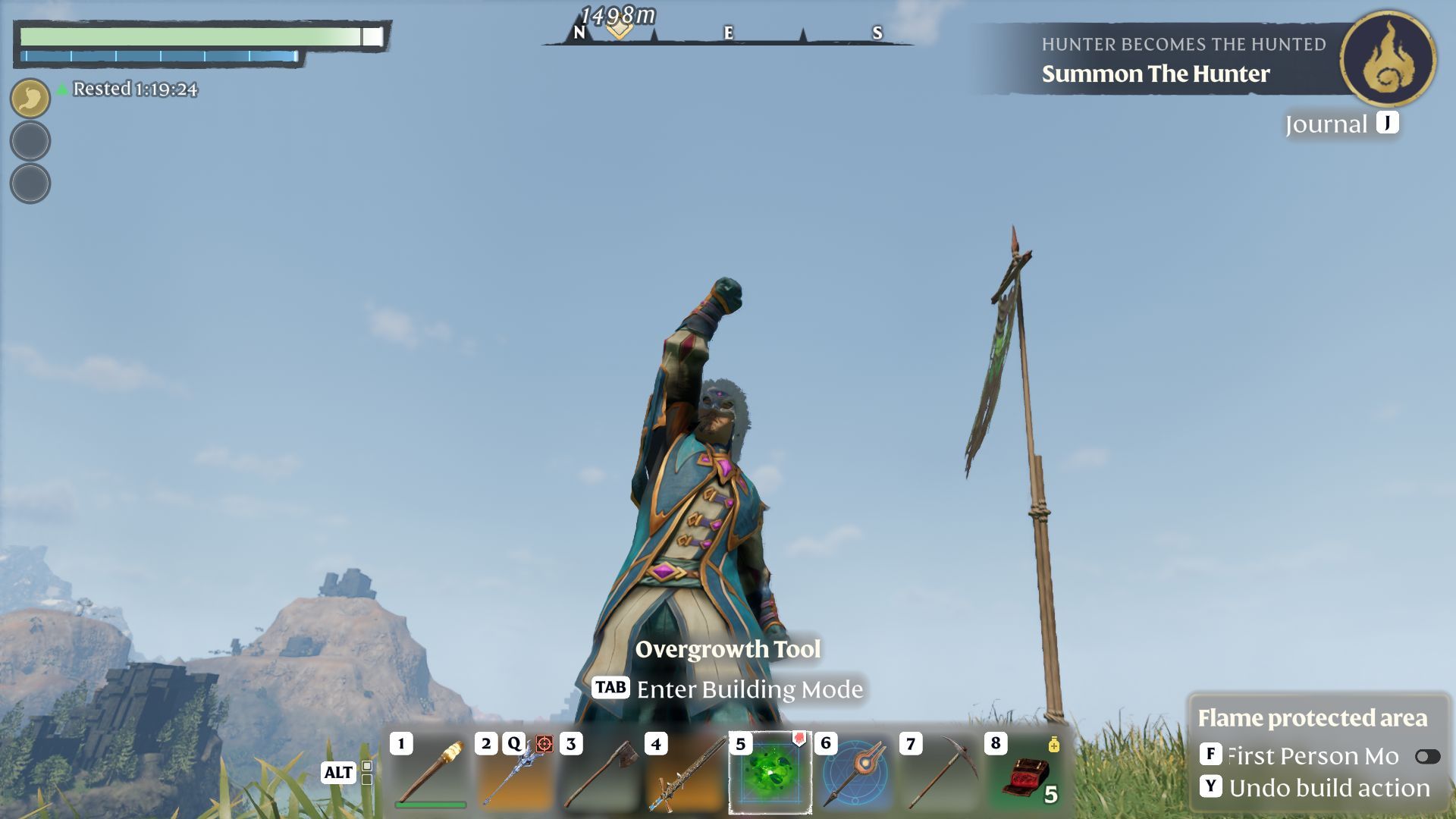
What Is the Pact of the Flame Update
This blazing new update introduces thrilling social options, improved build menus, and an overhauled world filled with hidden treasures. While you’ll find new points of interest and ways to customize your realm, the star of this update is the built-in voice chat system. You no longer have to rely on outside tools to coordinate your raids or simply banter as you roam the charred lands. It’s all in Enshrouded now, ready to go as soon as you switch it on.
Why You Need Voice Chat
Sometimes typing out messages just doesn’t cut it, especially when you’re in the heat of a battle with blazing foes all around. Enabling voice chat means fast coordination, spontaneous jokes, and a deeper sense of camaraderie among your companions. Once you hear your friends’ cheers echo through the shimmering embers, you’ll never want to go back to silent raiding.
How to Enable Voice Chat
First things first, you’ll need to be the host or have server admin privileges, since voice chat is off by default in Enshrouded. Open your server settings or the Social menu page to find the voice chat toggle.
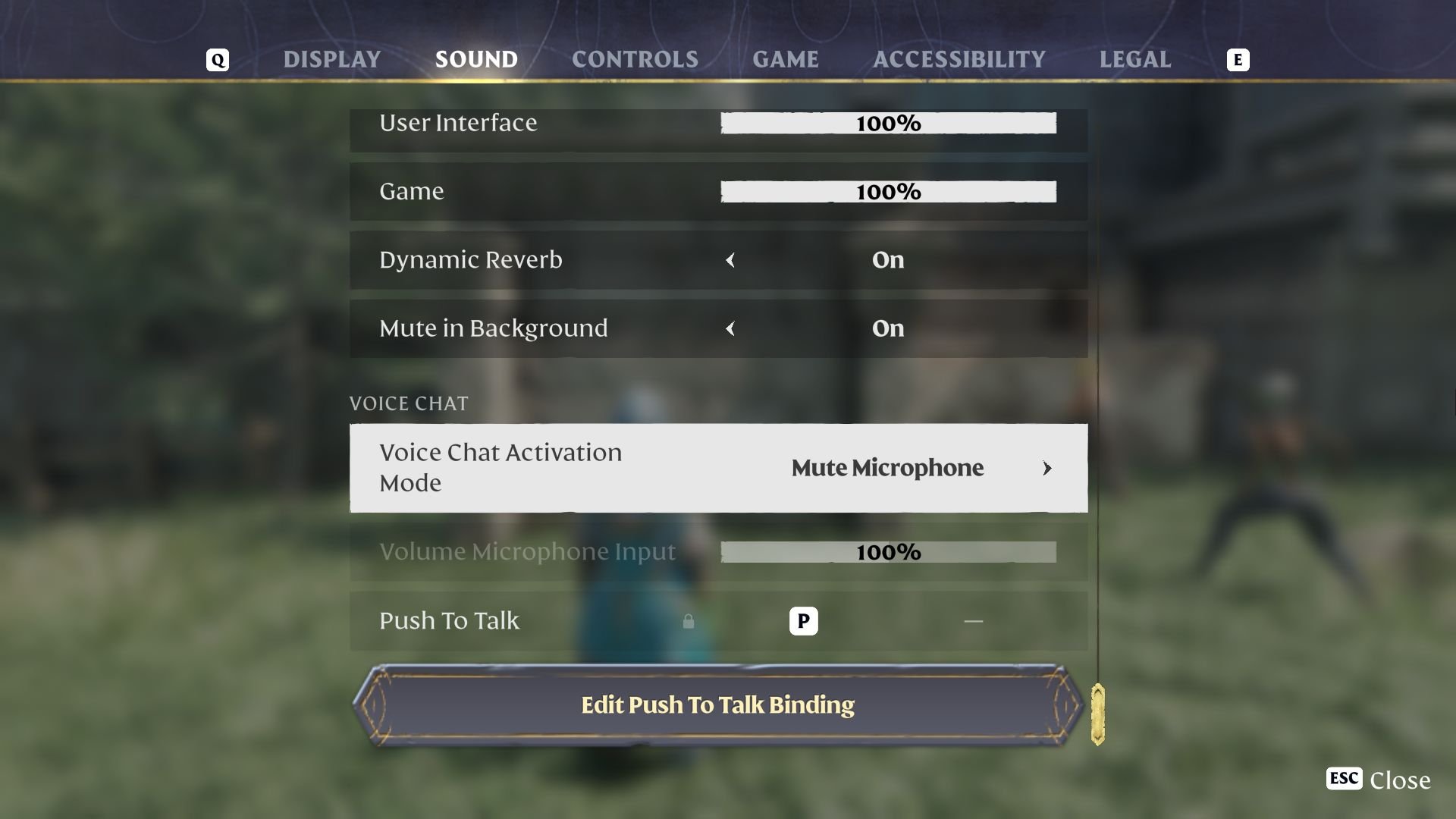
Switch it from “Off” to either “Proximity Chat” or “Global.” Proximity chat lets you speak to players who are near your location, adding tension and realism to your explorations. Global, on the other hand, connects all players on the server so you can rally everyone for big announcements or epic group battles.
Adjusting Your Microphone Settings
Head to the Sound Settings if you want to tweak your microphone options. Choose between “Push-to-Talk,” where your voice is only transmitted while holding a key, or “Open Microphone,” which keeps your mic live at all times. You can also set your preferred input volume so you don’t accidentally blow out your teammates’ eardrums. And if you need a moment of silence, just hit the “Mute” button to take a quick breather.
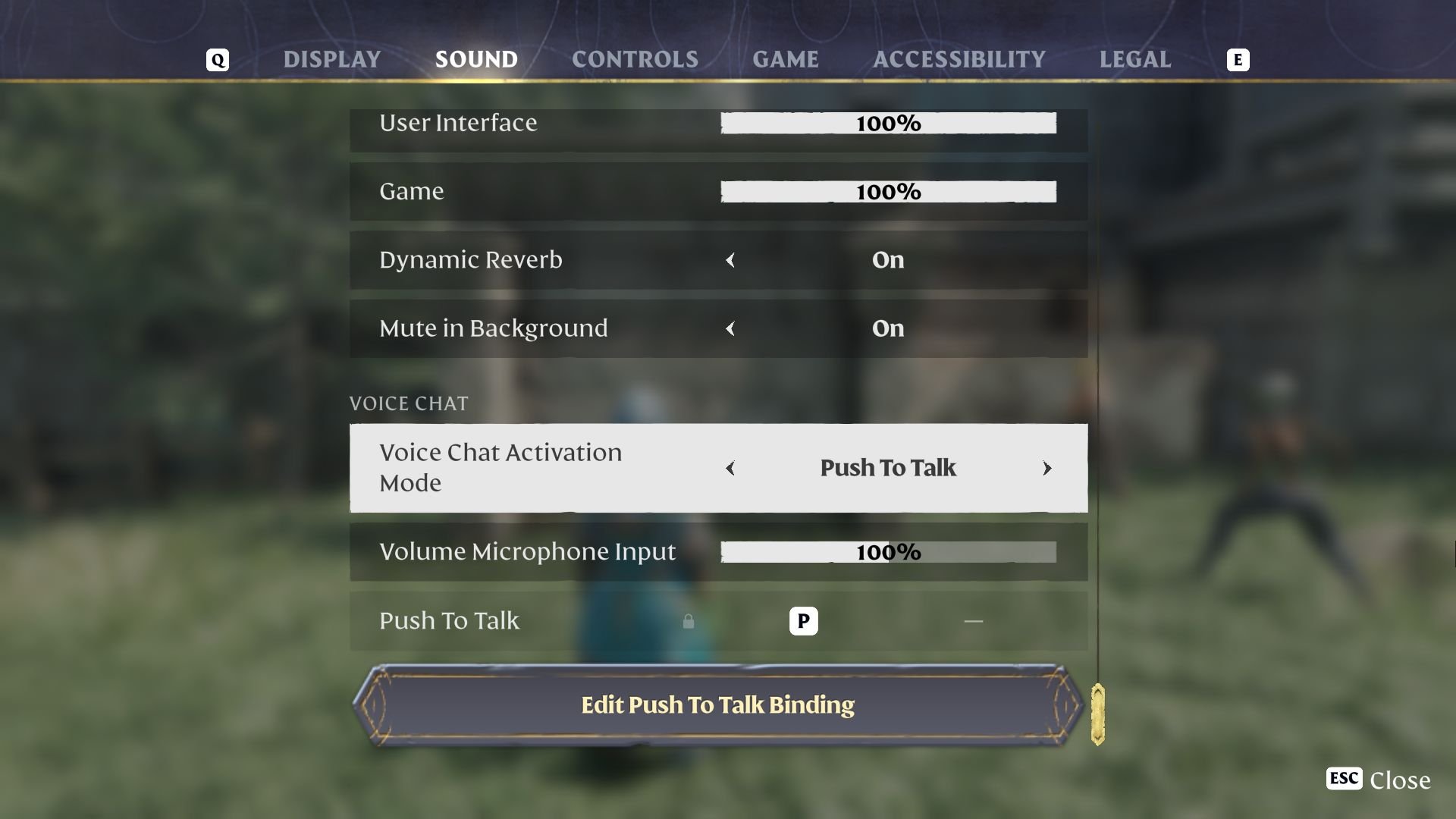
Tips and Tricks for Voice Chat
Once you’ve enabled your mic, you can manage the voices you hear using the Social menu. Mute anyone who’s getting a little too noisy, adjust volumes if your friend’s microphone is too loud, or toggle your own mic off if you’d rather stay in stealth mode. Communication is key to surviving in the scorching landscapes of Enshrouded, so use these tools to keep the chatter fun and helpful as you band together to conquer flaming dungeons and monstrous creatures.
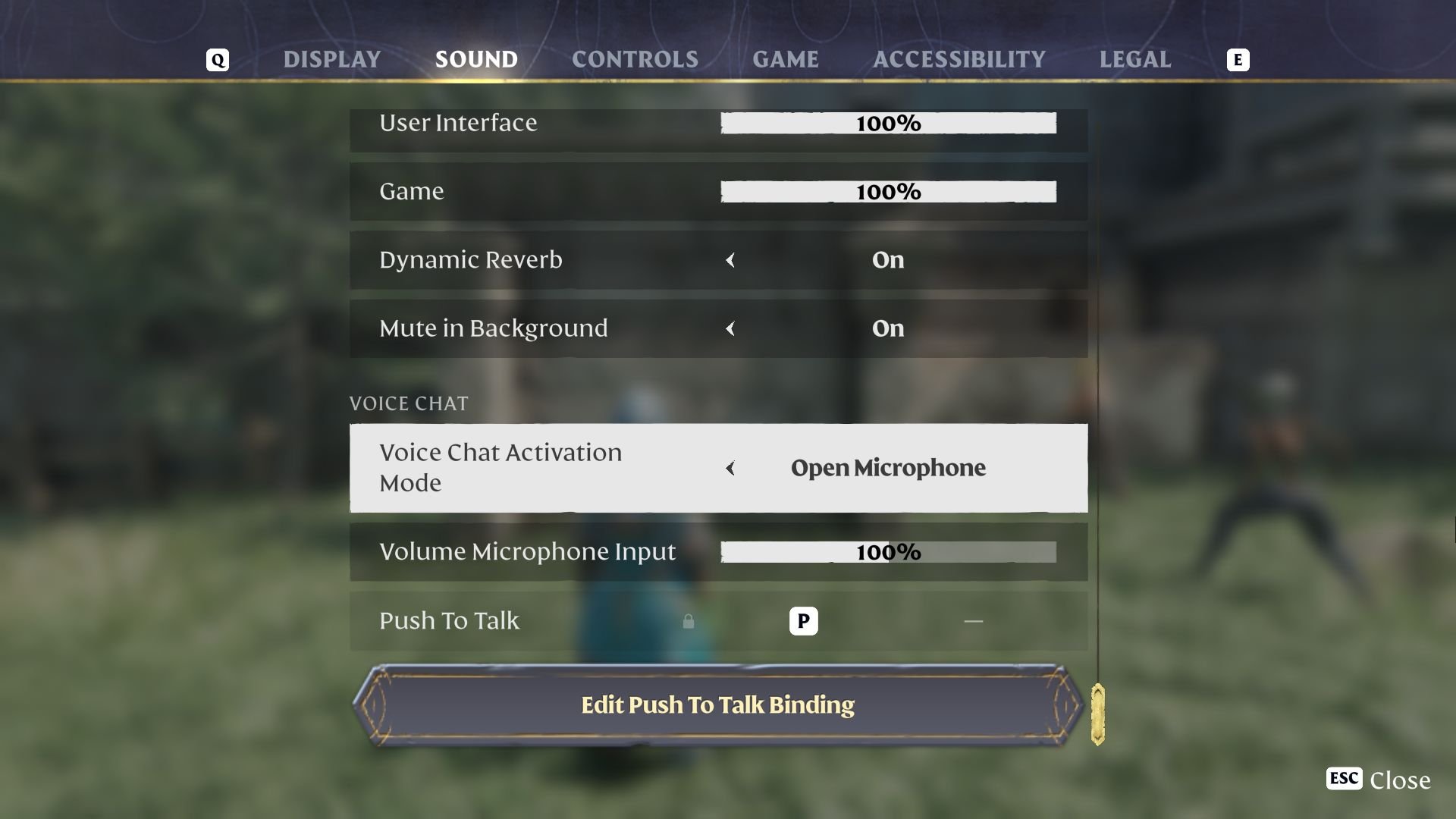
Voice chat in Enshrouded’s Pact of the Flame Update opens the gates to a livelier, more immersive adventure. From planning strategies in the heat of battle to sharing triumphant victory cries, enabling this feature brings your team closer than ever. Now that you know how to turn on voice chat and fine-tune your settings, it’s time to gather your party, ignite your spirit of exploration, and tackle the realm with your voices united. Let the embers blaze brighter with every conversation!