
How to enable Fly Mode in 7 Days to Die 1.0
Enabling Fly Mode
Before you can explore the skies, you need to activate fly mode. Follow these steps to make your character take off:
1. Open the Console: Press the F1 key to open the console. This is where you'll enter commands to modify your gameplay.
2. Activate Debug Menu: Type ‘debugmenu’ or ‘dm’ into the console and press Enter.
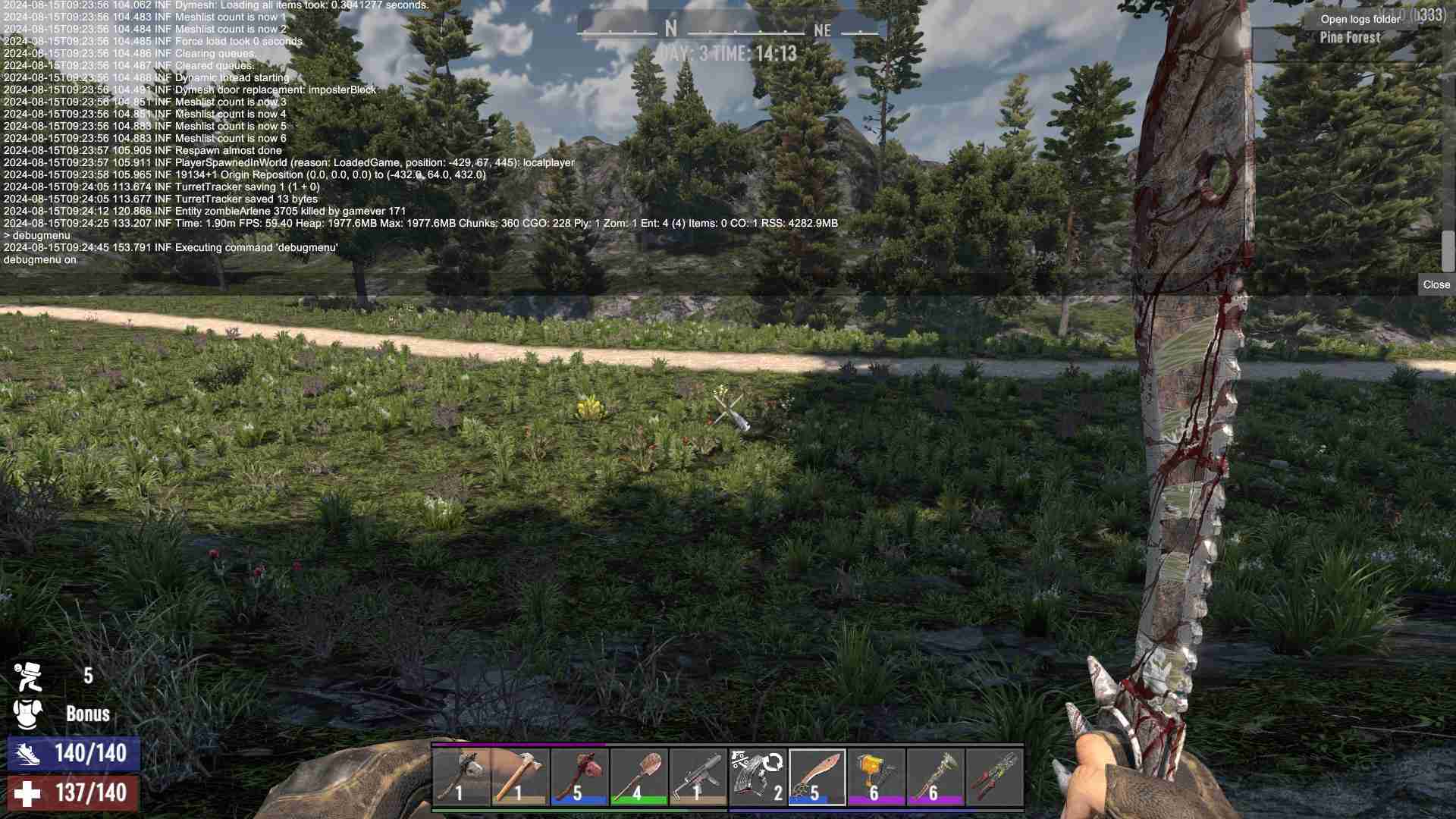
3. Access the Game Menu: Press ESC to open the main menu.
4. Turn on Fly Mode: In the menu, check the box next to ‘Fly mode’. Your character will now float in the air, giving you a new perspective on the world!

To return to the ground, simply uncheck the Fly Mode box or press H to toggle it on and off. Note that these steps might slightly vary based on your game version, so refer to official guides or community forums if needed.
Control
With fly mode enabled, your movement controls will differ slightly from the ground-based ones. Here’s how to navigate like a pro:
- W, A, S, D Keys: These are your primary movement keys. Use them as you would on the ground. W moves you forward, A takes you left, S moves you backward, and D lets you go right.
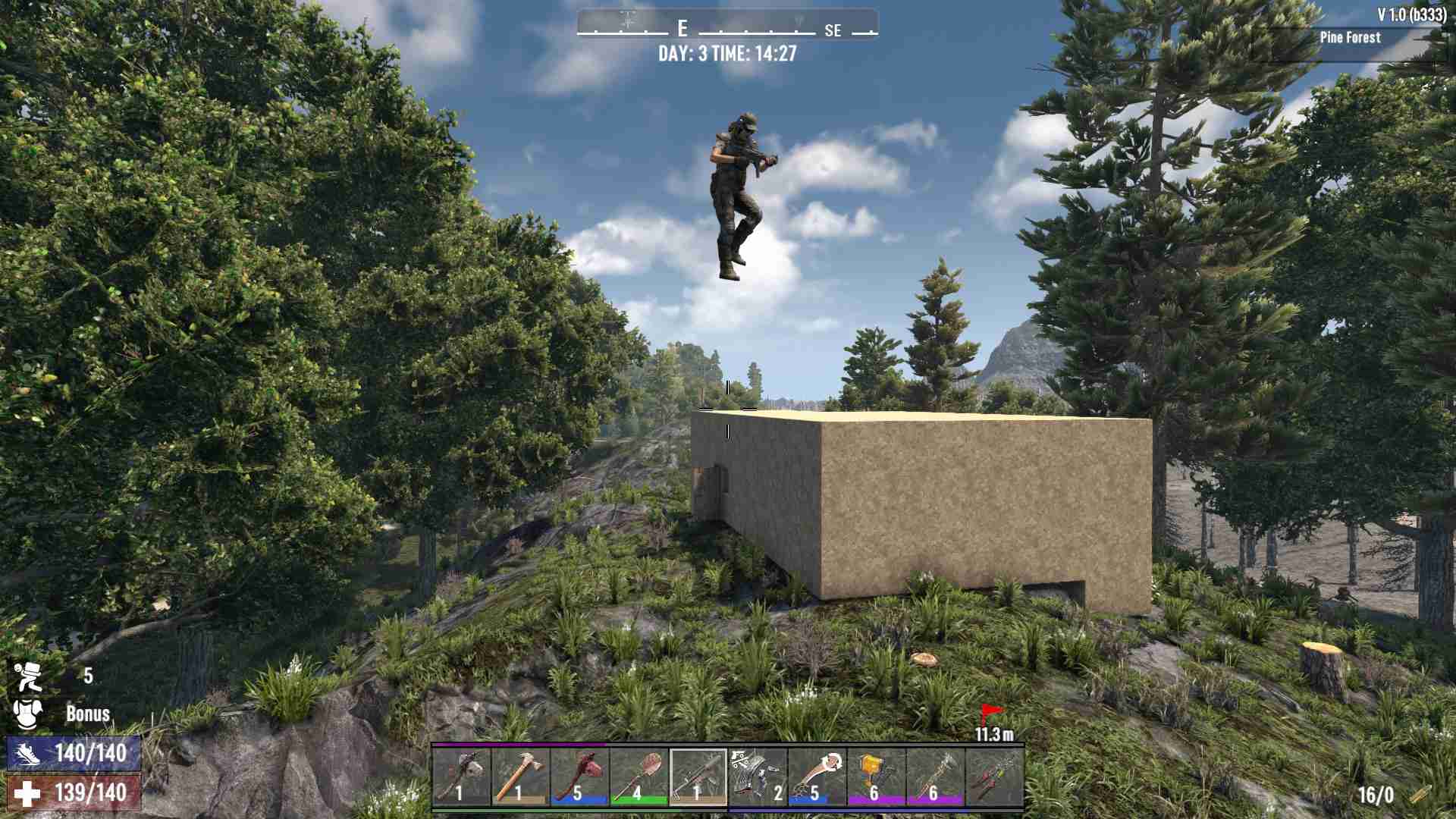
- Shift: Need to speed up? Hold down the Shift key to fly faster. This is especially useful for covering large distances quickly or escaping danger from above.
- C Key: To descend or drop lower, press the C key. This will lower your altitude smoothly.
- Spacebar: To rise or gain altitude, tap the Spacebar. This will lift you up into the sky or help you climb higher when needed.
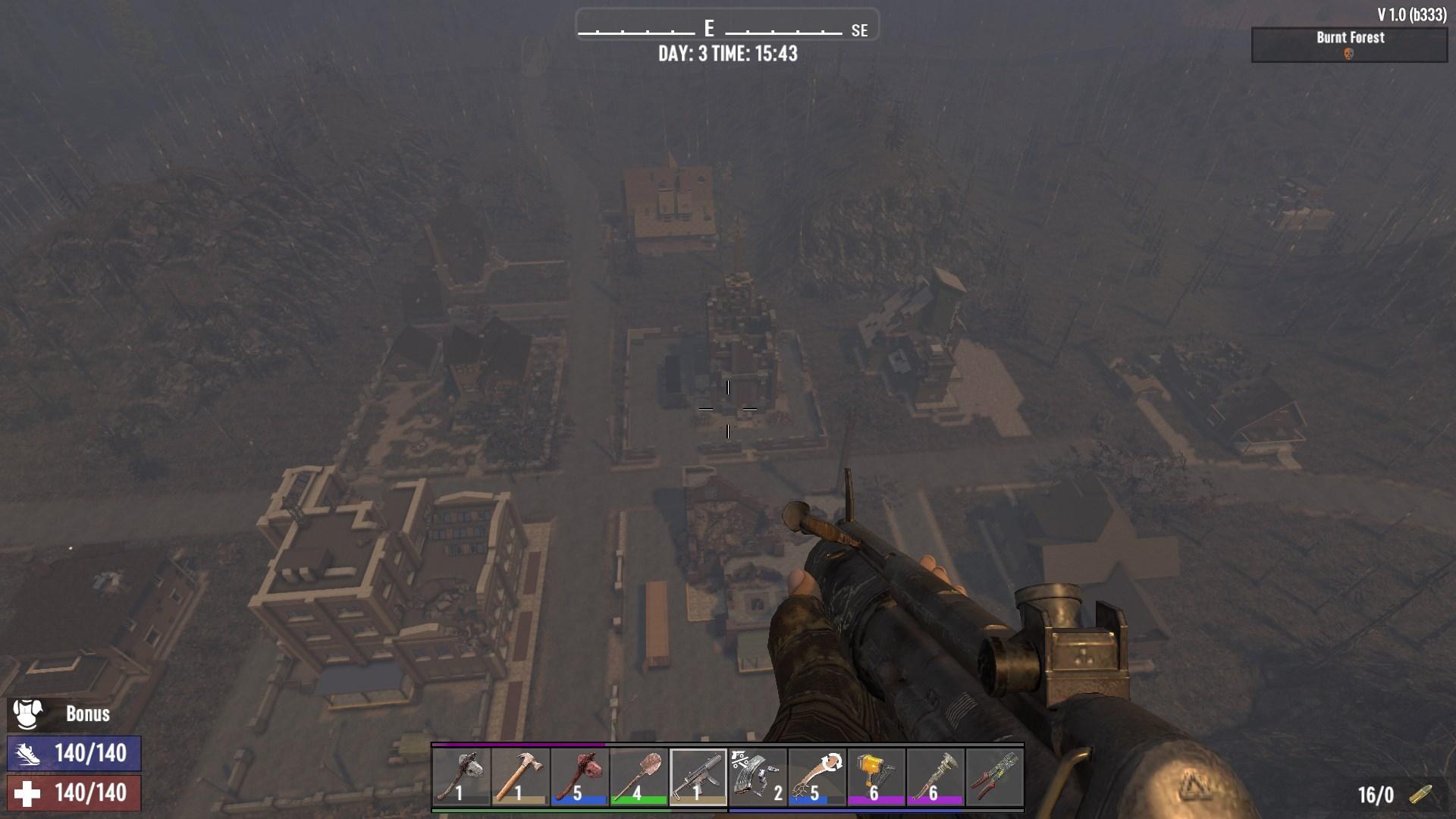
- Shift + Q: For a nifty trick, hold Shift and press Q to teleport instantly to the point you’re looking at. This is perfect for quickly reaching distant spots or adjusting your position with precision.
With these controls, you’re all set to explore 7 Days to Die from a new vantage point. Fly mode opens up a world of possibilities for scouting new areas, planning your base layout, or simply enjoying the view.
Exploring with Fly Mode
Flying in 7 Days to Die transforms your gameplay experience. You can access previously unreachable areas and gain a unique perspective on the post-apocalyptic world. Whether you’re scouting for resources, planning your next move, or just taking in the scenery, flying adds a new layer of excitement to your adventure.
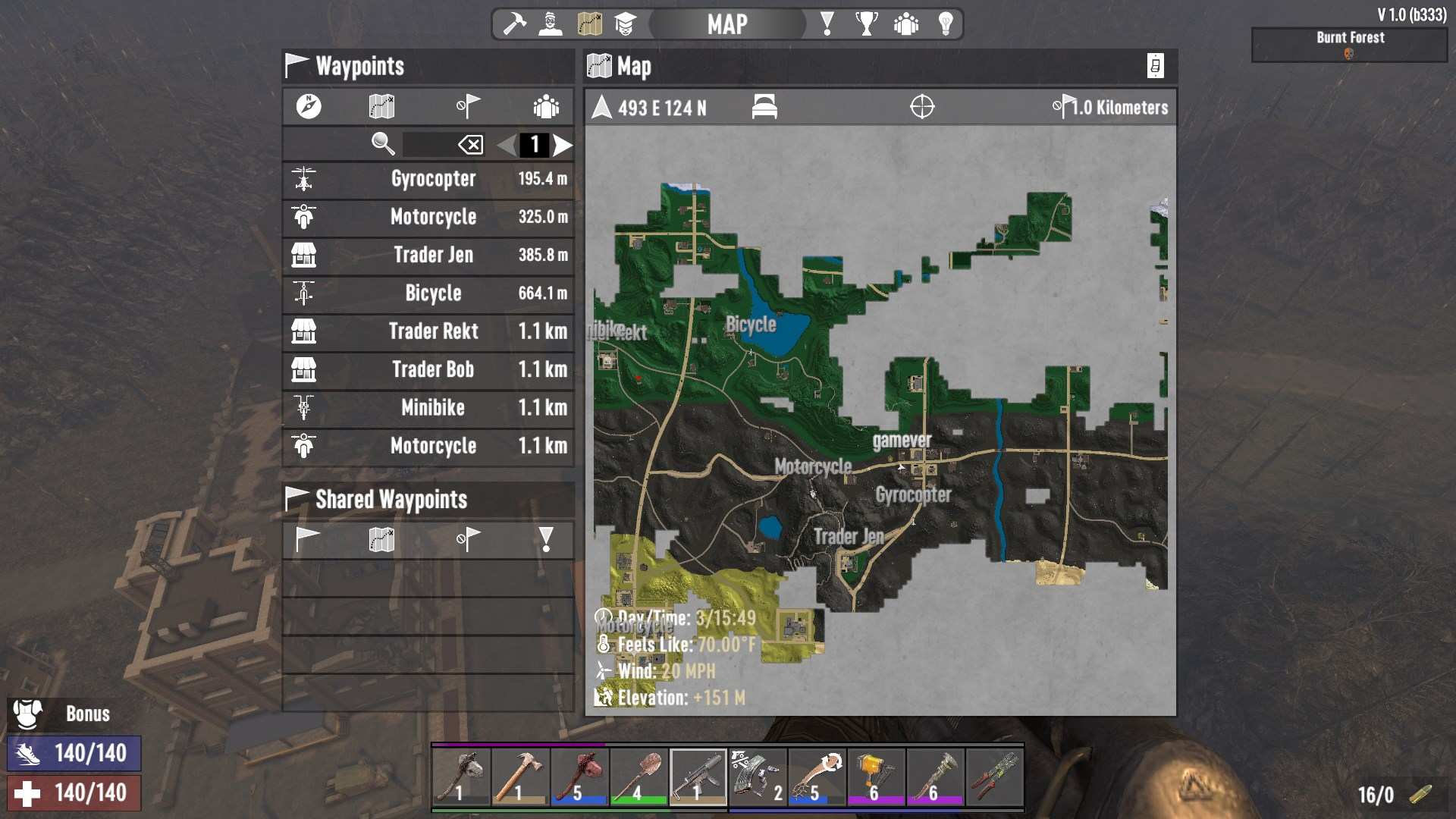
Fly mode provides a powerful tool for enhancing your survival experience or admin control over the players. Activate it and start exploring the vast landscapes of 7 Days to Die.