
How to Emote and Gesture in Duckside
In the world of Duckside, there’s more to being a duck than just waddling around and surviving. Expressing your character’s emotions through emotes gives you a way to stand out and add some personality to your gameplay. Whether it’s a victory dance, a playful wave, or a cheeky gesture, emoting in Duckside is a great way to interact and have fun with other players.
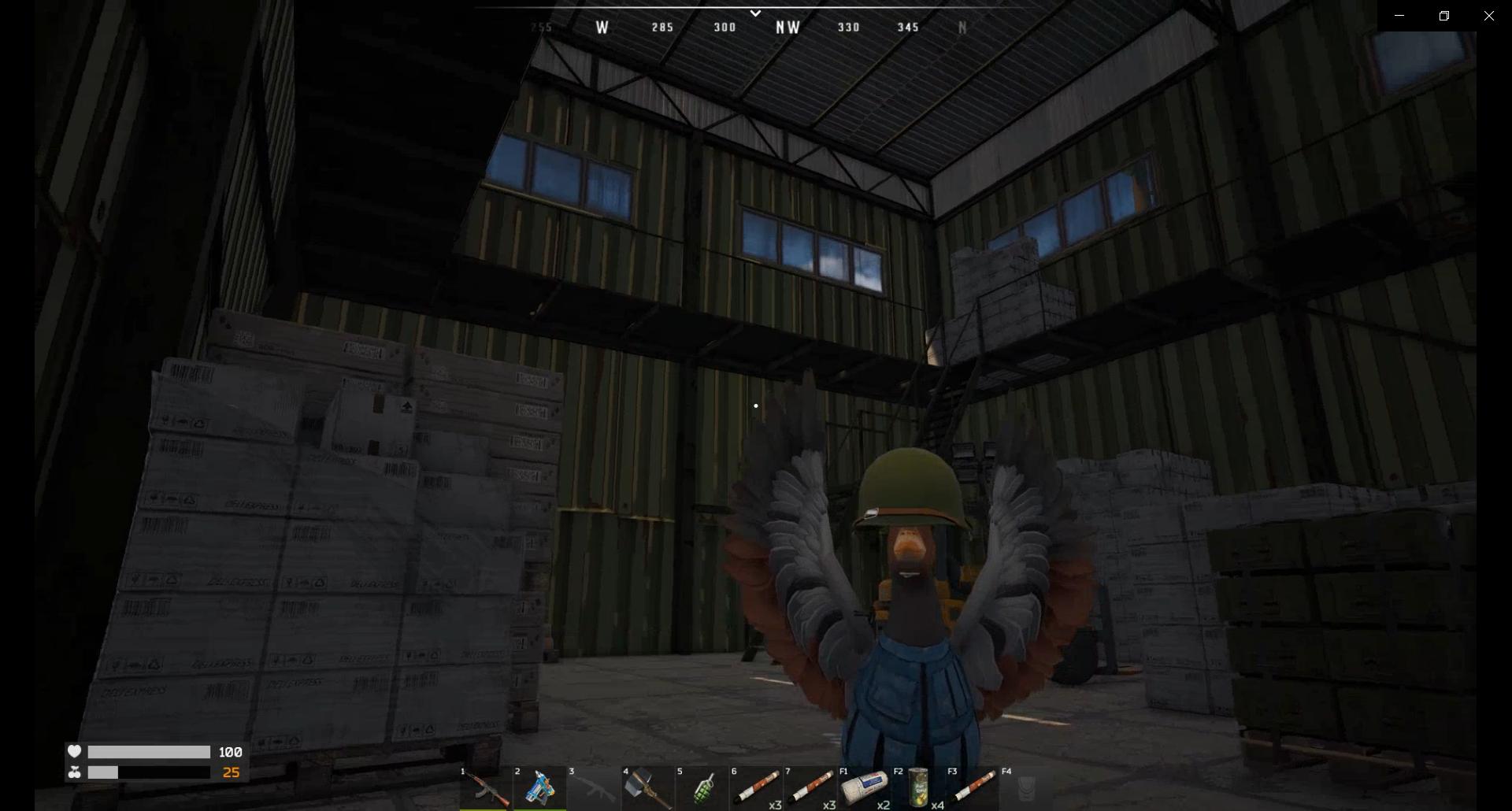
Using Emotes in Duckside
Once you’re in control of your duck, you can open up a whole new set of possibilities with the emote wheel. To do this, just hold down the N key. This will bring up the emote wheel, where you’ll see a variety of actions to choose from. As you hold the key, use your mouse to hover over the different options. Whether you want your duck to show excitement, frustration, or just wave hello, the choices are at your fingertips. When you find the emote that fits the moment, release the N key, and your duck will perform the selected animation.
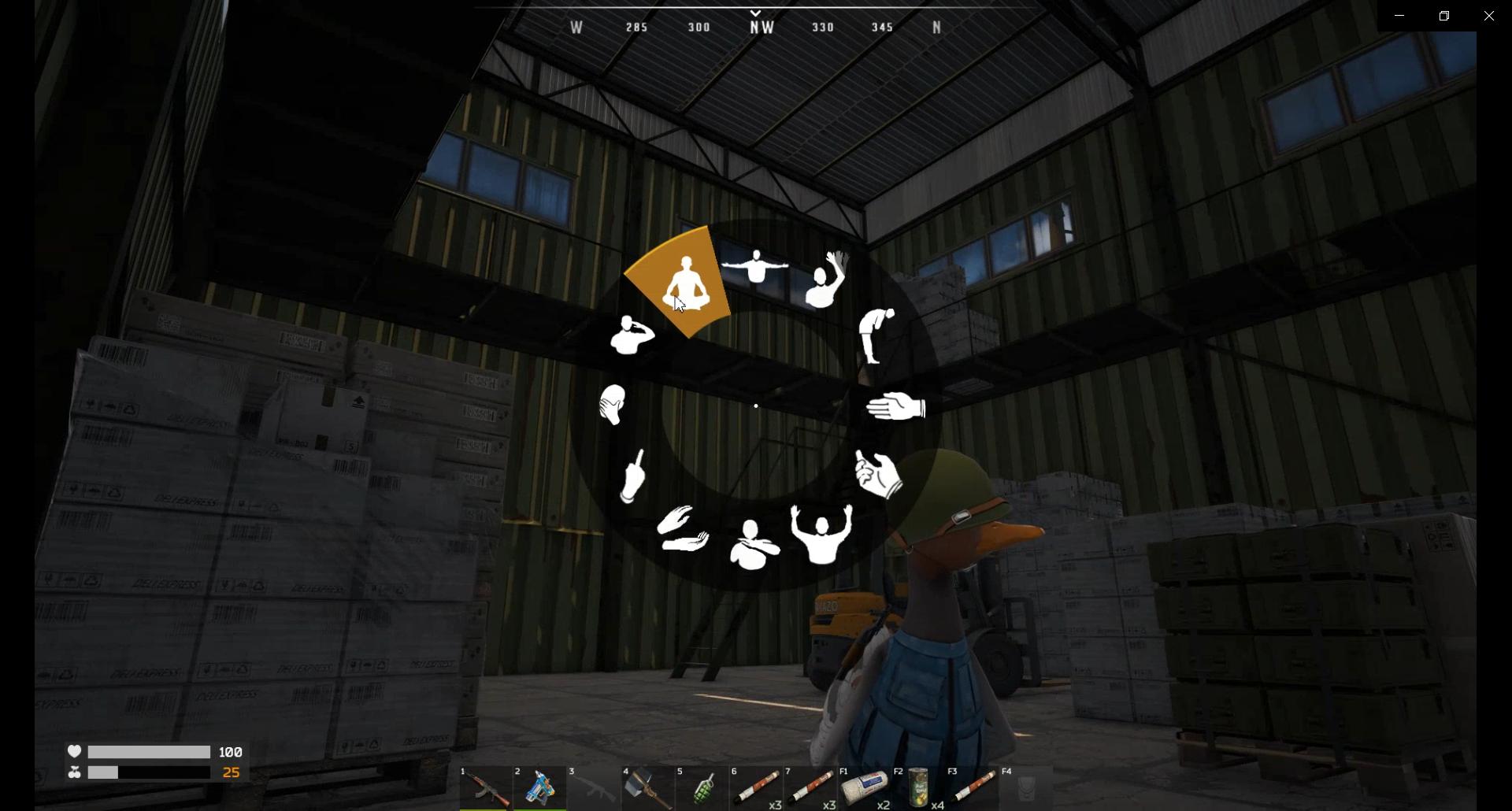
This simple mechanic allows you to communicate with other players without using words. It’s a way to bring a bit more life to the game and make your interactions more dynamic. Plus, who wouldn’t want to see a duck flipping off an opponent after a big win?
Make Emotes Part of Your Strategy
While emoting is a fun feature, it can also be used as part of your gameplay strategy. Imagine facing off against an enemy, and right before they strike, you hit them with an unexpected emote. It could throw them off their game or, at the very least, give you a quick laugh before diving back into action. The emote wheel allows you to react quickly and in real-time, so it’s worth familiarizing yourself with the different options available.
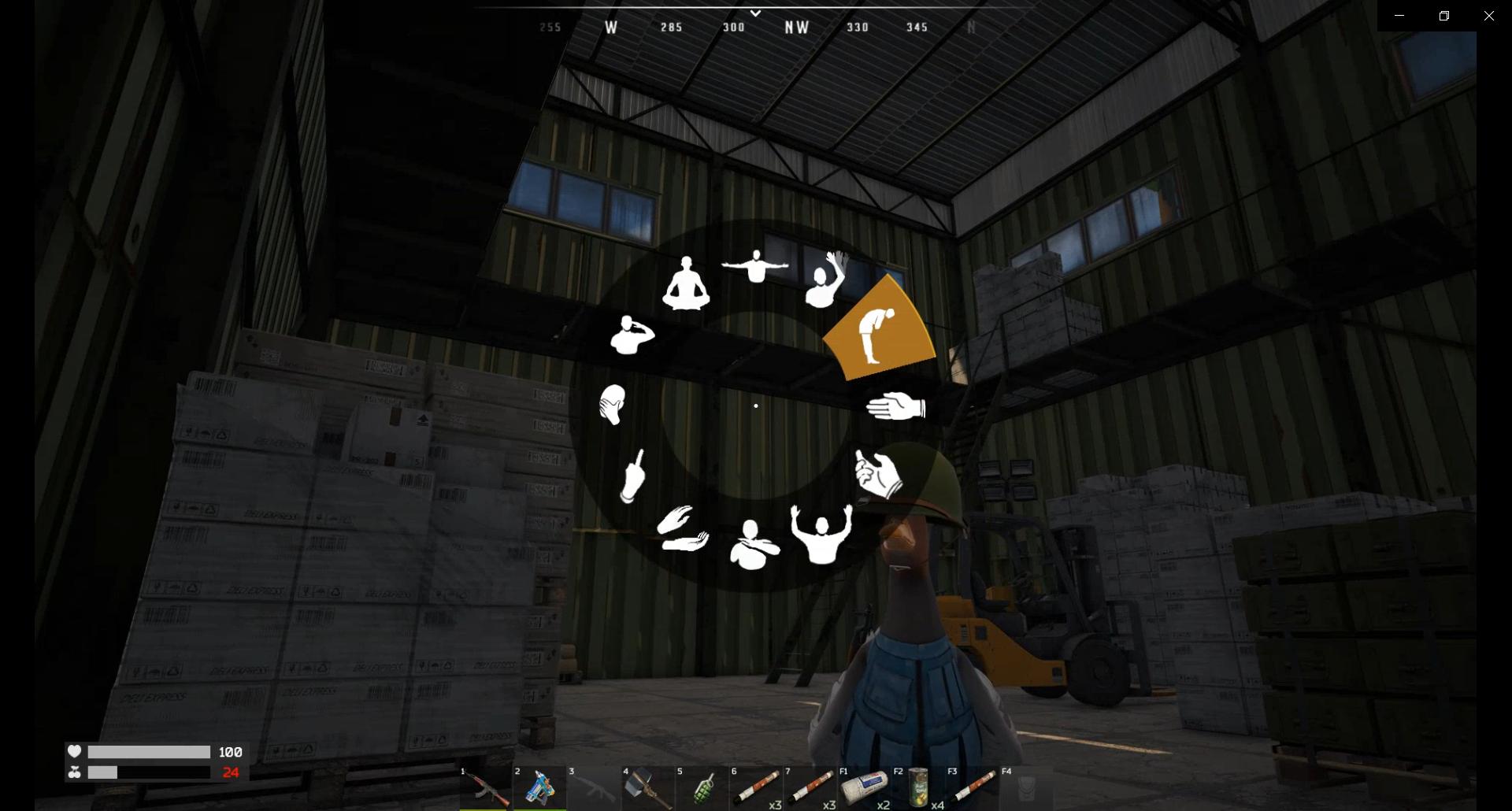
And it’s not just about interacting with enemies—emoting can strengthen the bond with your allies. After pulling off a successful raid or completing a tough mission, celebrate with your team by emoting together. Sync up your emotes for a fun post-victory moment, or give a salute before heading off on your next adventure.
Customization and Settings
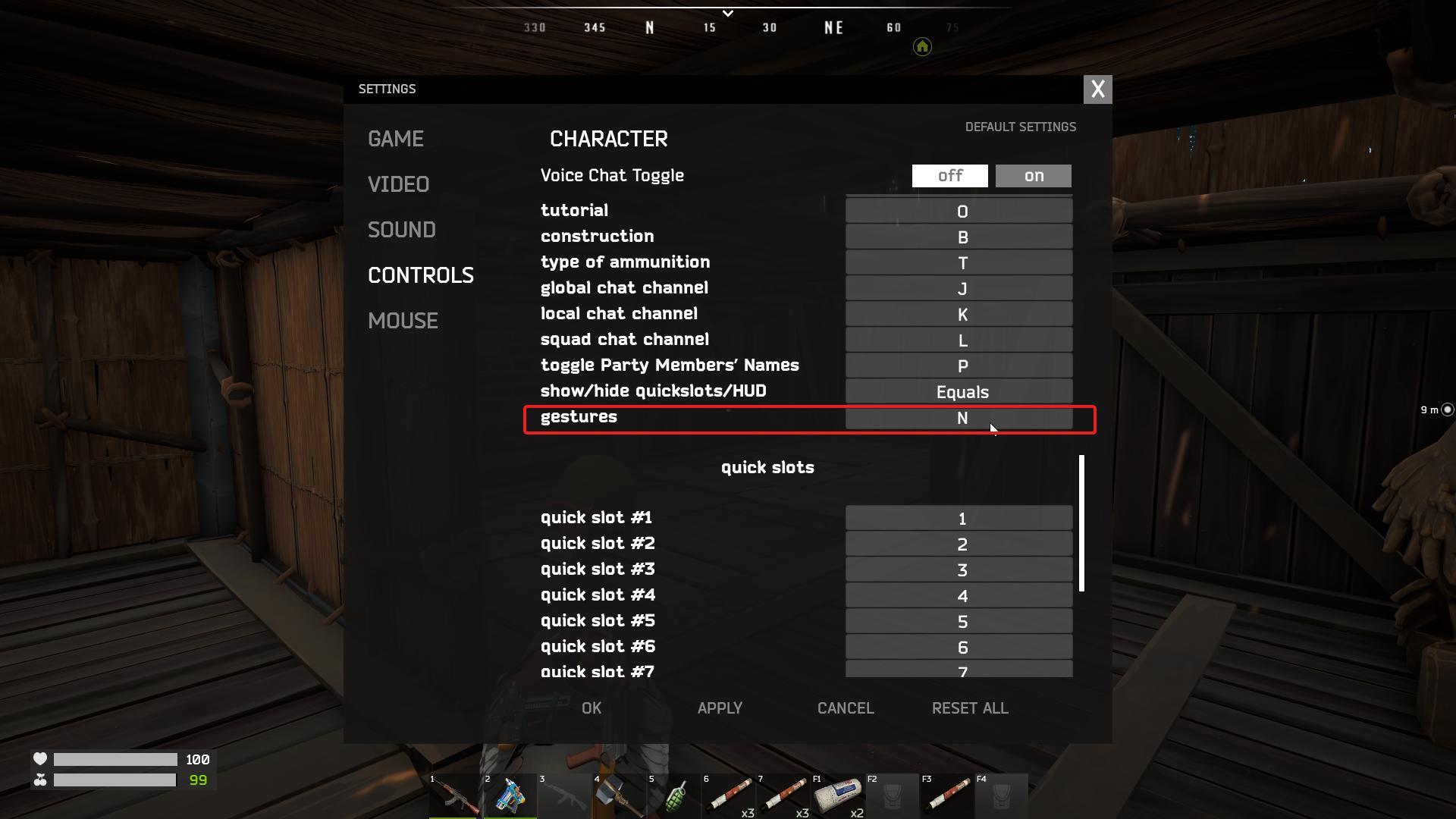
If the N key doesn’t feel quite right for you, no worries—you can change it! Duckside allows you to rebind the emote key in the settings to fit your style of play. Find what works best, whether you prefer having it close to movement keys or somewhere else that’s easy to access during action-packed moments.
Experiment with the different emotes, find out which ones suit your duck’s personality, and get creative with how you use them. Whether you’re in the heat of battle or relaxing with friends, there’s always a way to enhance the moment by adding a little flair to your gameplay.
In Duckside, emoting adds a whole new layer of interaction and fun. It’s a simple but powerful way to make your mark, whether you're celebrating a victory or just hanging out with friends. Don't miss out on the chance to bring your duck to life by using emotes whenever the situation calls for it. The more you play, the more you’ll find ways to incorporate them into your strategy and your story.