
How to Drop Items in Sons of the Forest
Managing your resources is crucial for staying alive. Whether you're battling mutants or delving into dark caverns, mastering inventory management can mean the distinction between life and death. One crucial skill every player should master is the art of dropping items.
Mechanics
In Sons of the Forest, dropping items isn't as straightforward as it may seem. Unlike traditional games where a dedicated drop button lets you dispose of unwanted items, Sons of the Forest employs a unique approach to dropping objects.
Dropping Large Items
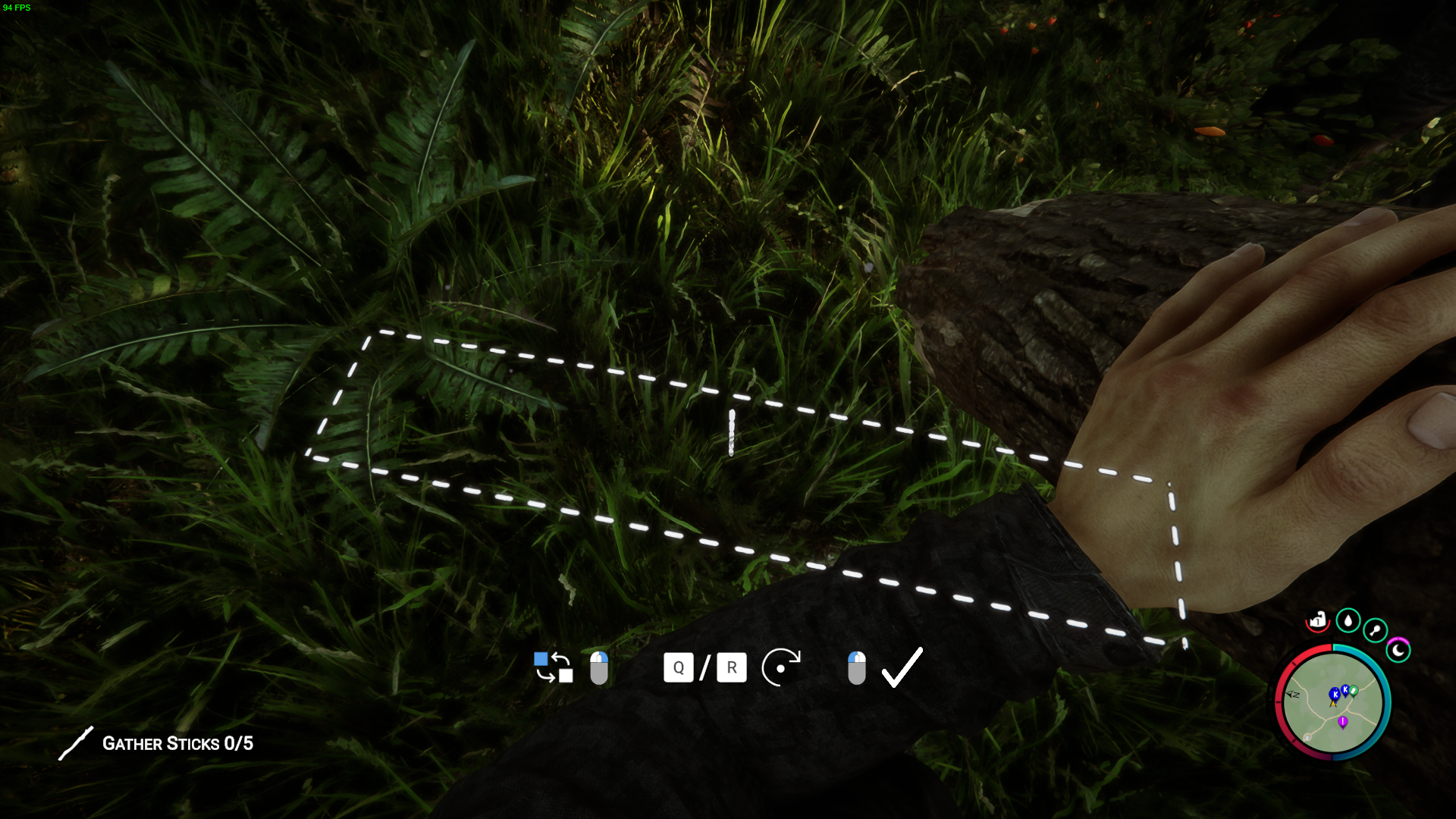
To drop large items like logs or planks in Sons of the Forest, players can utilize the ‘G’ button on the keyboard. When carrying oversized objects, pressing the G button will prompt the character to release the item, allowing it to be placed on the ground. However, if the item can fit in the inventory, pressing ‘G’ will simply unequip the item, returning it to the player's inventory.
Removing Items from Inventory
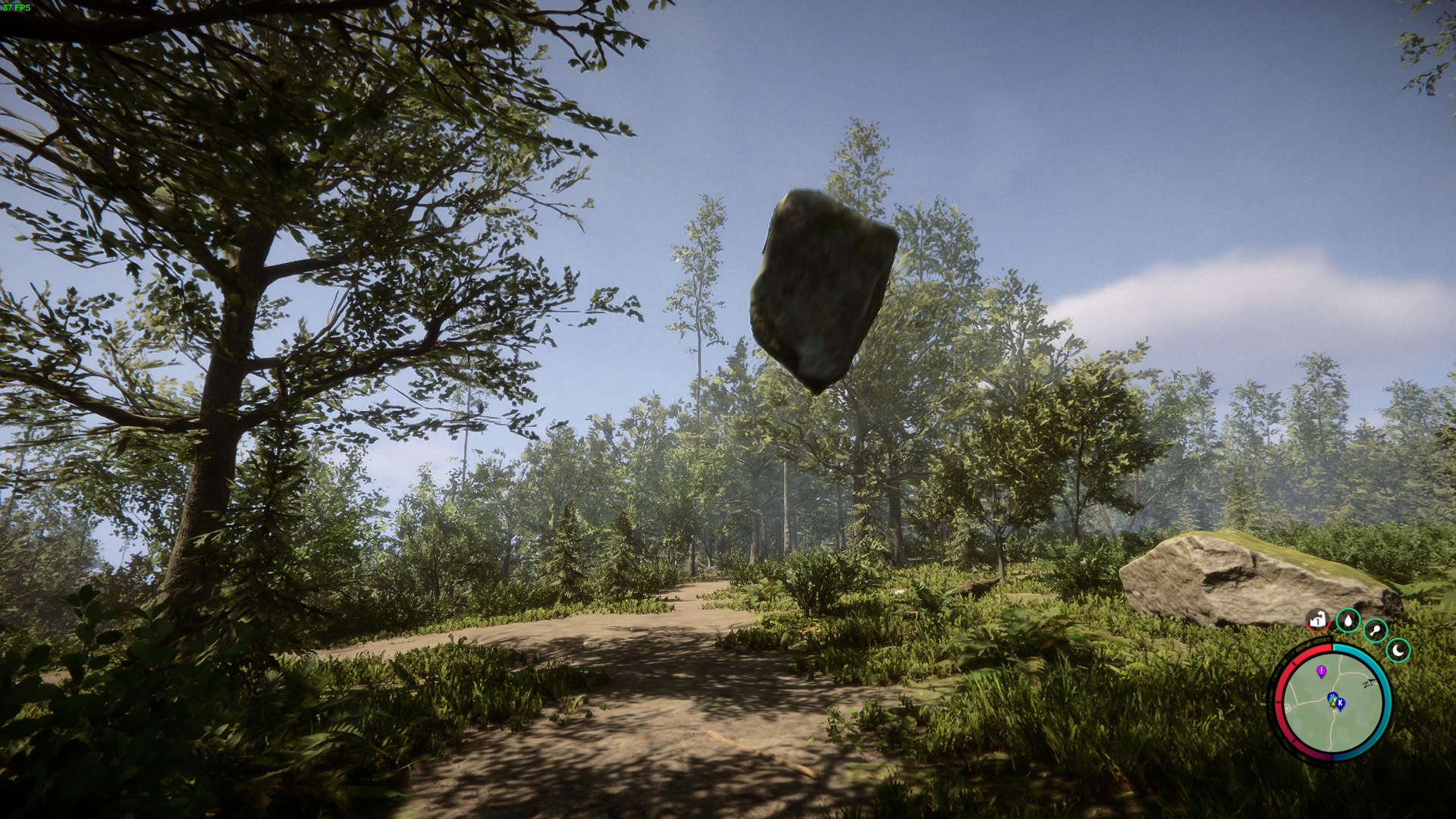
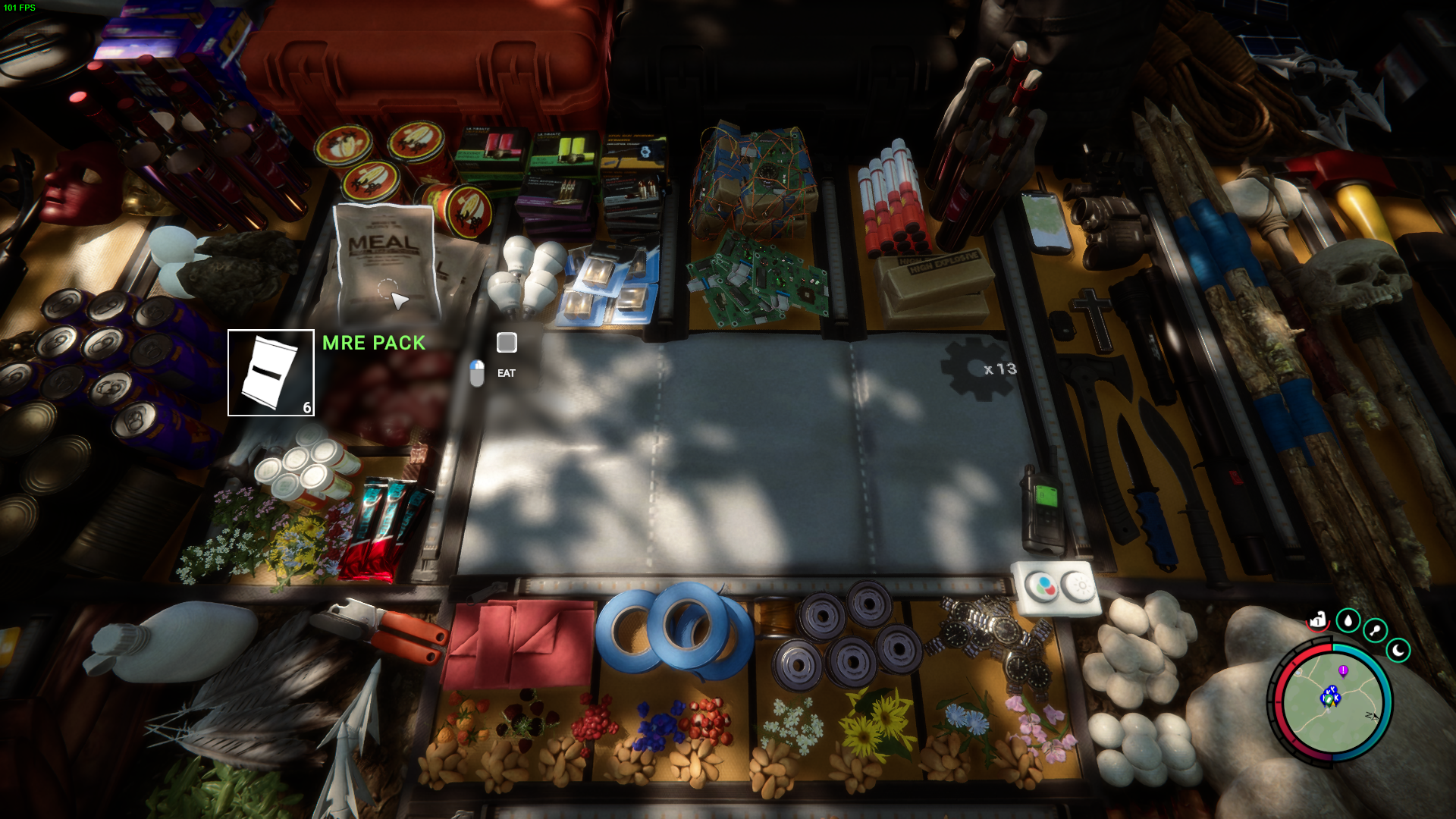
Alternatively, players can effectively "drop" items from their inventory by using them in crafting or construction. Consumable items such as food and drinks can be consumed to remove them from the inventory.
Utilizing Storage Solutions
Another approach to managing inventory in Sons of the Forest is to utilize storage solutions.
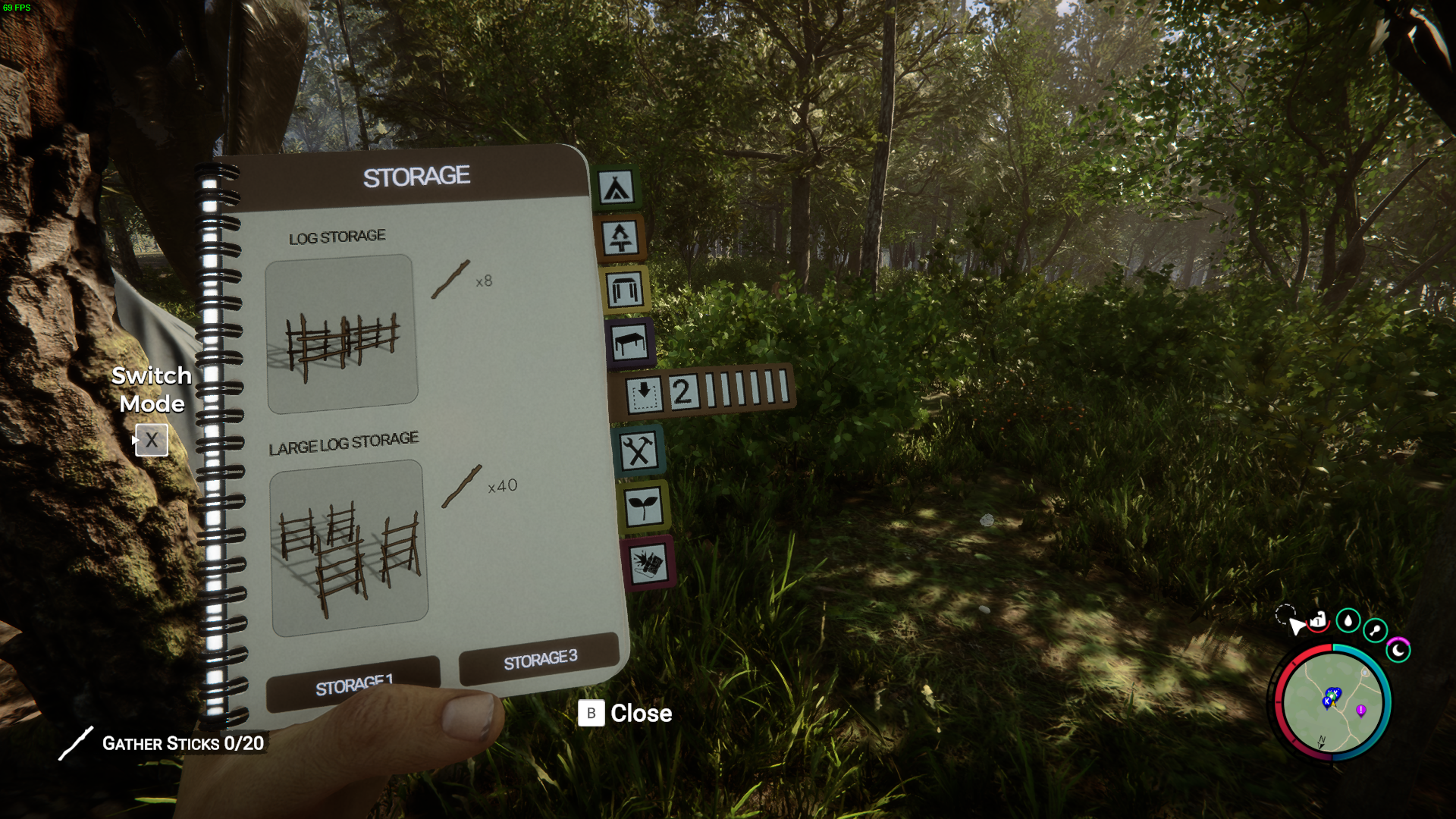
Players in Sons of the Forest have the option to construct storage racks, perfect for stashing away those excess sticks, rocks, and bones cluttering up their inventory. Additionally, they can utilize shelves and wall shelves to neatly organize their collected items, ensuring everything is kept in its rightful place.
Sharing Resources in Multiplayer Mode
In multiplayer mode, players have the option to share resources with their teammates. By approaching a fellow player and using the interaction button, players can select items from their inventory to share with others. This collaborative approach to resource management can be invaluable when working together to survive the dangers of the forest.
In Sons of the Forest, knowing how to manage your inventory is vital. Mastering the art of dropping items and making wise use of storage ensures you'll have the essentials to endure in Sons of the Forest.