
How to Do Map Markers in Icarus
Navigating the vast and dynamic world of Icarus can sometimes feel overwhelming. Thankfully, map markers and beacons offer a handy way to organize your travels, mark important spots, and guide your teammates.
Marking the Map with Basic Tools
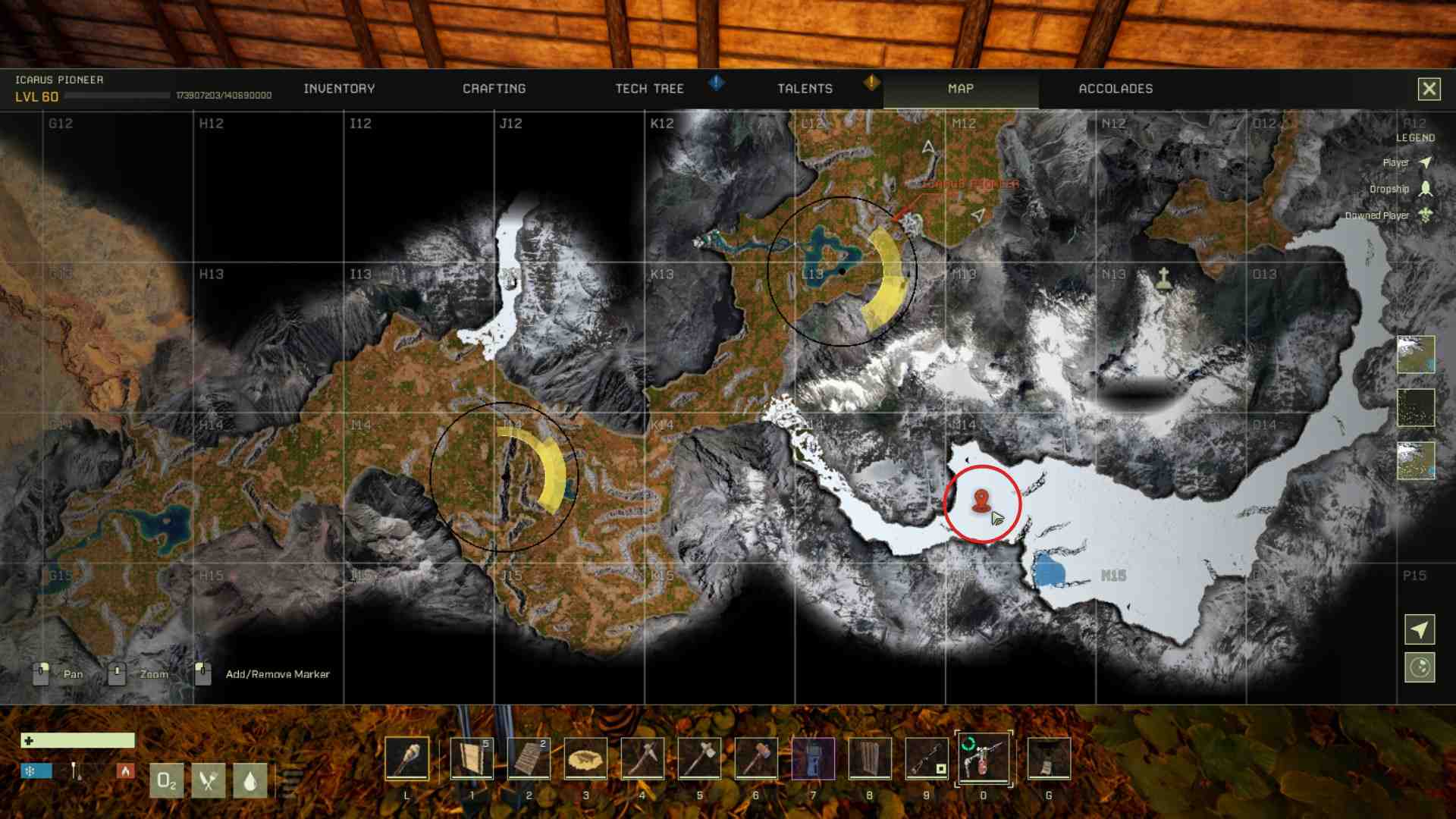
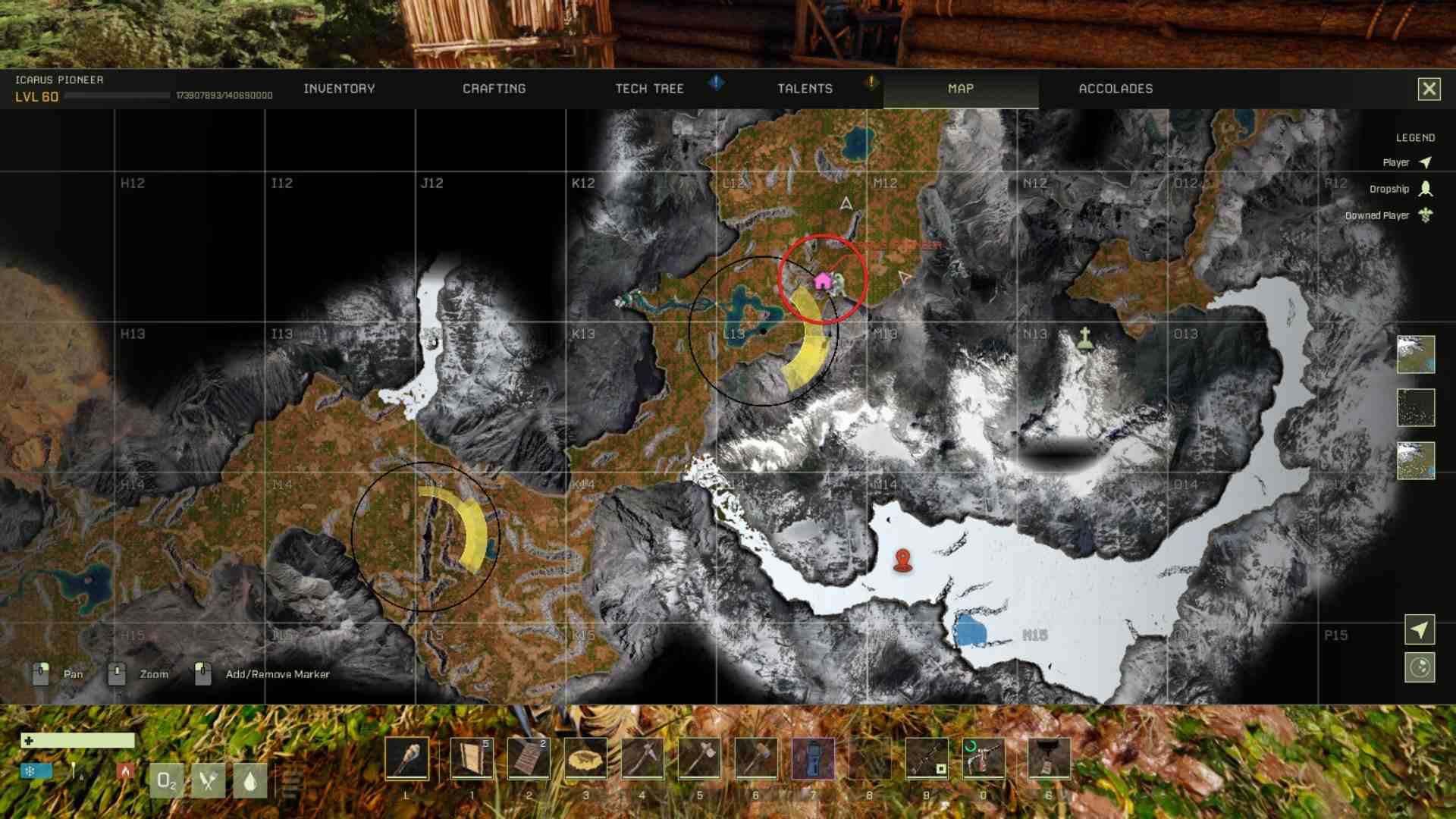
The simplest way to create a map marker is to use the built-in feature in Icarus. To add a marker:
1. Open the map screen by pressing M.
2. Double-left-click on your desired location.
3. A single marker will appear at the spot you clicked.
While this method is quick and straightforward, keep in mind that only one marker can be added this way, and it lacks customization options like names or colors.
Using Portable Beacons for Enhanced Marking
For more advanced functionality, the Portable Beacon is your go-to tool. This Tier 3 deployable item allows you to create customizable map markers visible to everyone in your session.
How to Craft a Portable Beacon:
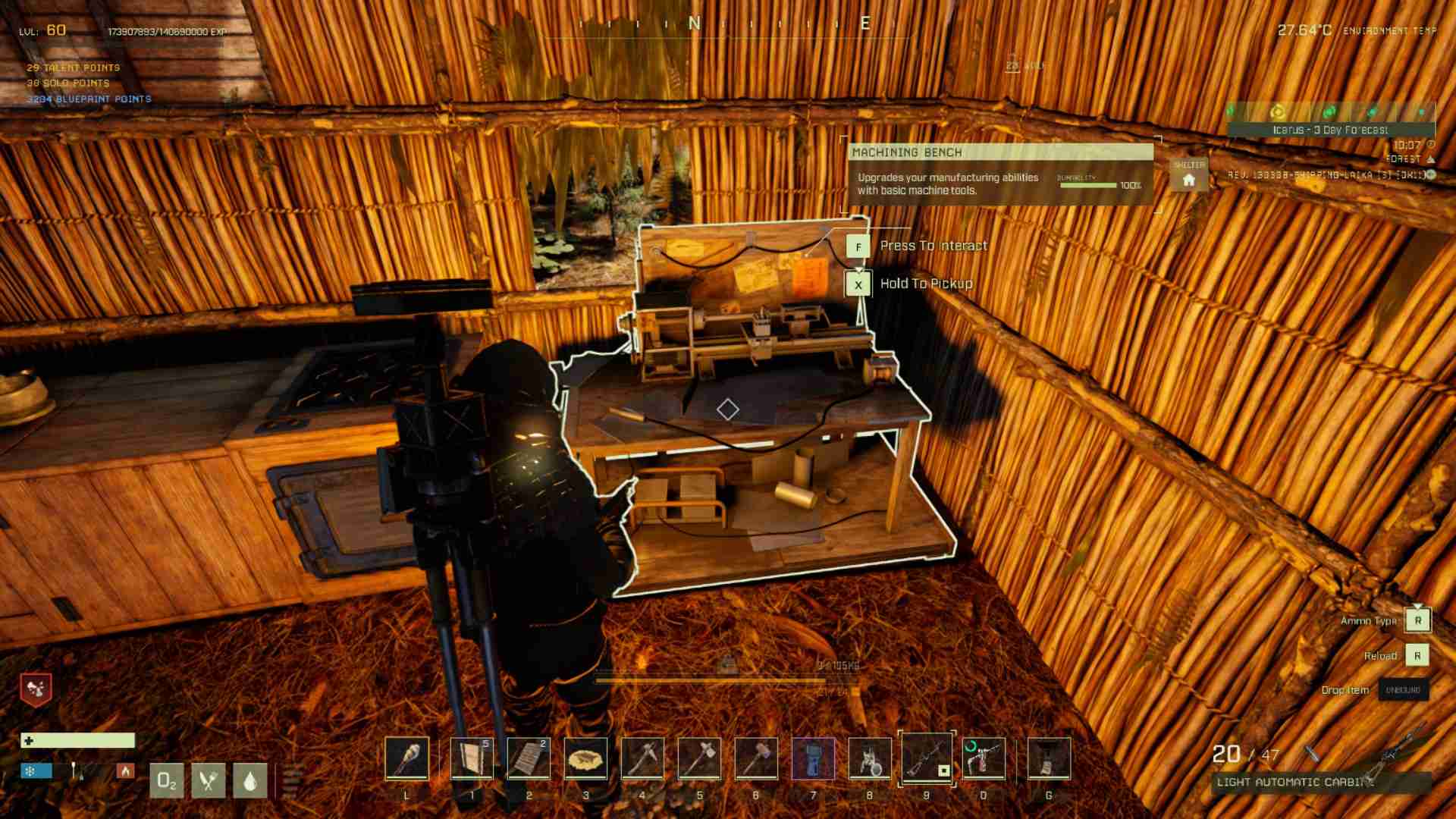
1. Unlock the Machining Bench in your tech tree.
2. Collect the required resources: 10 Steel Ingots and 20 Platinum Sheaths.
3. Use the Machining Bench to craft the beacon.
Once you’ve deployed a beacon in the game world, it automatically places a marker on the map and compass.
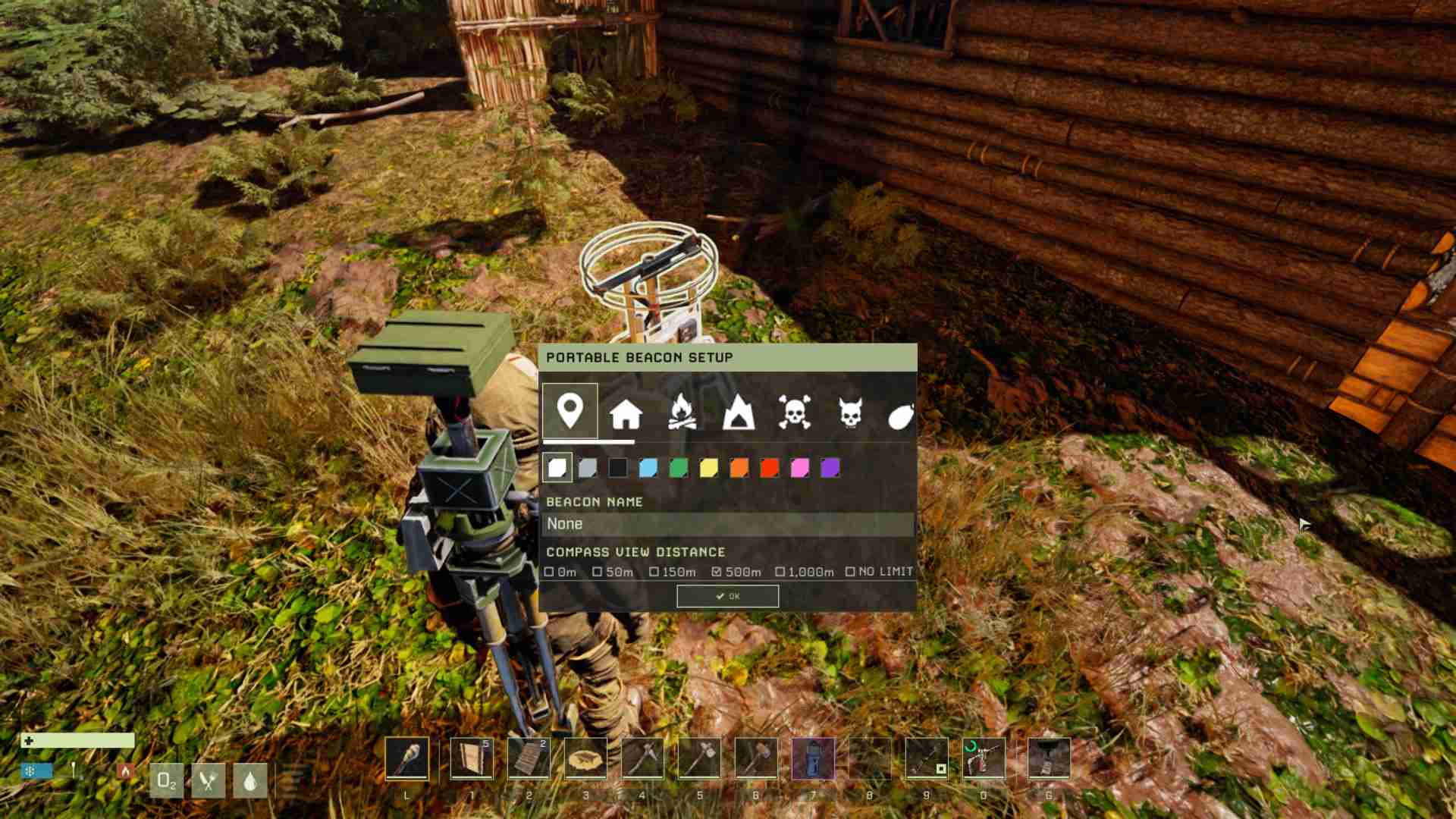
Customizing Your Beacon Marker:
1. Interact with the deployed beacon.
2. Choose an icon that best represents the location (e.g., cave, resource, base).
3. Select a color to help differentiate it from other markers.
4. Name the marker to add clarity.
This level of customization is ideal for marking specific areas like ore-rich caves, predator zones, or hidden water sources.
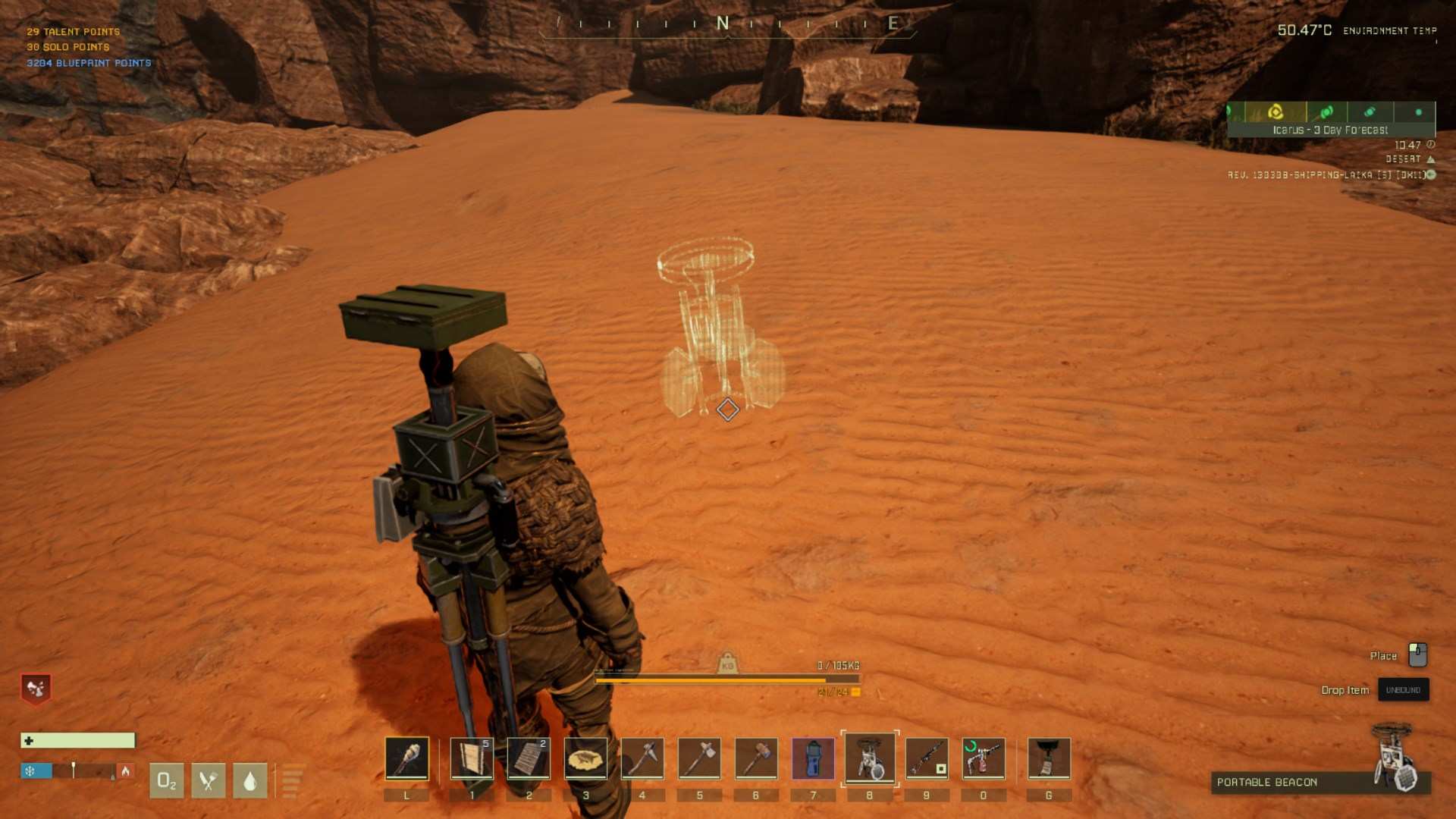
Deploy your beacon to mark an important spot
Tips for Effective Marker Usage
Using map markers effectively requires some planning. Here are a few tips:
- Color-code your markers for different purposes. For instance, use red for danger zones and green for resources.
- Share marker locations with your teammates to enhance coordination during missions.
- Avoid cluttering your map with too many markers, as it can become confusing.
Maintaining Your Markers
To ensure your markers remain accurate and useful:
- Regularly update beacon placements as you explore new areas.
- Remove obsolete markers to keep the map clean and easy to read.
- If a beacon becomes damaged, repair it with a hammer to maintain its durability.
Map markers are a valuable tool for navigating and organizing your adventures in Icarus. Whether you’re setting a simple waypoint or deploying a fully customized beacon, these tools can transform how you approach exploration. Take advantage of the customization options, plan your journey, and make the most of the map features.