
How to Destroy Items in Valheim
Discover how to get rid of unwanted items cluttering your inventory in Valheim. From tossing them to the depths of the ocean to using mods and console commands, we've got you covered.
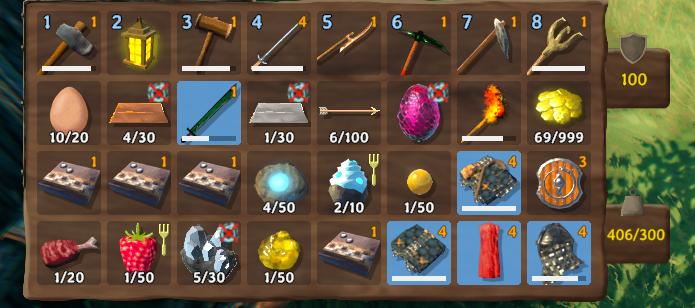
Wait for Them to Despawn
Simply drop unwanted items on the ground, away from your base. Open your inventory with Tab button and drag and drop the item on the viewport.
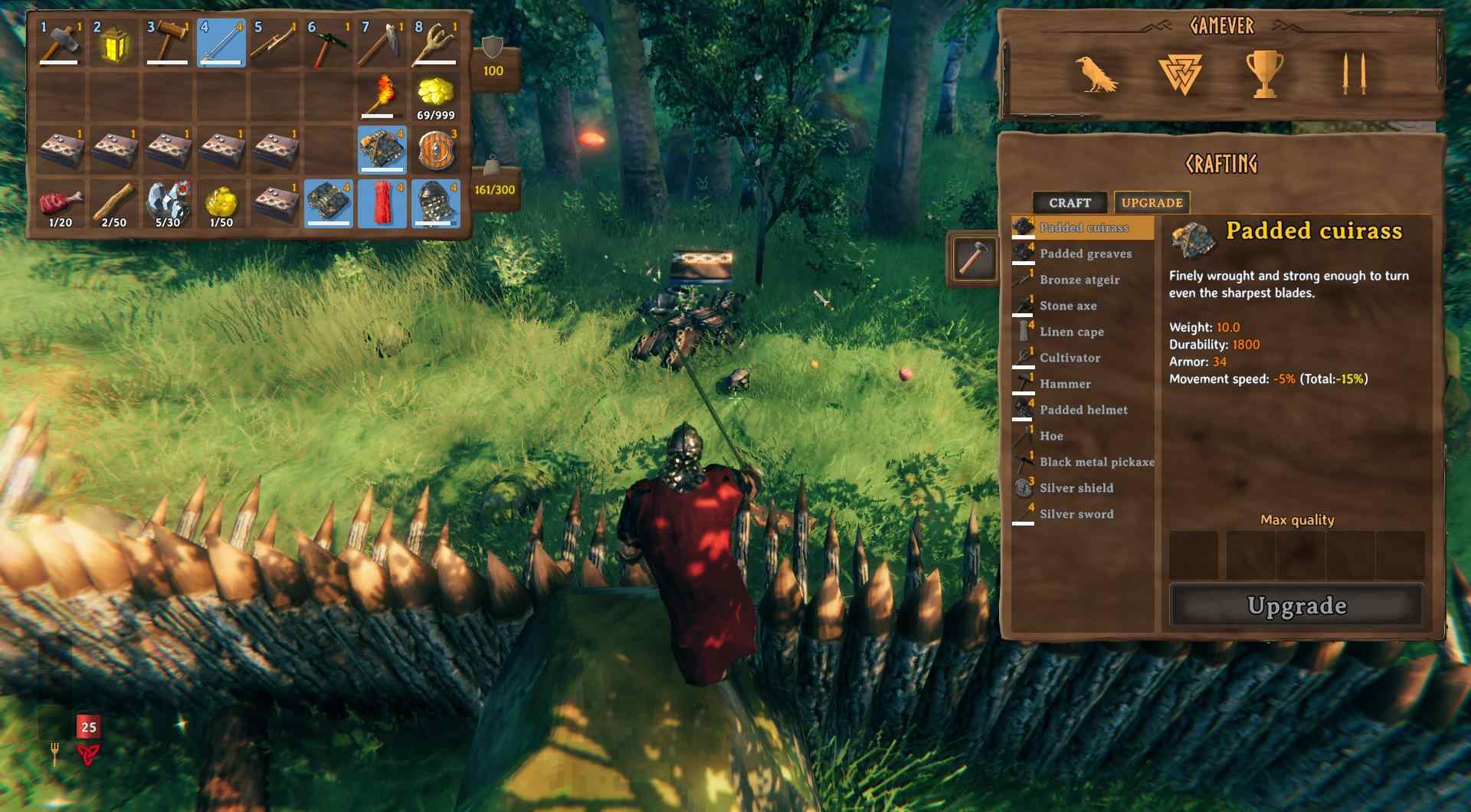
After a few in-game days, they'll vanish on their own.
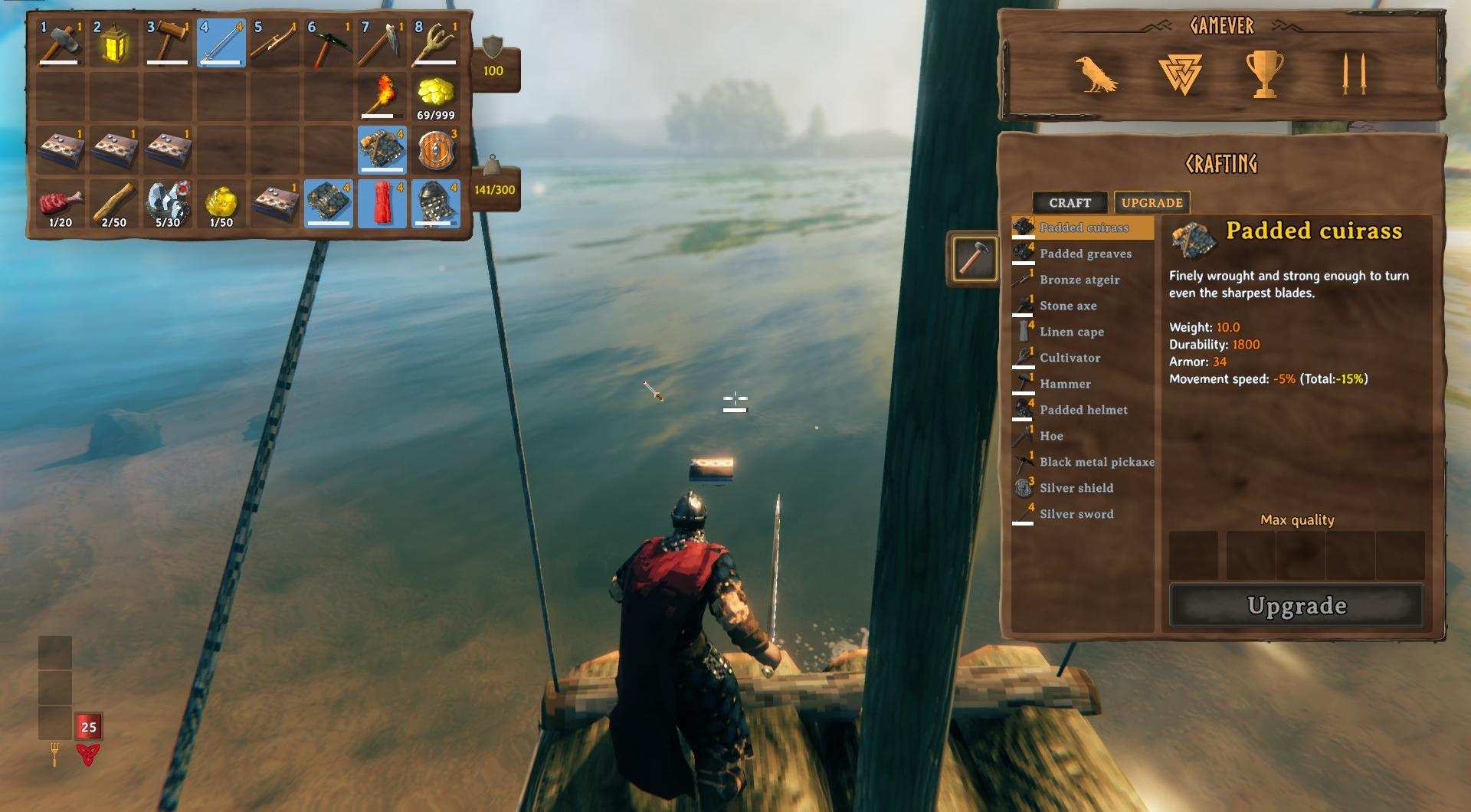
Drop them into Ocean
The same action you can do over the water surface. Throw items into the ocean to make them disappear permanently. Be cautious, once they're gone, there's no retrieving them.
Storing Excess Resources
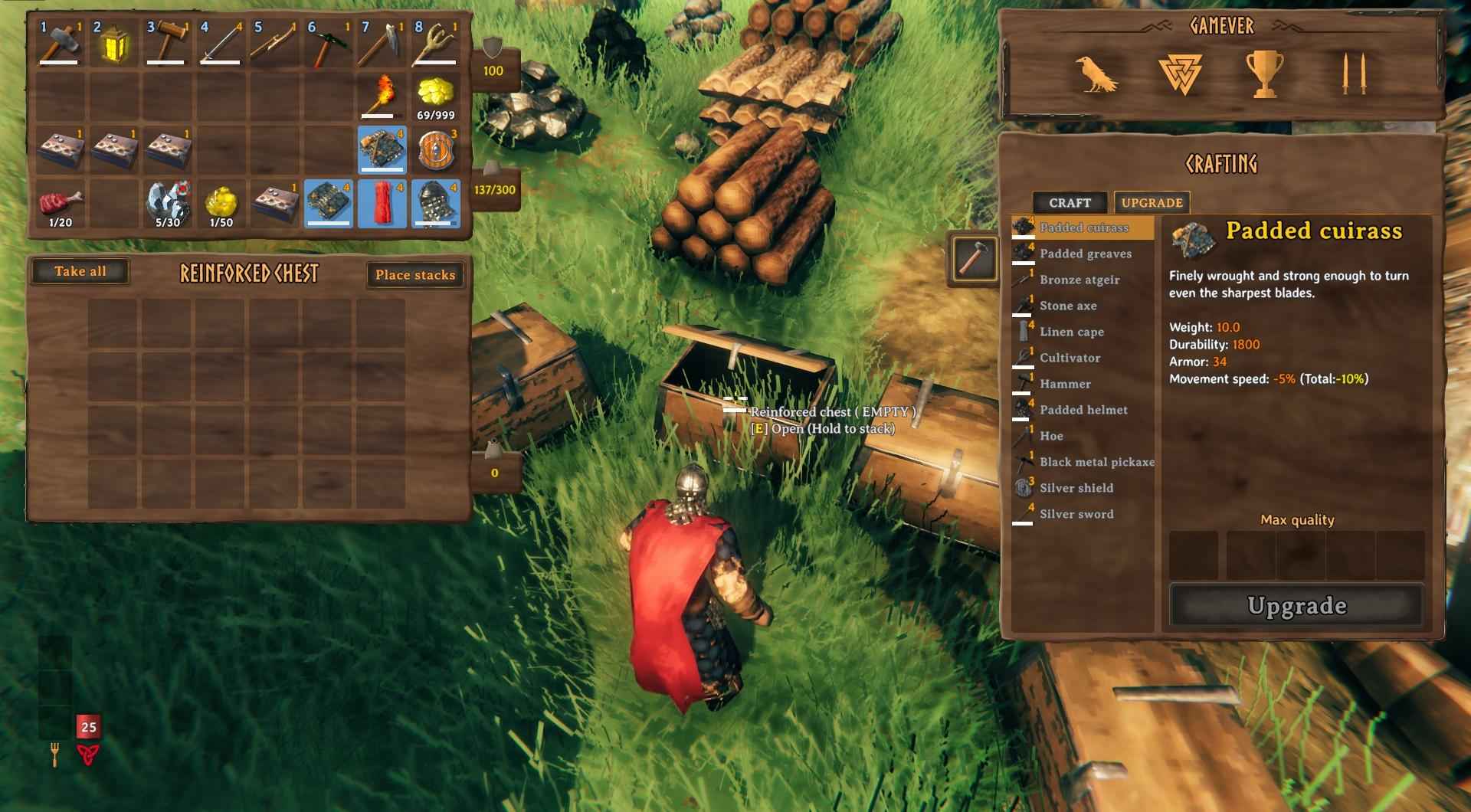
Rather than discarding excess resources, store them for future use. You never know when you might need extra wood, stone, or other materials for crafting or building projects. By storing excess resources, you'll always be prepared for whatever challenges lie ahead.
Use stockpiles and chests to store all types of items. You never know when you might need them.
Obliterator
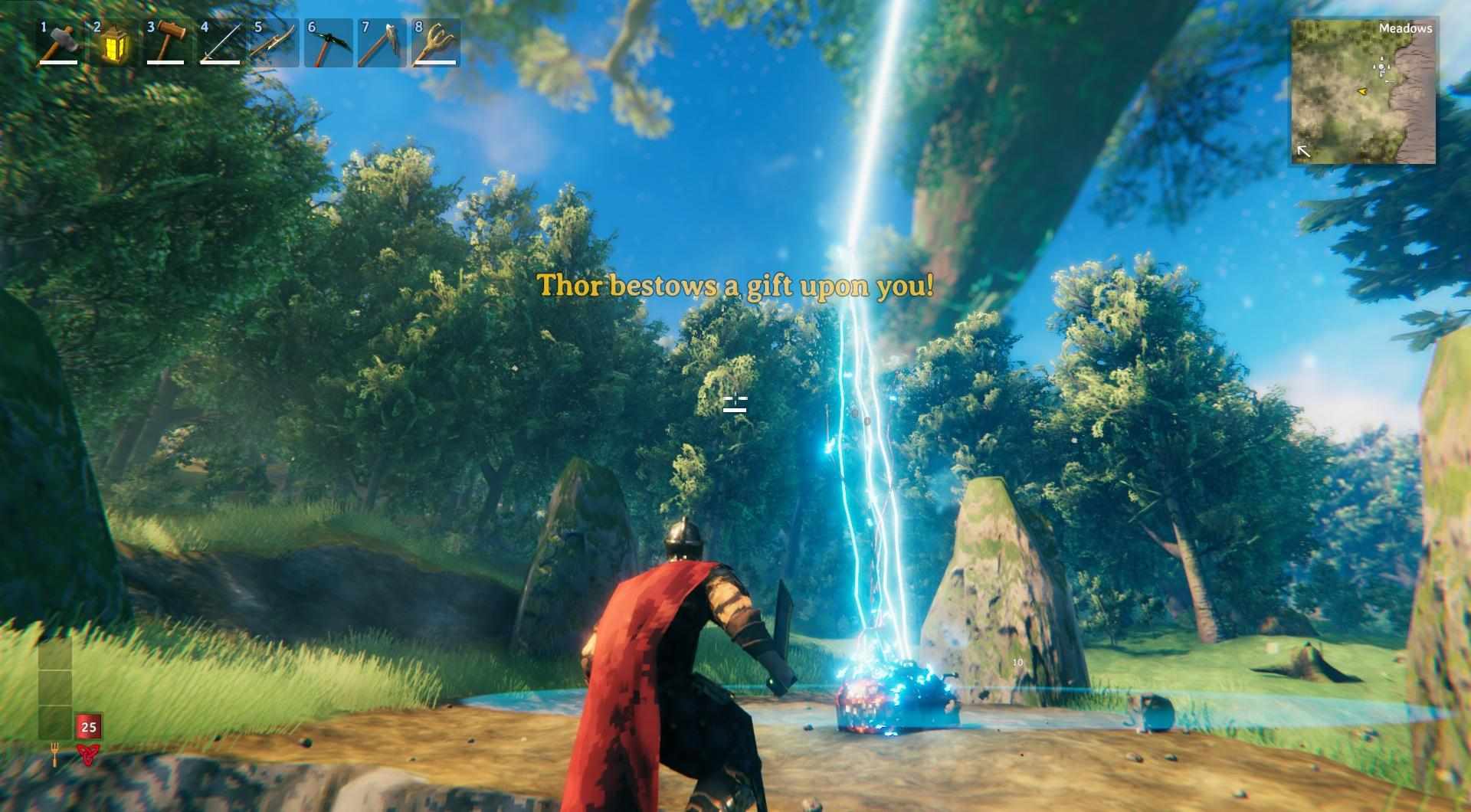
The game's mechanics allow you to destroy items using the Obliterator. Simply place your items inside and press E. You will witness the selected items being destroyed with the power of the gods. All that remains afterward is coal.
Remove Items with Cheats
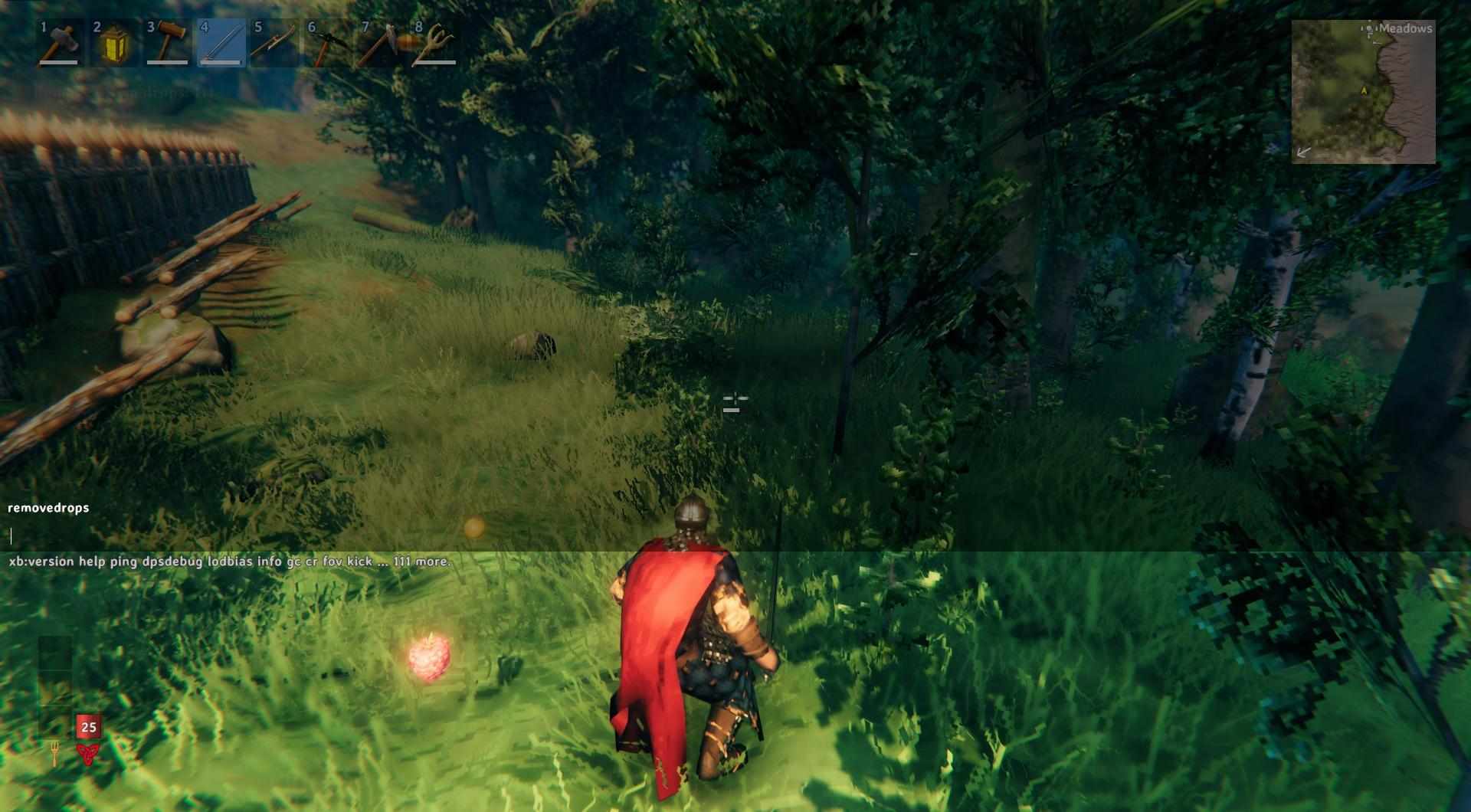
Enable cheats and use the "removedrops" command in the console to remove all ground items. Ensure to pick up items you want to keep beforehand.
By following these methods, you can efficiently manage your inventory in Valheim, keeping only what you need for your adventures.