How to DEOP a player in Minecraft
If you no longer want someone to have OP roights on your server - you can use DEOP command!
There are several ways how to take away OP status from people on your Gamever Minecraft server:
1. Take OP status from a player right inside your game via DEOP command usage:
While ingame, open your chat and use "deop <targets>" command and press "Enter" key:
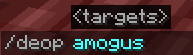
Message will appear:

2. Second way to take OP status from a player on your server presumes that you will use Gamever interface in your browser.
To do so:
- Open your server in "My servers" list.
- Go to "Control" tab
- Scroll down until you find out "DEOP player" parameter in the left column
- Enter Nickname of a player you want to take away OP status on your server

- Press "Submit" button, confirmation pop-up message will appear

PS
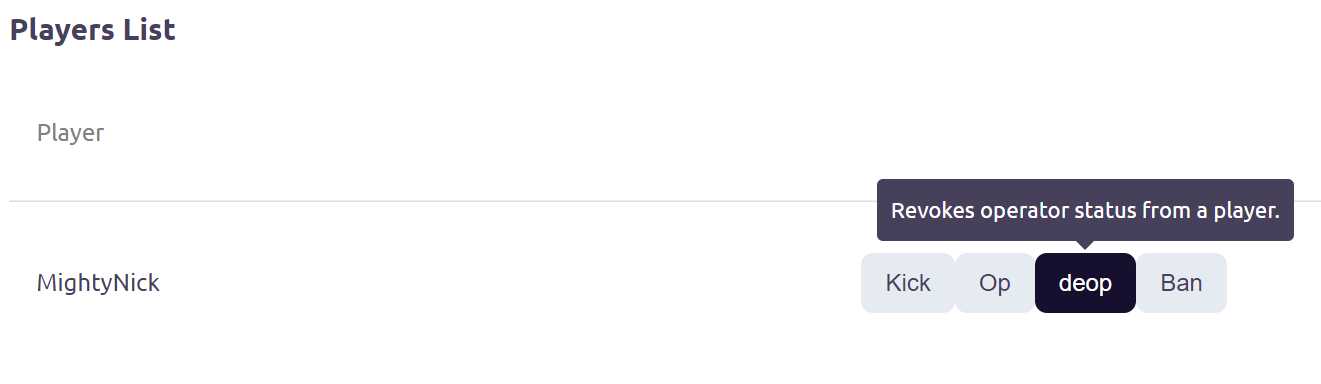
Also you can easily DEOP someone on your server by scrolling down "Server info" tab and finding list of player and then clicking on the "DEOP" button: