
How to deal with Packet flooding Player Tick issue in Rust
Imagine being in the middle of an epic raid when suddenly your screen flashes with the dreaded message "Packet Flooding Player Tick." Your heart skips a beat as you watch the chaos unfold, knowing that while some of your friends are busy counter-raiding, your base is under siege by unwanted packet storms. In this guide, we are diving deep into what causes this disruptive issue, how to diagnose the problem, and the steps you can take to stop it in its tracks.
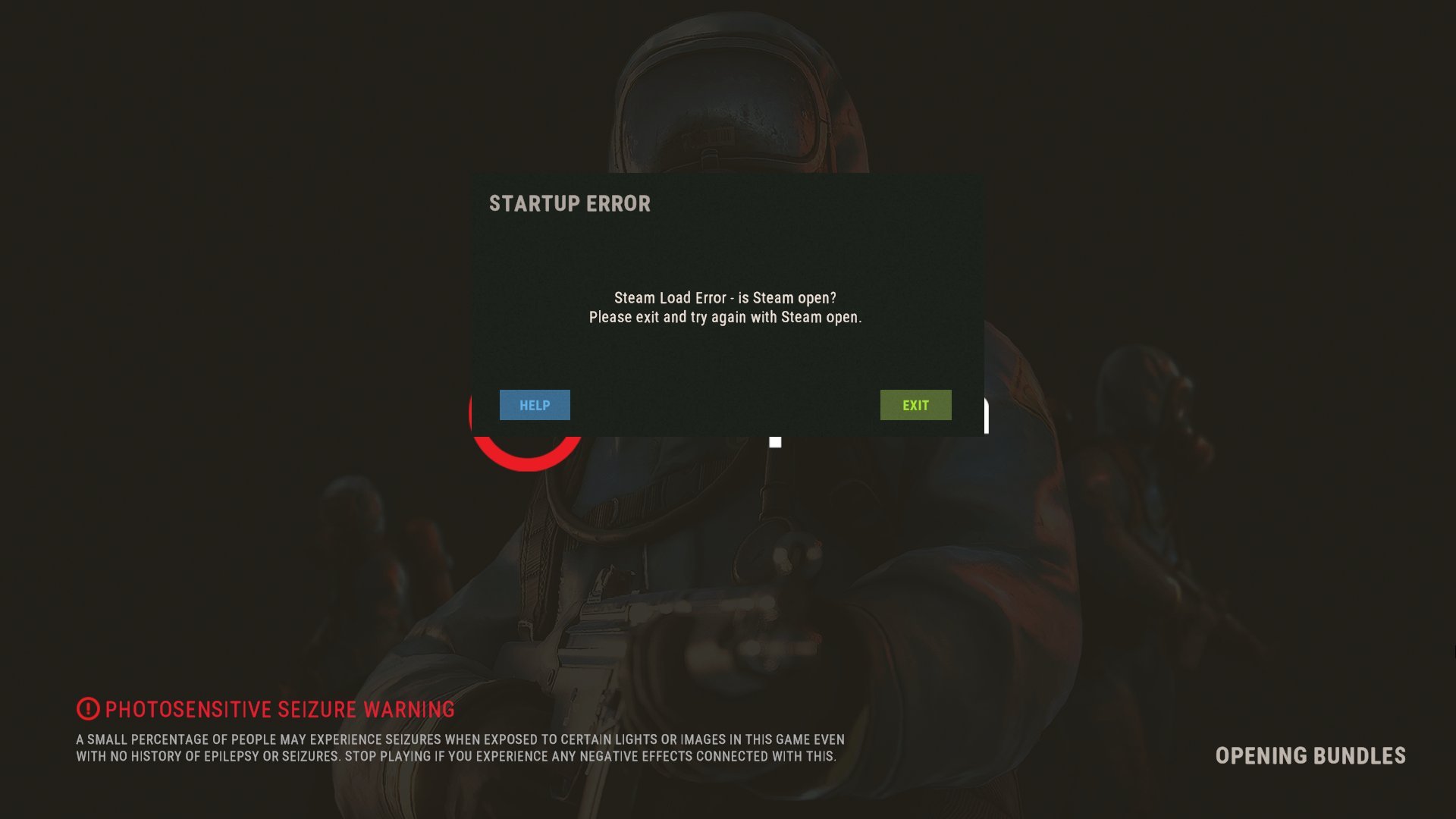
Packet Flooding
Packet flooding in Rust is like having a barrage of arrows coming at you all at once. This issue occurs when too many data packets are sent to the server in a short span, overwhelming its ability to process player ticks. When the server can’t keep up, it starts kicking players with the "Player Tick" message, leaving you and your team frustrated in the middle of intense action. This phenomenon can be caused by network issues, server misconfigurations, or even malicious activities like DDoS attacks that aim to disrupt your game.
Common Causes and Symptoms
It might be due to an unstable network connection, outdated plugins that create performance bottlenecks, or even an overload of in-game actions during massive raids. Sometimes, it happens only to one person while others remain unaffected, which hints at local network issues such as using WiFi instead of Ethernet. On other occasions, it could be a server-wide problem where everyone gets kicked, signaling a deeper issue with how the server is handling packets. Especially after huge updates.
Step-by-Step Troubleshooting
Begin by checking your network connection to ensure you are running at a reliable speed. Switch from WiFi to Ethernet if possible to reduce latency. Next, inspect the server console for any warning messages related to plugins or network delays; messages like "Calling OnPlayerChat took Xms" can be key indicators. Test your server with minimal plugins enabled and gradually reintroduce them to isolate the culprit. It may also help to run a network speed test during the issue to confirm if a spike or drop in speed is causing the overload.
Network and Hardware Checks
Make sure your internet connection is stable and meets the recommended speeds for Rust. If your upload or download speed fluctuates, it could lead to packet loss or flooding. Check your router and modem settings, and consider upgrading your hardware if you notice consistent issues. Visualize your network like a series of water pipes; any blockage or burst pipe can cause a flood that overwhelms the entire system.
Plugin Conflicts
Plugins are awesome for enhancing your Rust experience, but sometimes they can be a double-edged sword. Outdated or conflicting plugins, such as multiple chat or donation plugins, might be causing delays in processing game events. Try disabling non-essential plugins one at a time and monitor the server’s performance. Remember, less can be more when it comes to keeping your server running smoothly during intense moments.
Testing Your Fixes in Real Time
Once you have made some changes, test them out during a controlled raid or in a low-stakes environment. Use this time to fine-tune your settings, ensuring that any modifications actually lead to improvements in performance. It’s like taking a car for a test drive after making repairs; you need to be sure everything is running as it should.
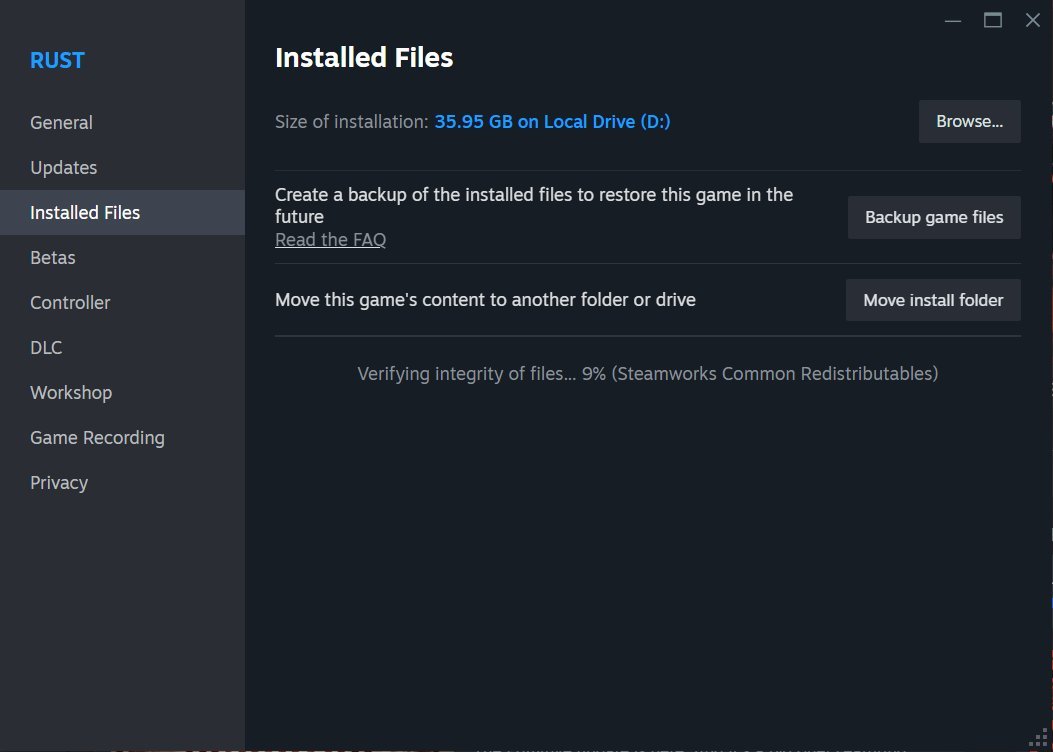
Monitoring Logs and Server Console
Regularly check your server logs and console outputs for any signs of lag or warnings. Look for patterns that coincide with the packet flooding events. The logs can act like a detective’s notebook, giving you clues on which part of the system is causing the issue.
Prevention and Future-Proofing Your Server
Prevention is always better than cure. Keep your server software and plugins up to date, and invest time in regular maintenance checks. Set up alerts for any unusual spikes in network activity and have a backup plan ready in case of sudden attacks. Think of it as fortifying your base before an enemy raid; a little preparation can go a long way in ensuring long-term stability and security.
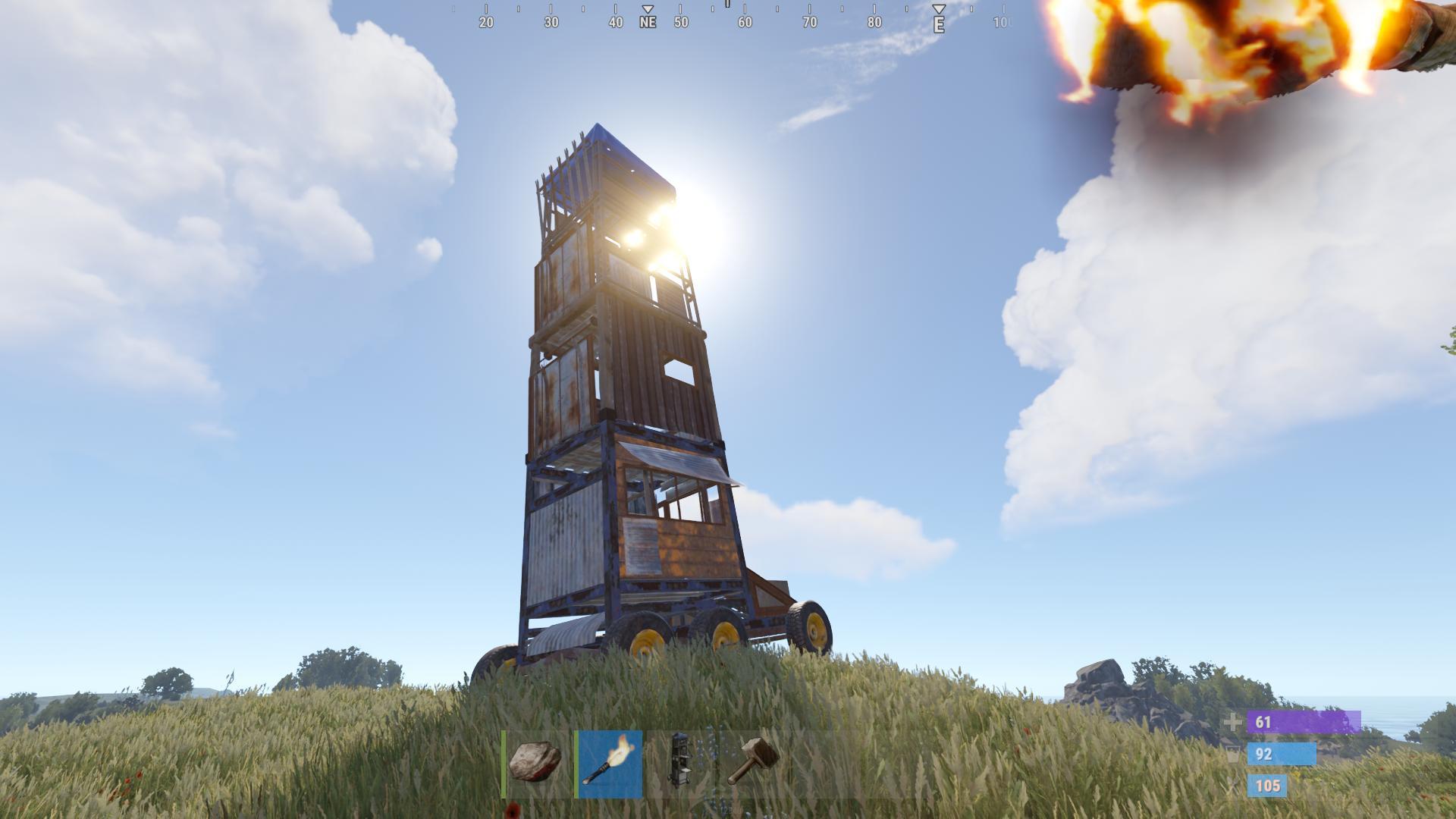
In the battle against packet flooding and the relentless "Player Tick" issue, knowledge is your best weapon. By understanding the causes, methodically troubleshooting the problem, and taking proactive steps to secure your network and optimize your plugins, you can reclaim control of your Rust server.