
How to Customize Your Character in Satisfactory 1.0
With the new Release 1.0 update in Satisfactory, character customization has been introduced, allowing you to personalize your in-game appearance. Here’s a step-by-step guide to help you get started:
Accessing Customization
Head to your Hub and enter the main compartment. Look for lockers within the Hub. These are the key to accessing character customization.
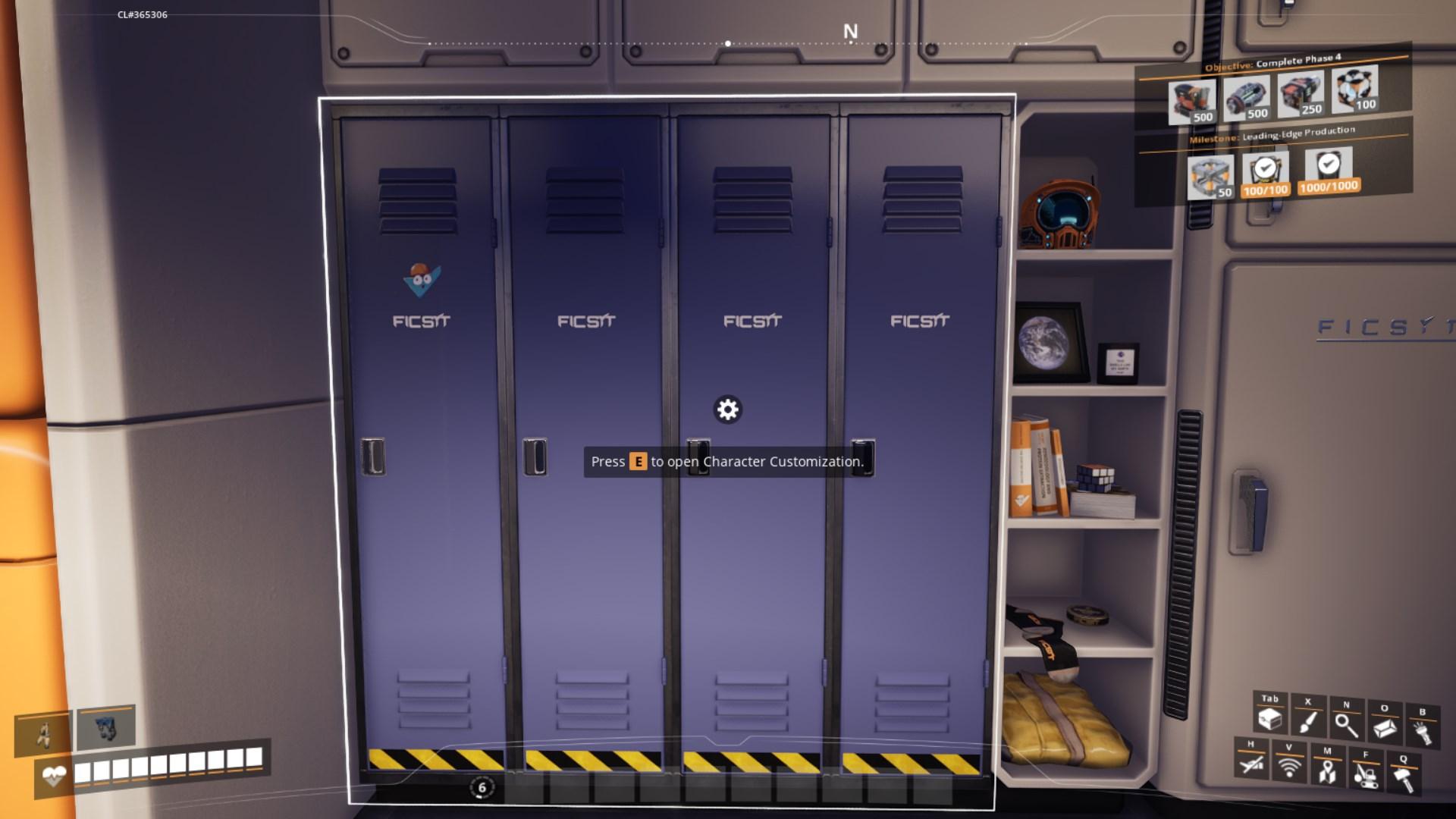
Interact with the Lockers. Press the `E` button to open the locker interface where you can begin customizing your character.

Customizing Your Helmet
1. Choose Your Helmet:
- You’ll see several helmet options. Here are a few examples:
- Bubble Head: A fun and unique helmet.
- Standard Pioneer Helmet: The classic option.
- Various Other Styles: Explore different designs to find one you like.
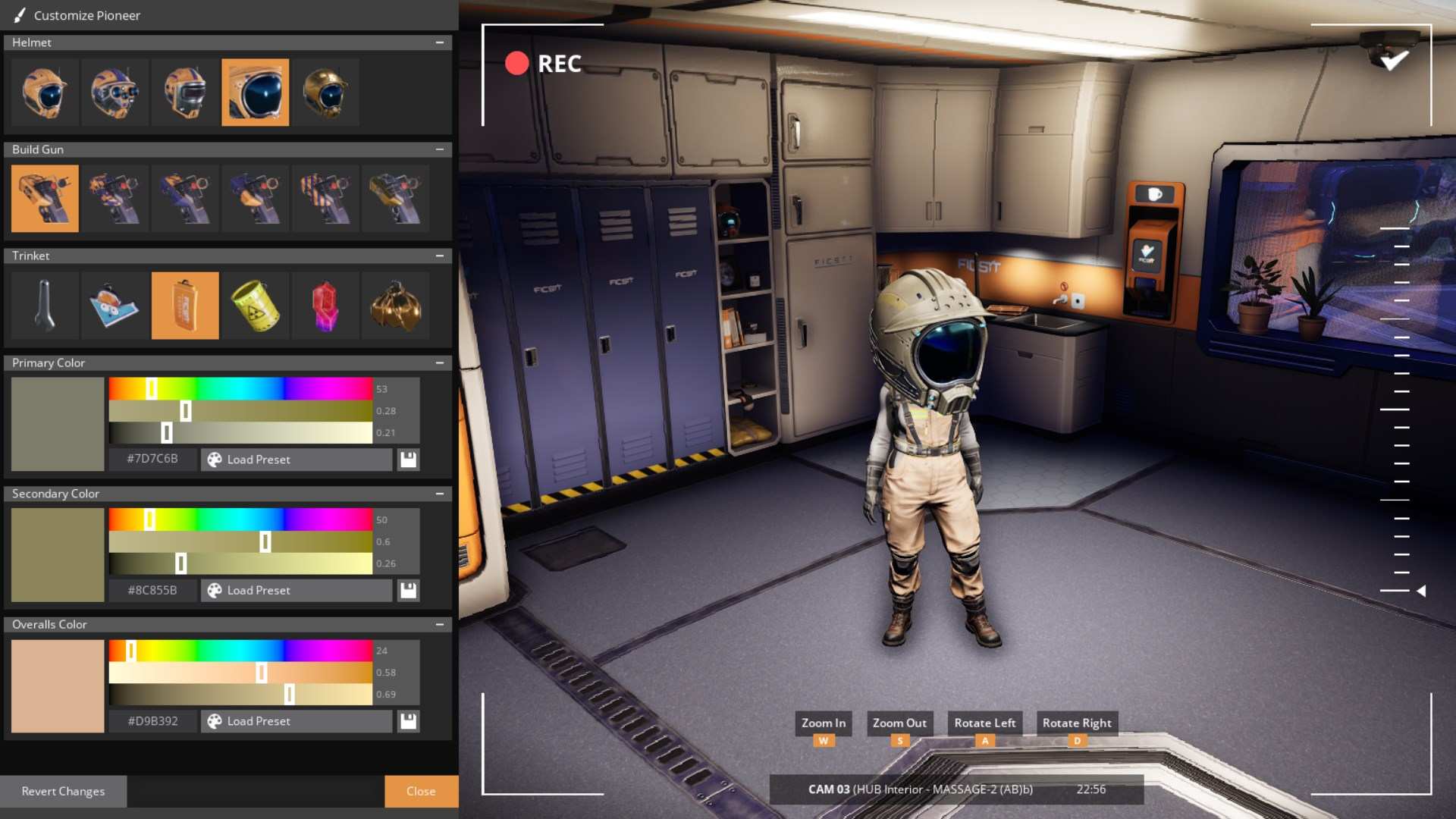
2. Experiment with different helmets to see which one suits your style best.
Customizing Your Build Gun
1. Back out of the locker menu and build something to see your new build gun design up close.
2. Select a Build Gun Style:
- Options include:
- Camo Build Gun: Military-inspired design.
- Alternate Designs: Including half-and-half or striped patterns.
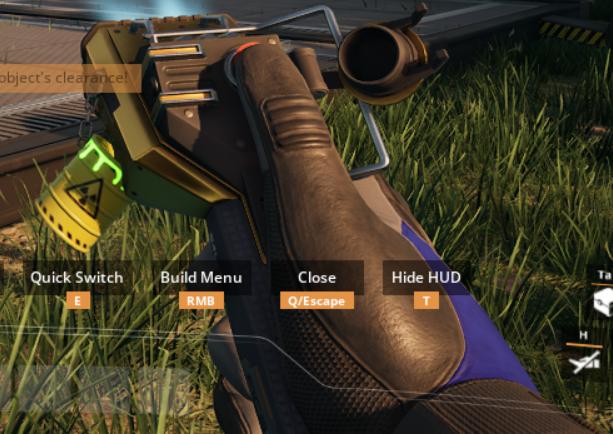
Pick the design that best fits your personality or theme.
Trinkets can be added to your character for additional flair. Examples include:
- Summers Slop: Features cool physics effects.
- Nuclear Waste: A green, radioactive design.
- Coupon: A neat, themed token.
- Checkit: Another Fixit-themed option.
- Wrench: Adds a mechanical touch.
Check the placement of trinkets on your character to see how they look.
Adjusting Colors
1. Change Primary Color:
- This will affect the major part of your character’s appearance. Use the color sliders to choose the primary color you prefer.
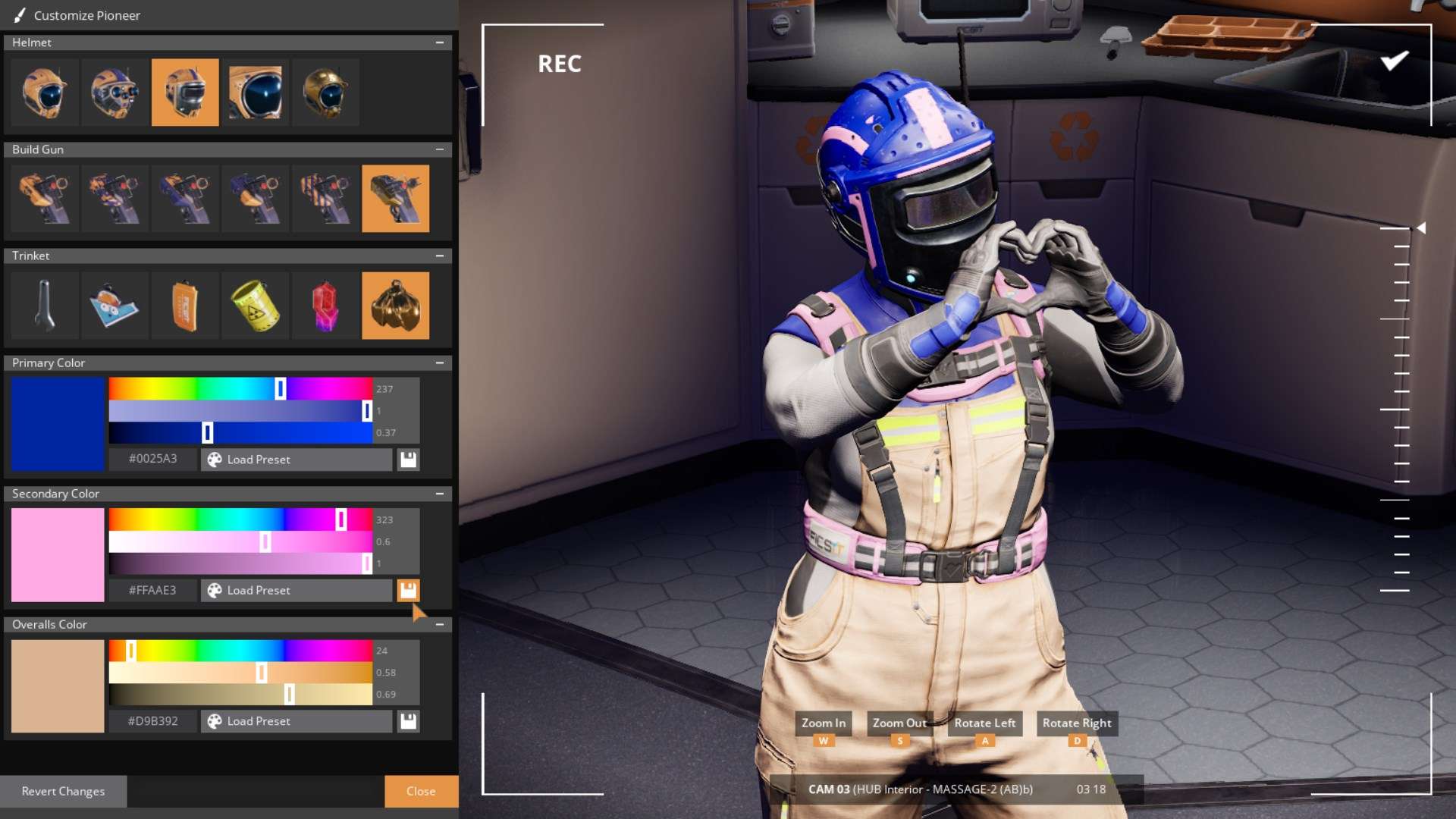
2. Modify Secondary Color:
- This color will affect smaller parts of your character’s outfit. Adjust it to complement your primary color.
3. Set Overall Color:
- This is the most prominent color on your Pioneer. Ensure this color represents your desired look.
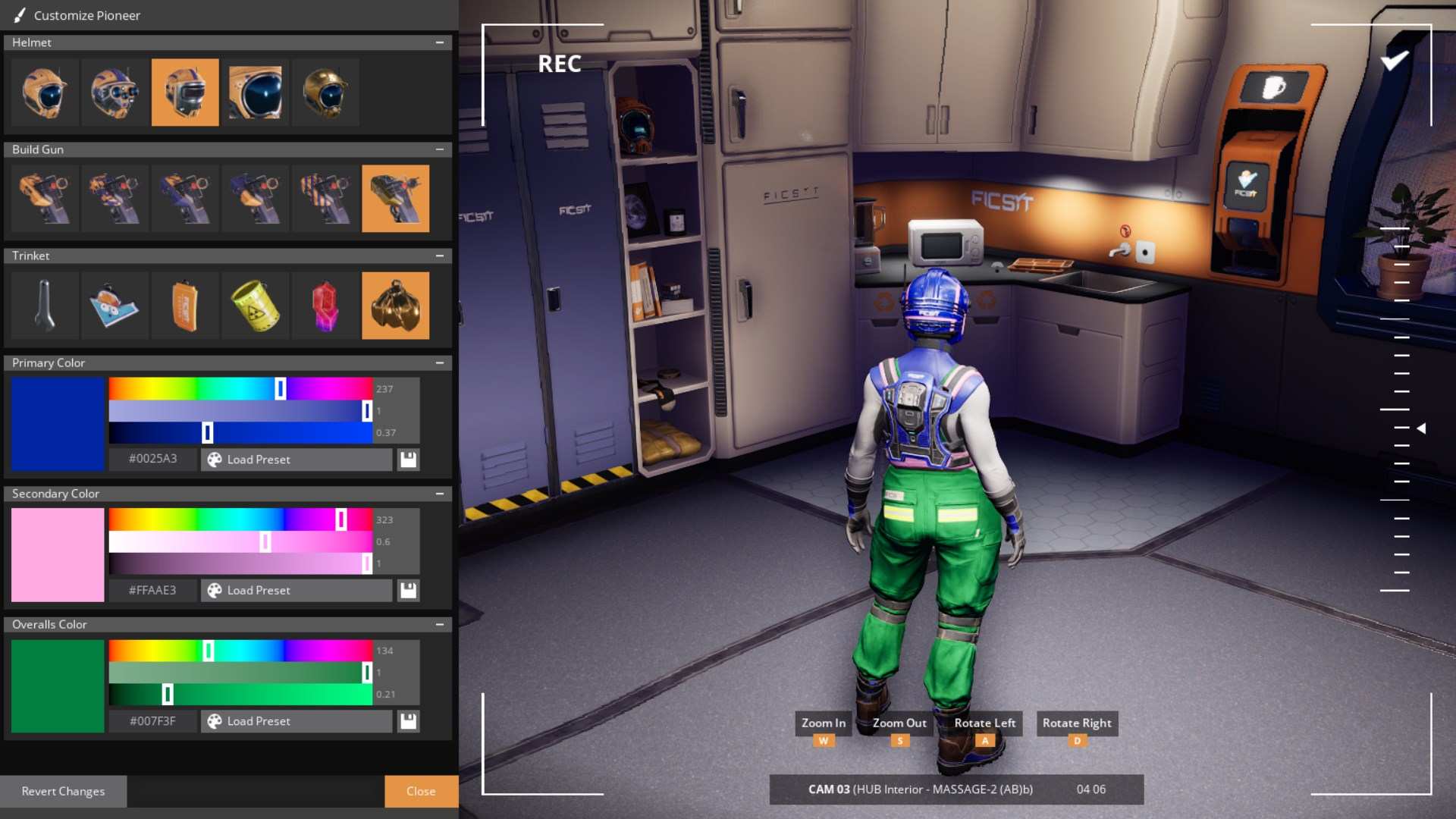
Final Adjustments
1. Preview Your Character:
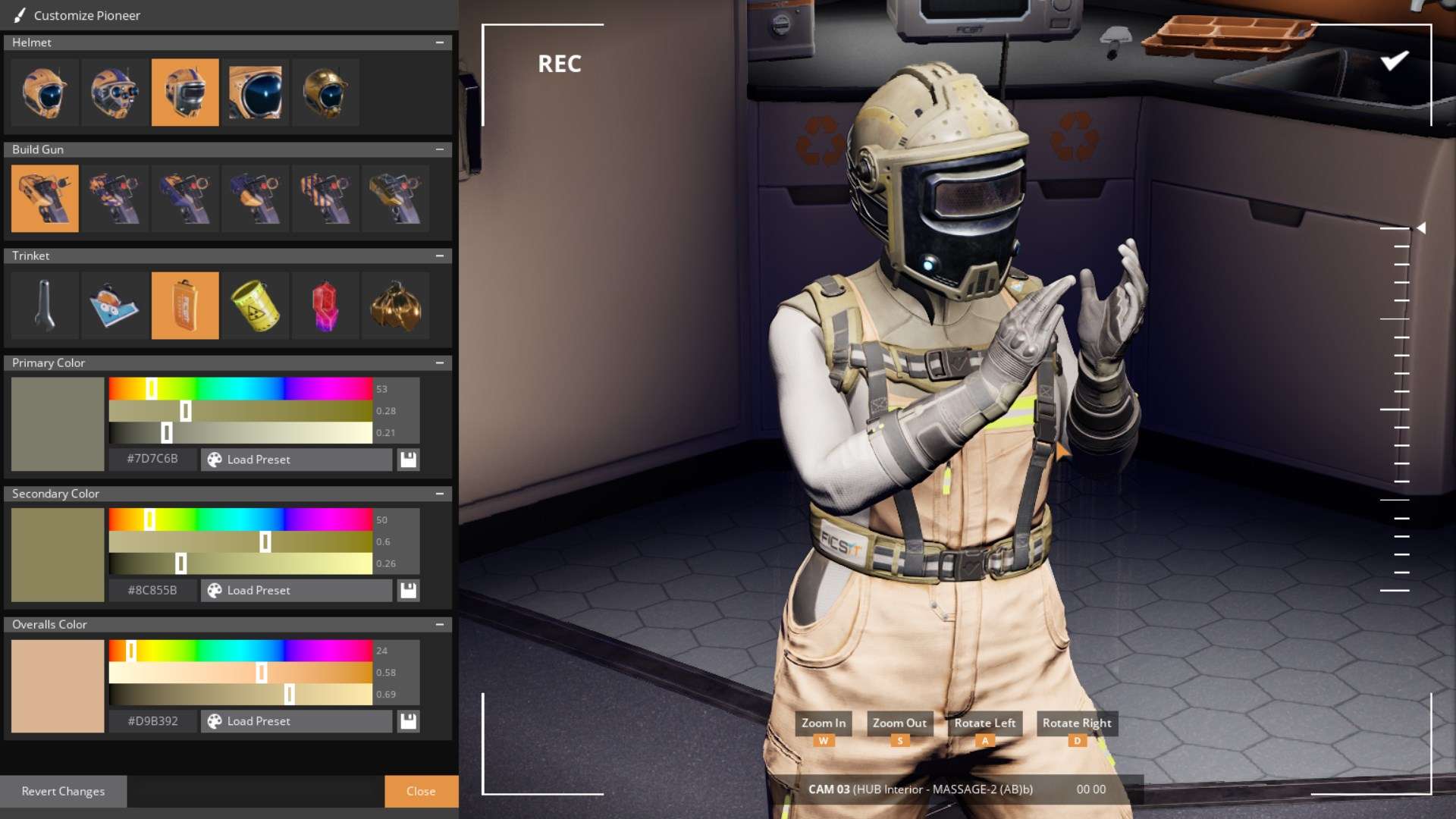
- Before finalizing, take a moment to preview how your customized character looks in different scenarios or while interacting with various elements. Hold W and A to zoom your camera. Press A and D to turn your character.
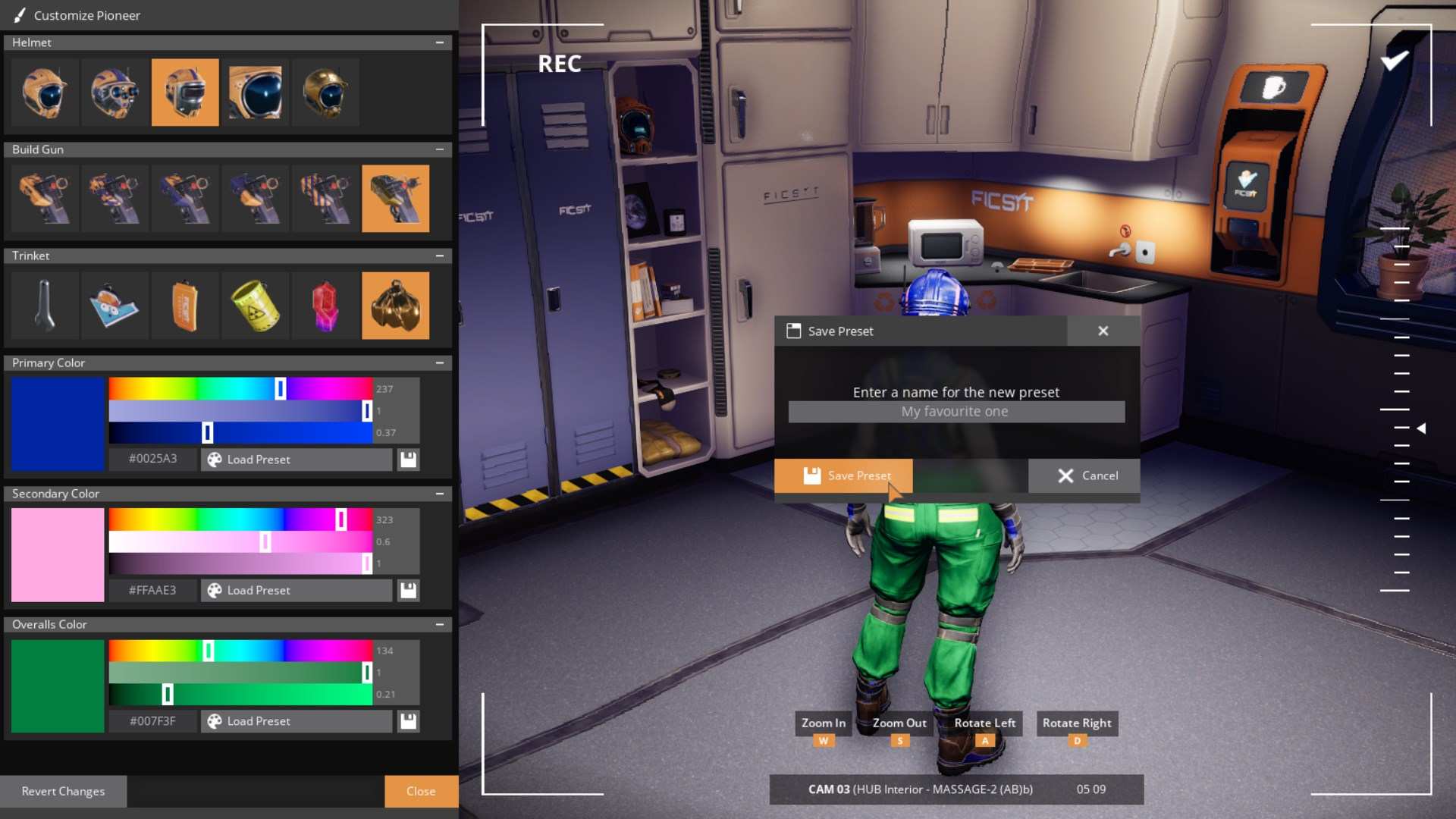
2. Save Your Changes:
- Once satisfied, save your customization and exit the locker menu.
Don’t be afraid to mix and match different helmets, colors, and trinkets to find the perfect combination.
Enjoy your personalized Pioneer in Satisfactory 1.0! If you have any other questions or need more tutorials, feel free to subscribe and check out more content on the channel.