
How to Create New Fields in Farming Simulator 25
In Farming Simulator 25, creating custom fields lets you expand your farm exactly how you want. With a few tools and some open land, you can turn grass or unused space into fields ready for planting. Here’s how to build new fields, connect existing ones, and modify your land to fit your needs.
Using the Plow
To create a new field, you’ll need to own the land where you plan to work. Start by attaching a plow to your tractor, as plows are the only base-game tool that allows field creation. Once you’re set up, lower the plow onto the ground, but remember, by default, it won’t create a new field immediately.
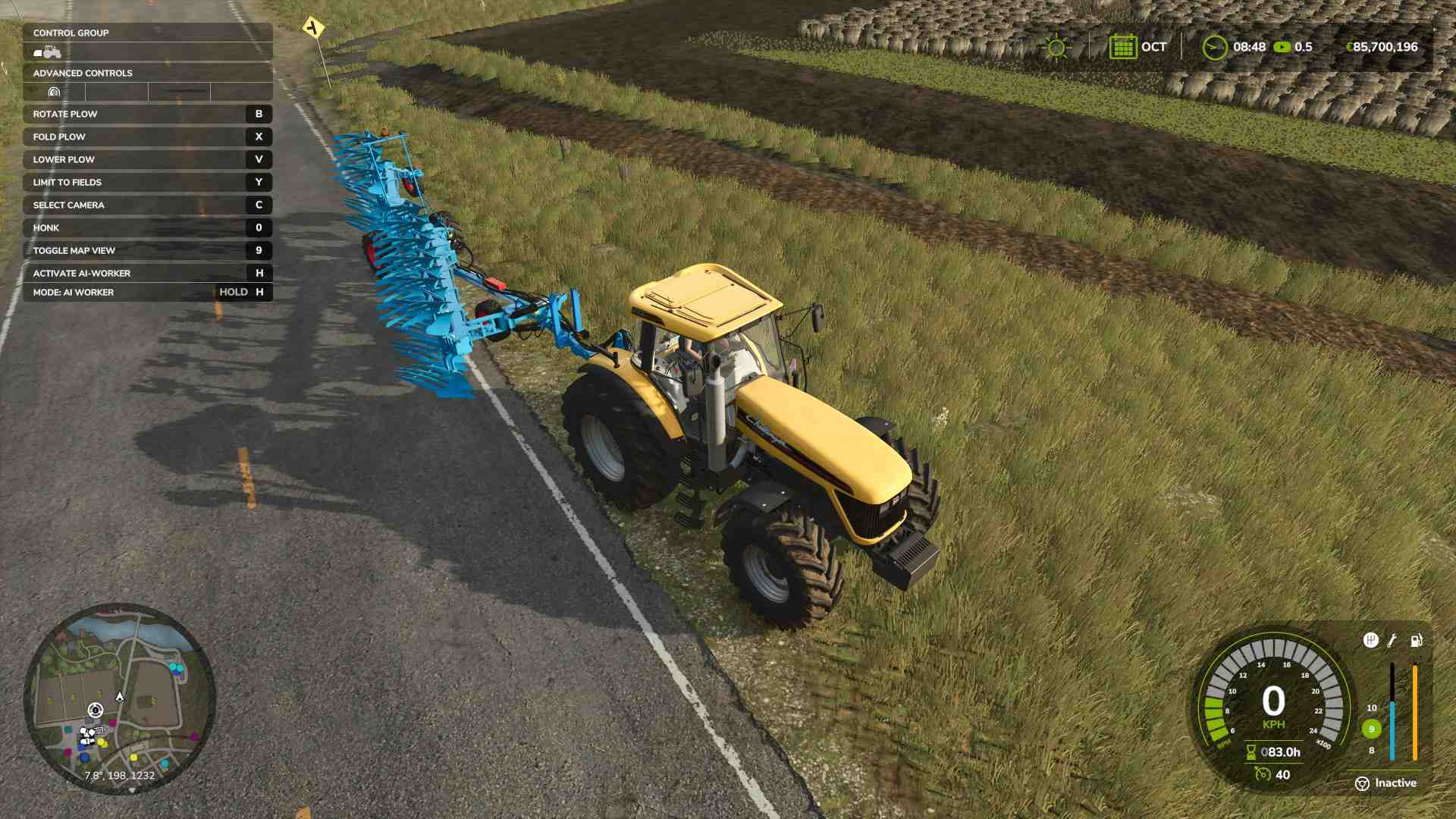
To start, you need to activate the “Allow Create Fields” option. On most setups, pressing "Y" will enable this. Lower the plow again, and as you move forward, a new field will begin forming in its path.
Straight Lines and Custom Shapes
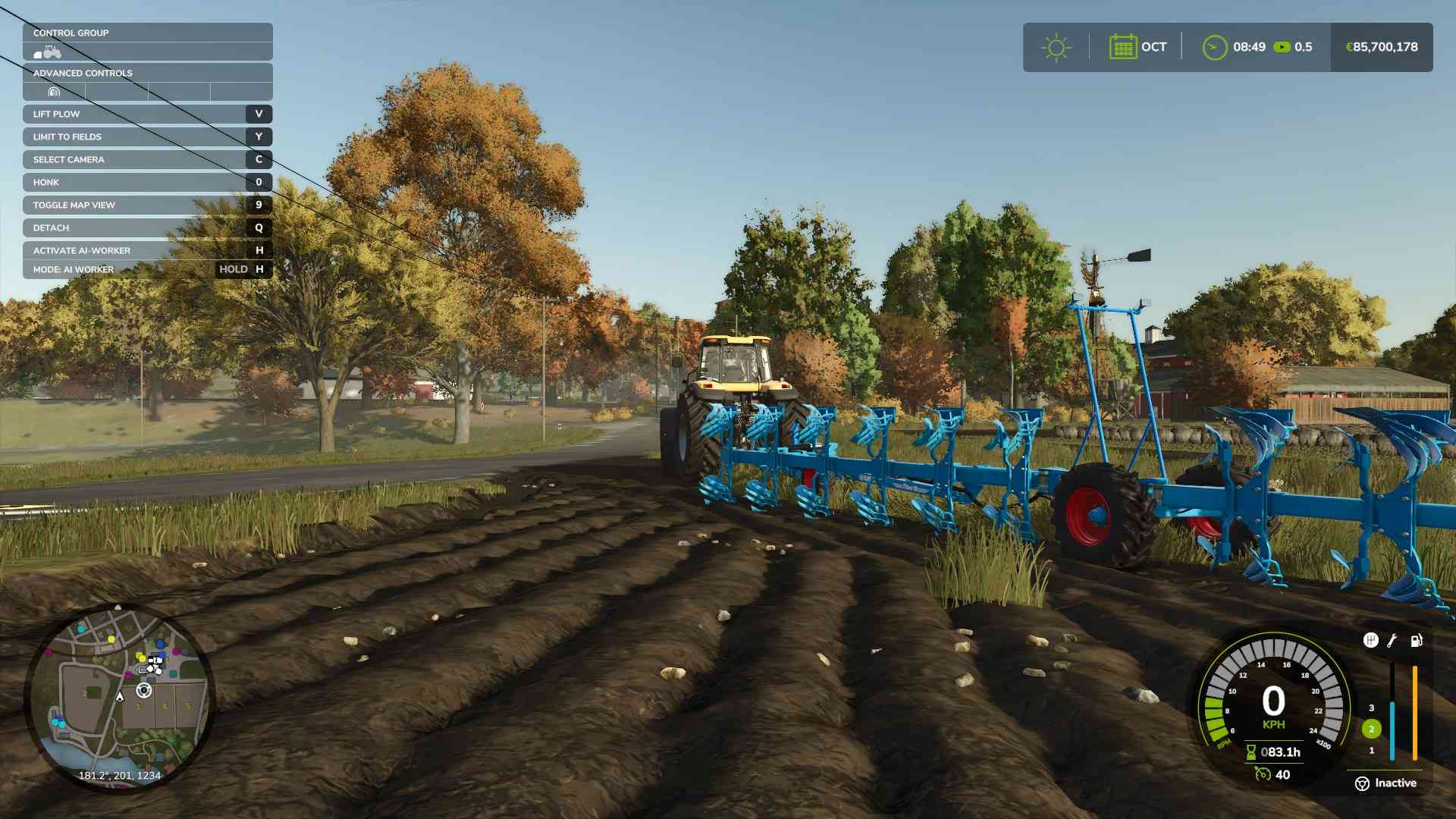
Since AI tools don’t recognize new fields until they’re defined, creating straight lines might be challenging at first. Carefully guide the tractor along the desired field edge. For perfect lines or interesting shapes, practice using your tractor to outline a field design that works for your farm. And if you make a mistake, don’t worry—Farming Simulator 25 allows you to paint over field edges later in build mode to smooth things out.
Expanding or Joining Existing Fields
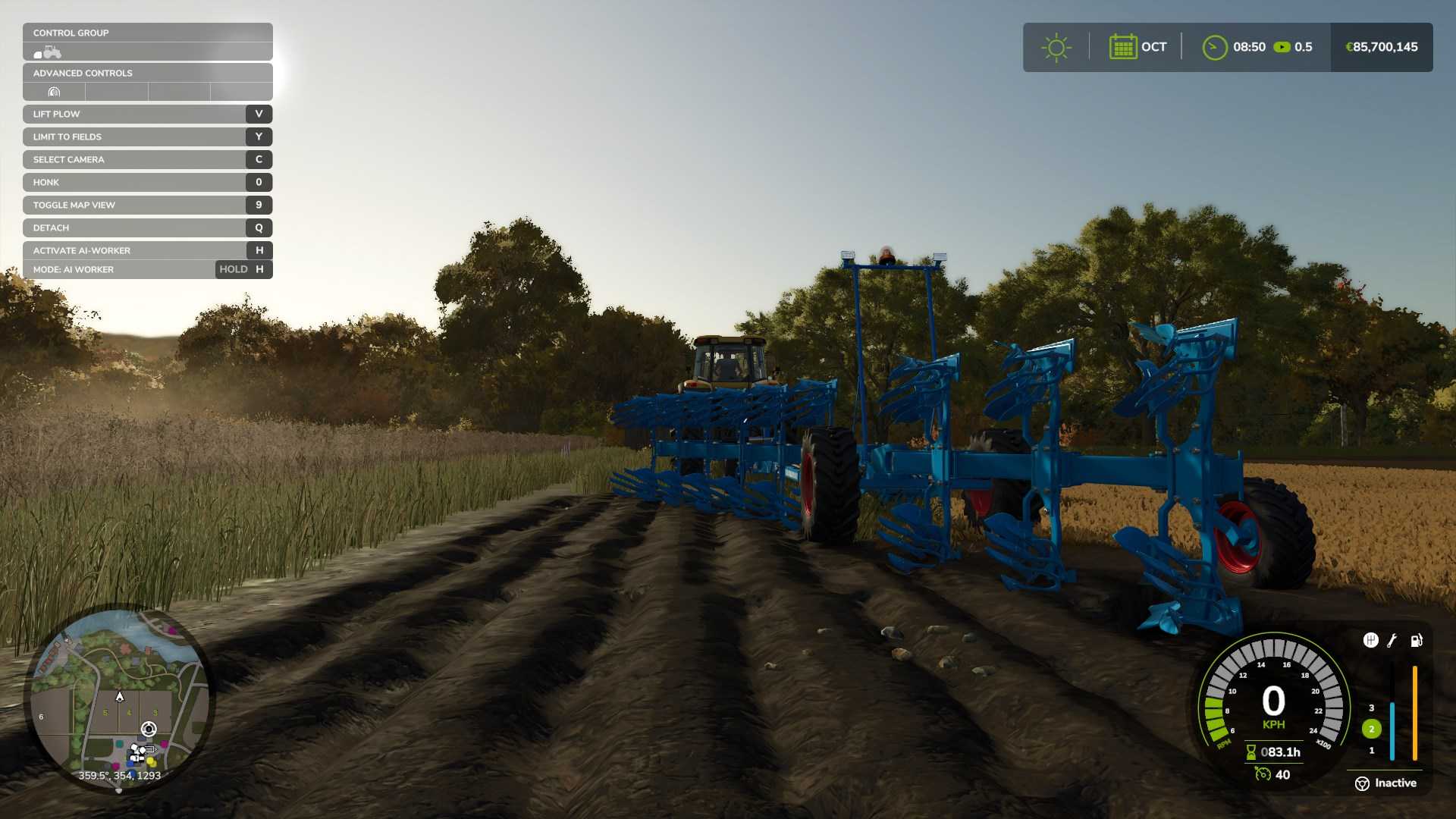
If you already have fields but want them to be larger or connected, a plow can also join two fields. With “Allow Create Fields” enabled, plow the area between the two fields, and they will combine into one large field. Once completed, your AI workers will recognize the expanded area and will treat it as a single field for planting, fertilizing, and harvesting.
Using Rice Fields
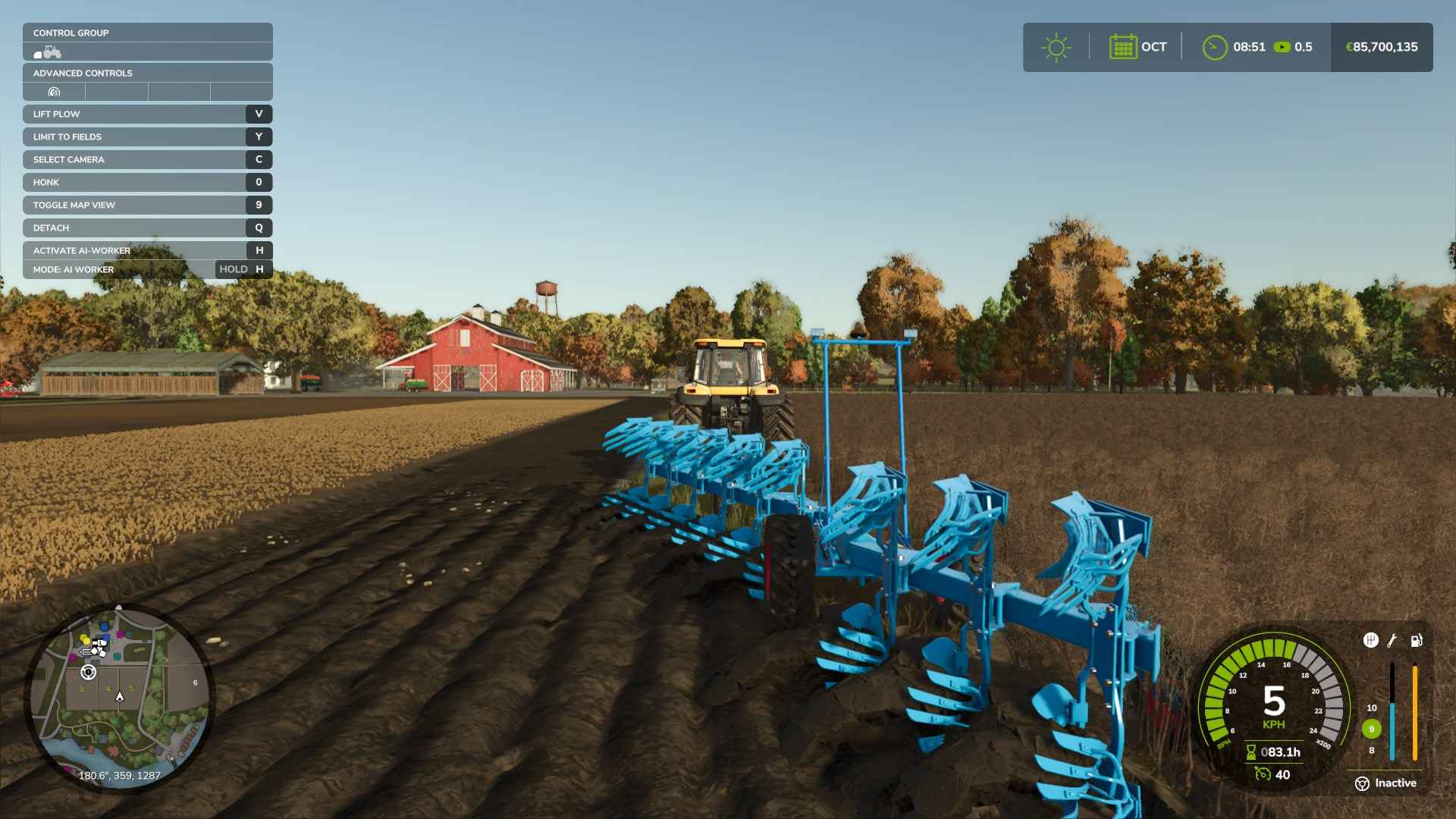
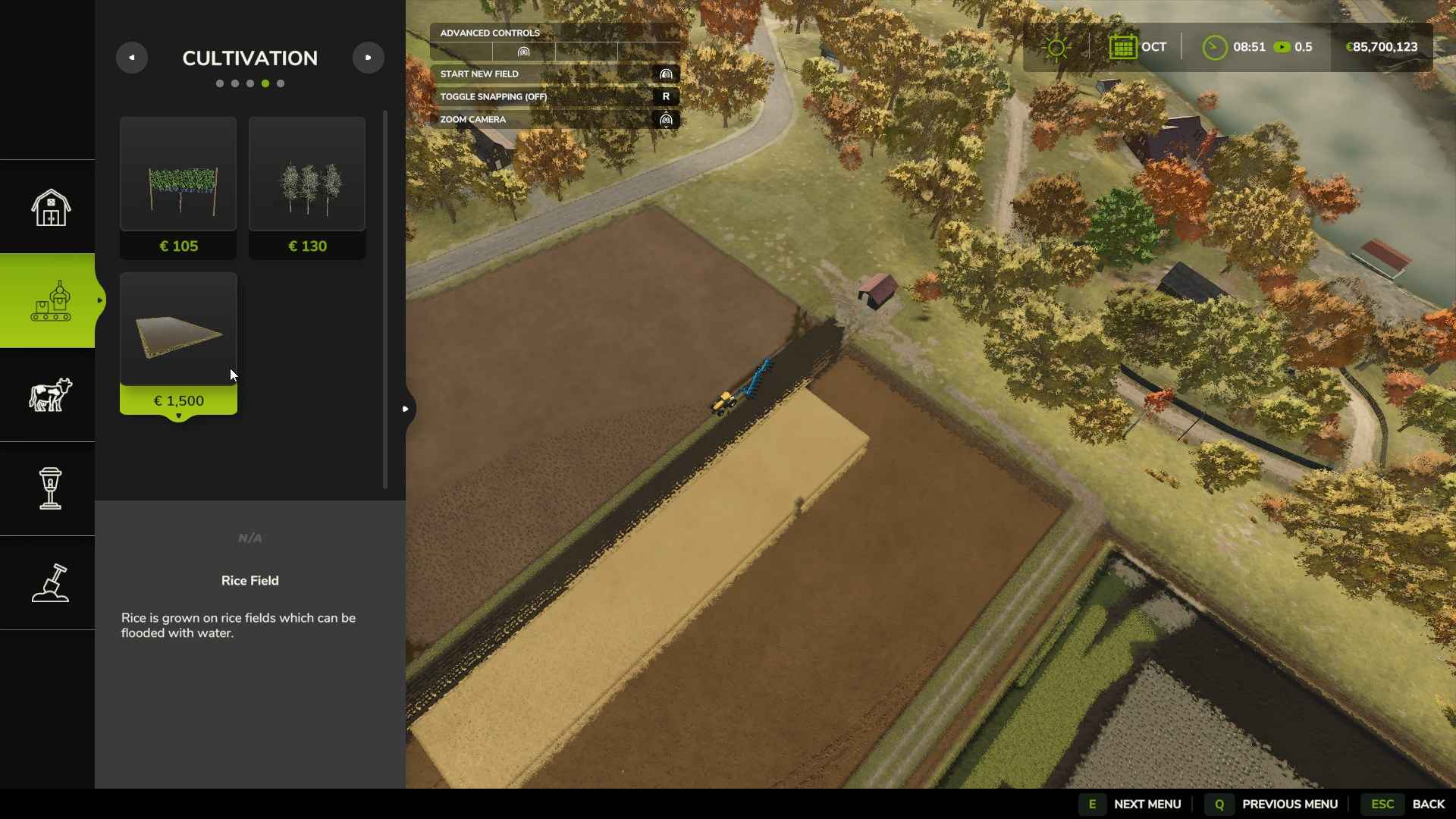
Farming Simulator 25 introduces a rice field creation tool that’s handy for building fields quickly. In the build mode, go to the “Cultivation” tab, select “Rice Field,” and design any shape you like. Although it’s intended for rice, this field type works with all crops. Just be aware that the rice field comes with raised edges for water control and has a permanent pump on one side. If you want to plant other crops in this field, leave the pump idle and simply plant as you would on a regular field.
Adjusting Field Boundaries
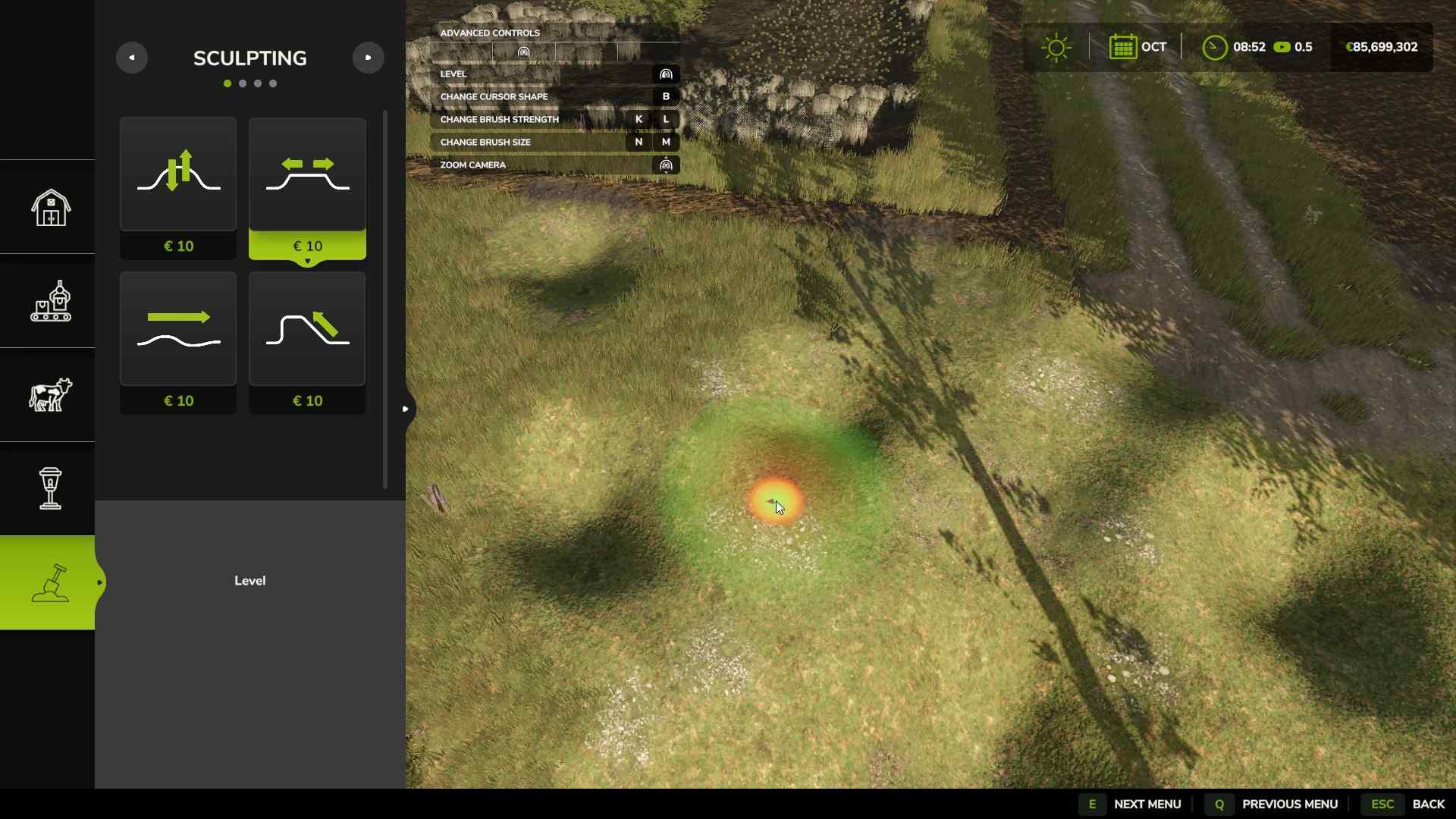
You can modify any field using the landscaping tool. Open build mode, select “Painting,” and cover areas you don’t want to plant. This lets you create straight edges, build islands in the field, or remove unwanted sections. This tool works for any field, whether custom-made or preset, and helps keep your farm’s layout organized.
Tips for Field Efficiency
When buying new land, look for fields close to each other to save travel time. If your fields are adjacent and unobstructed, plow the space between them to make a single, larger field. Longer fields are generally faster to work with, as you’ll spend less time turning your machinery around. And if you’re planting in rows, ridge markers can create straight guidelines for spacing, which are especially helpful for seeders.
PC players have access to mods like the “Cultivator Field Creator,” allowing you to use other tools—such as cultivators, disk harrows, or subsoilers—to create fields. This makes it easier to form straight edges and gives more flexibility than plows, which can be difficult to manage. Check the Mod Hub if you’re interested in adding these options for field creation.
Creating new fields in Farming Simulator 25 is a great way to customize your farm and optimize your land for crops. From using a plow to trying the rice field creation tool, you have the flexibility to build fields of any size or shape. Adjust your field edges, merge existing fields, or start from scratch to design the setup that works best for you.