
How to Create a Private Game in V Rising
Creating a private game in V Rising allows you to tailor the gaming experience to your liking, from adjusting game modes to fine-tuning advanced settings. Follow these simple steps to host your own world and invite friends for a customized adventure.
Selecting Game Mode
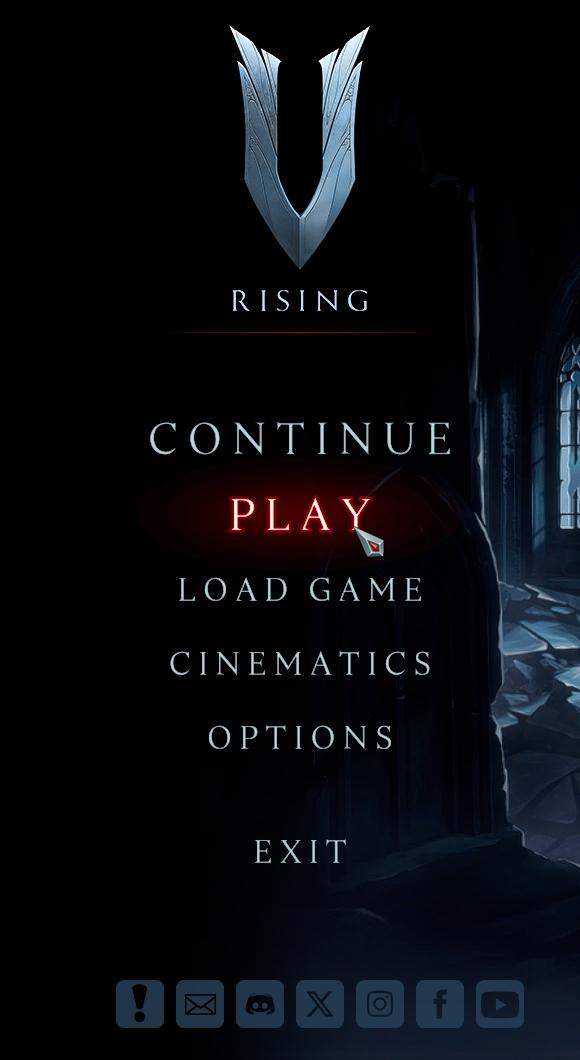
- From the Main Menu, choose Play.
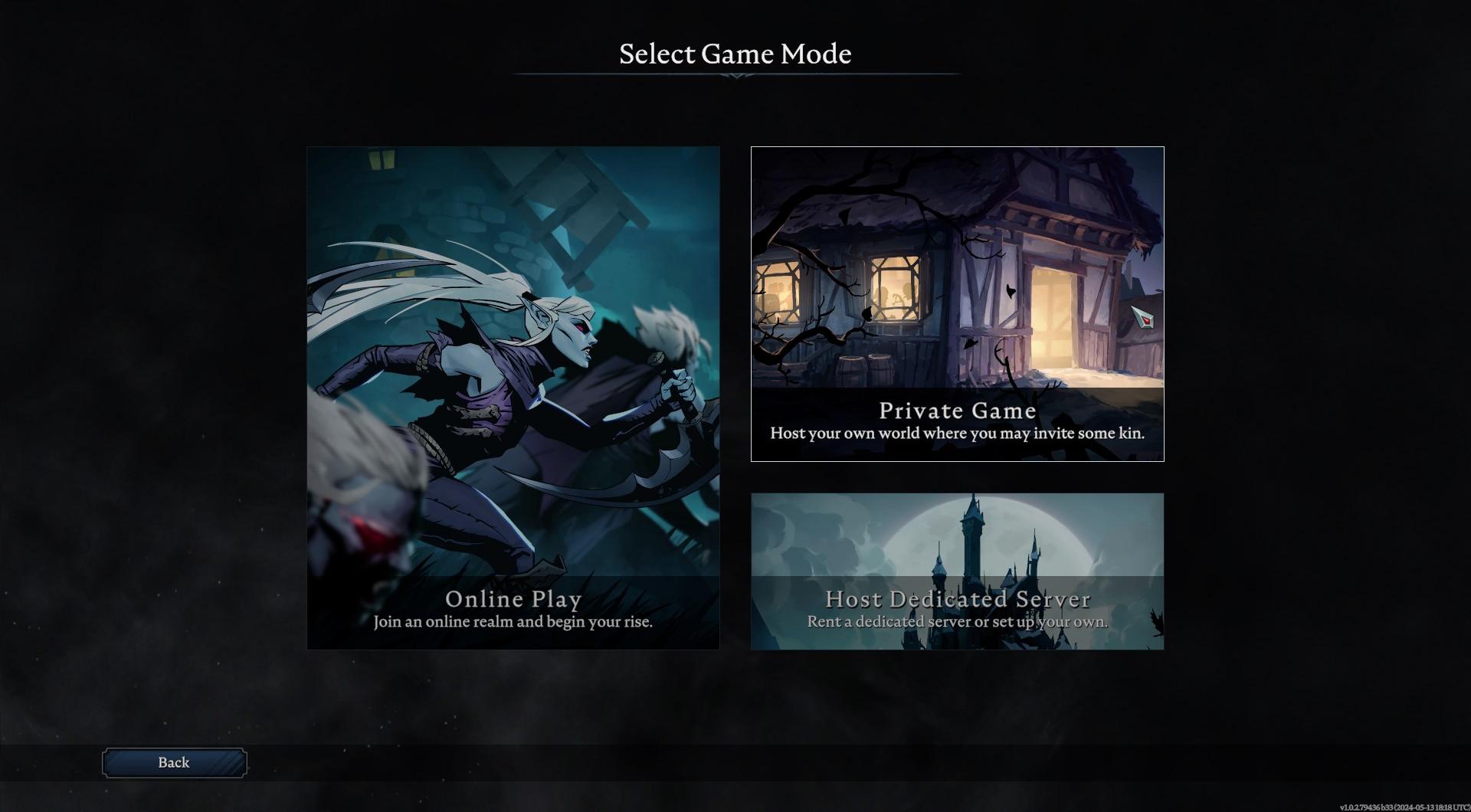
- Select Private Game.
- Enter a server name and choose PvE or PvP mode.
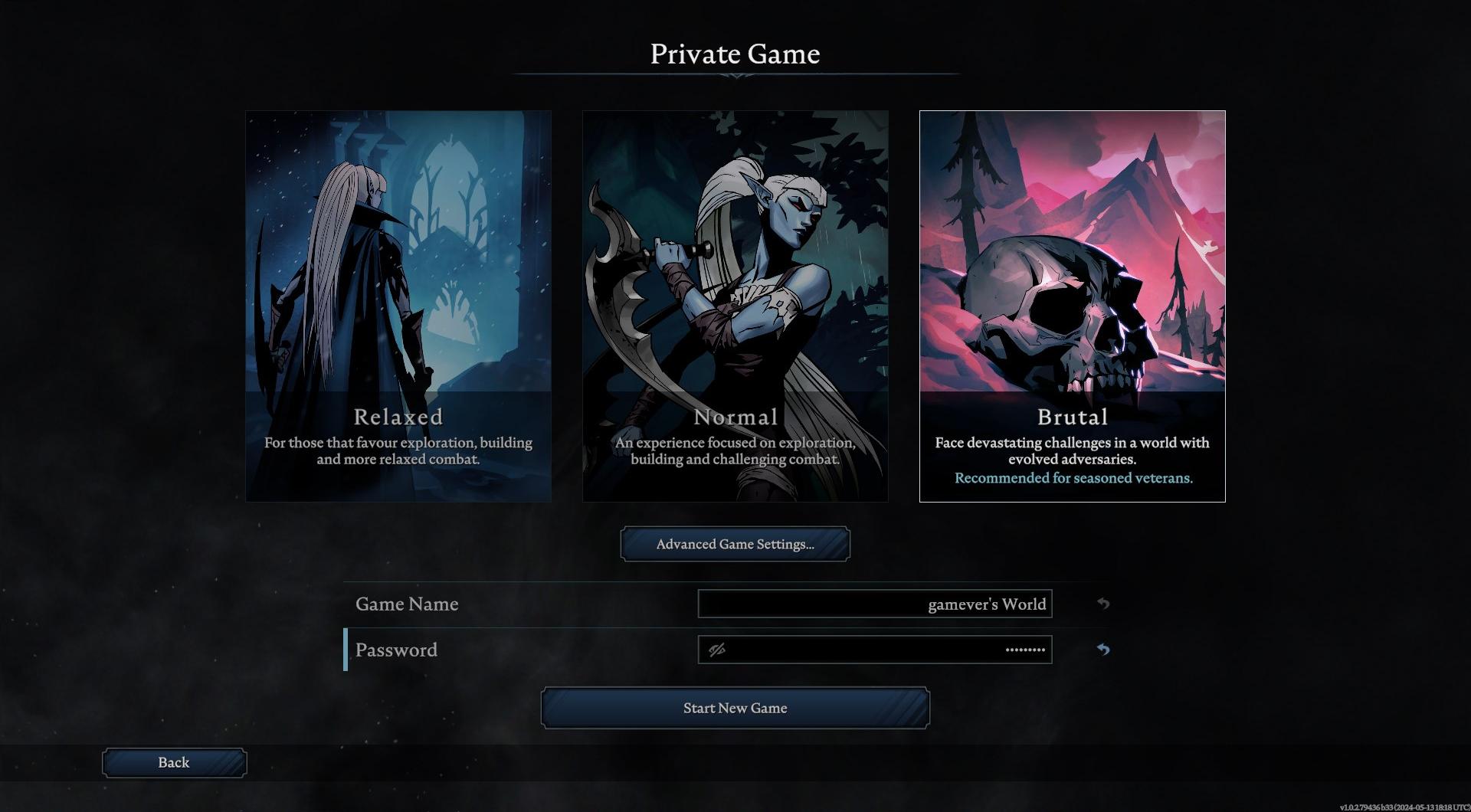
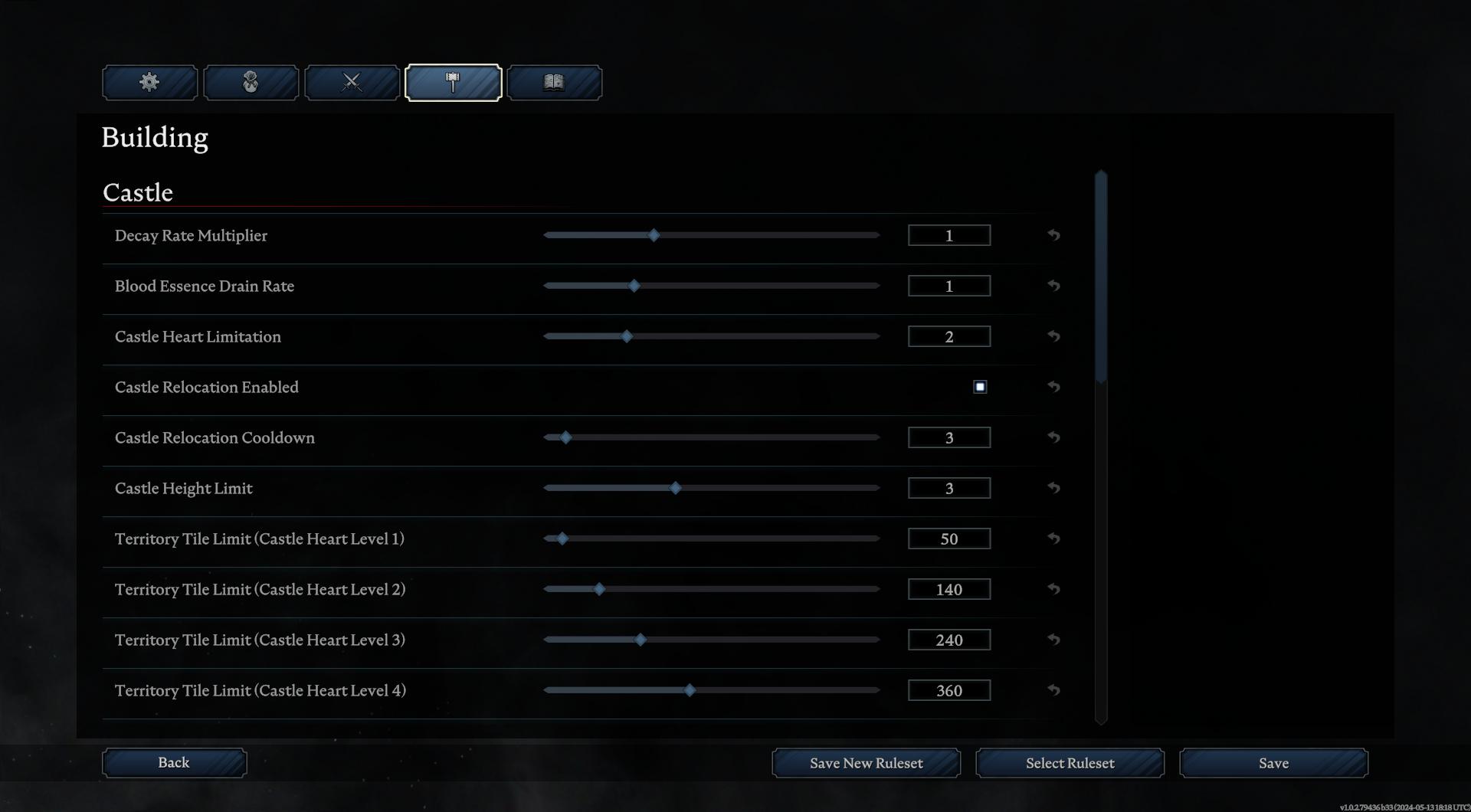
- Customize server rules, clan size, and access settings.
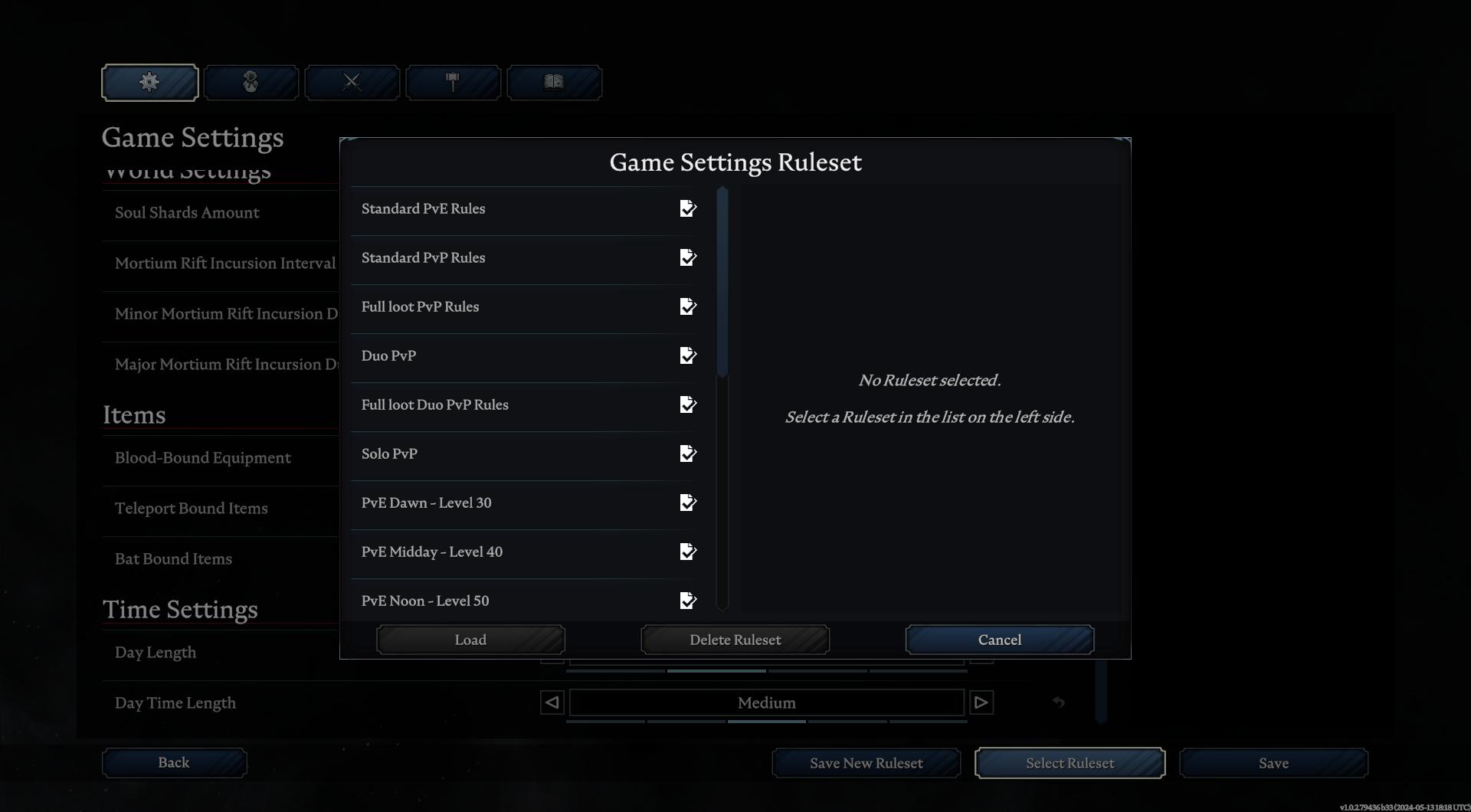
- Explore Advanced Game Settings for over 60 customizable options.
Setting Up Access and Security
- Set a password for server access to control who can join.

- Adjust the maximum number of players allowed on the server.

- Ensure privacy by removing the server from public listings if desired.
Customizing Game Experience
- Adjust daylight hours, damage multipliers, and resource requirements.
- Fine-tune castle settings, loot drops, and player interactions.
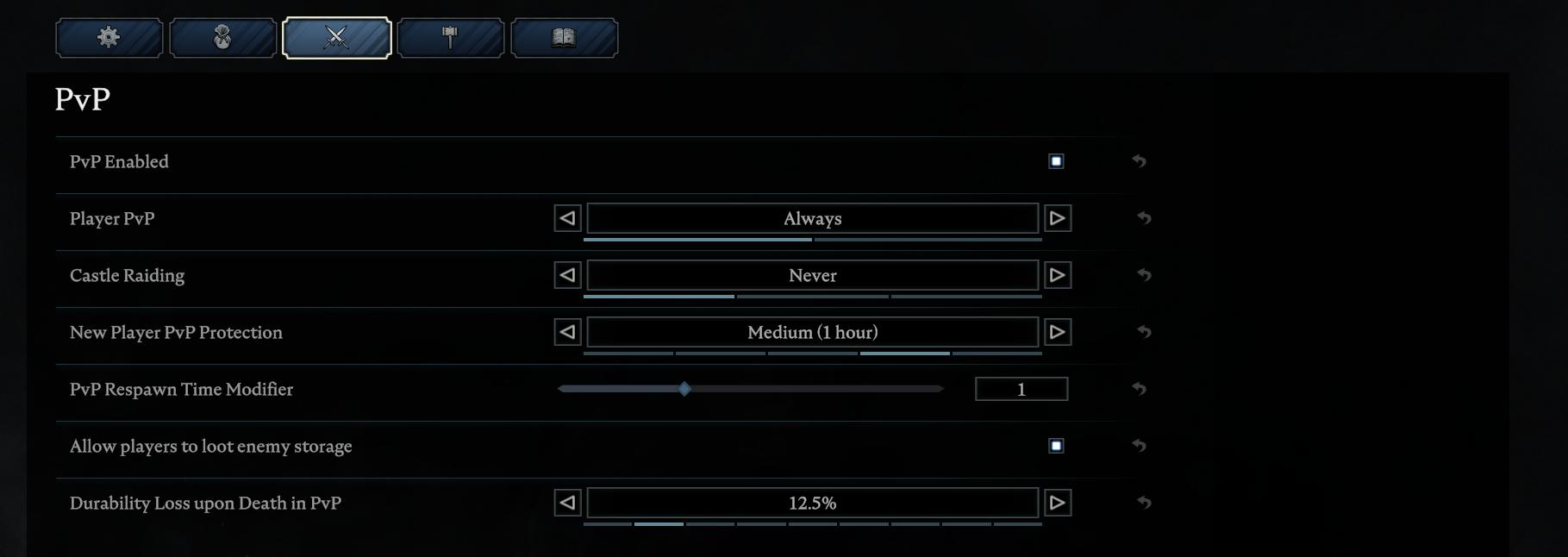
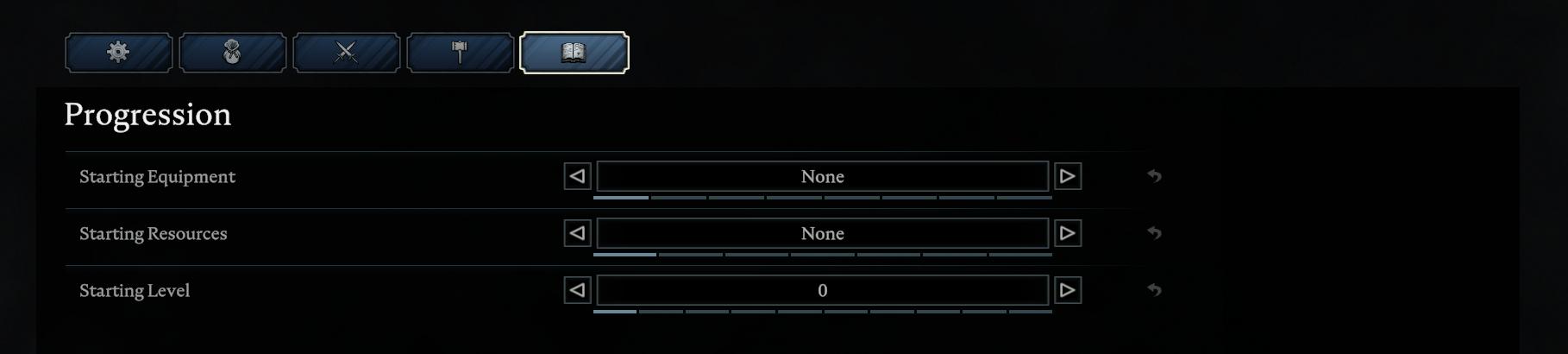
- Explore settings for crafting, building, and progression.
Starting Your Private Game
- Once settings are customized, press Start New Game to launch your private world.
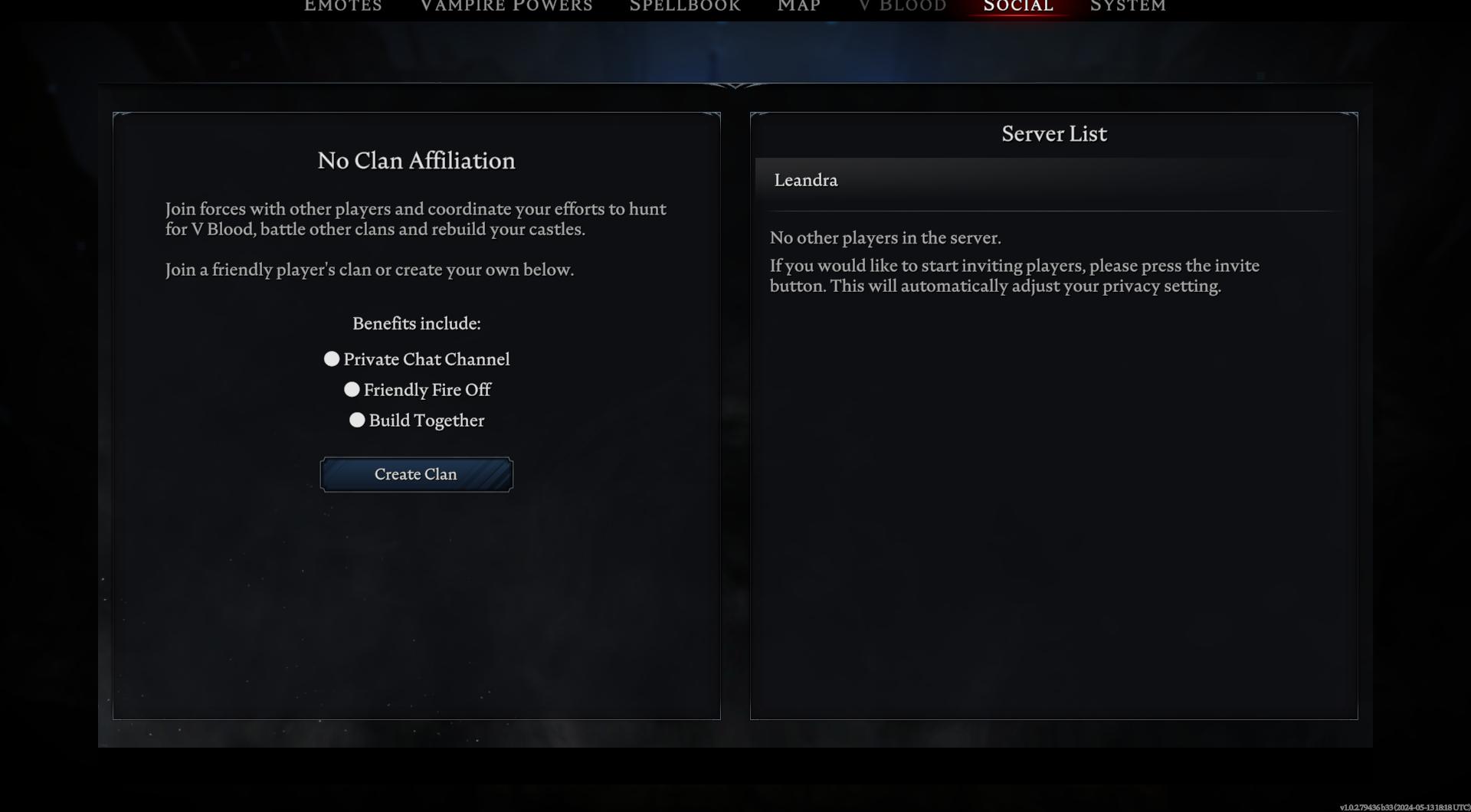
- Invite friends to join you in your personalized version of V Rising.
- Enjoy exploring the vast world of V Rising with your own rules and settings.
With the ability to create a private game and customize settings in V Rising, players can craft their own unique gaming experience tailored to their preferences. Whether you seek a challenging adventure or a more relaxed journey, the power is in your hands to create the perfect world.