
How to Craft and Modify a Motorcycle in 7 Days to Die Update 1.0
So, you’re ready to roll through the apocalypse in style? Great! Here’s your ultimate guide to crafting and modifying a motorcycle in 7 Days to Die Update 1.0. Let’s dive in and get you geared up for some serious zombie dodging action!
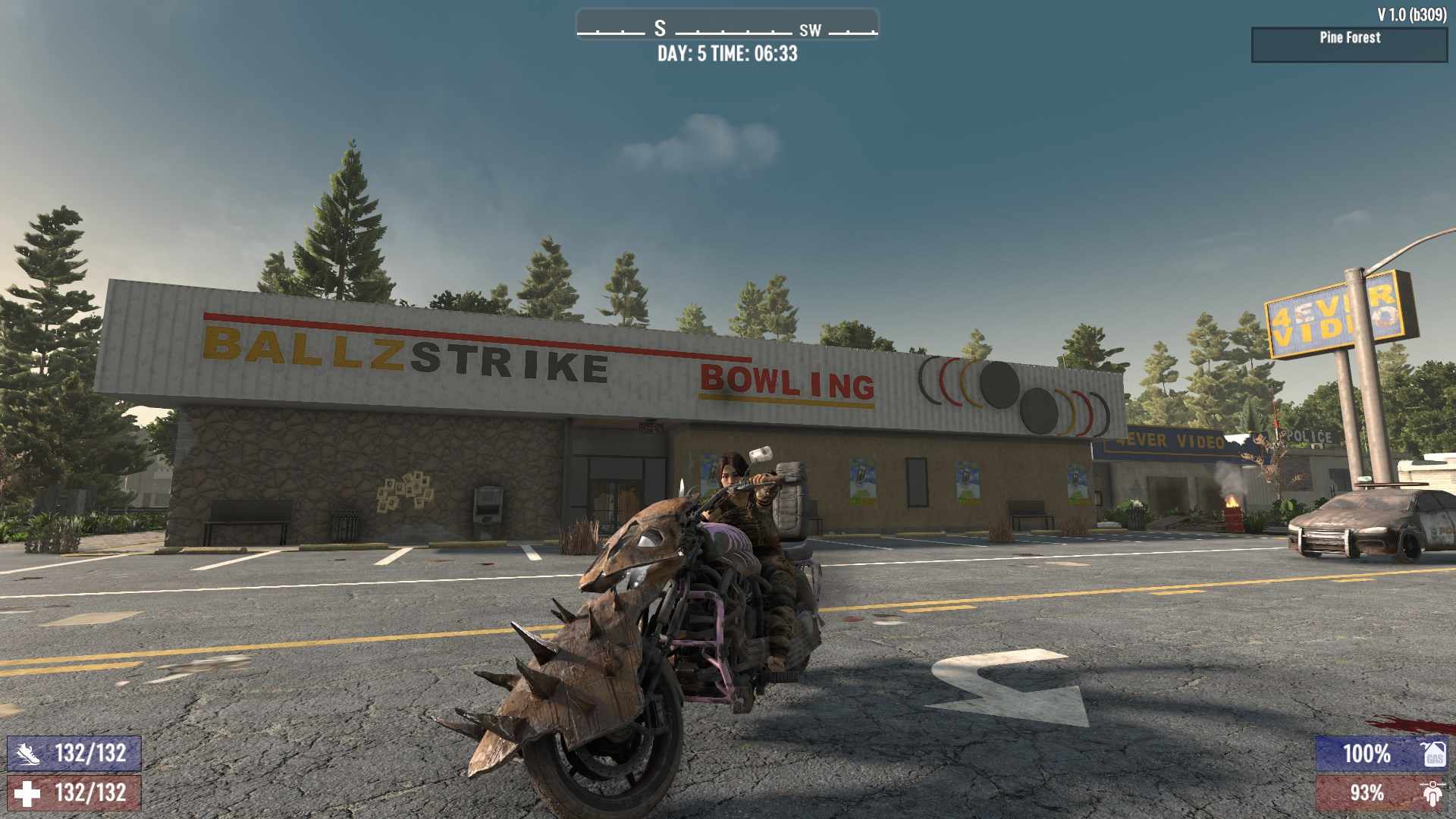
Crafting Your Motorcycle
Motorcycle Recipe:
- 2x Wheel
- 1x Motorcycle Chassis
- 1x Motorcycle Handlebars
- 1x Small Engine
- 1x Lead Car Battery
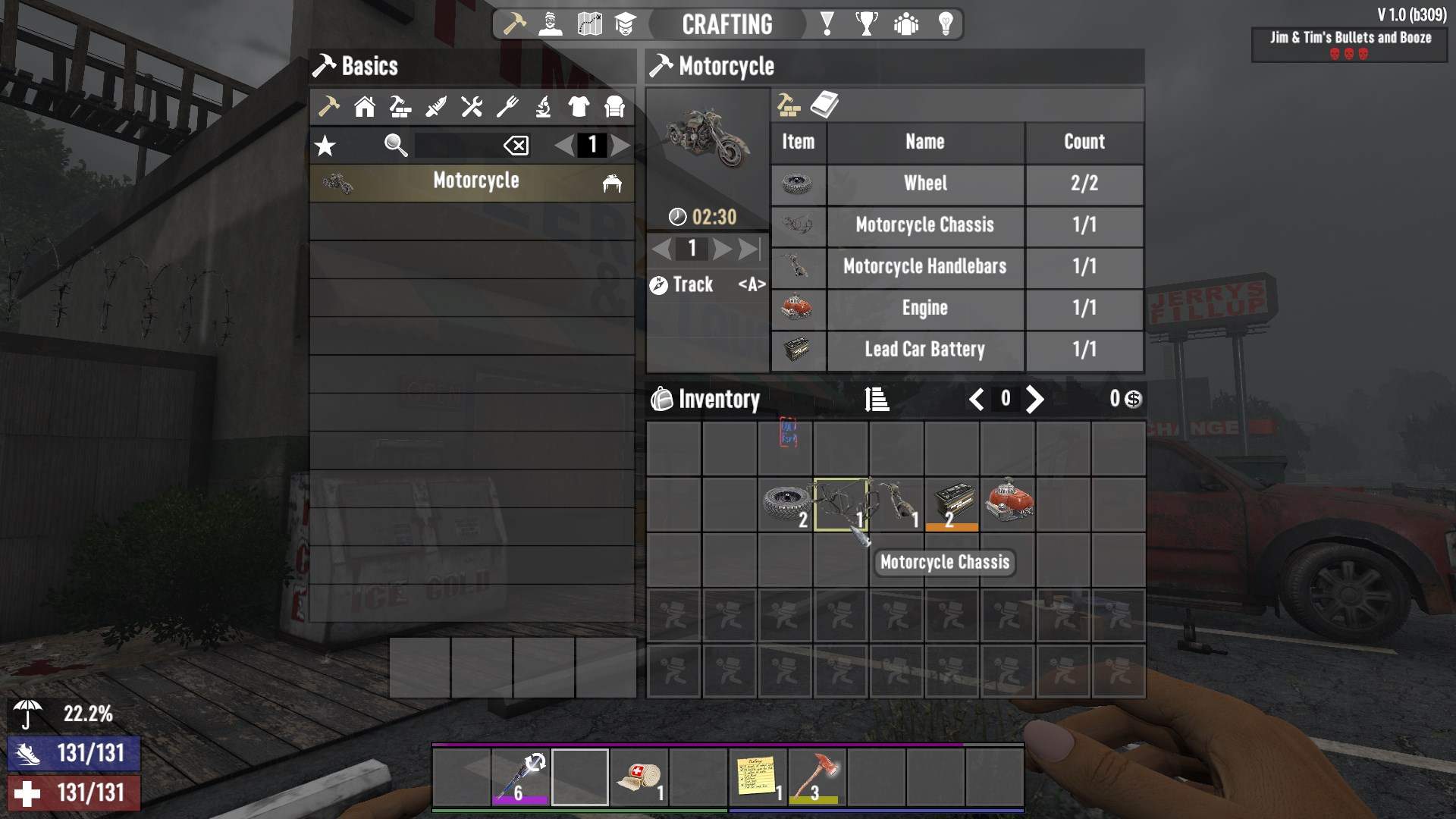
These parts can be crafted or found through looting and trading. The chassis and handlebars can be learned through the Grease Monkey skill tree or found as schematics.
Crafting Instructions:
1. Gather all the necessary components.
2. Head to your workbench.
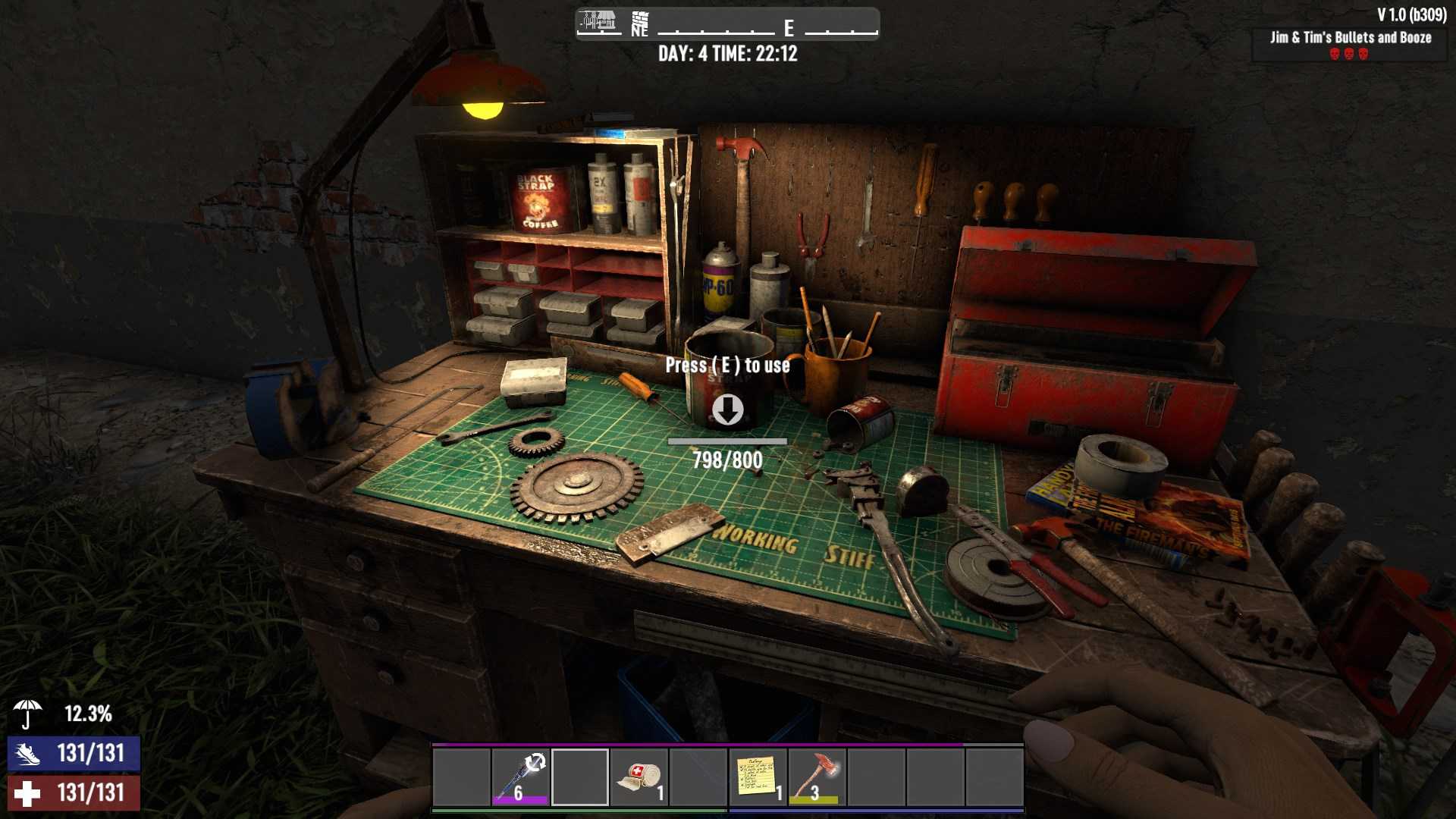
3. Combine the items in the required quantities.
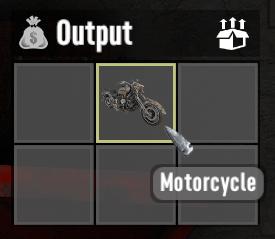
4. Wait for the crafting time of 2 minutes and 30 seconds.
Speed and Storage
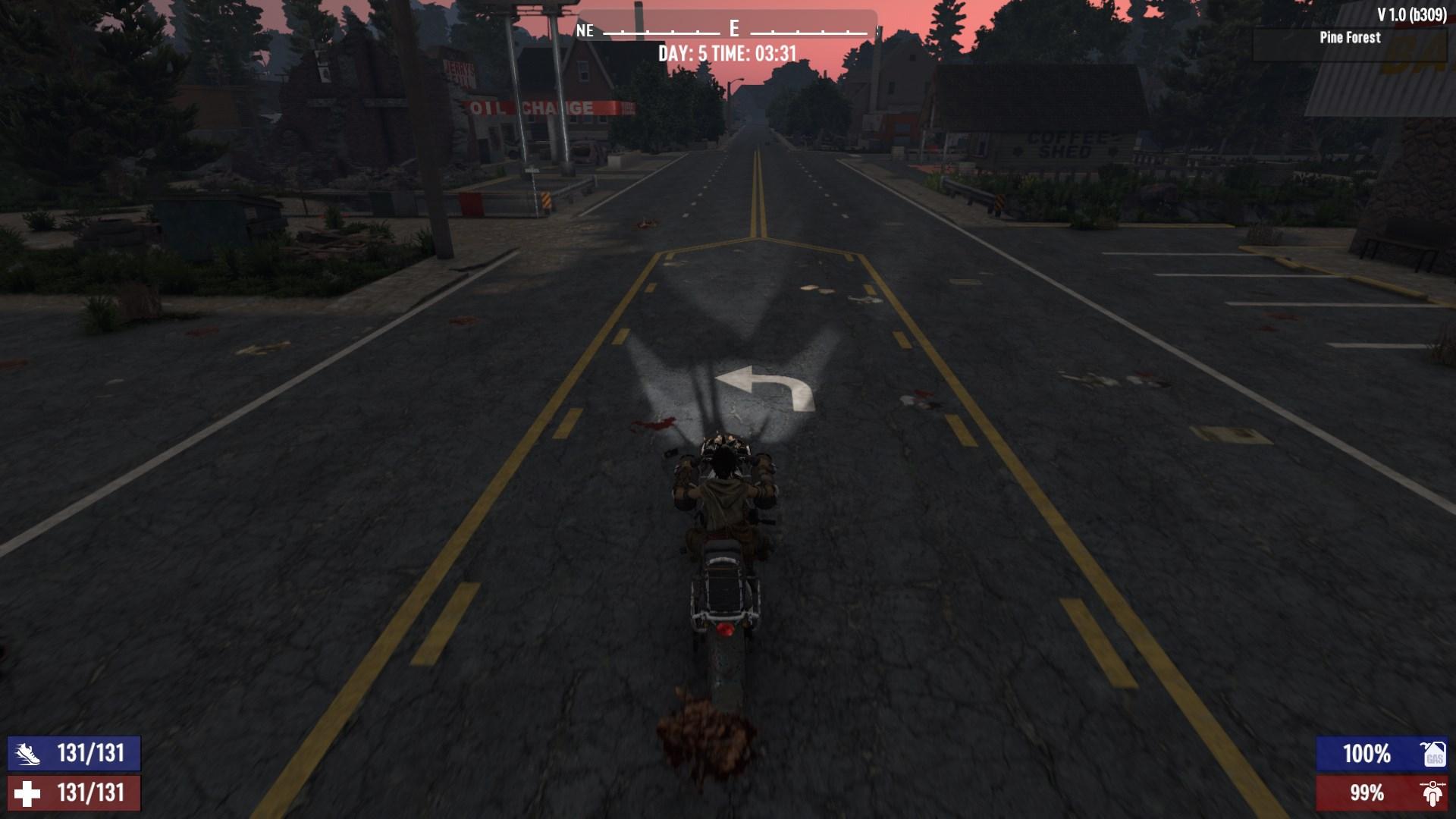
Your new ride boasts a speed of 9 blocks per second (b/s) without using shift and 14 b/s with shift. With a Super Charger mod, you can boost the shift speed to 16 b/s. For reference, the default player sprint speed is 7 b/s.
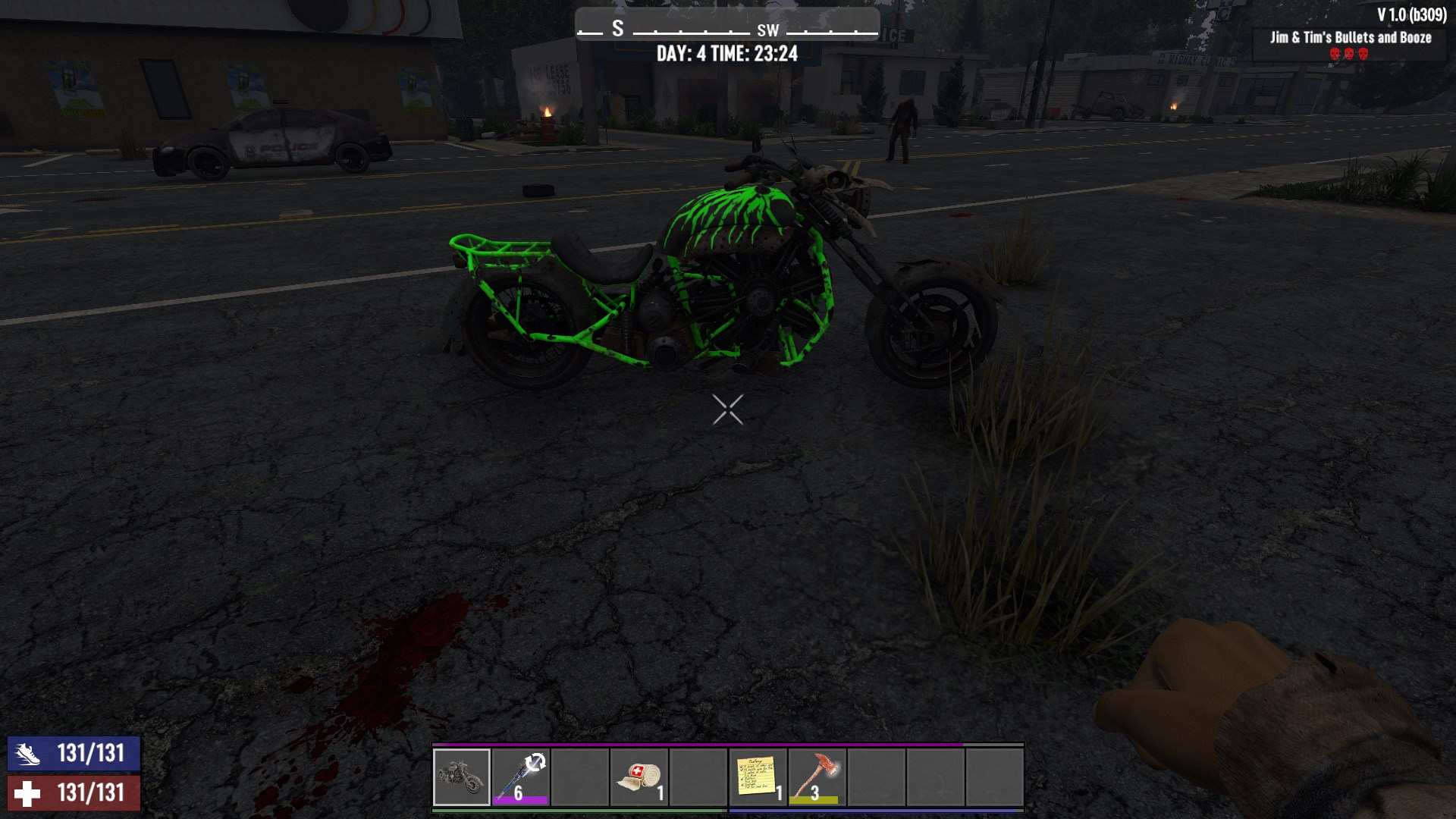
The motorcycle isn’t just about speed; it also offers 36 additional storage slots, making it perfect for hauling loot from your scavenging trips. It has a fuel capacity of 3000 units of gasoline, so you won't have to refuel constantly.
Refueling and Repairs
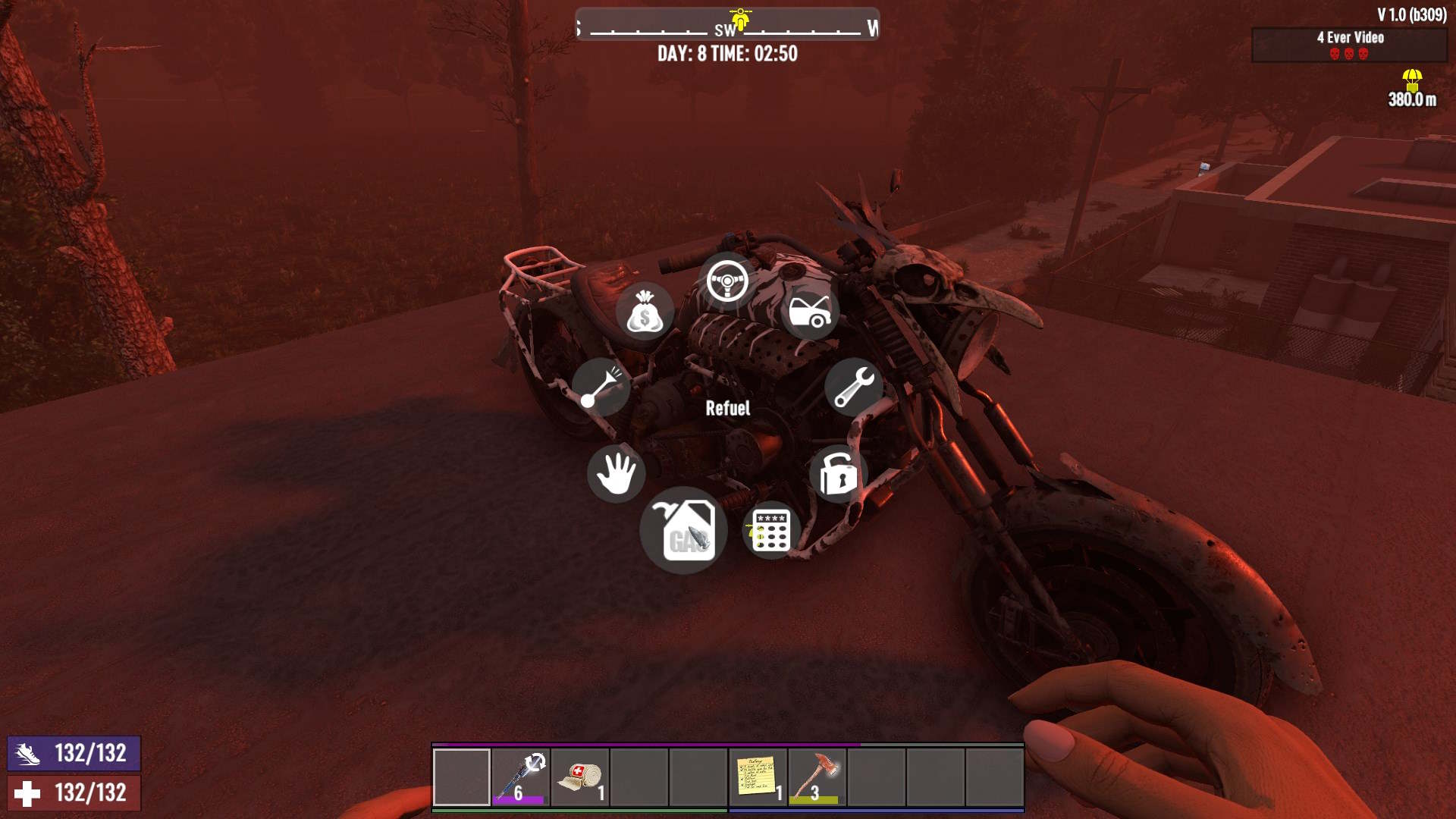
To refuel your motorcycle, have gasoline in your inventory and press the refuel button while interacting with the bike. For repairs, you’ll need a repair kit. Simply select the repair option from the radial menu, accessible by holding 'E' over the vehicle.
Modifying and Customization
Mods can significantly enhance your motorcycle's performance and functionality. Here are some top picks:
- Super Charger Mod: Boosts your top speed and acceleration.
- Fuel Saver Mod: Increases fuel efficiency.
- Reserve Fuel Tank Mod: Doubles your fuel storage capacity.
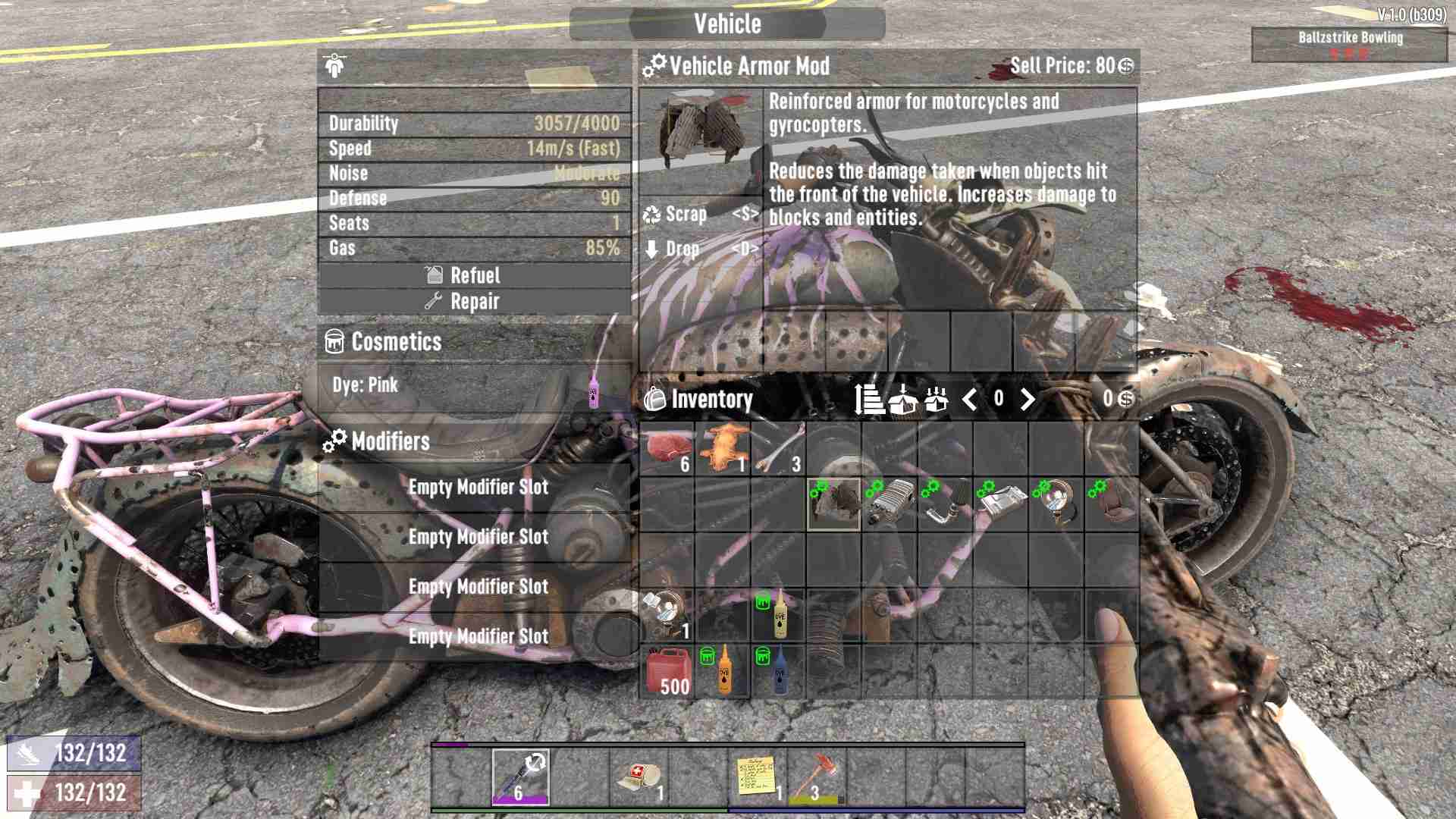
Also, most vehicles come with additional seating to accommodate friends.
To apply mods, select the mod and drag and drop it into an empty modifier slot on your motorcycle, then click with the left mouse button to apply it.
In Version 1.0, the developers have given existing vehicle models a fresh update. New vehicle armor mods are also available, allowing your motorcycle to withstand more wear-and-tear. These updates are not just functional but also enhance the visual appeal, making your motorcycle look even more badass as you cruise through the wasteland.
Want to stand out in the wasteland? Use different color dyes to customize the frame of your motorcycle. If you have some colors, open your inventory, select the dye, and drag it onto the vehicle to apply the color.
Crafting and modifying a motorcycle in 7 Days to Die Update 1.0 is straightforward and adds a lot of utility and style to your gameplay. Whether you’re outrunning zombies or hauling back a hefty loot, your motorcycle is a valuable asset. So get out there, craft your ride, and dominate the apocalypse!