
How to Craft and Modify a Gyrocopter in 7 Days to Die Update 1.0
First things first, the gyrocopter isn't just a fancy way to travel—it's an end-game goal for many players. It's the fastest vehicle available, capable of hitting 15 blocks per second, or 18 blocks per second with a supercharger. But it's not just about speed; it's about strategy. This baby lets you bypass terrain and dodge zombies like a pro.

Crafting the Gyrocopter
Before you can fly, you gotta build. Here's what you'll need to craft your gyrocopter. Gather the next parts:
- Wheels (3)
- Gyrocopter Chassis (1)
- Gyrocopter Accessories (1)
- Engine (1)
- Lead Car Battery (1)
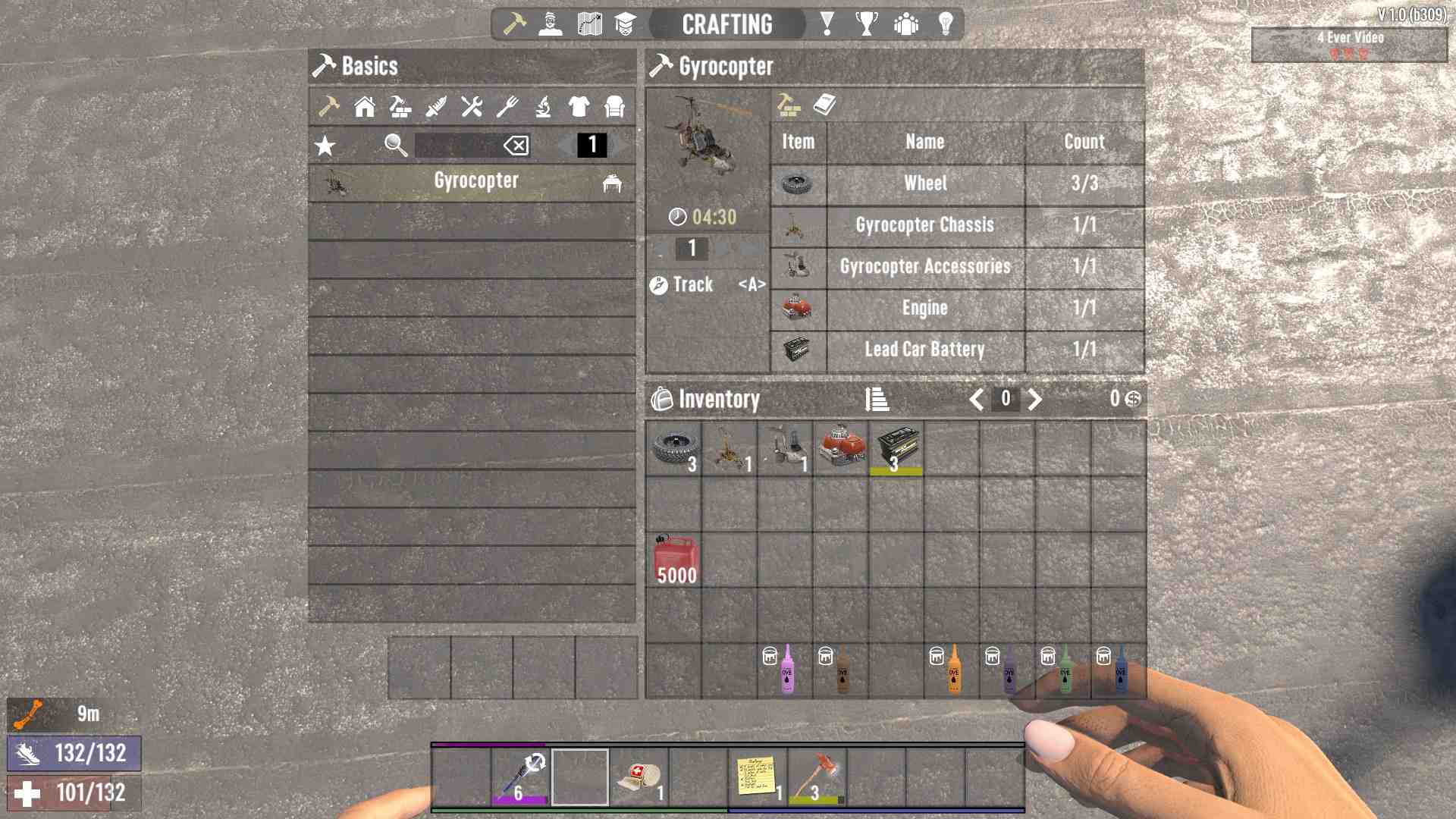
To put it all together, you'll need a functioning workbench. Gather all your materials, head to the workbench, and start crafting. Each component takes time to build, so be patient. Once all parts are ready, combine them at the workbench to craft your gyrocopter.
Refuel and Repair
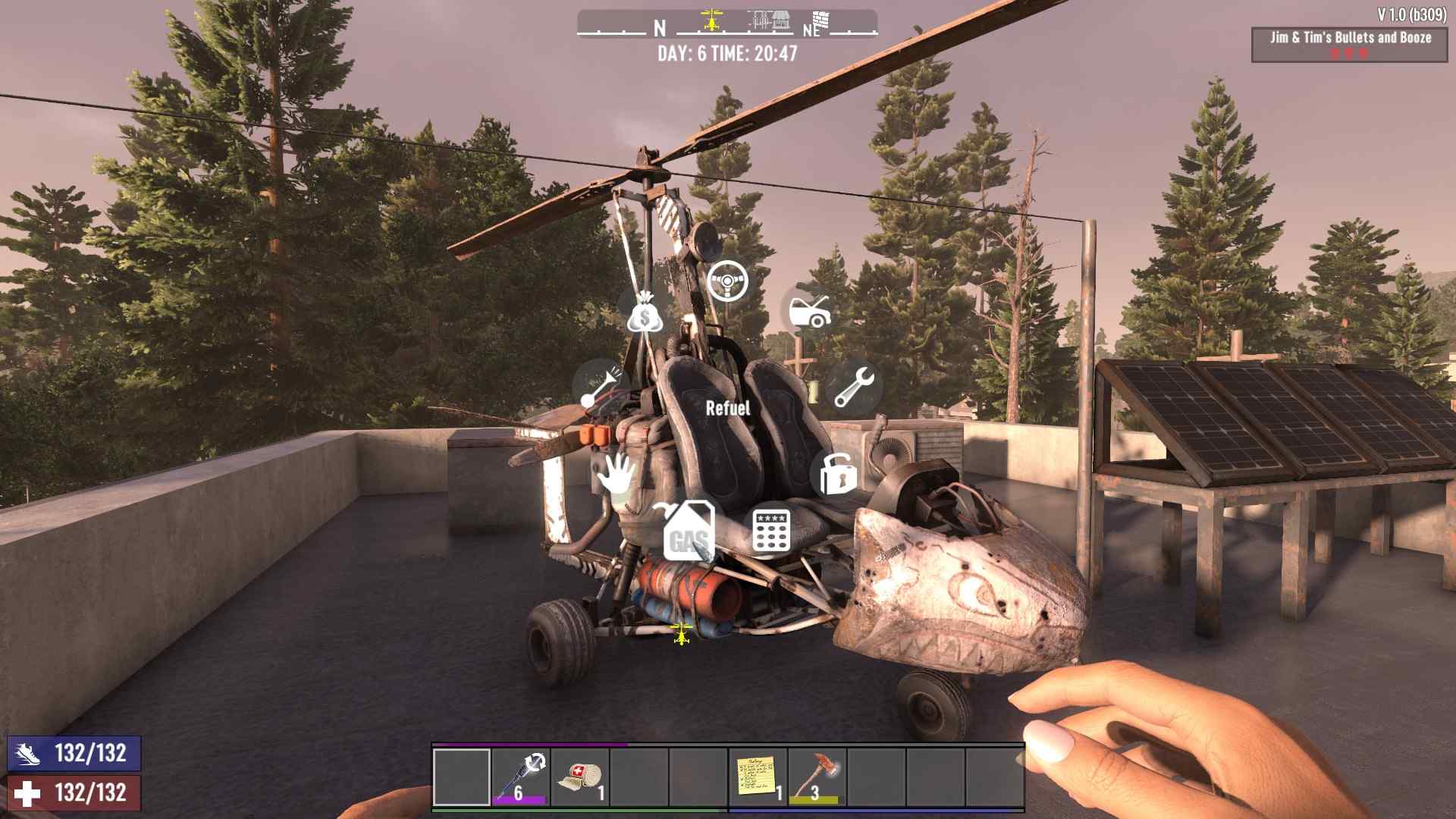
Before you take off, make sure your gyrocopter is fueled up. It runs on gas, so keep plenty on hand. To refuel, access the gyrocopter's radial menu by holding down the interact button (default E key) and select "Refuel". For repairs, you'll need repair kits. Access the radial menu, choose "Repair", and you're good to go.
Recommended Mods
Update 1.0 brings some exciting new mods to pimp out your gyrocopter:
Armor Mod
This mod boosts your gyrocopter's durability, making it tougher against zombie attacks and the harsh wasteland environment.
Light Mod
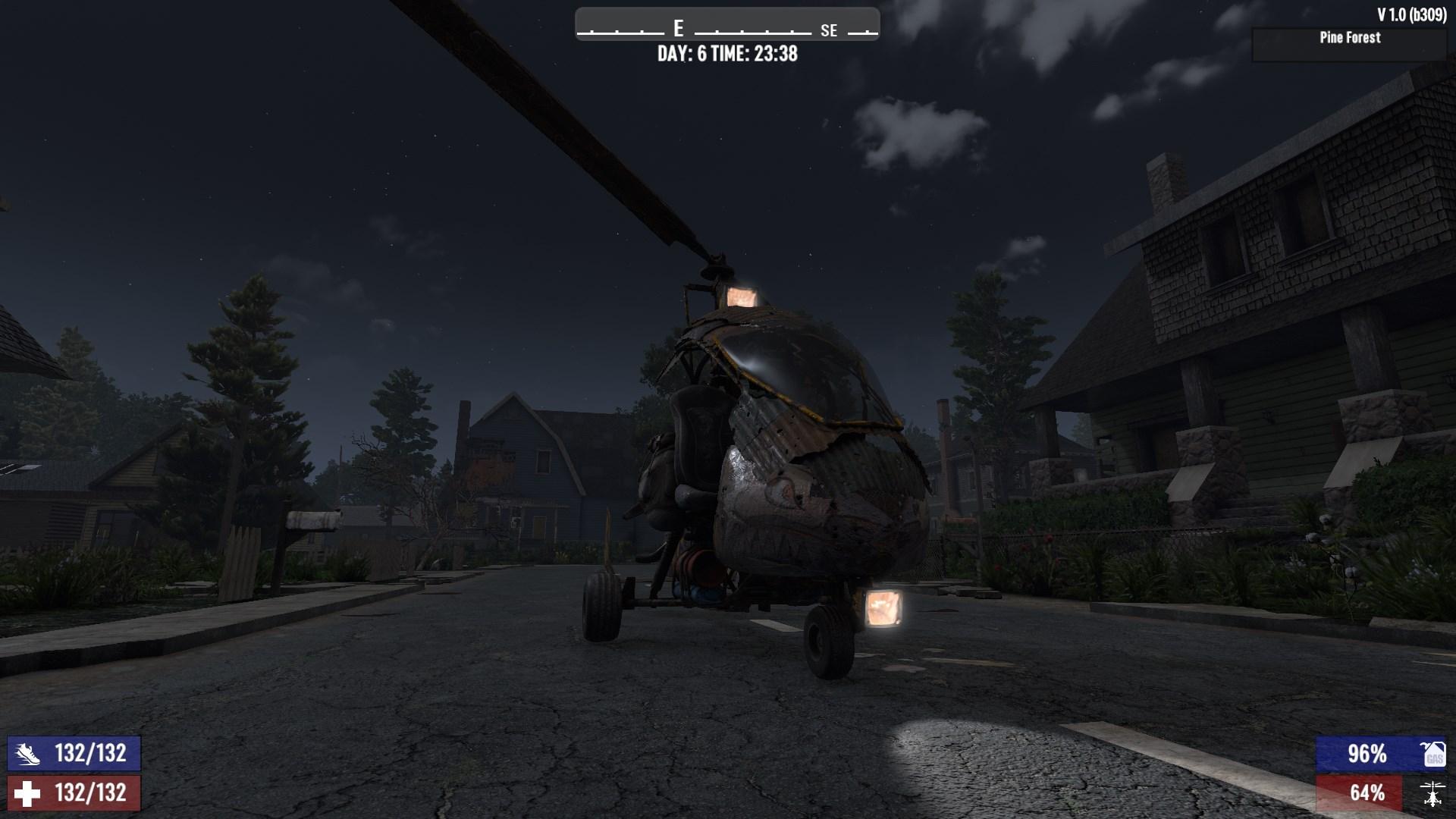
Illuminate your night flights with this mod. It adds powerful lights to your gyrocopter, making it easier to see and navigate in the dark.
The latest update brings visual and functional upgrades to vehicles, including the gyrocopter. Now, you can fly with a friend, thanks to the added second seat. Vehicle mods like armor and light not only improve performance but also add a visual flair to your ride.
Flying the Gyrocopter
Flying the gyrocopter takes a bit of practice. Here are the basic controls:
- W: Move forward
- S: Slow down or reverse
- A and D: Turn left and right
- Spacebar: Pitch up (nose up)
- C: Pitch down (nose down)
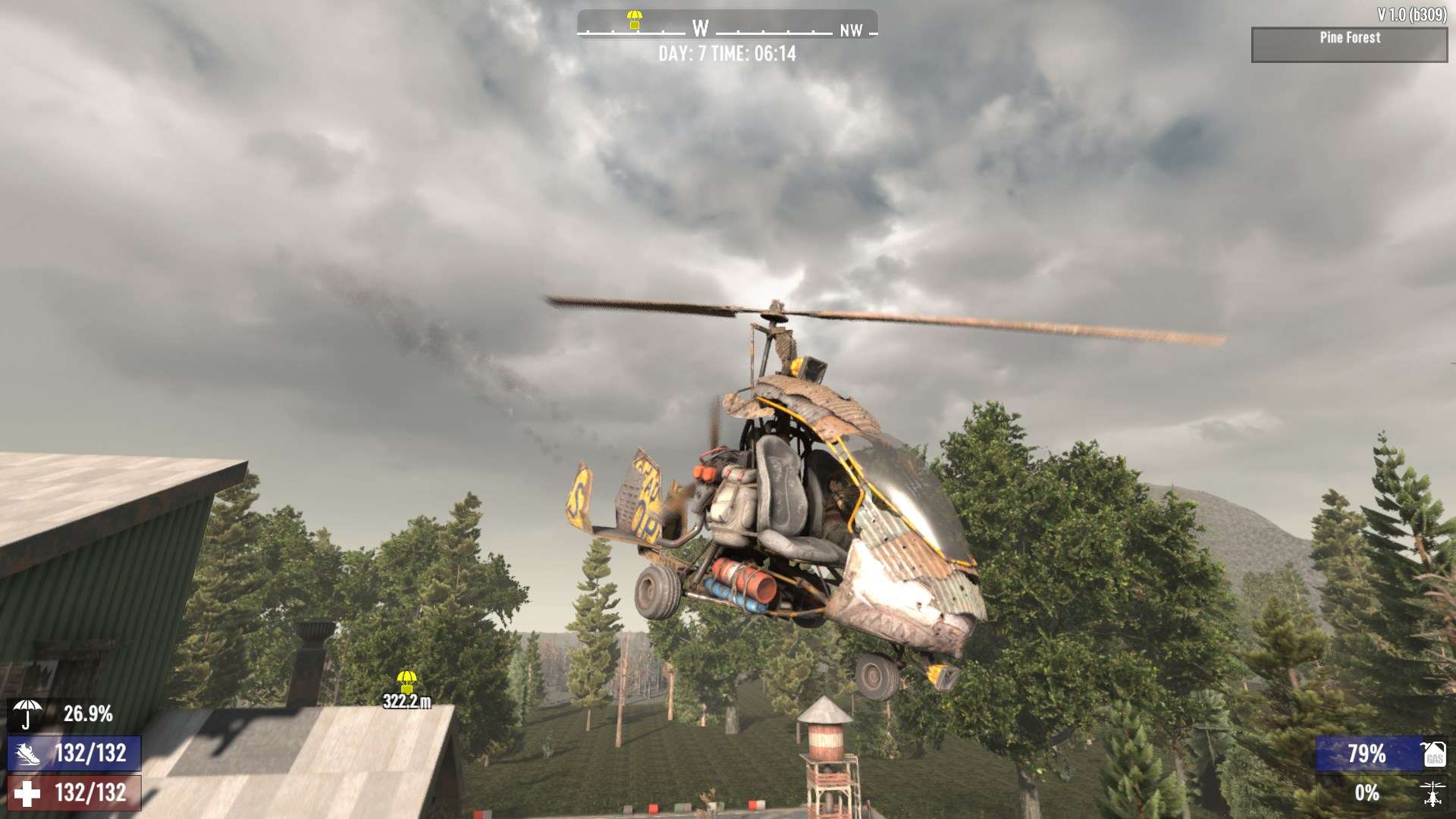
To take off, start moving forward (W) and tap the spacebar to lift off. Once airborne, use a combination of W, A, D, and spacebar to maneuver. To land, reduce speed and gently pitch down (C) as you approach the ground.
Crafting and modifying this flying device in 7 Days to Die requires dedication, but the rewards are immense. So, gather your resources, hit the workbench, and take to the skies. Whether you're scouting new territories or making a quick escape, the gyrocopter is your ultimate tool for survival.